Product Features:
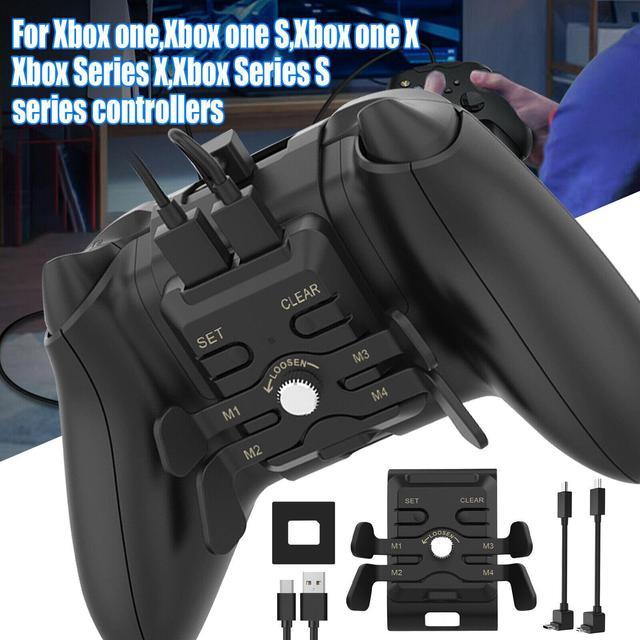
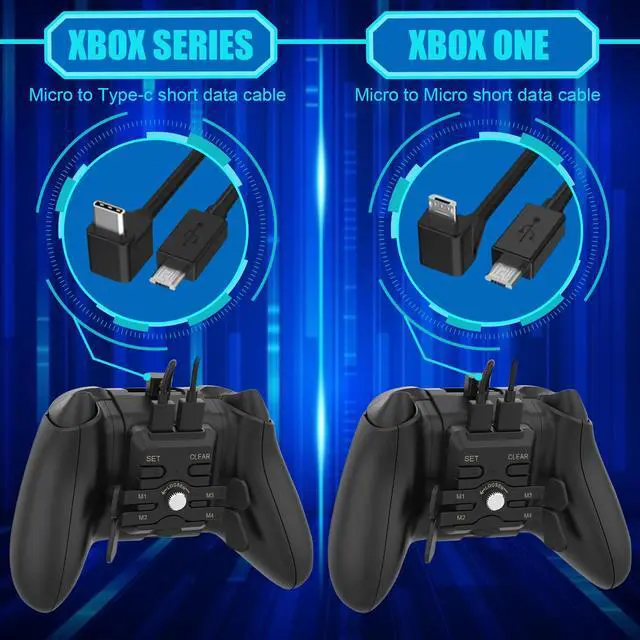
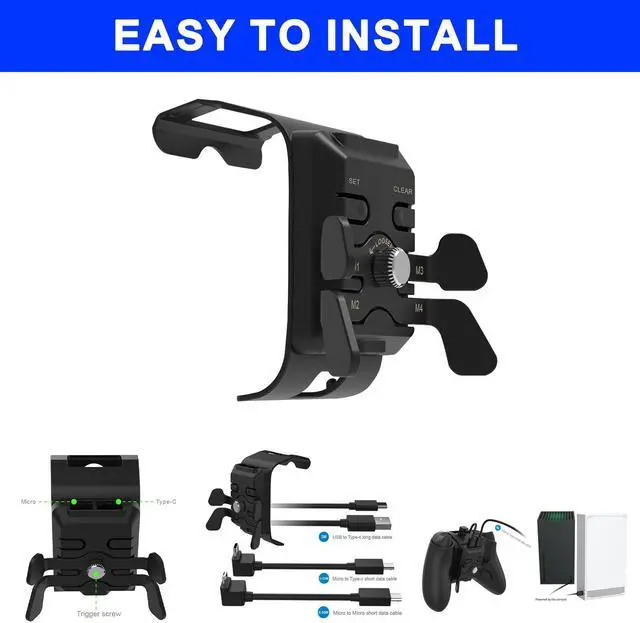
Wide Compatibility: It is suitable for Xbox One, Xbox One S, Xbox One X, Xbox Series X, and Xbox Series S series controllers.
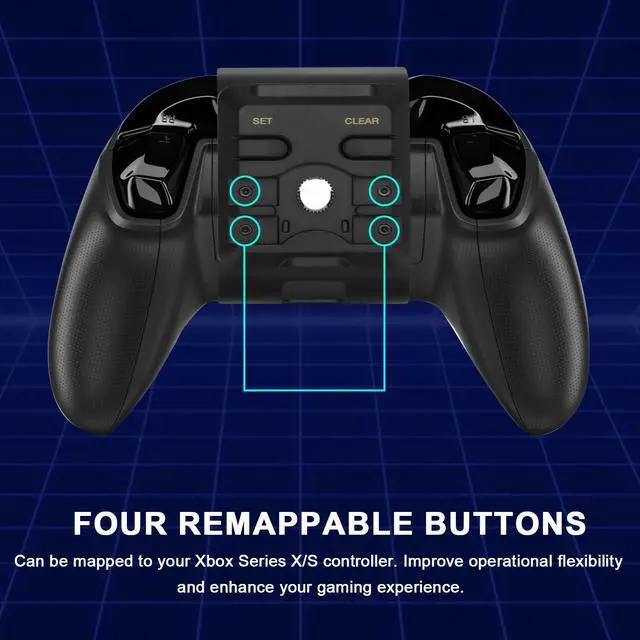
Four Remappable Buttons: Improve the flexibility of operation and enhance your gaming experience.
3.5 mm Headphone Jack: Eliminate other external noise, and make you immerse yourself in the game.
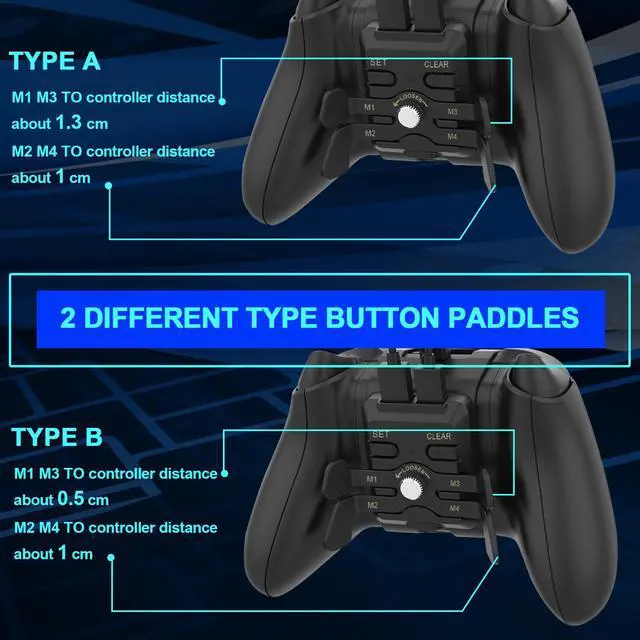
2 Button Paddles: For players to choose the most suitable button position, also replace the paddles at any time.
USB Cable: 3 meters long, delay-free gaming, it is convenient to use in places far away from the host.
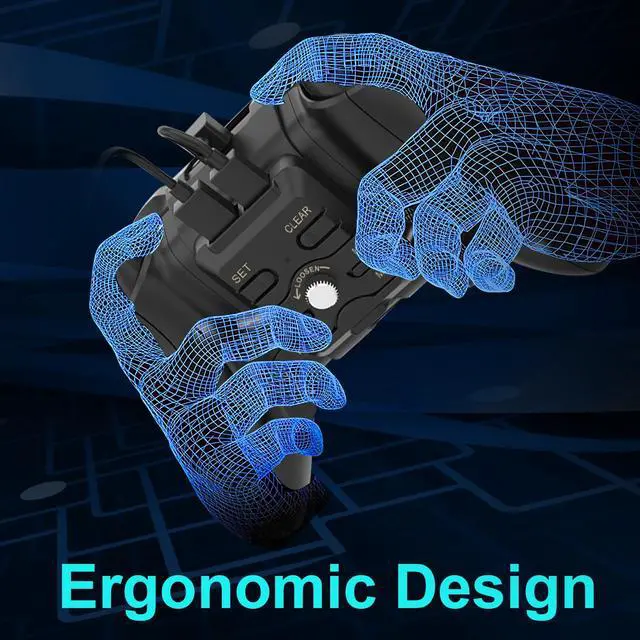
Ergonomic design: This does not affect the beauty of the controller, and will not feel tired after long-time use.
Plug and Play: Powered by the console, no extra adapter or batteries are required.
High Quality: Made of high-quality ABS material, durable, and have a long service life.
Easy to Use: Can tighten the screws by hand, and have quick follow-up button paddles.
Mapping Setting Tips:
1.
Mapping operation: Press the (SET) setting button for three seconds, and the LED indicator flashes, then enter the setting mode, press and hold the button you want to set on the controller, and then press a button on the back button (M1/M2/M3/M4 ), the setting of this custom key is completed, continue to set the next button, after you set all the key you want, press the SET key again, the LED indicator goes out, all the get ready, let's play your games.
2.
Clear custom mapping: Press (CLEAR) the clear button for 5 seconds, and the LED indicator will light up once, all the button custom mappings will be cleared and the default mapping will be restored.
3.
Cancel the custom key function: Press the (SET) button for three seconds, and the LED indicator flashes, press a custom key on the back button, or press multiple custom keys in sequence, and then press the SET button, and the indicator light is off, the function of the customized key that has been pressed at this times has been canceled.
Type: Back Button Attachment
Material: ABS
Compatibility: for Xbox one, Xbox one S, Xbox one X, Xbox Series X, Xbox Series S series controllers
Features: Four remappable buttons, With a 3.5 mm audio interface&3 meters long USB cable
Package Includes:
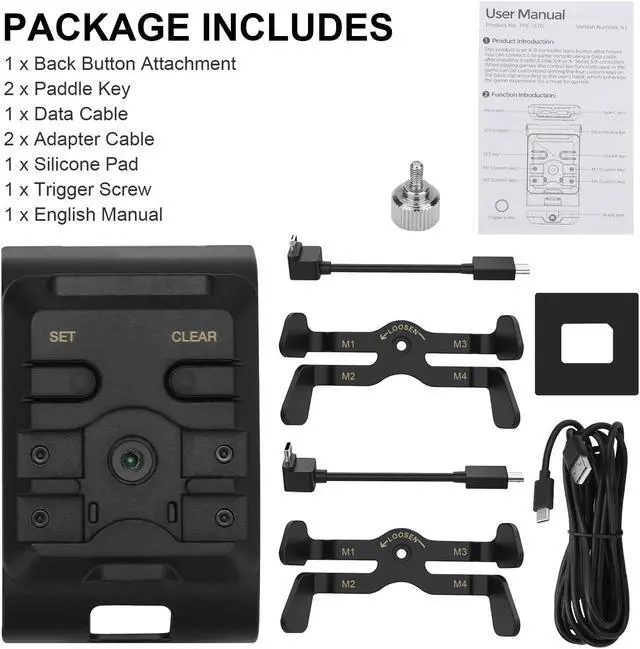
1 x Back Button Attachment
2 x Paddle Key
1 x Data Cable
2 x Adapter Cable
1 x Silicone Pad
1 x Trigger Screw
1 x Manual
WARNING: This product contains a chemical known to the State of California to cause cancer. Go to www. P65Warnings. ca. gov.