Out of stock
This item is currently out of stock and it may or may not be restocked.
Sold by Newegg

Shipped by Newegg

Shop it at NeweggBusiness.

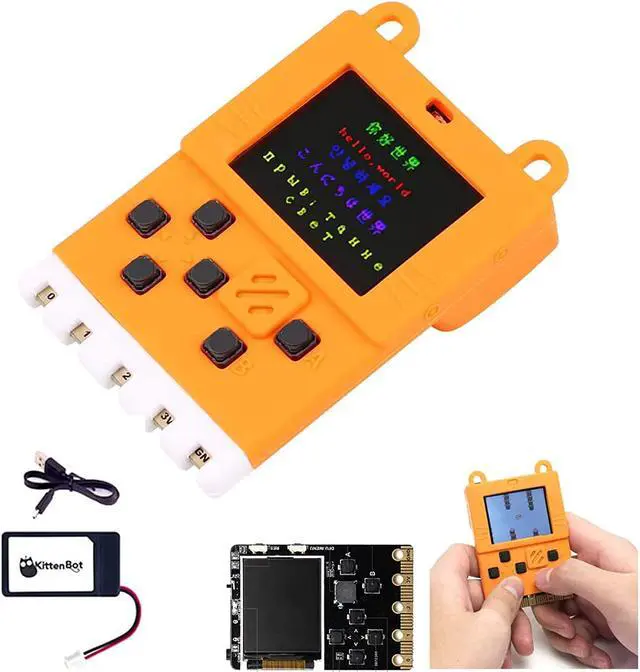
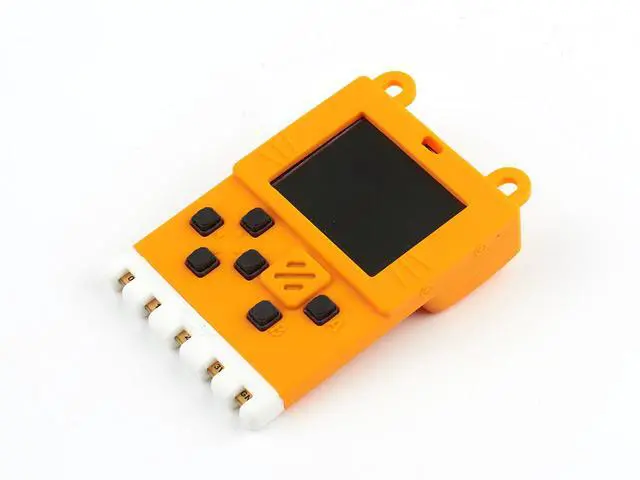
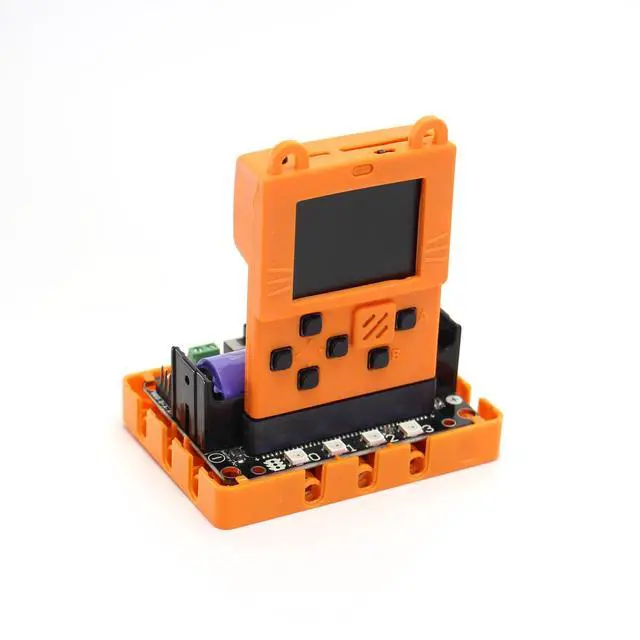
Meowbit Programming Board Game Development Board with 160 128 Screen, Codable Console for Microsoft Makecode Arcade, macOS, Windows 7 and Above Available, with Orange Silicone Protective Case

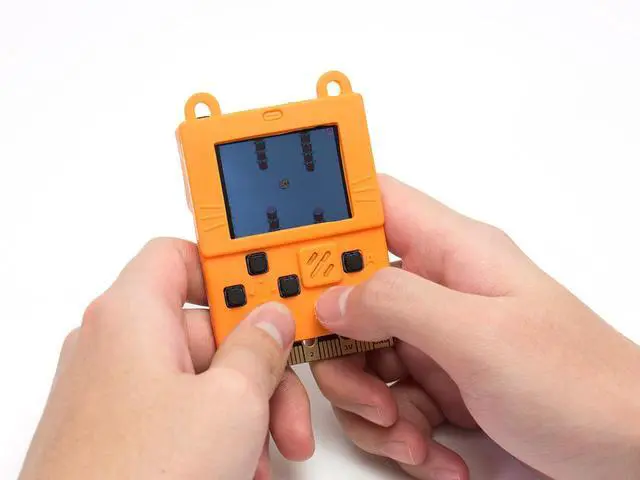
  • Meowbit is a card-sized graphics retro gaming computer that allows you to code using Makecode arcade and Python.
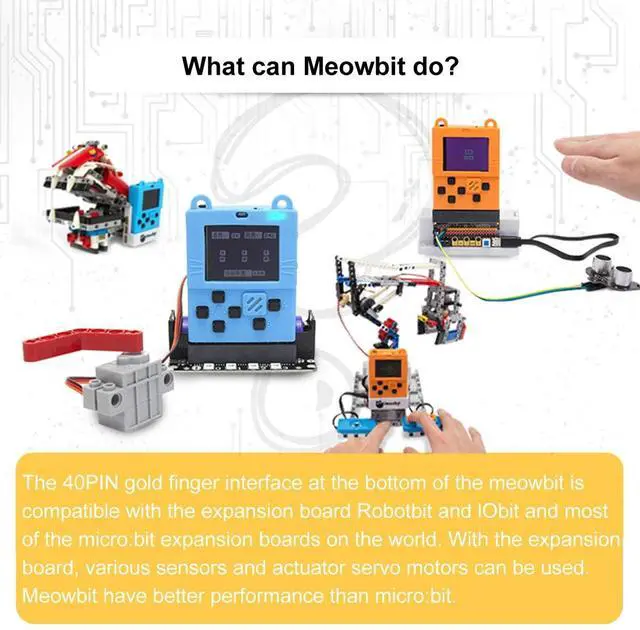
  • Meowbit is a card-sized grahical programming video game console designed for teenagers. It contains a 1.8-inch full-color screen, 6 programmable buttons, 1 buzzer, built-in light sensor, temperature sensor, SD card slot (for external storage), multyplayer connector and edge connector. Especially the edge connector can access most micro:bit expansion boards.
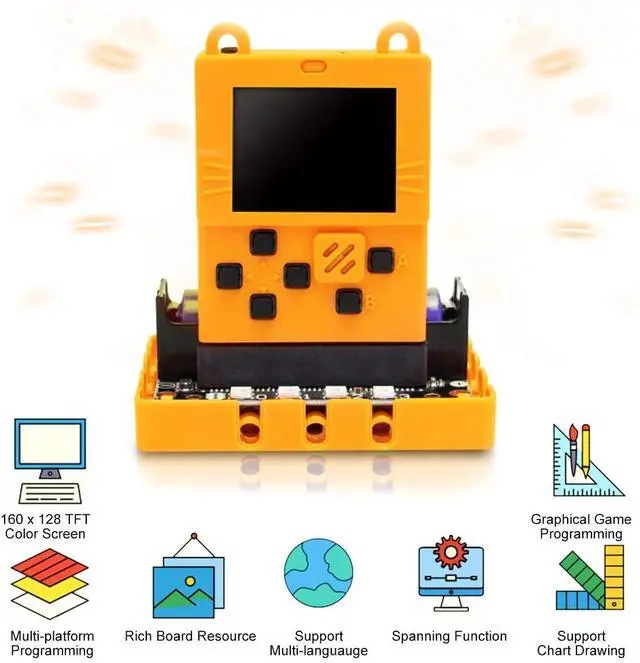
  • 160 * 128 full-color screen; graphical gamification programming; spanning functions; rich onboard resources; support for multiple languages; support for drawing; multi-platform and multi-mode programming.
  • Programming function: Meowbit platform has its own gamification programming. The interface includes a real-time simulator that allows you to run the program on the simulator without having to repeatedly download the program to verify until you are satisfied, and then download it to the board for use.
Overview
Specs
Reviews
avatar

Any questions? Our AI beta will help you find out quickly.

Overview

Meowbit is a card-sized graphical retro game computer with allows you coding with Makecode arcade and Python. In other words, it can use combines game programming with hardware devices.

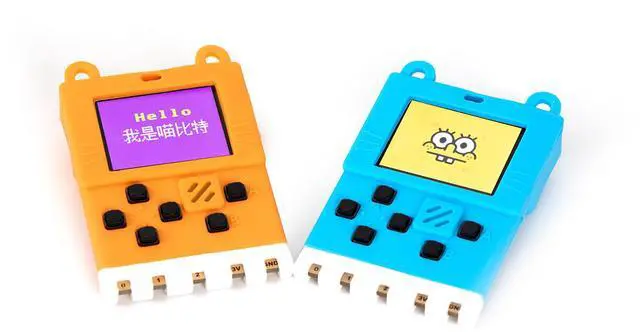
Meowbit is a card-sized graphical programming video game console designed for teenagers. It contains 1.8' full-color screen, 6 x programmable buttons ,1 x buzzer, built-in light sensor, temperature sensor, SD card slot (For external storage), multiplayer connector and edge connector.
Especially the edge connector could access most micro:bit expansion boards. We recommend using Robot:bit for Mewobit, it can help you create a robot quickly.

RESOURCES

1. Charging/work indicator
2. Light sensor
3. Power switch
4. Programmable led x 2
5. Reset
6. DFU mode button(use for toggle firmware or for Bring up the menu in Makecode Arcade mode)
7. 160 x 128 TFT color screen
8. Temperature sensor
9. Direction button x 4
10. Buzzer
11. Button A?B x 2
12. compatible with microbit’s 40 PINs Goldfinger
13. USB program download port / charging port
14. SD card slot(Use for store programs or extend wireless modules)
15. Multiplayer Connector
16. mp6050 gyroscope
17. 3.7V lithium battery package interface
18. MCU
19. 2MByte spi-flash (default download unicode character table)
20. Signature area

PROGRAMMING MODE

Makecode Arcade graphical programming mode

Arcade: https://arcade.makecode.com/

micropython programming mode

AVAILABLE

Windows 7 and above

macOS

Warranty & Returns

Warranty, Returns, And Additional Information

Return Policies

LOADING...