PRODUCT INSTRDUCTION
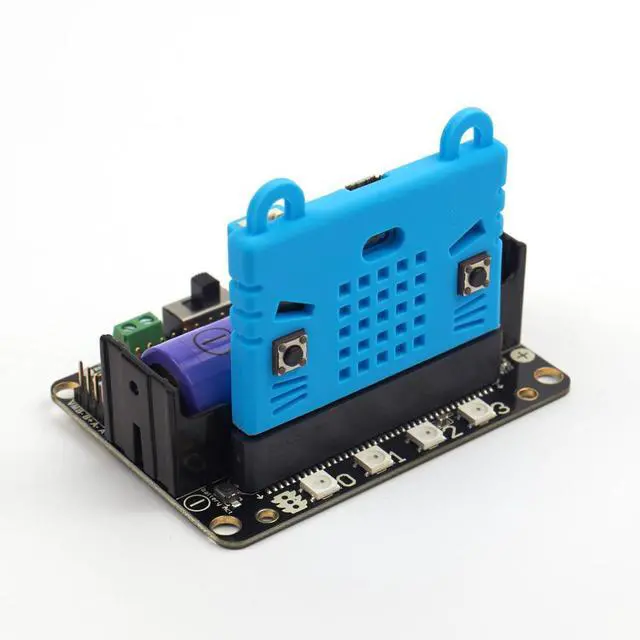
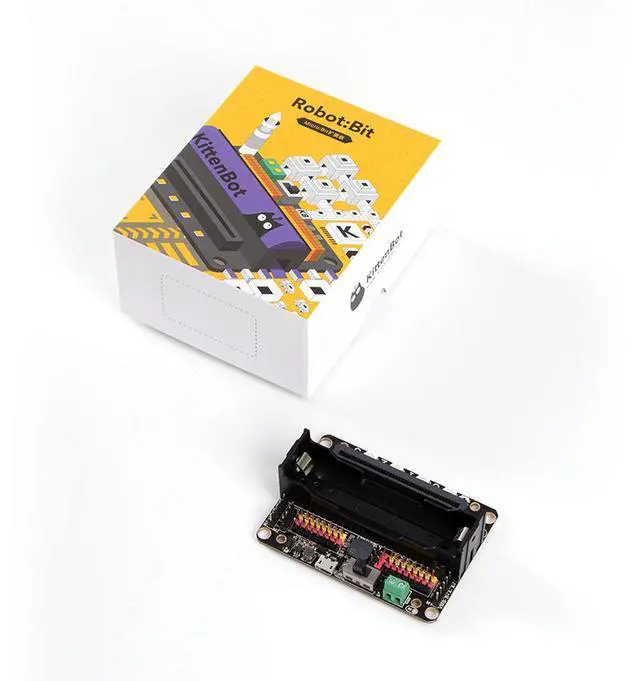
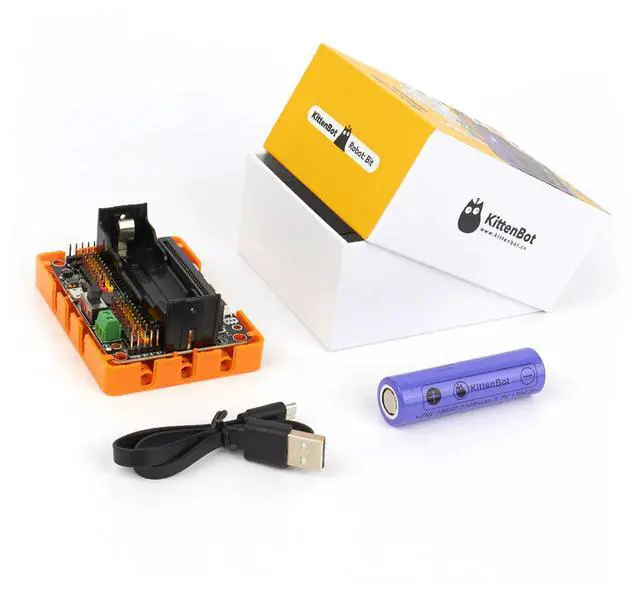
Robotbit is an excellent robotic expansion board specially designed for Microbit by KittenBot team. There is also a 3D printed protective case included.
PRODUCT FEATURE
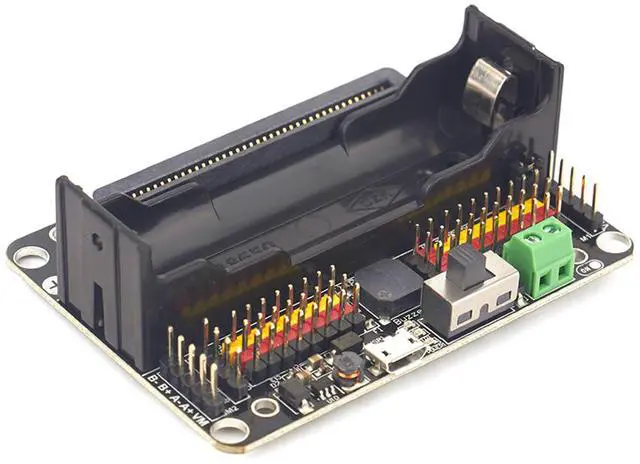
It has a powerful ability to drive DC motors, stepper motors, servos, and onboard buzzer and RGB pixels and release all valid IO from microbit, with support the most common electronics module in the market. It comes with 18650 battery holder, integrated lithium battery boost, charging and protection chip. Support for external power input. Mechnically support for KittenBot robotic chassis and LEGO technical slots. The powerful drive capability and built-in battery make DIY more convenient and free. We have received unanimous praise from the school teacher training institutions and individual enthusiasts. It is an excellent choice for your robotic projects based on Micro:bit!
PRODUCT PARAMETERS
Dimensions: 78mm x 57mm x 23mm
PCB Thickness: 1.5mm
Small mechnical hole: 3.0mm
Big mechnical hole: 4.8mm
Net weight (without packaging): 37.5g
Functional parameters
18650 battery voltage: 3.7V
USB input voltage: 5V
VM pin max ouput: 1A (with onboard battery)
External Voltage Input (the green termial): 5V (only supports 5V input, do not connect over 5V, maximum current supports 3A)
SUPPORTED SOFTWARE
Available Coding platform: Kittenblock(based on Scratch3.0) or Makecode and python(Mu editor in microbit mode)
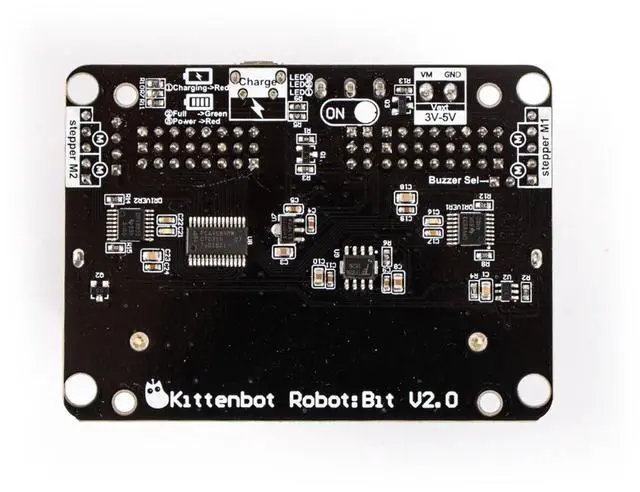
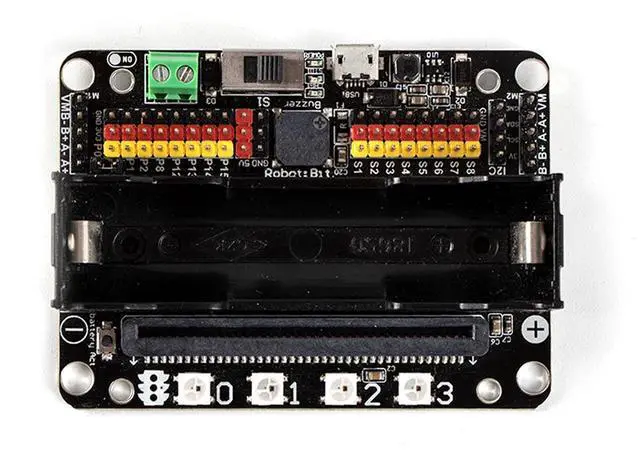
HARDWARE INTERFACE
5V external power input(with anti-reverse protection)
Power switch
Power Indicator
Battery Indicator
Micro USB charing port
4-channel DC motor / 2-channel stepper motor
Jumper for buzzer selection
8 channel IO(corresponding to Micro:bit P0-P2?P8?P12-P15)
5V and GND port
Buzzer
8 channel servo port
I2C interface (expandable I2C module)
18650 battery case
Bettery protection recovery push button
Micro:bit edge connector
4x RGB pixel
The battery is plugged in, there is no response after turn on switch?
Check if the battery activation button has been pressed? Check if the battery is positive or negative? Check if the battery has power?
What is the battery activation button used for?
In the case of overcurrent, or short circuit, or switch battery cell, the battery protection chip will protect the the circuit. Click the battery activation button to resume normal working mode.
Pluged in usb cable and I can't find Microbit
The usb on the robotbit can only be used for charging. It can't be used to download the program. It is plugged into the usb port of the robotbit. The computer will not respond.
Will it smoke if I insert battery inverse?
No, the robotbit design is anti-reverse protect in consideration of general miss operations. Inversely plug in will just not output power.
Will Microbit damage if plug in face back?
No, it will just refuse to work.
P0 pin control does not respond? Is it broken?
You need to unplug the buzzer selection jumper to use P0 as common IO.
.Where is the rest of Microbit's IOs?
Nearly 20 programmable IO ports on the Microbit, but many have been multiplexed with the dot matrix buttons on the board. Considering the inconvenience caused by multiplexing, beginners are likely to confuse on these. We have bridge 8 IO with no conflict to matrix or buttons to Robotbit, it should be enough for most diy projects. If you need all IO from microbit please choose IOBit from kittenbot team.
What is the use of the VM on the motor interface?
The power source for 4-phase 5-wire stepper motor like 28BYJ. Usually, the VM is not used for the DC motor, and the DC motor only needs to connect A+A- or B+B-.
Can the board be placed on a metal surface or in a humid environment?
No, it will be short-circuited, pay attention to insulation.
Part List
Robotbit V2.1 X 1
Note: Micro:Bit and Battery not include