How to Use:
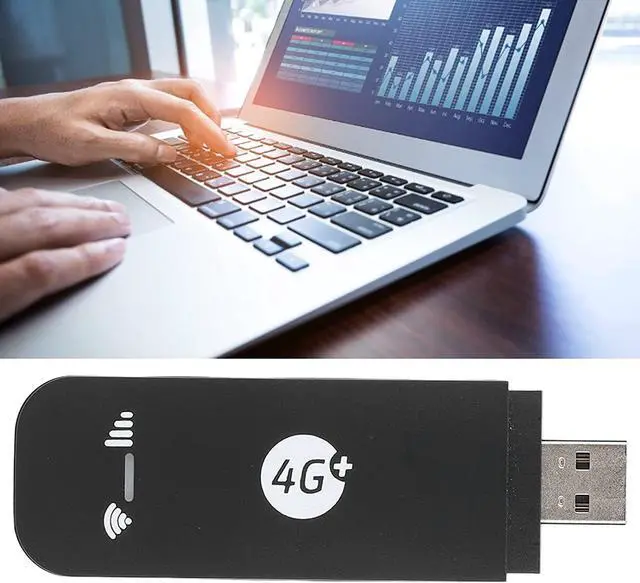
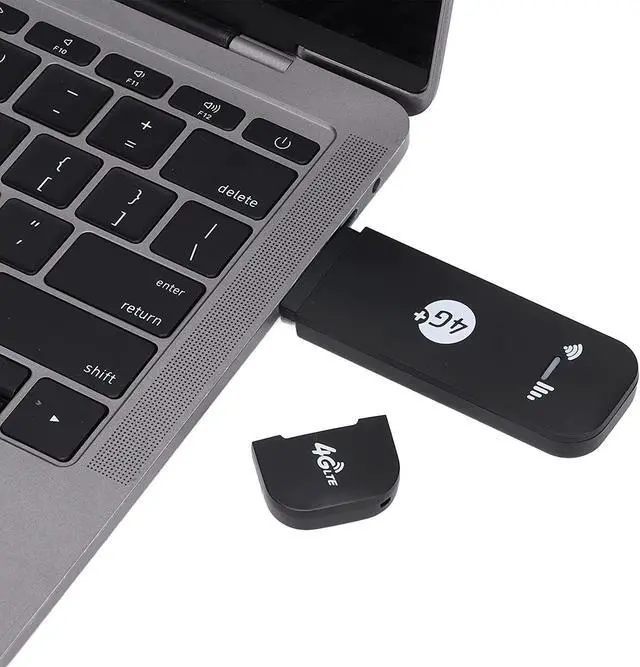
Plug and play
Specification:
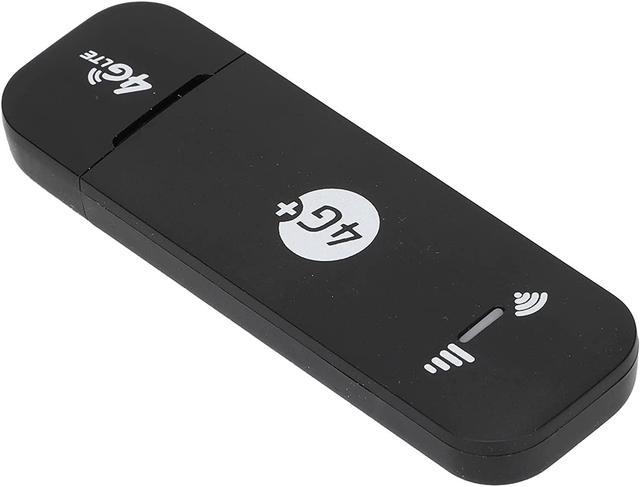
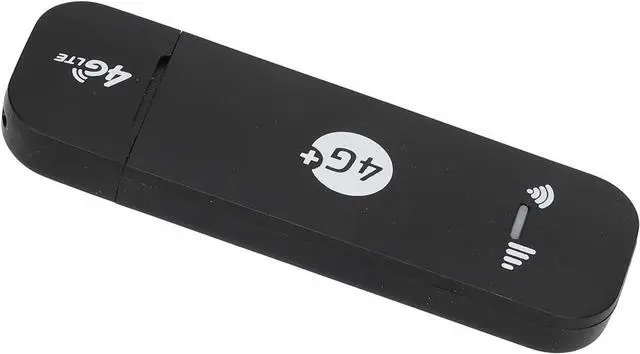
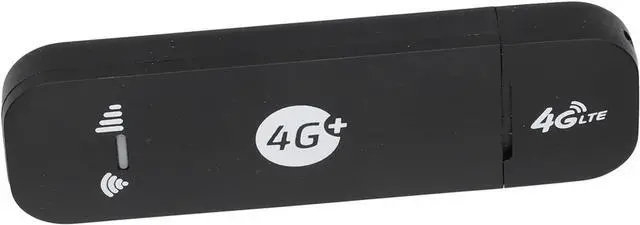
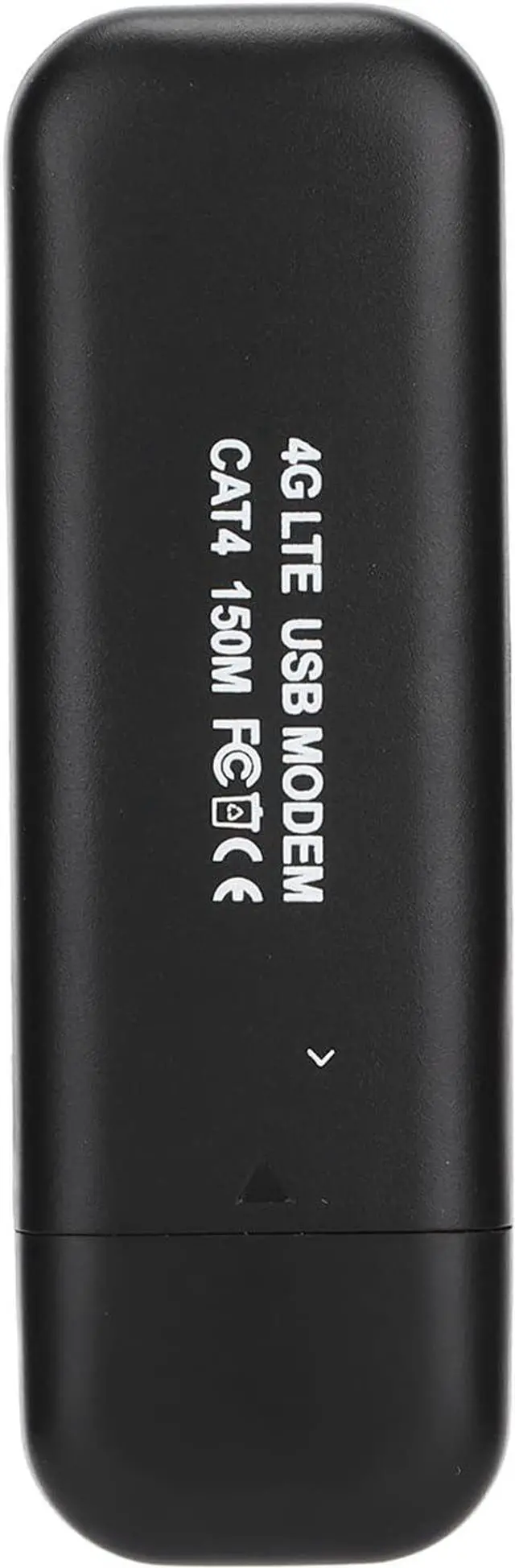
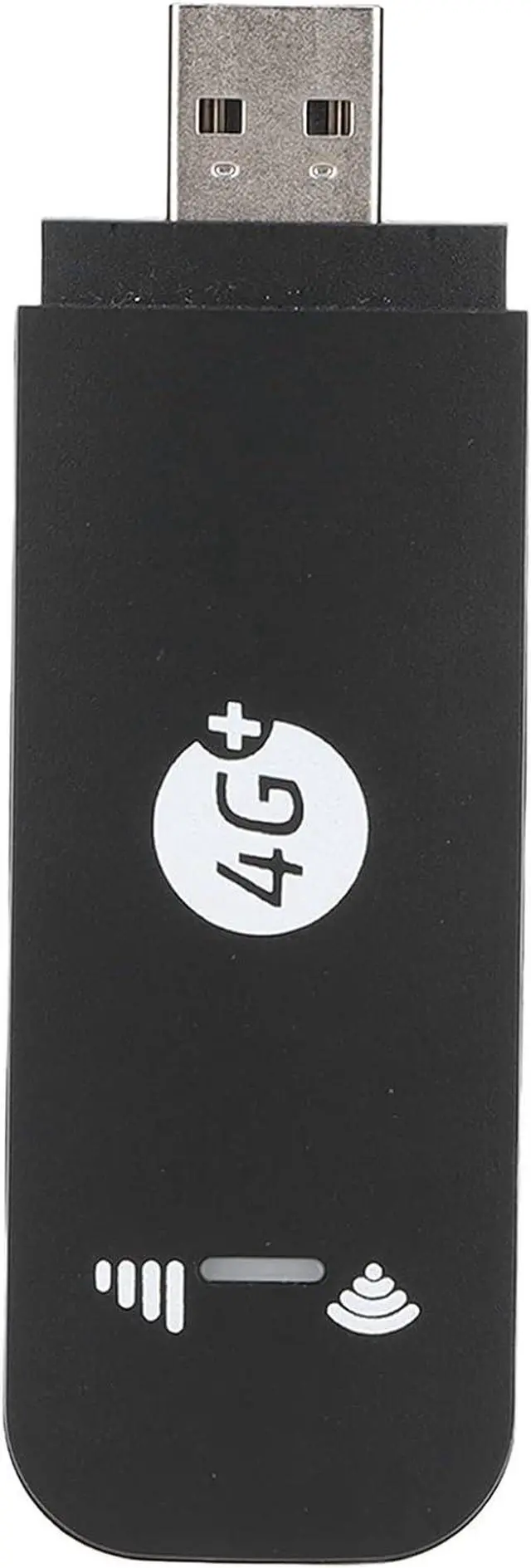
Item Type: USB 4G LTE Router
Material: Plastic Shell
American Version of FDD-LTE: B1,B2,B4,B5,B12,B17,B25,B28,B66
European Version of FDD-LTE: B1,B3,B5,B7,B8,B20,B28
Tdd-lte: B38/B40/B41
Micro Sim Card Slot: Only Supports Micro Sim Card (card Not Included)
Network Type: FDD-LET/TDD-LTE/HSPA+/WCDMA/GSM
Chipset: For Qualcom MDM9x07
Peak Speed: DL150Mbps UL 50Mbps
Wifi: 802.11b/g/n (up to 10 Users Share Wifi)
Led Indication: 2 LED Show System Status
Operating System: Suitable for Wins 2000, for Wins XP, for Wins Vista, for Wins 7, for Wins10, for Ubu, for OS X, for Andro.
Package List:
1 x User Manual1 x USB 4G LTE Router
For those who cannot connect to wifi, the summary is as follows:
1. The customer's card is not activated/inactivated, and there is no traffic, so the card cannot be transmitted.
2. The customer inserts the card in the wrong position and inserts it into the memory card (the place where the SIM card should be inserted).
3. The frequency band of the Sim card does not match the frequency band of the machine, and the customer needs to replace the sim card with the frequency band that matches the machine. Yes, at this time, it cannot be used without a matching frequency band, and it cannot be connected to wifi.
4. The frequency band of the machine matches the frequency band of the sim card, but the wifi is still not connected. At this time, let the customer connect to the computer, and the software will be installed automatically (or use the computer to connect to wifi, enter the IP address and account password in the browser) to open the software Check the APN of the machine, and call the operator to ask for the detailed data of the APN. If it does not match, you can change it in the software, and you can basically connect.