





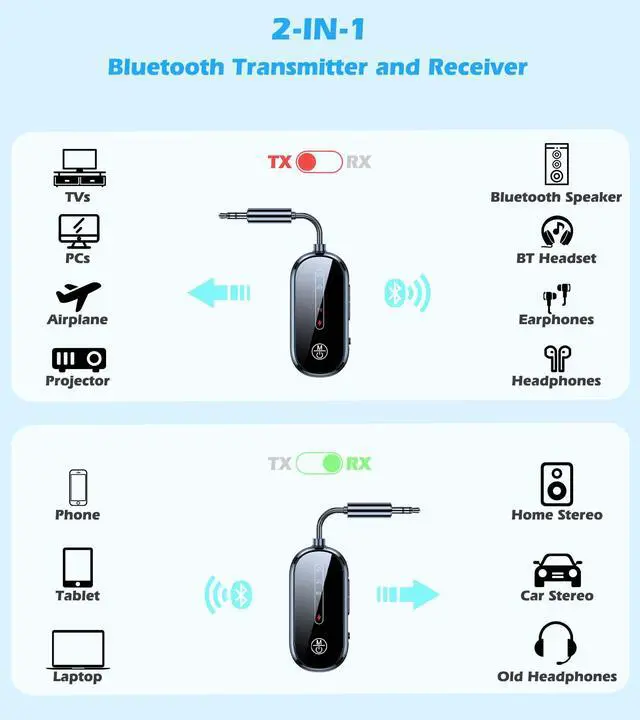


Bluetooth 5.4 Audio Adapter for 2 Headphones

Bring life back to outdated, non-Bluetooth devices with the KAIY Bluetooth Audio adapter. Ready to connect to in-flight entertainment or the treadmill at the gym? The Bluetooth music adapter makes sound streaming simple.

TX MODE
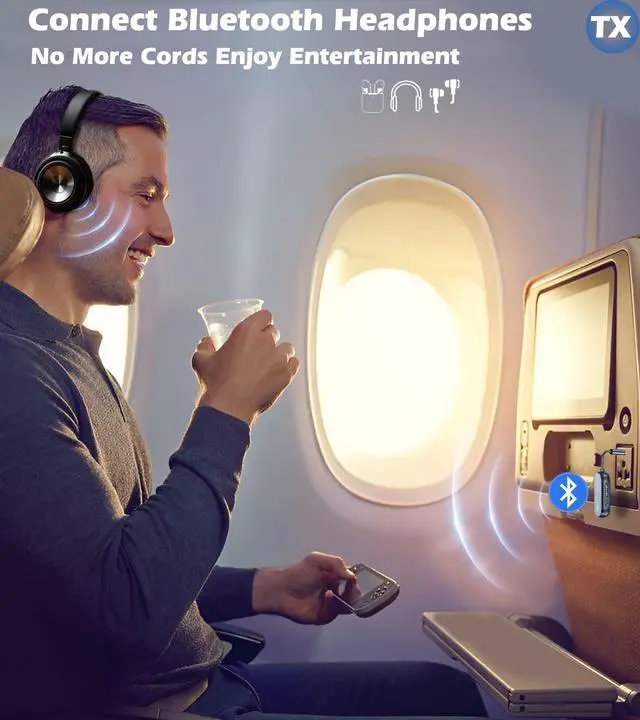
Bluetooth Adapter for Airplane
Say Goodbye to Tangled Cords
Listen to Audio from in-flight Entertainment

TX MODE
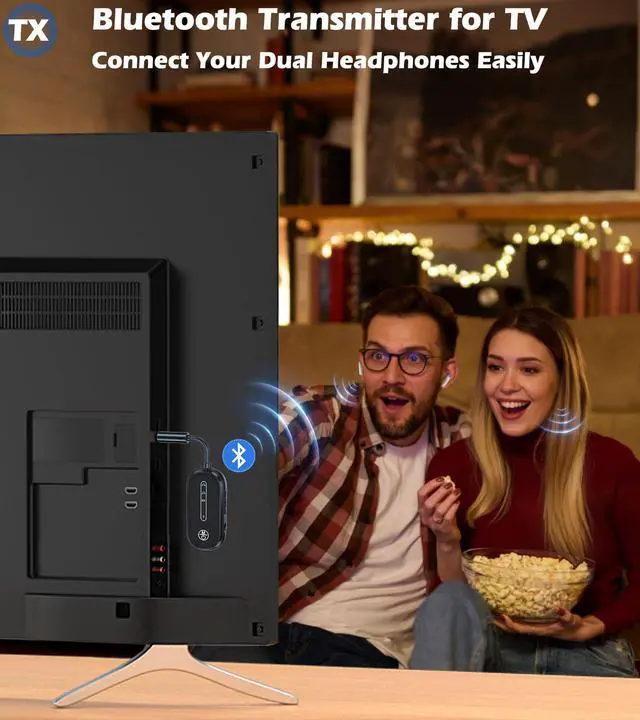
Dual Link
Listen Together
Bluetooth Transmitter for TV Allow Two People To Listen To The Same Audio Wirelessly

Simple Operation
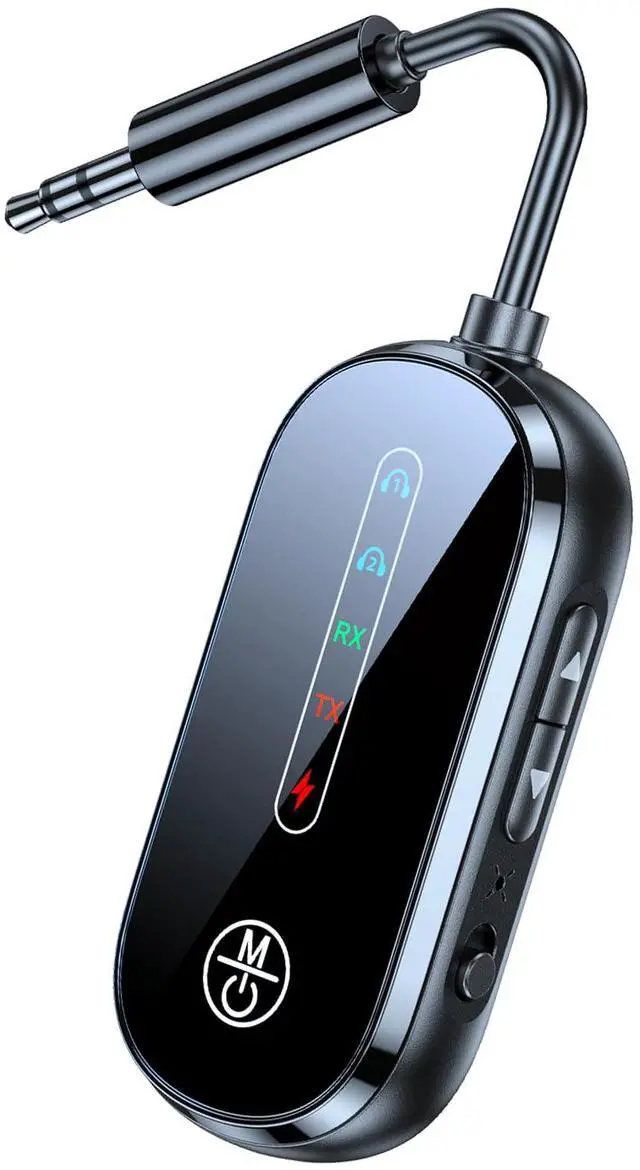
You can directly check the device connection status and current mode according to the prompt light
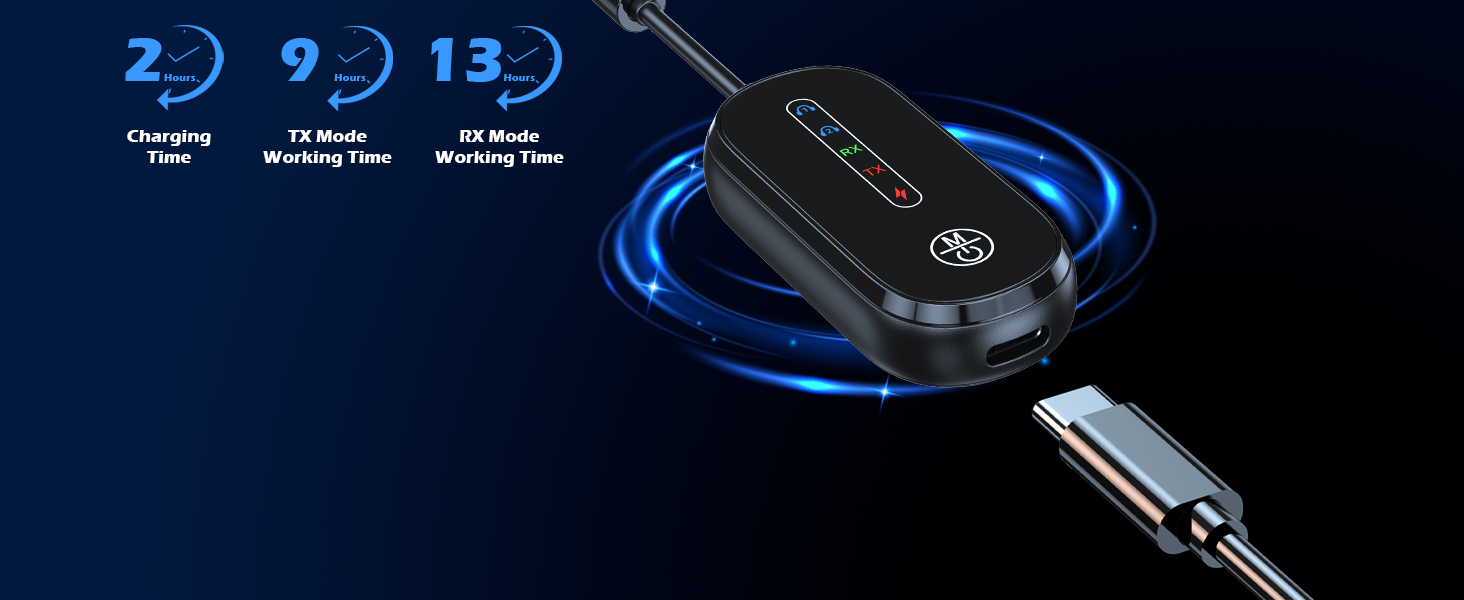
Long Battery Life
Charging Time: 2 hours
Receiving Mode: 13.5 hours, Transmitting Mode: 9 hours

Low Latency
Faster, More Stable, More Compatible
33 Feet Bluetooth Connection Range
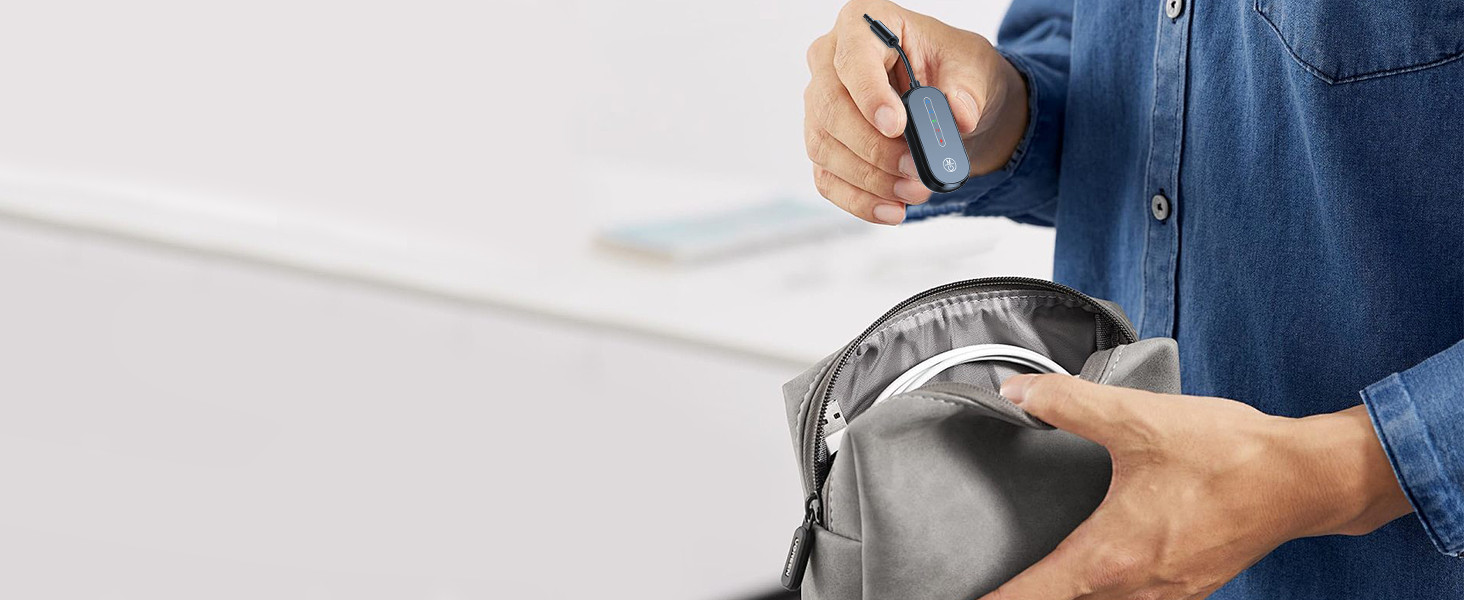
Portable Lightweight
A good Companion for You When Traveling or Business trip

RX MODE
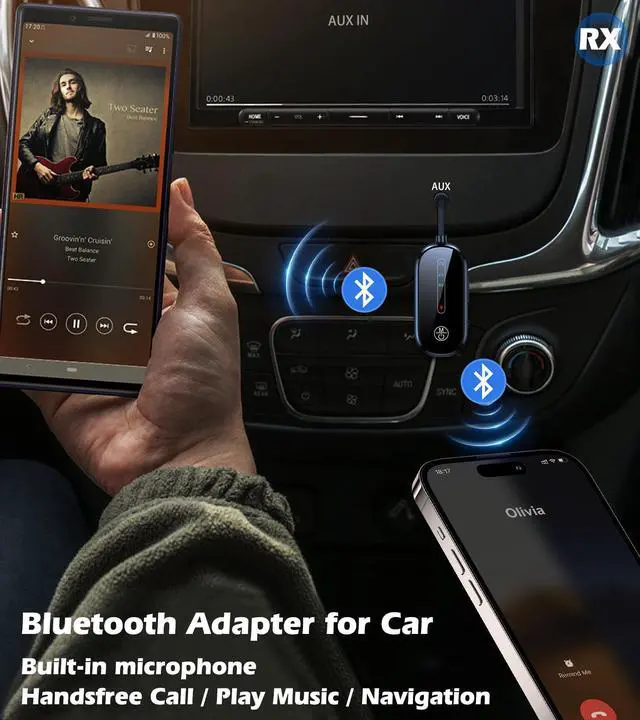
Bluetooth AUX Adapter for Car
Hands-free Calling & Navigation & Enjoy Wireless Streaming Music
Can Connect To Two Bluetooth Devices At The Same Time
How to connect with Bluetooth AUX Adapter?

Plug & Power on
Insert the Bluetooth adapter and press the power button for 3 seconds

RX Mode
Select "RX". Select "C83Pro" on the phone Bluetooth, the light on 1 indicates successful pairing

TX Mode
Select "TX". Put the headset in pairing mode, and press the power button twice to connect the device, the light on 1 indicates successful pairing

Dual Link
RX: The 2nd Bluetooth device pairs with “C83Pro”, Light 2 on for success
TX: Press power button twice to search, Light 2 on indicates pairing success


Bluetooth 5.4 Audio Adapter for 2 Headphones

Bring life back to outdated, non-Bluetooth devices with the KAIY Bluetooth Audio adapter. Ready to connect to in-flight entertainment or the treadmill at the gym? The Bluetooth music adapter makes sound streaming simple.

Bluetooth Adapter for Airplane
Say Goodbye to Tangled Cords
Listen to Audio from in-flight Entertainment

Dual Link
Listen Together
Bluetooth Transmitter for TV Allow Two People To Listen To The Same Audio Wirelessly


Simple Operation
You can directly check the device connection status and current mode according to the prompt light
Long Battery Life
Charging Time: 2 hours
Receiving Mode: 13.5 hours, Transmitting Mode: 9 hours
Low Latency
Faster, More Stable, More Compatible
33 Feet Bluetooth Connection Range
Portable Lightweight
A good Companion for You When Traveling or Business trip

Bluetooth AUX Adapter for Car
Hands-free Calling & Navigation & Enjoy Wireless Streaming Music
Can Connect To Two Bluetooth Devices At The Same Time
How to connect with Bluetooth AUX Adapter?
Plug & Power on
Insert the Bluetooth adapter and press the power button for 3 seconds
RX Mode
Select "RX". Select "C83Pro" on the phone Bluetooth, the light on 1 indicates successful pairing
TX Mode
Select "TX". Put the headset in pairing mode, and press the power button twice to connect the device, the light on 1 indicates successful pairing
Dual Link
RX: The 2nd Bluetooth device pairs with “C83Pro”, Light 2 on for success
TX: Press power button twice to search, Light 2 on indicates pairing success


