



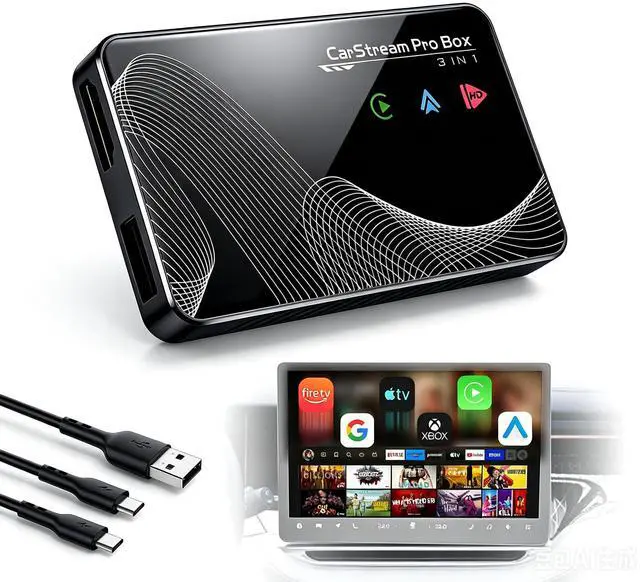
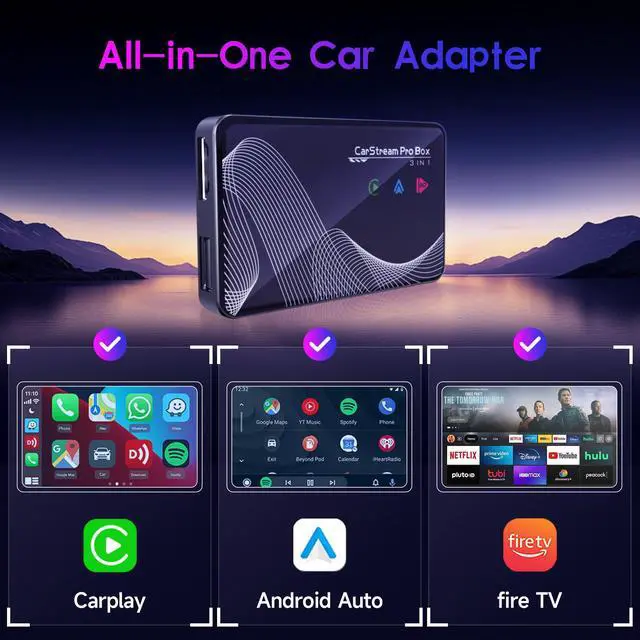
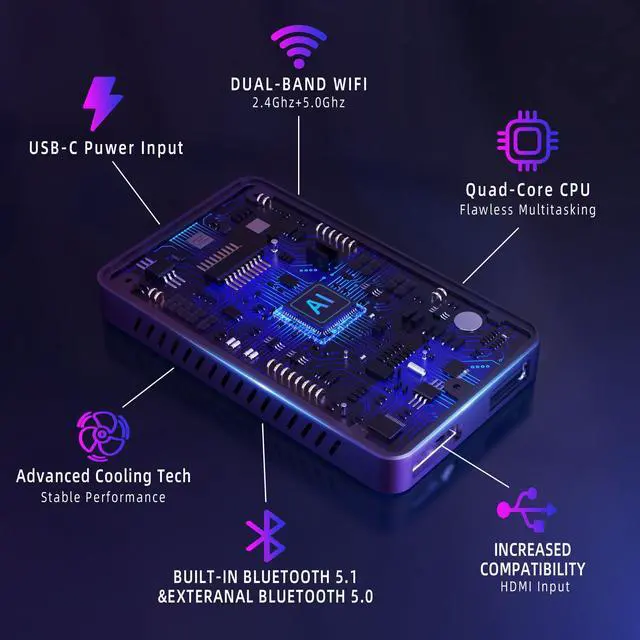
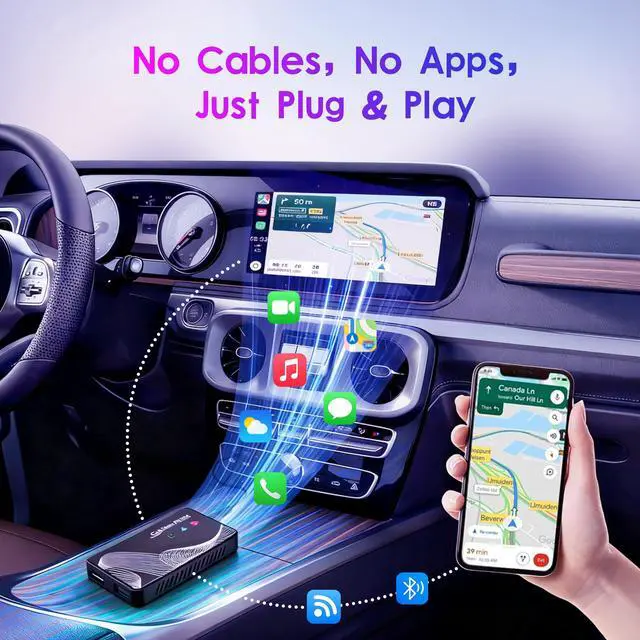
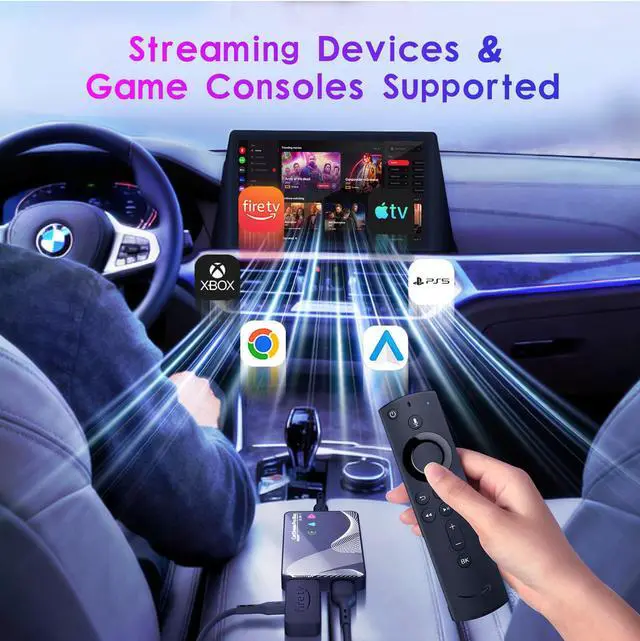
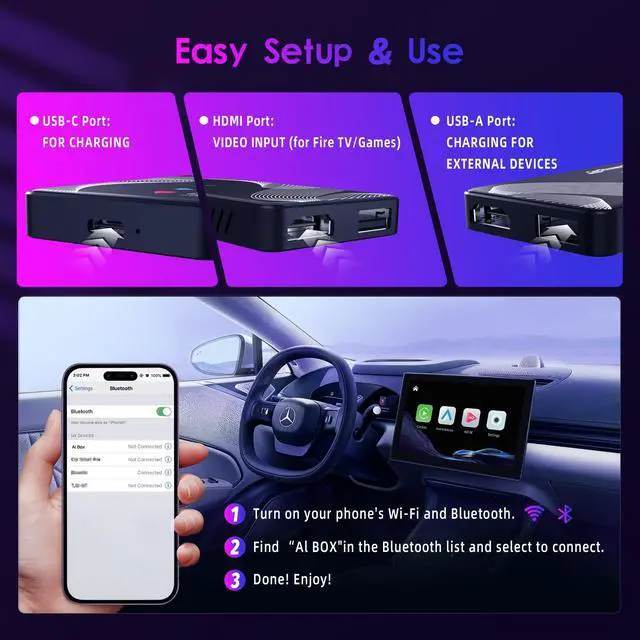
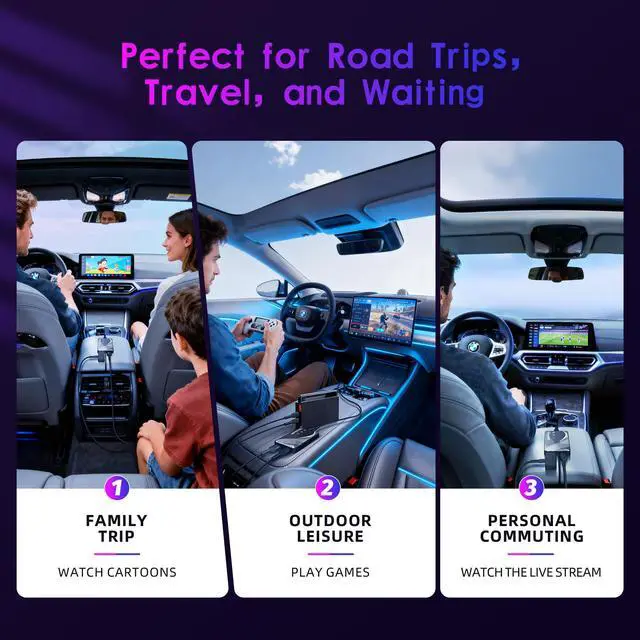


HDMI display was in a corner not full screen
FIX be sure the Roku is set to 1080 resolution (NOT 4k or 720).
Image cut off
FIX in HDMI mode tap the dashboard screen and a little +/- appears in the top right corner. That’s a zoom feature, zoom out and the full image displays.
Fire TV or Roku turned off and on
FIX power the Fire TV or Roku directly off of the USB port on the Joywind device located next to the HDMI port (not a USB port on the vehicle).
HDMI mode kept flipping to CarPlay
FIX make sure that the wifi on the iPhone is off. The Fire TV or Roku can still connect to the iPhone mobile hotspot and stream.
Cannot use Bluetooth calling on the car’s system while in HDMI mode
The device connects to the car’s system and therefore the car is expecting calls to come through the connected CarPlay(Android Auto) device. It’s CarPlay(Android Auto) or HDMI, not both.


HDMI display was in a corner not full screen
FIX be sure the Roku is set to 1080 resolution (NOT 4k or 720).
Image cut off
FIX in HDMI mode tap the dashboard screen and a little +/- appears in the top right corner. That’s a zoom feature, zoom out and the full image displays.
Fire TV or Roku turned off and on
FIX power the Fire TV or Roku directly off of the USB port on the Joywind device located next to the HDMI port (not a USB port on the vehicle).
HDMI mode kept flipping to CarPlay
FIX make sure that the wifi on the iPhone is off. The Fire TV or Roku can still connect to the iPhone mobile hotspot and stream.
Cannot use Bluetooth calling on the car’s system while in HDMI mode
The device connects to the car’s system and therefore the car is expecting calls to come through the connected CarPlay(Android Auto) device. It’s CarPlay(Android Auto) or HDMI, not both.