• $109.00
  • Free 30-day Returns
  • Price alert

    Best Sellers

    Newegg
    • + $6.34 Shipping
    Shop it at NeweggBusiness.

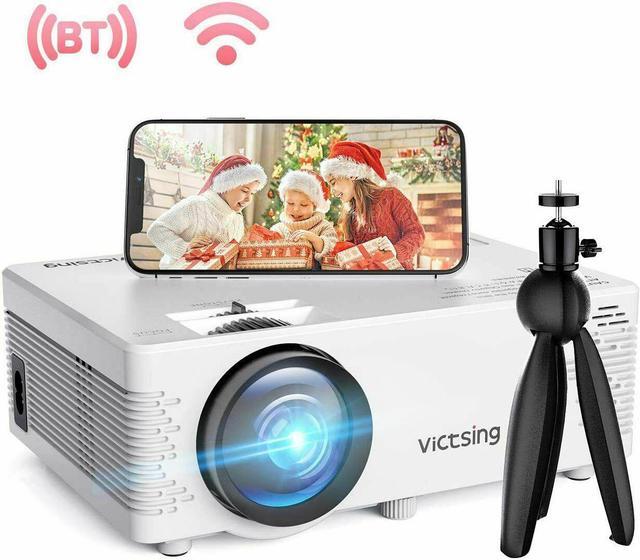
    Projector 6500 Lumens 1080P 3D LED Mini WiFi Video Home Theater Cinema Projector

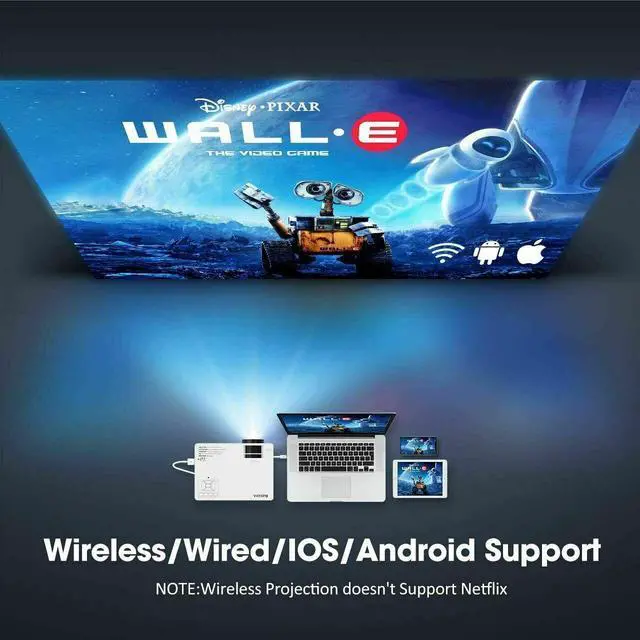
    • VicTsing mini project supports wired & WiFi connection for both iOS and Android system, allows you share video or other contents from your smartphone,tablet,computer or any other miracast-enabled devices to its screen freely.
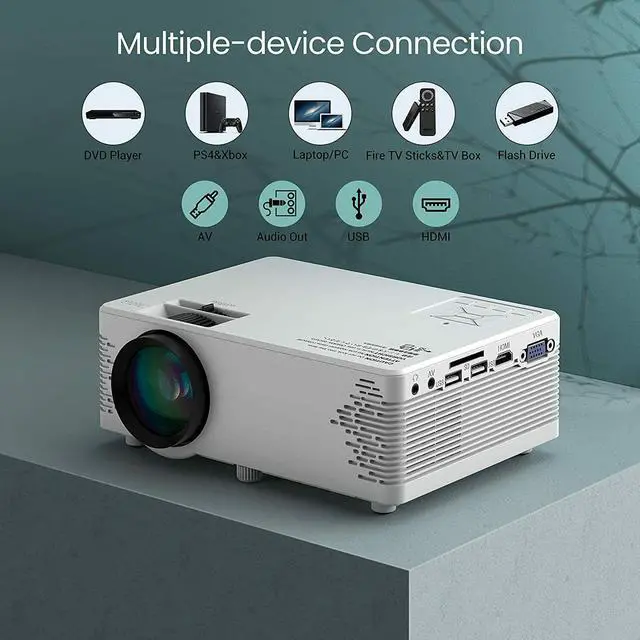
    • With diverse ports like VGA/USB/HDMI/AV/SD/Audio Out, VicTsing Bluetooth projector allow you to easily transmit audio and video from computers, monitors, TV, PS4, DVD players and more.
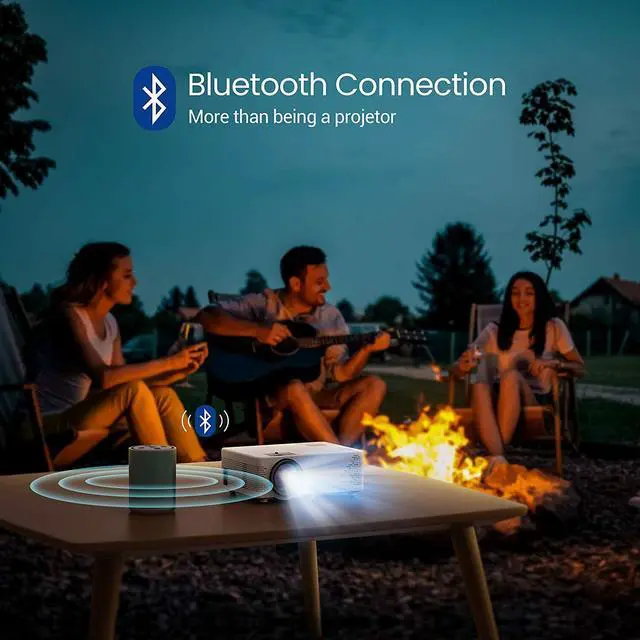
    • VicTsing video projector can be connected to your wireless headphone, which allows you to watching films without disturbing your familys sleep.
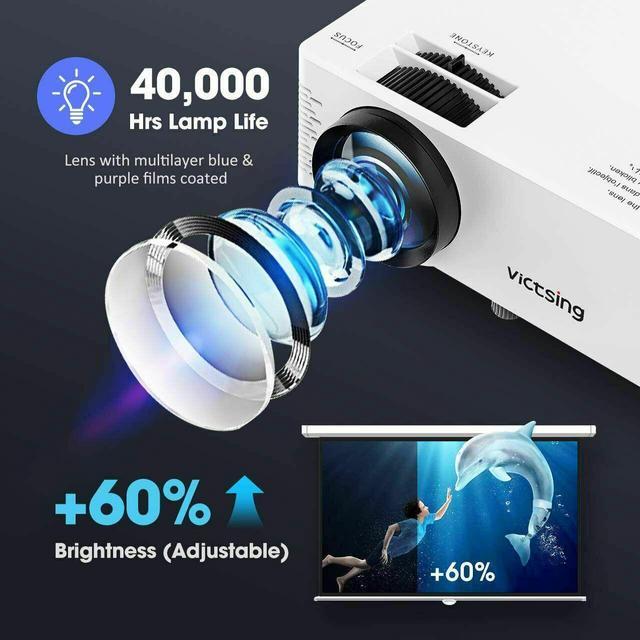
    • With 4200 Lux brightness and 2000:1 contrast ratio, VicTsing home theater projector delivers clearer and brighter images than other ordinary projectors.
    • The upgraded sound cavity design and noise depression technology brings you Hi-Fi, clearer and more stereo sound.The mini projector supports 1080P resolution, You will also get the best viewing angle and watching size with keystone correction and focus adjustment
    +
    +
    Overview
    Specs
    Reviews
    avatar

    Any questions? Our AI beta will help you find out quickly.

    Display: LCD

    Light Source: LED

    Display Color: 16.7M

    Lamp Life: 40, 000 h

    Native Resolution: 800x480 Pixels

    Contrast: 2000:1

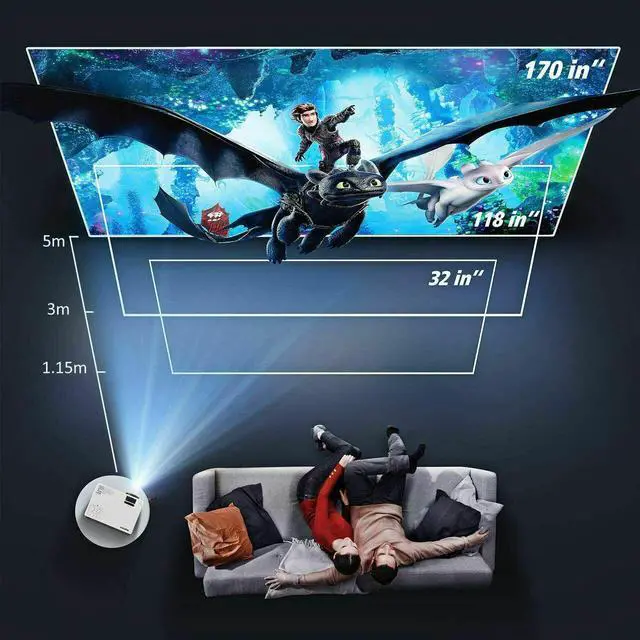
    Projection Screen: 32-170 in

    Projection Distance: 1.15 -5 m

    Aspect Ratio: 4:3 / 16:9

    Port: VGAx1/USBx2/HDM
    Ix1/AVx1/SDx1/Audio Outx1

    TF Card Maximum Support: 32G

    Hard Disk Maximum Support: 250G

    Audio File: WMA/MP3/M4A (AAC) /APE/FLAC/WAV

    Picture File: JPEG/BMP/PNG

    Video File: MPEG1/MPEG2/MPEG4/RM/RMVB/MOV/MJPEG/DIVX/VOB/MKV

    How to Screen Mirror Your iPhone to this Projector?


    1. Select Cast Screen in user interface after power on.


    2. Plug the original data cable of iphone to the USB IN2 port.


    3. Get "Trust" from iPhone when connecting at first time, and enter your screen lock password to achieve the projection


    4. You can now mirror your iPhone to projector. (Note: Please refer to user manual for wireless projection)

    How to Screen Mirror Your Android phone to this Projector?


    1. Select Cast Screen in user interface after power on.


    2. Turn on the WLAN (WiFi) and the mobile data traffic on your phone.


    3. Turn on the wireless projection function in phones status bar or setting page, search PROJECTOR-XXXX and click it to connect (More convenient to search the products name directly).


    4. You can now mirror your android phone to projector.



    How to Screen Mirror Your Android phone to this Projector?


    1. Select Cast Screen in user interface after power on.


    2. Turn on the WLAN (WiFi) and the mobile data traffic on your phone.


    3. Turn on the wireless projection function in phones status bar or setting page, search PROJECTOR-XXXX and click it to connect (More convenient to search the products name directly).


    4. You can now mirror your android phone to projector.

    Warranty & Returns

    Warranty, Returns, And Additional Information

    Warranty

    • Please contact the Seller directly for warranty information. Warranty information may also be found on the Manufacturer's website.
    • CONTACT

    Return Policies

    Manufacturer Contact Info

    LOADING...
    LOADING...