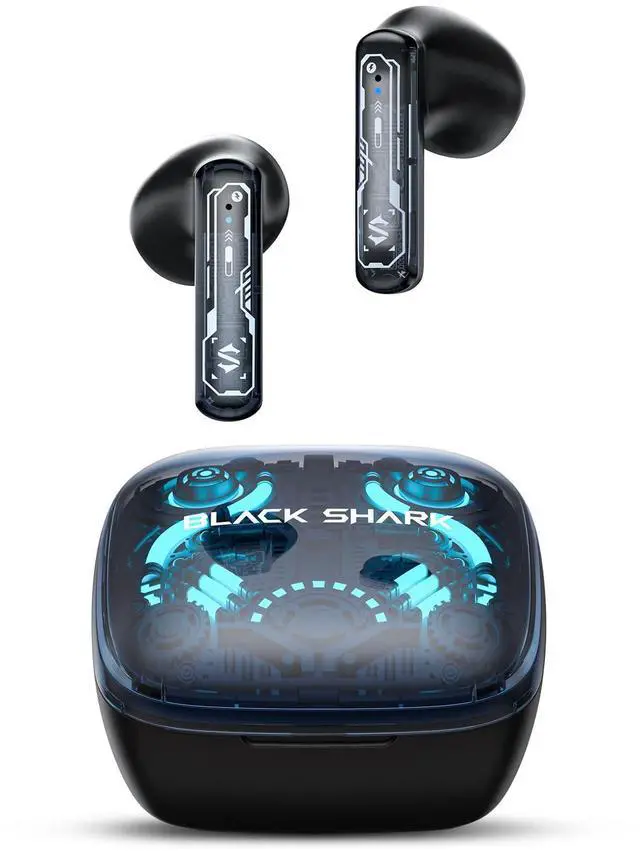
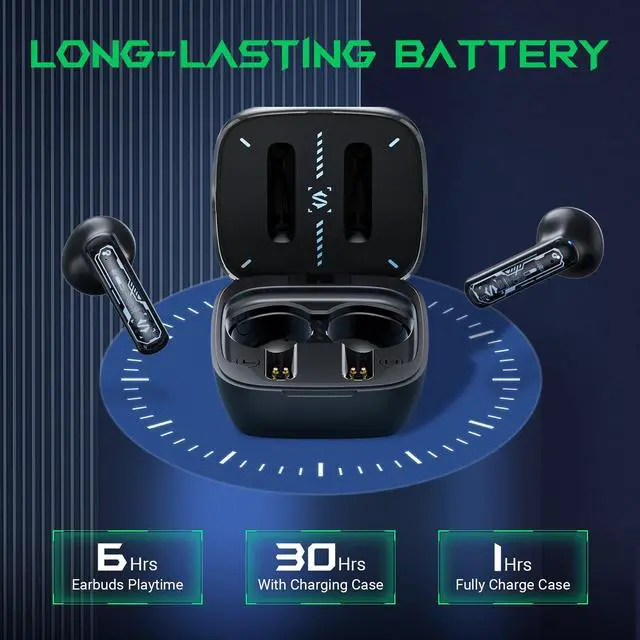
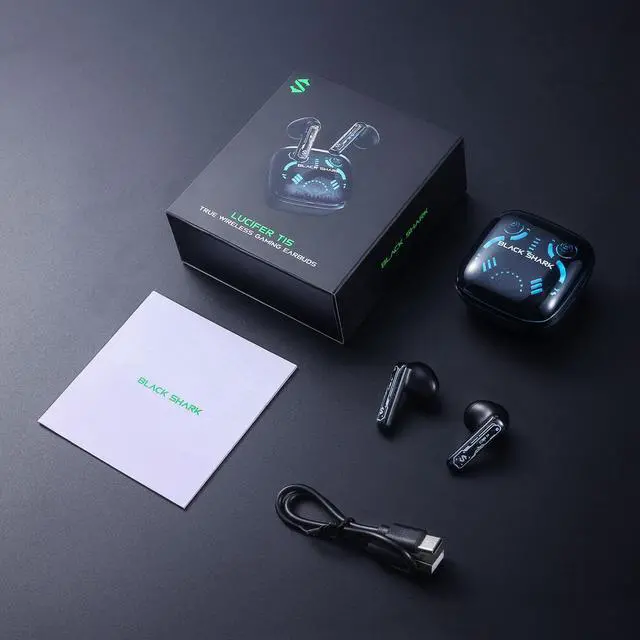
True Wireless Gaming Earbuds, Bluetooth 5.3 with Music Mode, 30 Hours Playback Time, Clear Stereo Calls in-Ear Headphones for Android/Phone/Computer - Lucifer T15
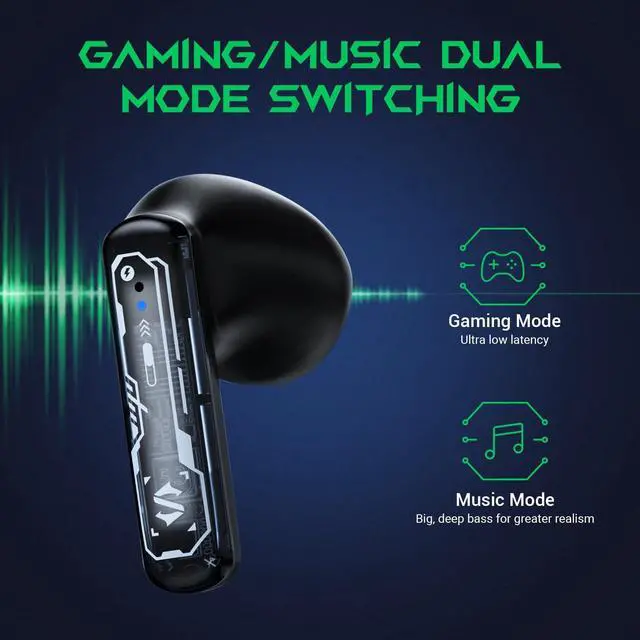
Excellent sound quality and clear calls: These truly wireless earbuds offer outstanding sound quality, deep bass, and clear treble for a highly accurate music and call experience. The music/gaming dual-mode design is perfect for audiophiles.
+
+
Overview
Specs
Reviews
Any questions? Our AI beta will help you find out quickly.
Earbud charging case has four light effects; open and close the cover quickly for 3 times to switch between four light effects circularly.Earbud charging case: After opening/closing cover and displaying the light effects, the power indicator of charging case will show the current power level. It has 5 indicators in total, each represents 20% of total power.
Low power
Earbud: It will prompt volume down when earbud has low power, and the left/right earbud indicator will flicker in red at the interval of 5s; (The earbud can be used for another 30min roughly when it prompts low power for the first time. Please recharge the earbud in time)
Charging
Earbud: Put the earbud into the charging case for recharging. Charging case: Connect external power supply via type-c cable to recharge the charging case:The power indicator on cover of charging case will show charging progress in real time.
Rematch
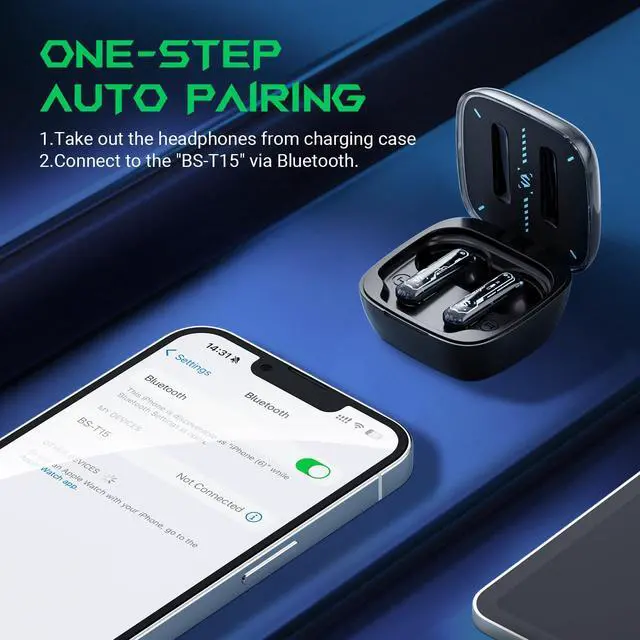
To unbind the current device, press and hold the touch control area of left/right earbud for 5s at the same time, until the earbud has “ting –pairing” sound, the indicator of left/right earbud flickers in blue, which means device is unbound and pairing status is entered.
Volume -/+
- : Click touch control key of left earbud/ + : Click touch control key of right earbud
Play/pause
Double click touch control key of left/right earbud
Previous/Next
Triple click touch control key of left earbud (Previous) /right earbud (Next)
Answer/hang up
Double click touch control key of left/right earbud
Reject
Press and hold touch control key of left/right earbud for 2s
Switch game/music mode
Press and hold touch control key of left/right earbud for 3s
Functional Description
Light effect
Earbud charging case has four light effects; open and close the cover quickly for 3 times to switch between four light effects circularly.Earbud charging case: After opening/closing cover and displaying the light effects, the power indicator of charging case will show the current power level. It has 5 indicators in total, each represents 20% of total power.
Low power
Earbud: It will prompt volume down when earbud has low power, and the left/right earbud indicator will flicker in red at the interval of 5s; (The earbud can be used for another 30min roughly when it prompts low power for the first time. Please recharge the earbud in time)
Charging
Earbud: Put the earbud into the charging case for recharging. Charging case: Connect external power supply via type-c cable to recharge the charging case:The power indicator on cover of charging case will show charging progress in real time.
Rematch
To unbind the current device, press and hold the touch control area of left/right earbud for 5s at the same time, until the earbud has “ting –pairing” sound, the indicator of left/right earbud flickers in blue, which means device is unbound and pairing status is entered.
Volume -/+
- : Click touch control key of left earbud/ + : Click touch control key of right earbud
Play/pause
Double click touch control key of left/right earbud
Previous/Next
Triple click touch control key of left earbud (Previous) /right earbud (Next)
Answer/hang up
Double click touch control key of left/right earbud
Reject
Press and hold touch control key of left/right earbud for 2s
Switch game/music mode
Press and hold touch control key of left/right earbud for 3s
True Wireless Gaming Earbuds, Bluetooth 5.3 with Music Mode, 30 Hours Playback Time, Clear Stereo Calls in-Ear Headphones for Android/Phone/Computer - Lucifer T15