


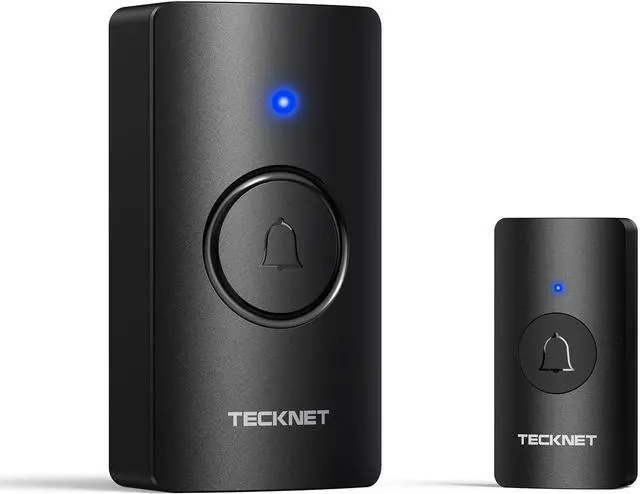
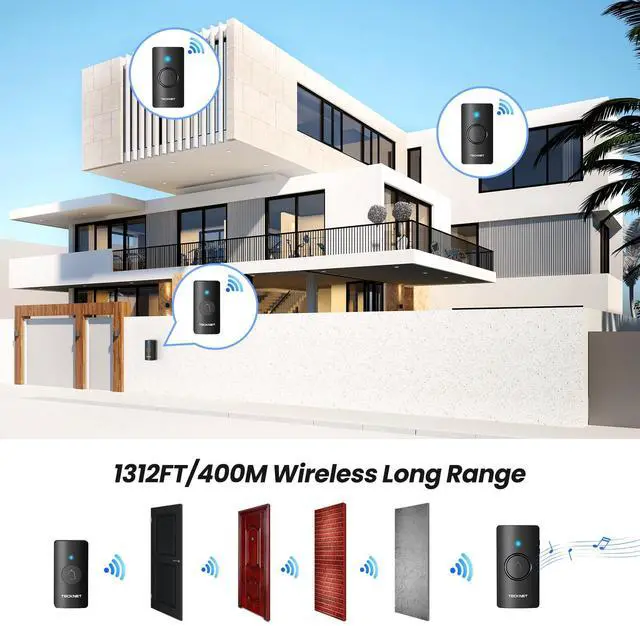


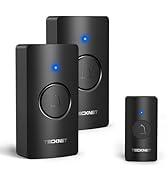
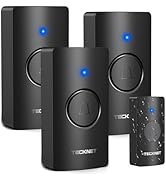
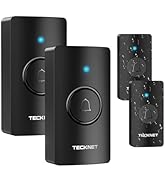




TECKNET Battery-Powered Wireless Doorbell
Merchant VideoSocket-free Battery-operated Doorbell With Receiver


Your Hassle-Free Doorbell Solution
Wireless Doorbell Kits Unboxing Video
This video highlights the convenience of a battery-powered doorbell. Watch the unboxing video to see how you can install the wireless button in minutes—no wiring required. Explore features like a variety of pleasant chimes and easy volume control on a plug-in doorbell.
Wireless Doorbell Kits Unboxing Video
Merchant Video
How do I pair the doorbell button with the receiver?
1. Hold the music button for 3 seconds until the "dingdong" prompt indicates pairing mode.
2. Press the button once; the default chime confirms successful pairing.
How do I clear the pairing record?
Press and hold the Volume Button for over 5 seconds, and you'll hear a "dingdong,ding dong" prompt showing that there ceiverhas cleared all pairing records. (This will remove all paired Push Buttons.)
What kind of batteries do doorbells need?
The transmitter contains 1* CR2023 battery, and the receiver requires 3*AA batteries (Not Included)
Why does the receiver's LED light stay on?
The receiver's LED light stays on, which means the battery is low. Please replace the battery.
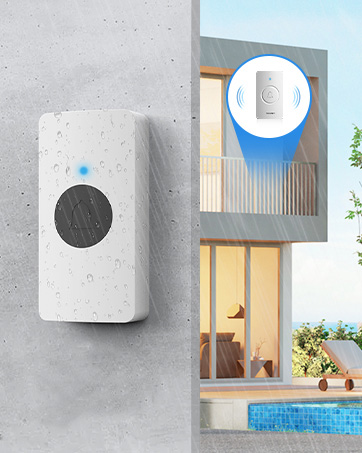
Will weather affect performance? The product says IP67.
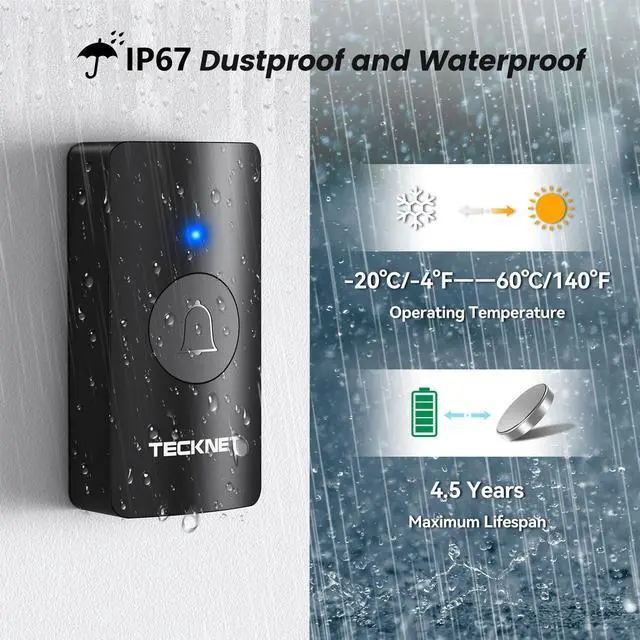
Our IP67 rating ensures complete protection against dust and water jets. Safely install outdoors - it withstands rain, snow, and temperatures from -4°F to 140°F.
TECKNET Wireless Doorbell
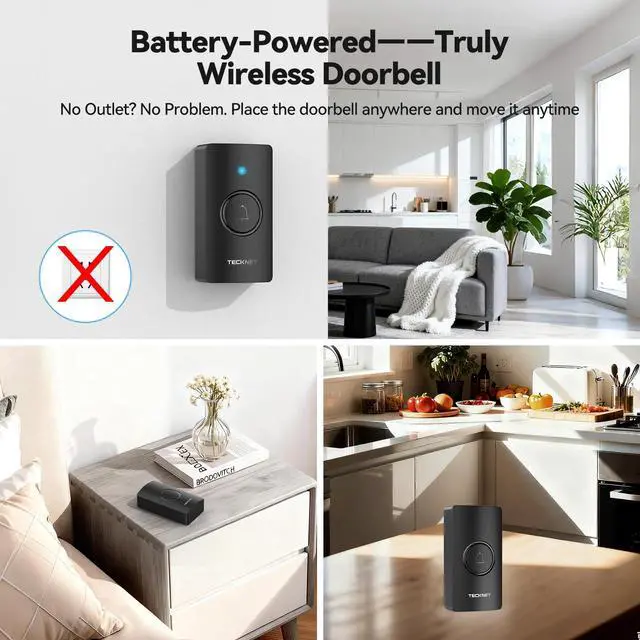
Multiple Uses
TECKNET Battery-Powered Wireless Doorbell
Merchant VideoSocket-free Battery-operated Doorbell With Receiver

IP67 Waterproof
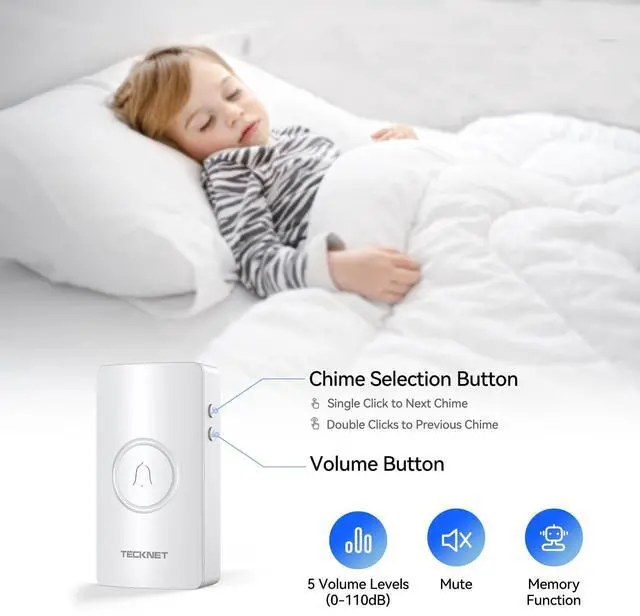
Memory Function
Doorbell retains last ringtone after power off/disconnect


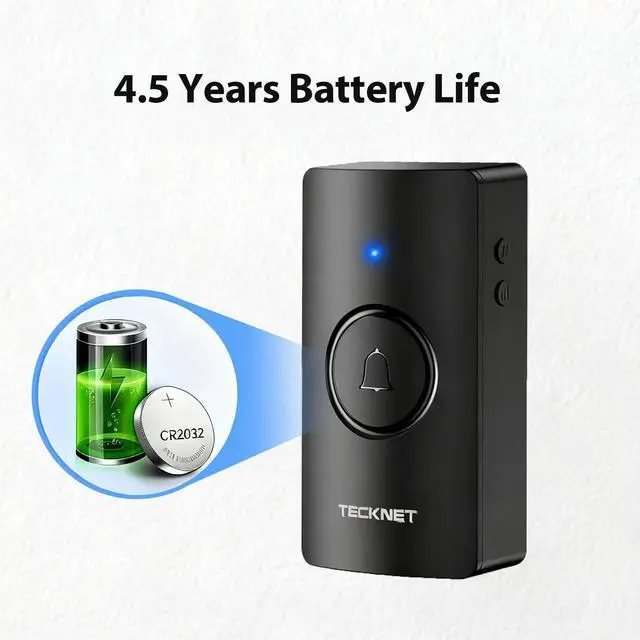
Extended Battery Life
Accessible Tranquility


With a single battery replacement, the doorbell boasts an extended battery life of 4.5 years, showcasing exceptional longevity.
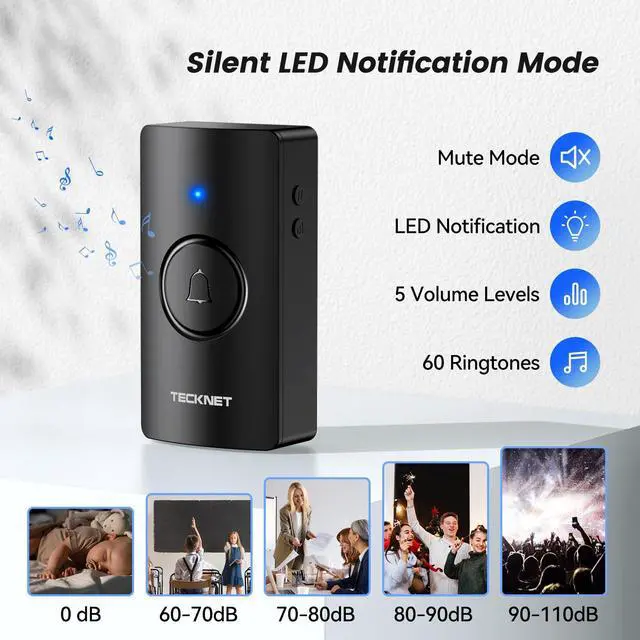
The doorbell includes LED lights for the hearing-impaired and offers a silent mode to prevent disturbances.
Wireless Doorbell Kits Unboxing Video
Merchant VideoYour Hassle-Free Doorbell Solution
Wireless Doorbell Kits Unboxing Video
This video highlights the convenience of a battery-powered doorbell. Watch the unboxing video to see how you can install the wireless button in minutes—no wiring required. Explore features like a variety of pleasant chimes and easy volume control on a plug-in doorbell.

How do I pair the doorbell button with the receiver?
1. Hold the music button for 3 seconds until the "dingdong" prompt indicates pairing mode.
2. Press the button once; the default chime confirms successful pairing.
How do I clear the pairing record?
Press and hold the Volume Button for over 5 seconds, and you'll hear a "dingdong,ding dong" prompt showing that there ceiverhas cleared all pairing records. (This will remove all paired Push Buttons.)
What kind of batteries do doorbells need?
The transmitter contains 1* CR2023 battery, and the receiver requires 3*AA batteries (Not Included)
Why does the receiver's LED light stay on?
The receiver's LED light stays on, which means the battery is low. Please replace the battery.
Will weather affect performance? The product says IP67.
Our IP67 rating ensures complete protection against dust and water jets. Safely install outdoors - it withstands rain, snow, and temperatures from -4°F to 140°F.