





Troubleshooting Network Connection Issues:
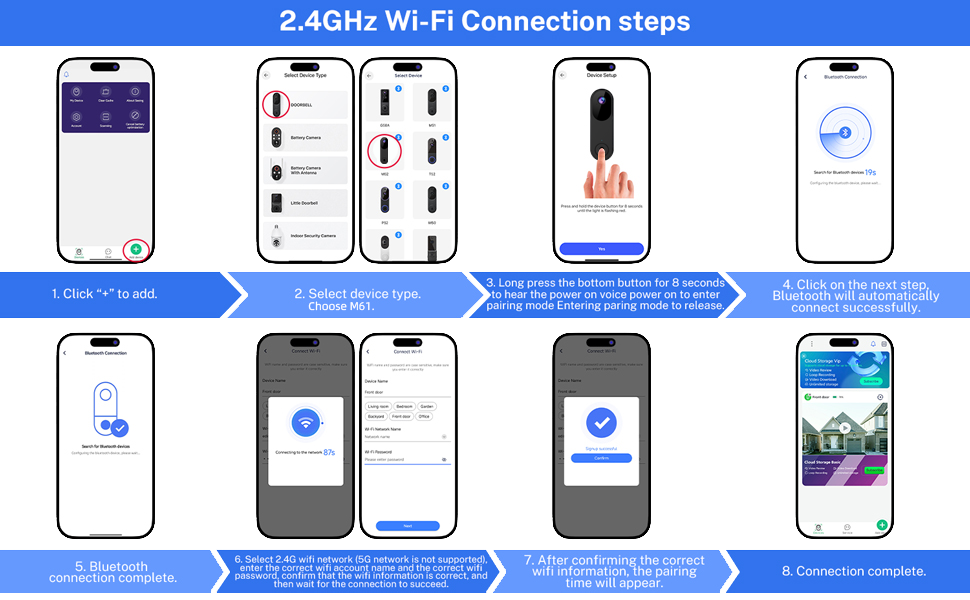
1. If you change your Wi-Fi password or the camera disconnects, press and hold the doorbell button for 5 seconds until the camera resets. Then re-add the camera to your app account and reconnect it to Wi-Fi.
2. Confirm the camera is within 33 feet (10 meters) of your Wi-Fi router.
3. Double-check that your Wi-Fi name and password are entered correctly.
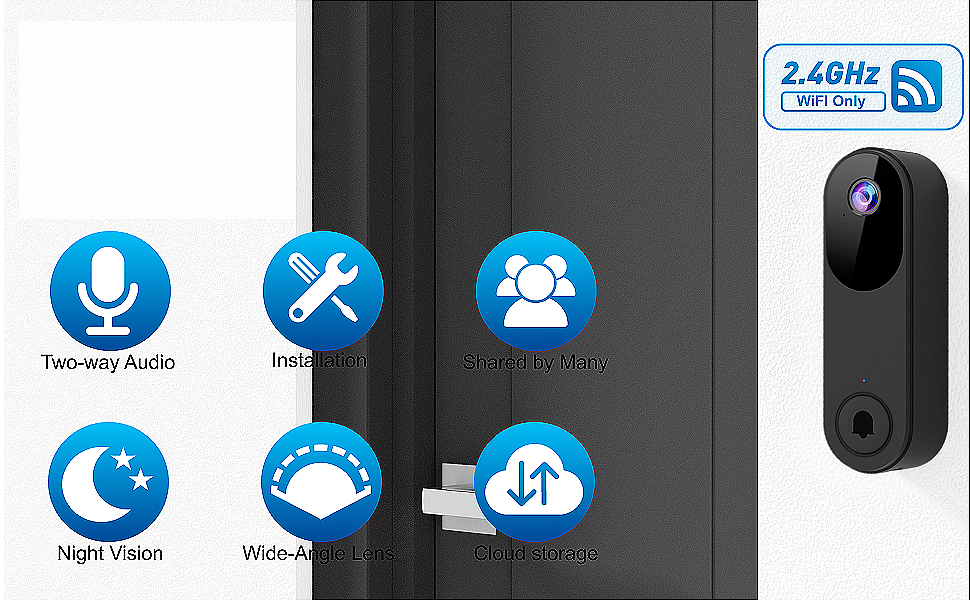
4. Ensure you are connected to a 2.4GHz Wi-Fi network (5GHz Wi-Fi is not supported). The doorbell and device must be connected to the same Wi-Fi network.
5. Enable Bluetooth on your phone during setup (no manual pairing required).
FAQs
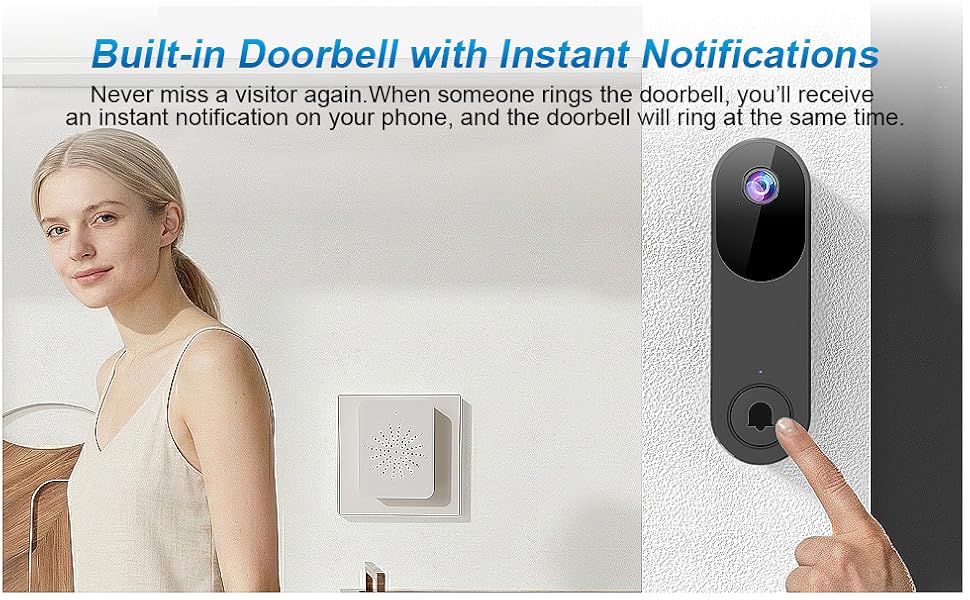
1. Does the real-time alert notify me whenever a human figure is detected?
Answer: Real-time notifications are sent to your phone and receiver only when a visitor rings the doorbell.
2. How can I let other household members use my doorbell device?
Answer: On the primary device, go to "My Devices", select your doorbell, and tap "Device Share" to generate a unique access link. Other household members can open the Zoroiix app, use the top-left scan function to process the link, and complete the access setup. To maintain account security and control, only the primary device holder can initiate this process.
3. How long does it take to fully charge, and what is the battery life after a full charge?
Answer: From a completely depleted state, a full charge takes approximately 8 hours. After a full charge, under normal usage conditions, the battery life can last up to 30 days.
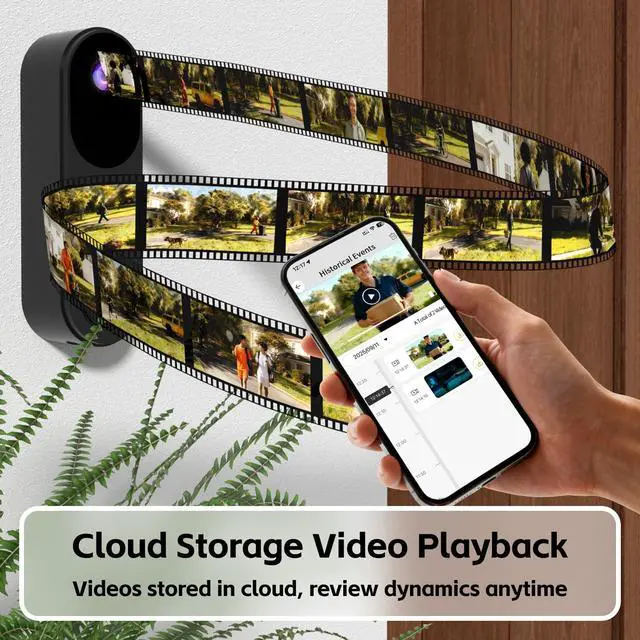
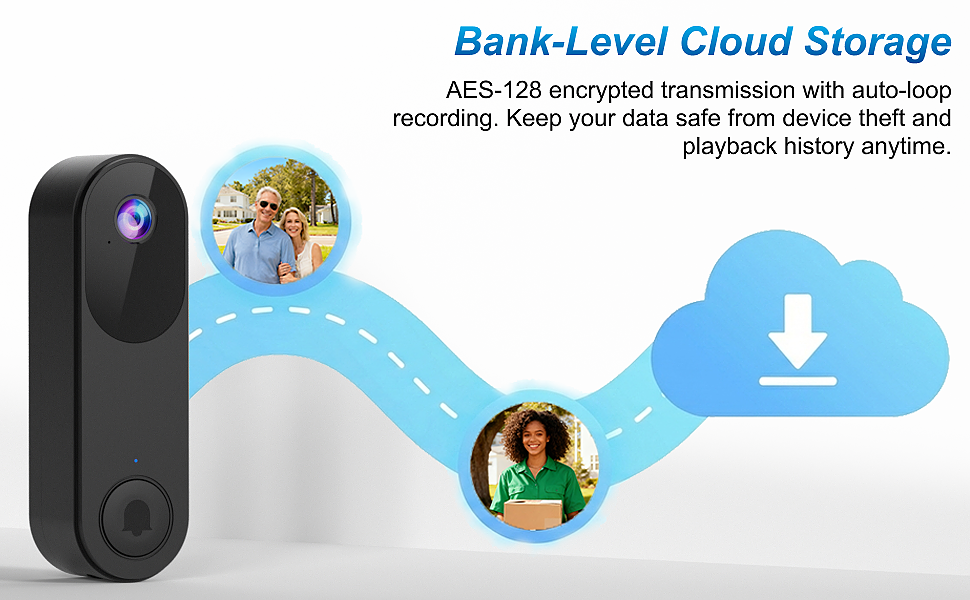
4. Does live viewing need a subscription? Can this camera use an SD card without any cloud service subscription fees?
Answer: This camera supports live video viewing but does not support recording to an SD card. Video is only stored after you subscribe to the cloud service.
5. Can the doorbell camera connect to a 5GHz Wi-Fi network?
Answer: No, this doorbell camera only connects to 2.4GHz Wi-Fi. If you have both 2.4GHz and 5GHz networks, ensure each has a distinct name to connect successfully.
Troubleshooting Network Connection Issues:
1. If you change your Wi-Fi password or the camera disconnects, press and hold the doorbell button for 5 seconds until the camera resets. Then re-add the camera to your app account and reconnect it to Wi-Fi.
2. Confirm the camera is within 33 feet (10 meters) of your Wi-Fi router.
3. Double-check that your Wi-Fi name and password are entered correctly.
4. Ensure you are connected to a 2.4GHz Wi-Fi network (5GHz Wi-Fi is not supported). The doorbell and device must be connected to the same Wi-Fi network.
5. Enable Bluetooth on your phone during setup (no manual pairing required).
FAQs
1. Does the real-time alert notify me whenever a human figure is detected?
Answer: Real-time notifications are sent to your phone and receiver only when a visitor rings the doorbell.
2. How can I let other household members use my doorbell device?
Answer: On the primary device, go to "My Devices", select your doorbell, and tap "Device Share" to generate a unique access link. Other household members can open the Zoroiix app, use the top-left scan function to process the link, and complete the access setup. To maintain account security and control, only the primary device holder can initiate this process.
3. How long does it take to fully charge, and what is the battery life after a full charge?
Answer: From a completely depleted state, a full charge takes approximately 8 hours. After a full charge, under normal usage conditions, the battery life can last up to 30 days.
4. Does live viewing need a subscription? Can this camera use an SD card without any cloud service subscription fees?
Answer: This camera supports live video viewing but does not support recording to an SD card. Video is only stored after you subscribe to the cloud service.
5. Can the doorbell camera connect to a 5GHz Wi-Fi network?
Answer: No, this doorbell camera only connects to 2.4GHz Wi-Fi. If you have both 2.4GHz and 5GHz networks, ensure each has a distinct name to connect successfully.