

Out of stock
This item is currently out of stock and it may or may not be restocked.
Sold by Newegg

Shipped by Newegg

Shop it at NeweggBusiness.

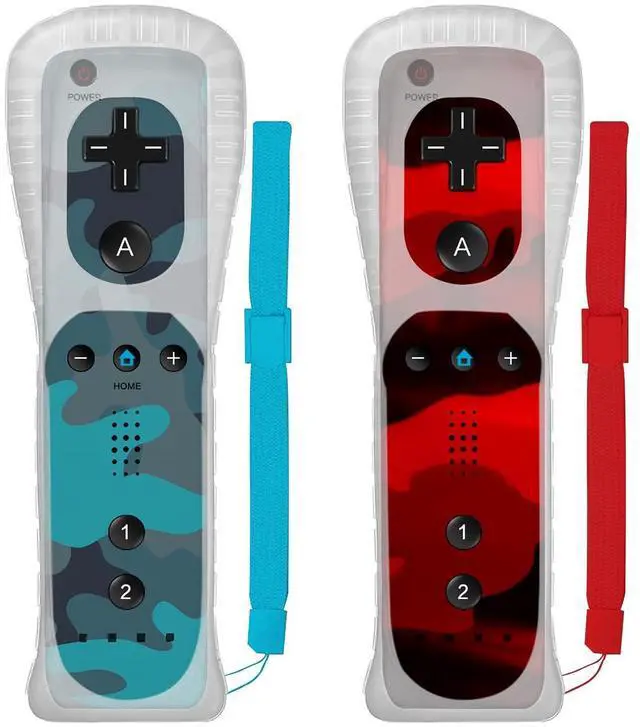
Wii Controller 2 Pack,Remote Controller with Silicone Case and Wrist Strap,Compatible with Wii/Wii U (Camo Blue and Camo Red)

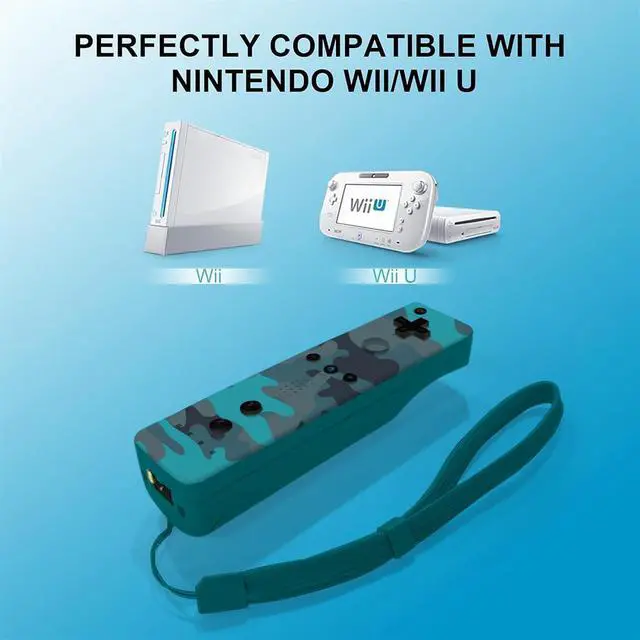
  • Compatible with Wii/Wii U: This is a third-party product,they are compatible with Wii console and Wii U console
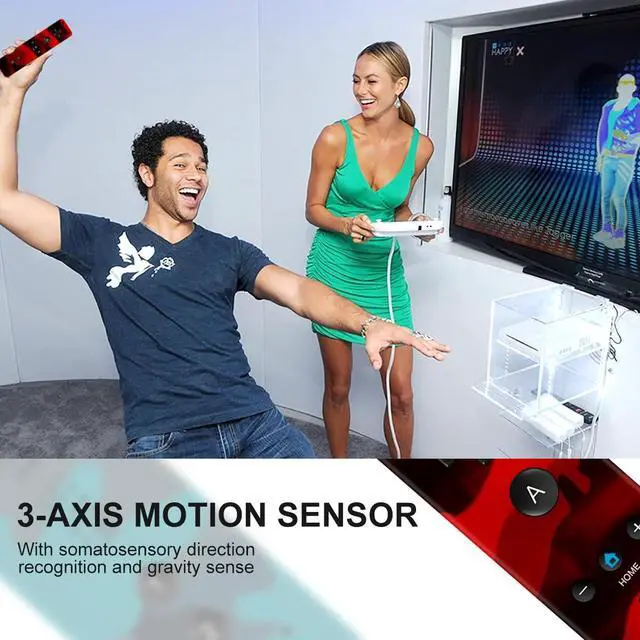
  • Immersive Experience: There is a motion sensor inside the controller.They can clearly recognize direction and gravity,and give you an immersive gaming experience (Not Motion Plus)
  • Silicone Skin:The silicone skin and wrist strap can effectively prevent the Wii controller from being scratched and slipping off during use
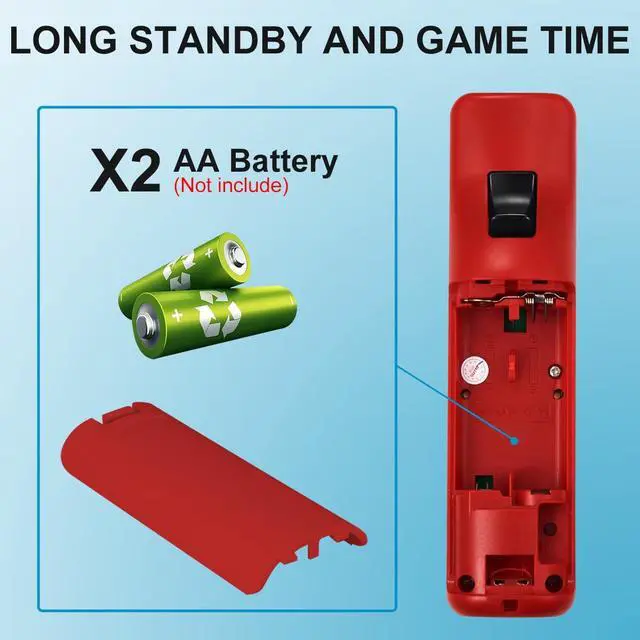
  • Wireless Connection:The remote control that is connected wirelessly can be connected to the host by pressing the corresponding button.The remote control needs to be equipped with 2 AA batteries (Batteries are not included in the package)
  • Package:2 x controller,2 x Wrist Strap,2 x Silicone Case (Tips:Doesn't have 2 x AA batteries)
Overview
Specs
Reviews

Wireless Controller Compatible with Wii/Wii U

wii controller
wii remote
wii remote controller
remote controller

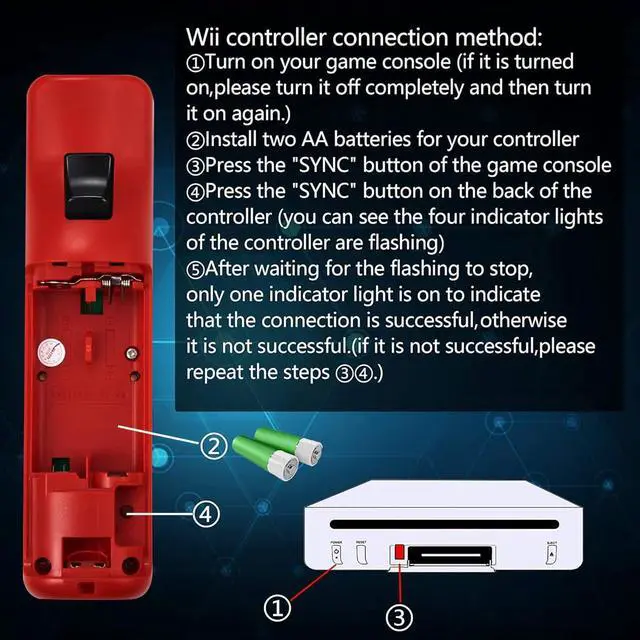
Controller connection Method

1.Turn on your game console(if it is turned on,please turn it off completely and then turn it on again)

2.Install two AA batteries for your controller(Batteries not included)

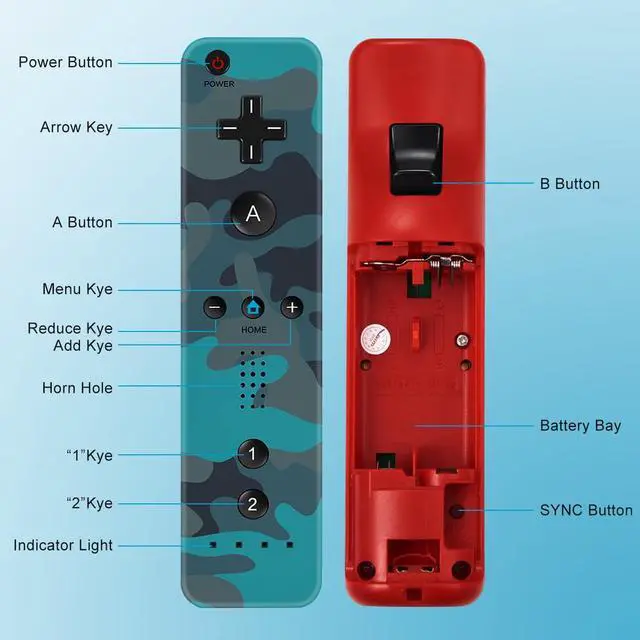
3.Press the "SYNC" button of the game console

4.Press the "SYNC" button on the back of the controller(you can see the four indicator lights of the controller are flashing)

5.After waiting for the flashing to stop,only one indicator light is on to indicate that the connection is successful, otherwise it is not successful.(if it is not successful,please repeat the steps 3 and 4)

Wireless Controller Compatible with Wii/Wii U

wii controller
wii remote
wii remote controller
remote controller

Controller connection Method

1.Turn on your game console(if it is turned on,please turn it off completely and then turn it on again)

2.Install two AA batteries for your controller(Batteries not included)

3.Press the "SYNC" button of the game console

4.Press the "SYNC" button on the back of the controller(you can see the four indicator lights of the controller are flashing)

5.After waiting for the flashing to stop,only one indicator light is on to indicate that the connection is successful, otherwise it is not successful.(if it is not successful,please repeat the steps 3 and 4)

Wii Controller 2 Pack, Remote Controller with Silicone Case and Wrist Strap, Compatible with Wii/Wii U (Camo Blue and Camo Red)

Warranty & Returns

Warranty, Returns, And Additional Information

Return Policies

LOADING...