




hero-video
Merchant Video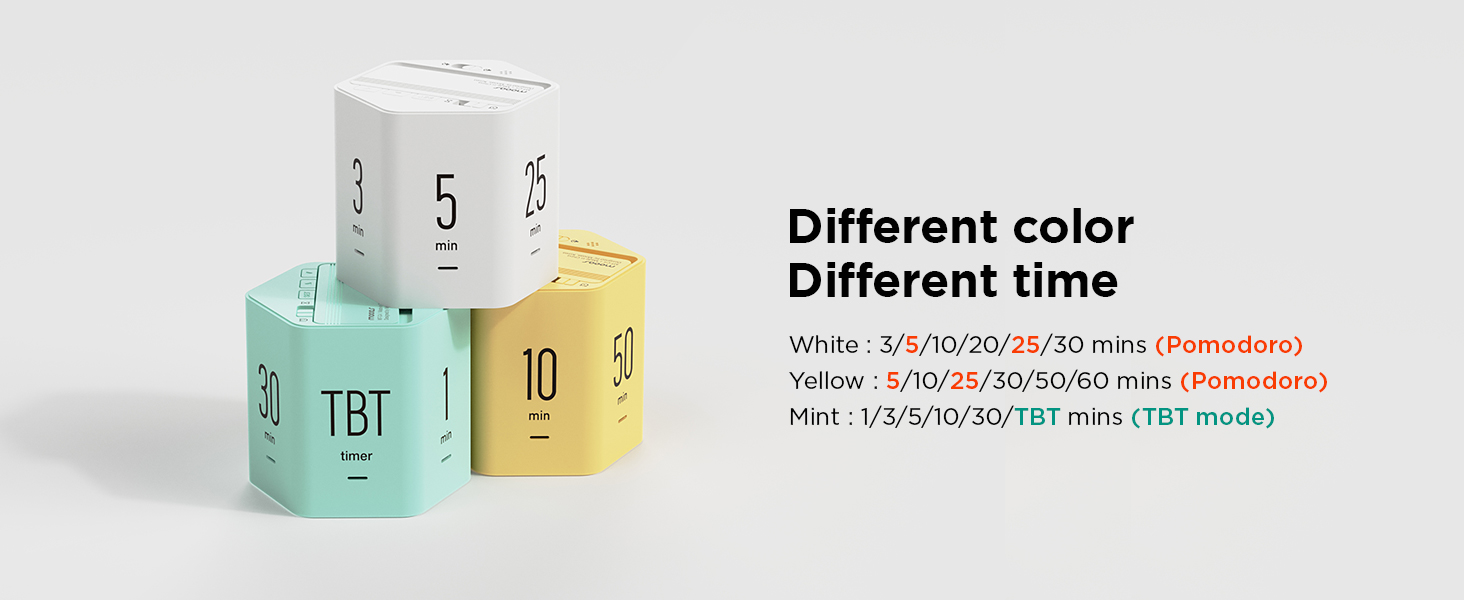
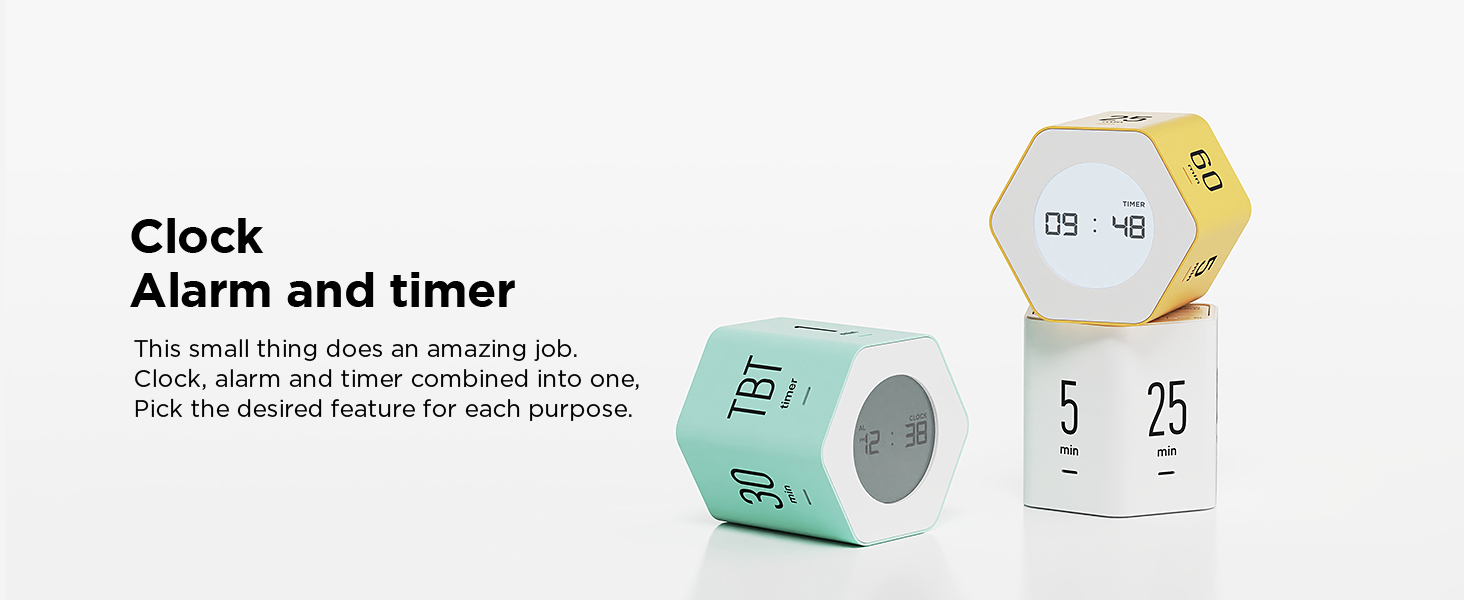
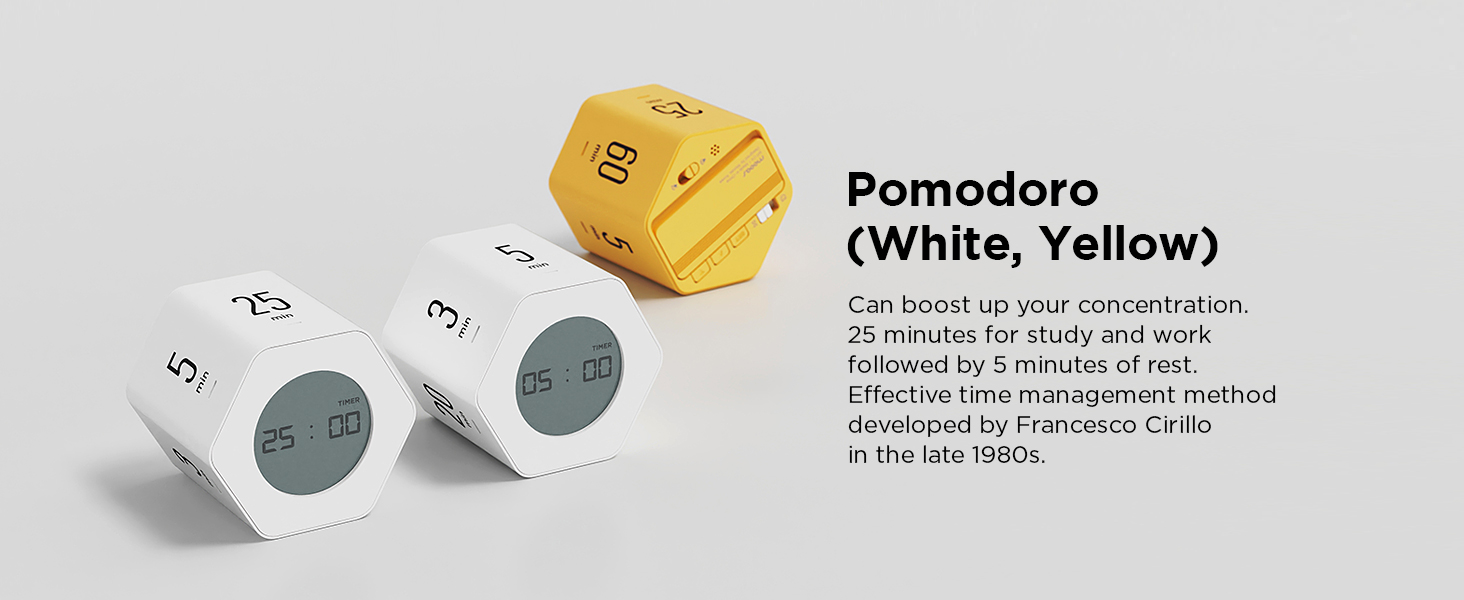
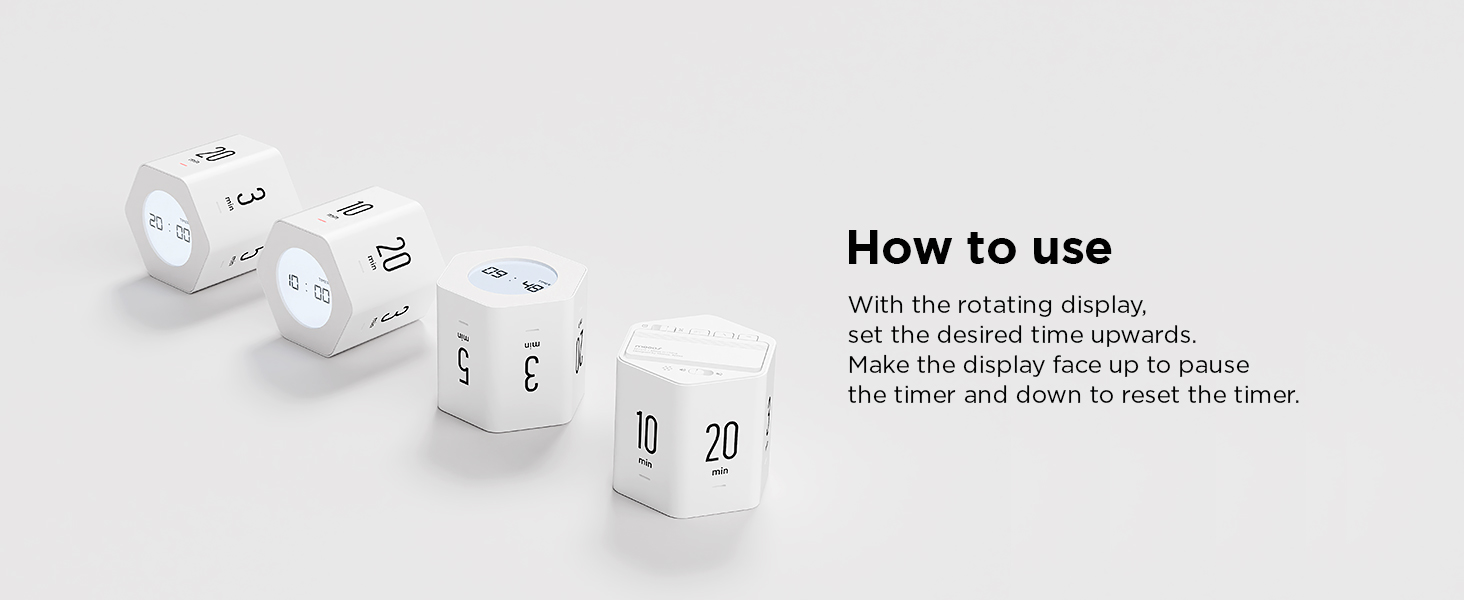
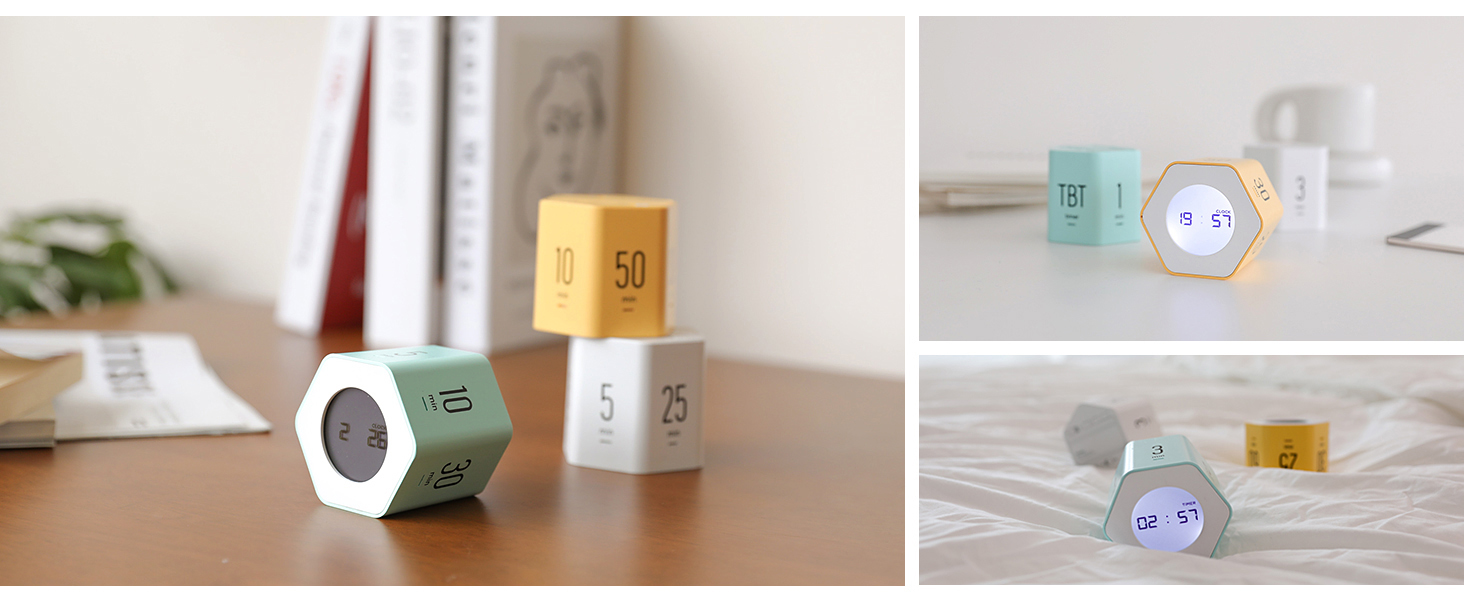
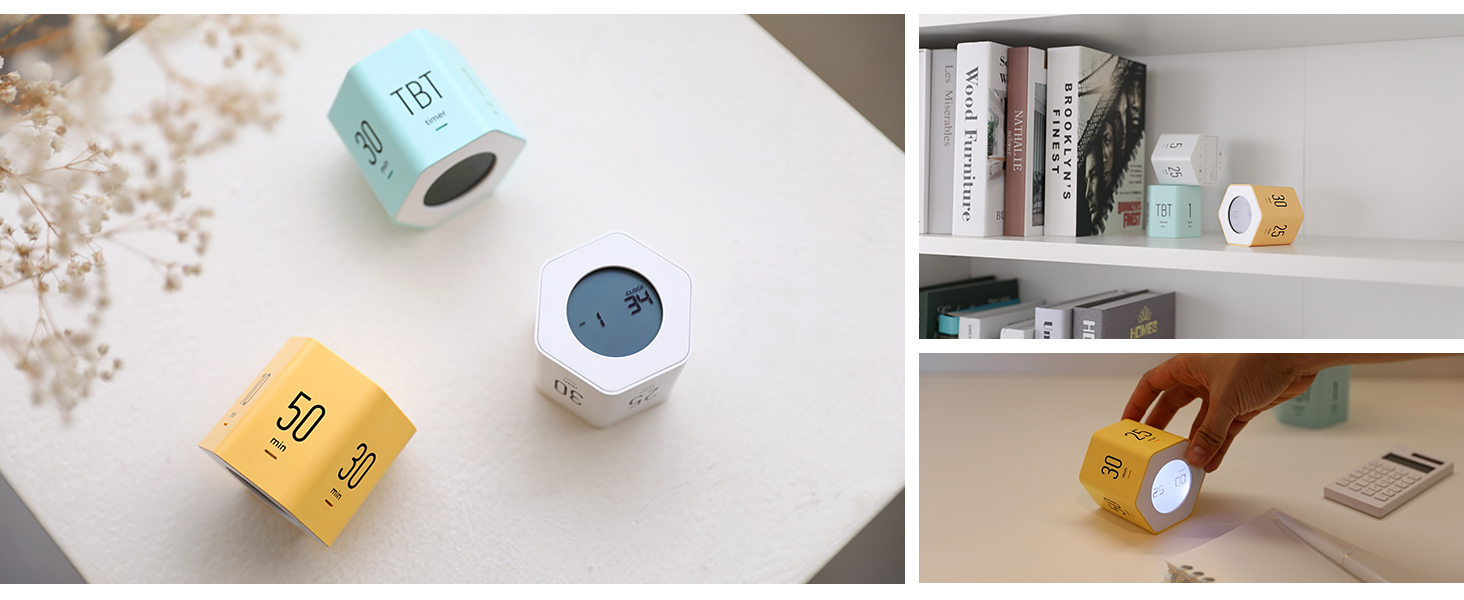
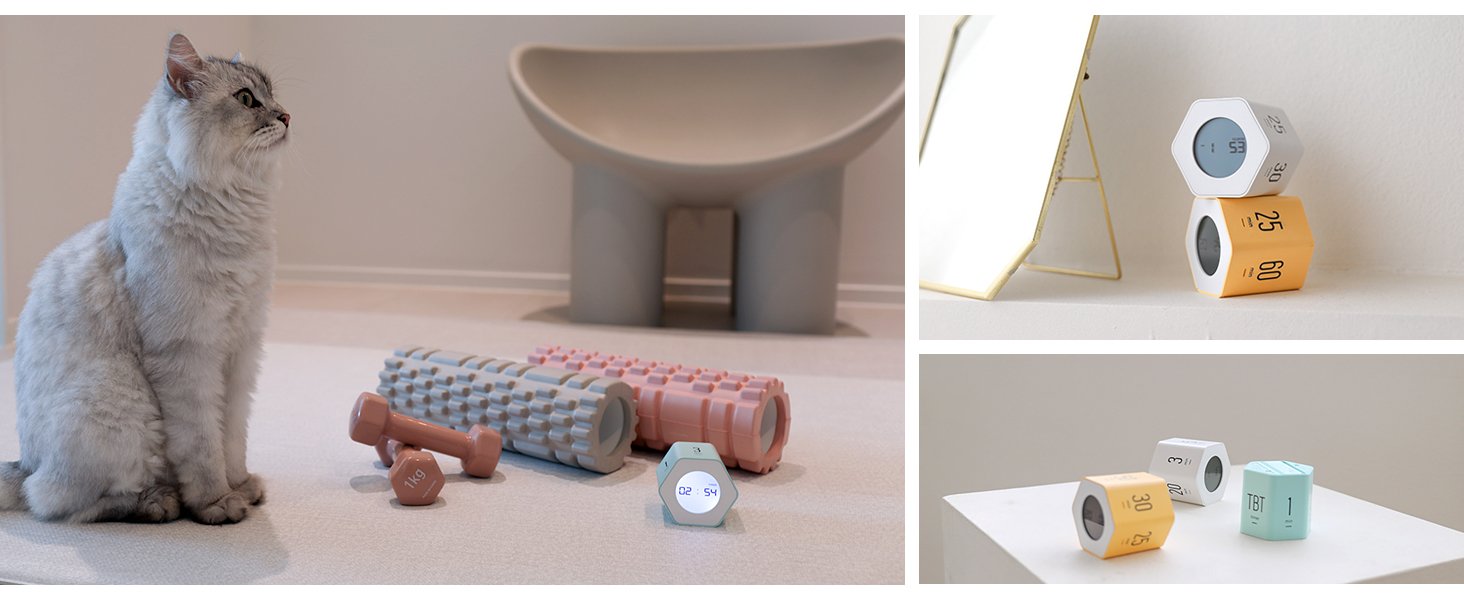
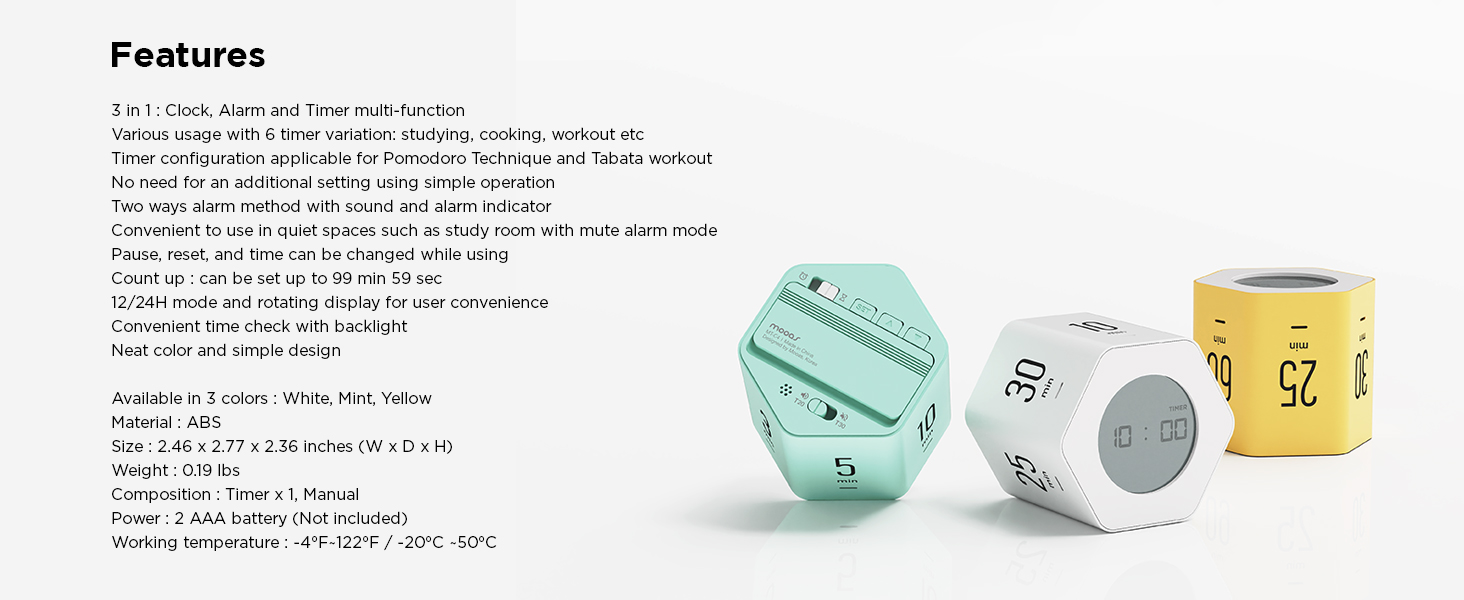
Mooas Cube Timer Series Comparison
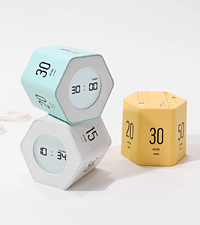 Multi Hexagon Timer Clock | 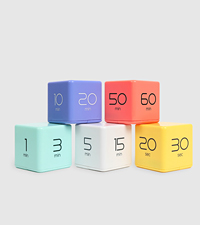 Cube Timer | 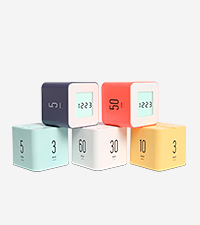 Multi Cube Timer Clock | 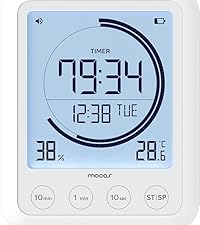 Visual Timer Clock | 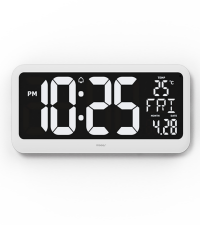 Big Mirror Timer Clock | 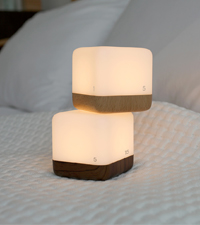 Timer LED Nightlight | 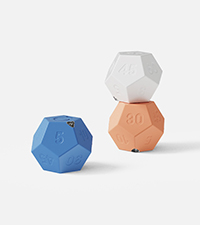 Dodecagon Time Ball | |
|---|---|---|---|---|---|---|---|
Customer Reviews | — | — | — | — | — | — | — |
Price | — | — | — | — | — | — | — |
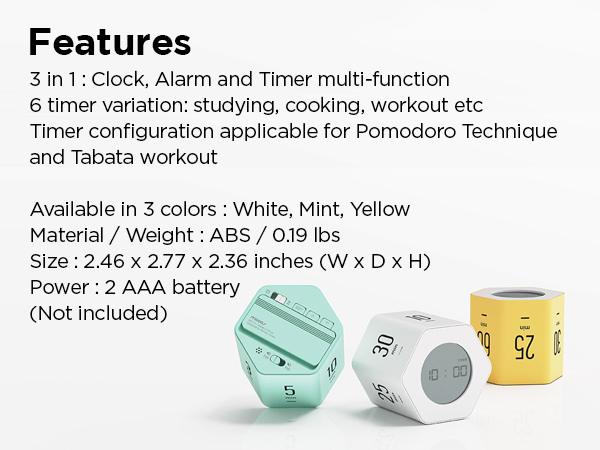
Size (Inch) | 2.46 x 2.77 x 2.36(W x D x H) | 2.6 x 2.6 x 2.6(W x D x H) | 2.36 x 2.36 x 2.16(W x D x H) | 3.94 x 0.94 x 4.92 (W x D x H) | 15 x 10 x 6.7(W x D x H) | 3.15 x 3.15 x 3.15(W x D x H) | 2.2 x 2.2 x 1.8 (W x D x H) |
Weight | 0.19 lbs | 0.16 lbs | 0.15 lbs | 0.39 lb | 1.60 lbs | 0.32 lbs | 0.1 lbs |
Material | ABS | ABS | ABS | ABS | ABS | ABS, HIPS | ABS, PC |
Color | White, Yellow, Mint | White,Yellow,Mint,Coral,Violet | White,Yellow,Mint,Coral,Violet | White | White | Light Brown, Dark Brown | White, Blue, Sand peach |
Function | Timer, Clock | Timer | Timer, Clock | Multi-timer clock | Timer, Alarm, Nightlight | Timer, Nightlight | Timer (11 mode) |
Alarm mode | Backlight, Sound, Silence | Sound, Silence | Backlight, Sound, Silence | LCD screen Backlit display | 3 Level Auto Brightness | 2 Level Brightness | Sound, Vibration, Silent |
Power | 2 AAA battery (Not included) | 2 AAA battery (Not included) | 2 AAA battery (Not included) | AAA battery x 2 (Not included) | 5V 1A power adaptor(Included) | Micro 5pin USB Cable(Included) | Type C USB cable (Included) |
Battery capacity | - | - | - | - | - | 1200 mAh Battery | 550 mAh Battery |
Composition | Timer, Manual | Timer, Manual | Timer, Manual | Main, Wall mount hook, Manual | Timer, remote,cable, adaptor | Timer, 5pin USB cable, Manual | Timer, TypeC USB cable, Manual |
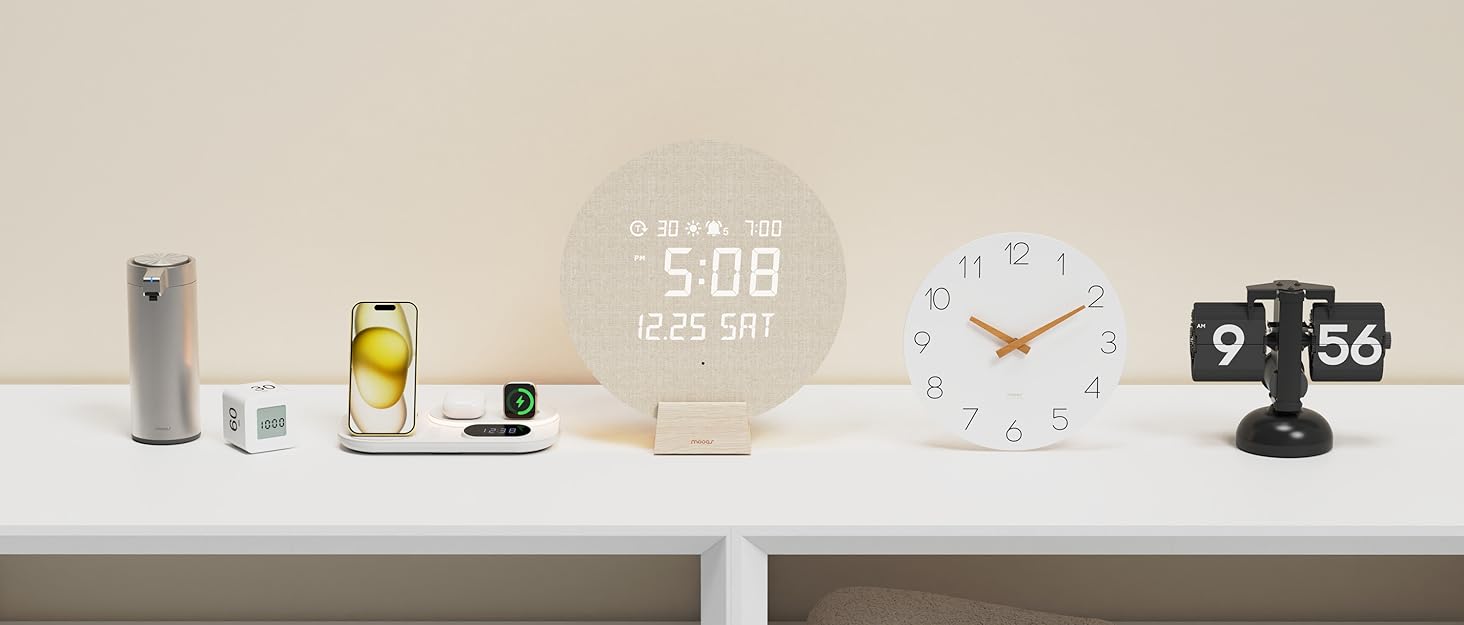

mooas, Smart & Simple Global Home Brand
Mooas creates modern, functional home essentials like clocks, timers, lighting, and soap dispensers. With 100+ domestic sales channels, we’re expanding globally on platforms like , Lazada, Shopee and more.
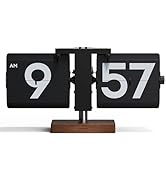
Retro Flip Clock
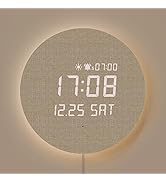
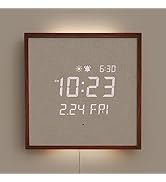
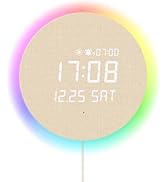
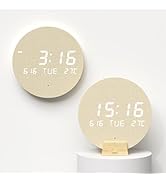
LED Digital Wall Clock
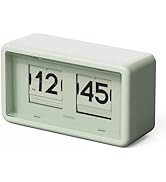
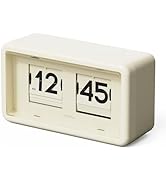
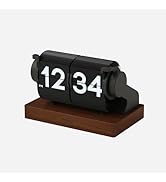
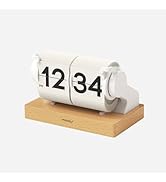
Automatic Flip Clock
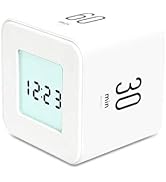
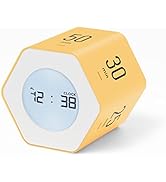
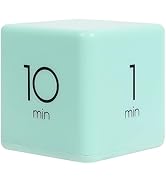
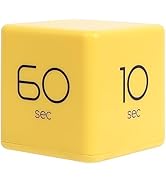
Timer Cube
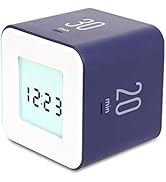
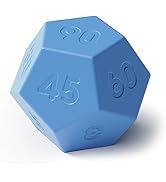
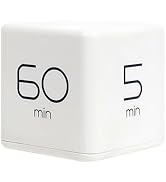
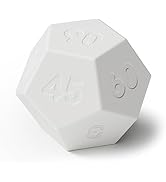
Cube Timer
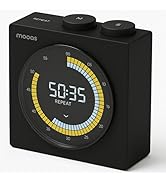
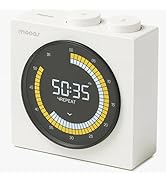
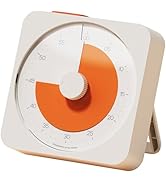
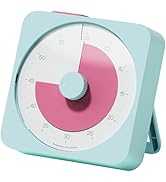
Visual Timer
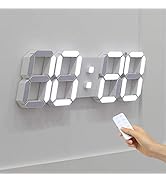
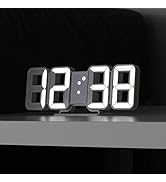
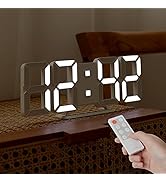
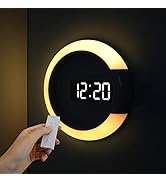
3D LED Wall Clock
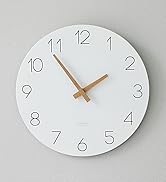
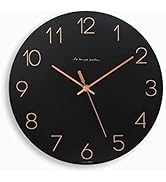
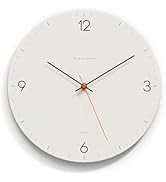
Flatwood Wall Clock
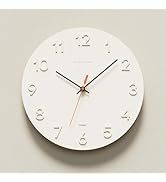
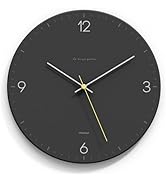
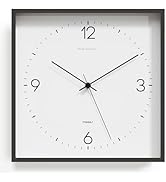
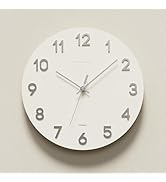
Flatwood Wall Clock
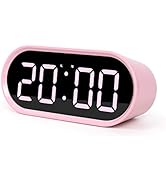
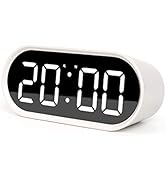
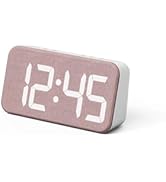
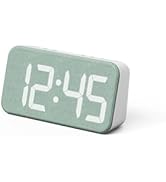
LED Desk Clock
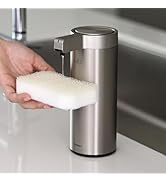
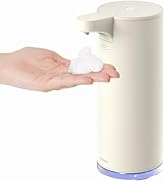
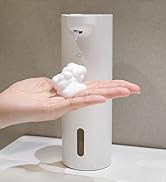
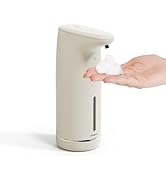
Automatic Soap Dispenser

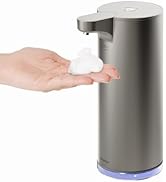
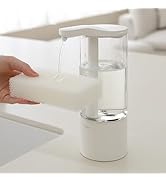

Other
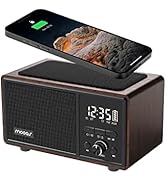
Clocks
Barthroom Waterproof Clock
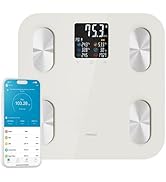
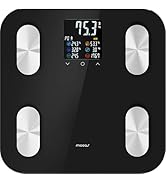
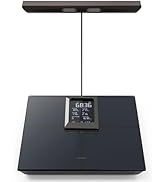
Smart LCD Bathroom Scale BMI
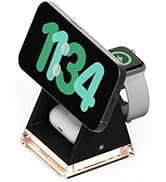
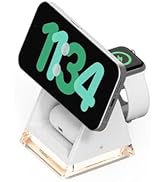
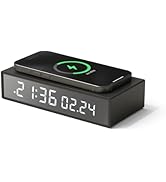
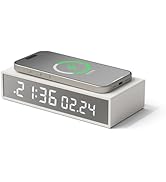
Smart Living
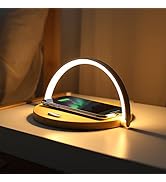
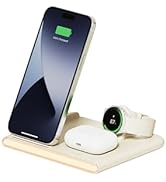
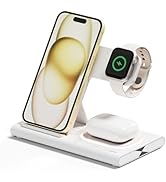
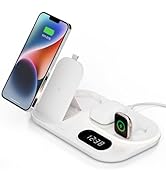
Wireless Charging Station

mooas, Smart & Simple Global Home Brand
Mooas creates modern, functional home essentials like clocks, timers, lighting, and soap dispensers. With 100+ domestic sales channels, we’re expanding globally on platforms like , Lazada, Shopee and more.
Retro Flip Clock
LED Digital Wall Clock
Automatic Flip Clock
Timer Cube
Cube Timer
Visual Timer
3D LED Wall Clock
Flatwood Wall Clock
Flatwood Wall Clock
LED Desk Clock
Automatic Soap Dispenser
Other
Clocks
Barthroom Waterproof Clock
Smart LCD Bathroom Scale BMI
Smart Living
Wireless Charging Station
hero-video
Merchant Video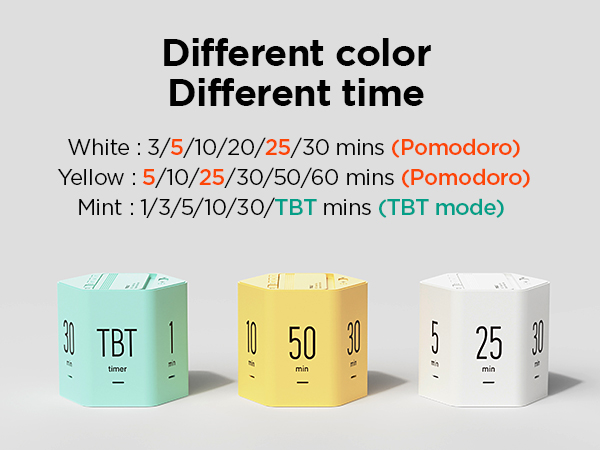
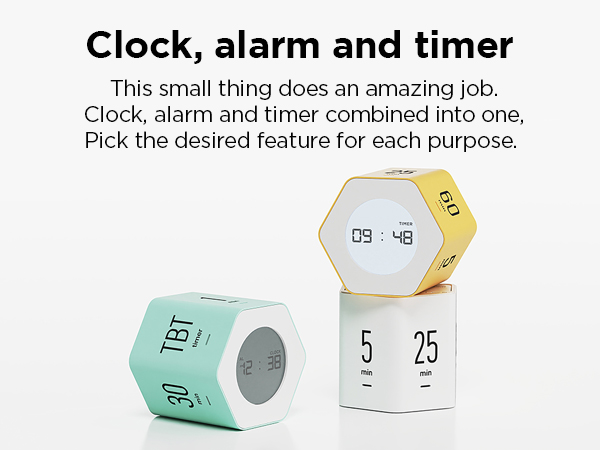
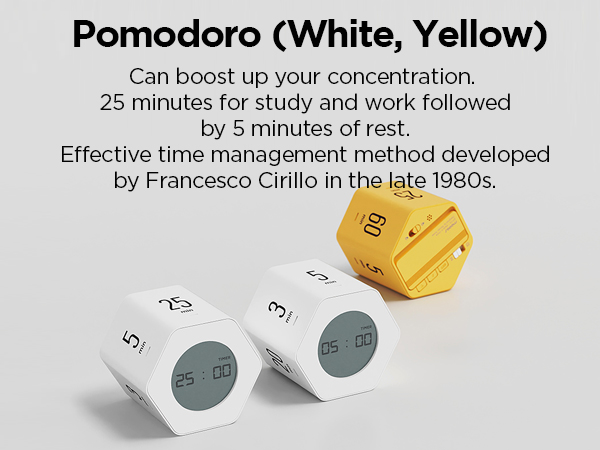
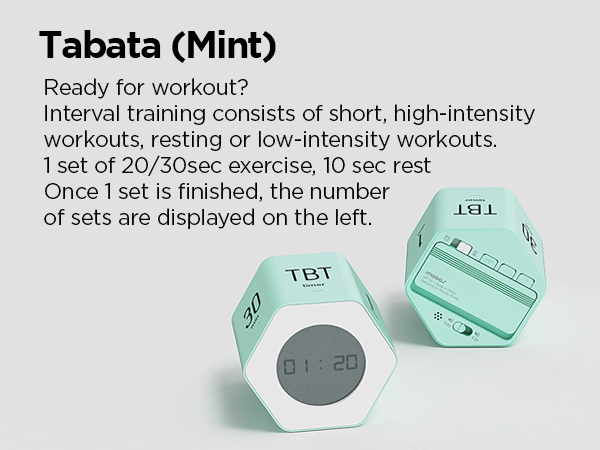
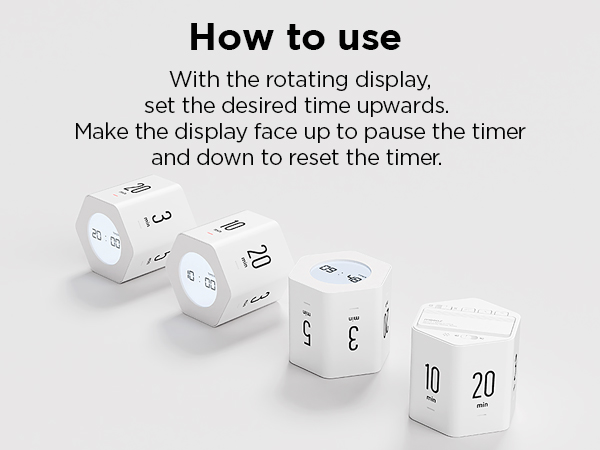
How to set the time
1. Change to clock mode
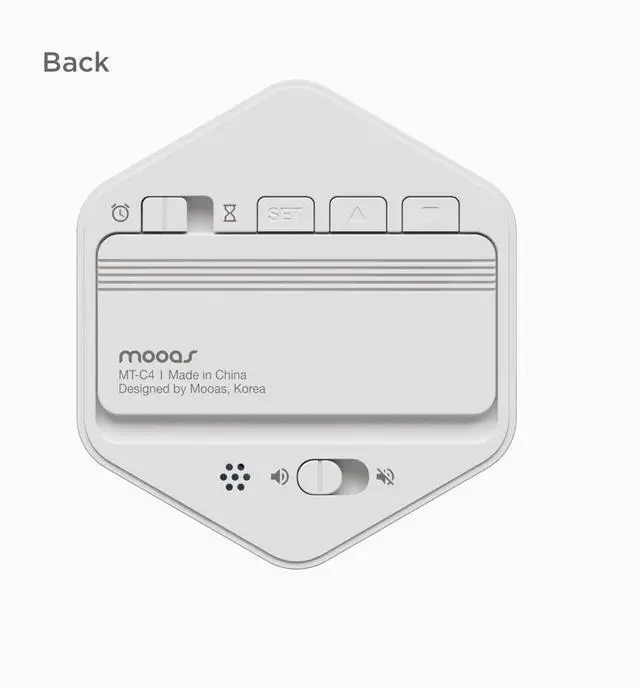
Flip the clock / timer mode switch towards the clock icon,
And the clock mode is set.
How to set the time
2. Time setting mode
- In clock mode, long press SET button to set the time.
- The default setting is 24 hour mode, 00:00 and the setting order is 12/24 mode -> Hour -> Minutes -> Alarm hour->Alarm minutes.
How to set the time
3. Time setting
- Press ?button or ?button to change the number. Long press the button to increase or decrease the numbers continuously.
- Press SET button and move onto the next setting mode.
* If no buttons are pressed for 15 seconds, the setting is automatically confirmed and goes back to the time display.
How to change the sound mode
How to set sound, mute and Tabata mode.
Choose sound or mute mode using alarm mode switch button.
On sound mode, when the alarm is ringing, red alarm indicator blinks with alarm and sound.
On mute mode, red alarm indicator blinks only.
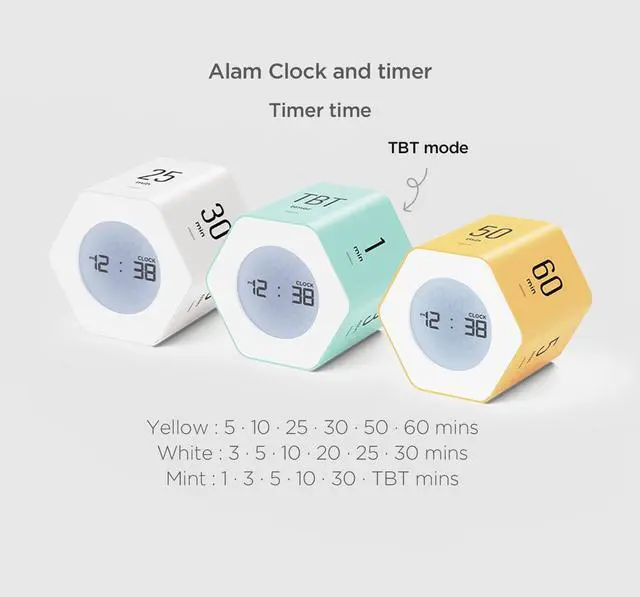
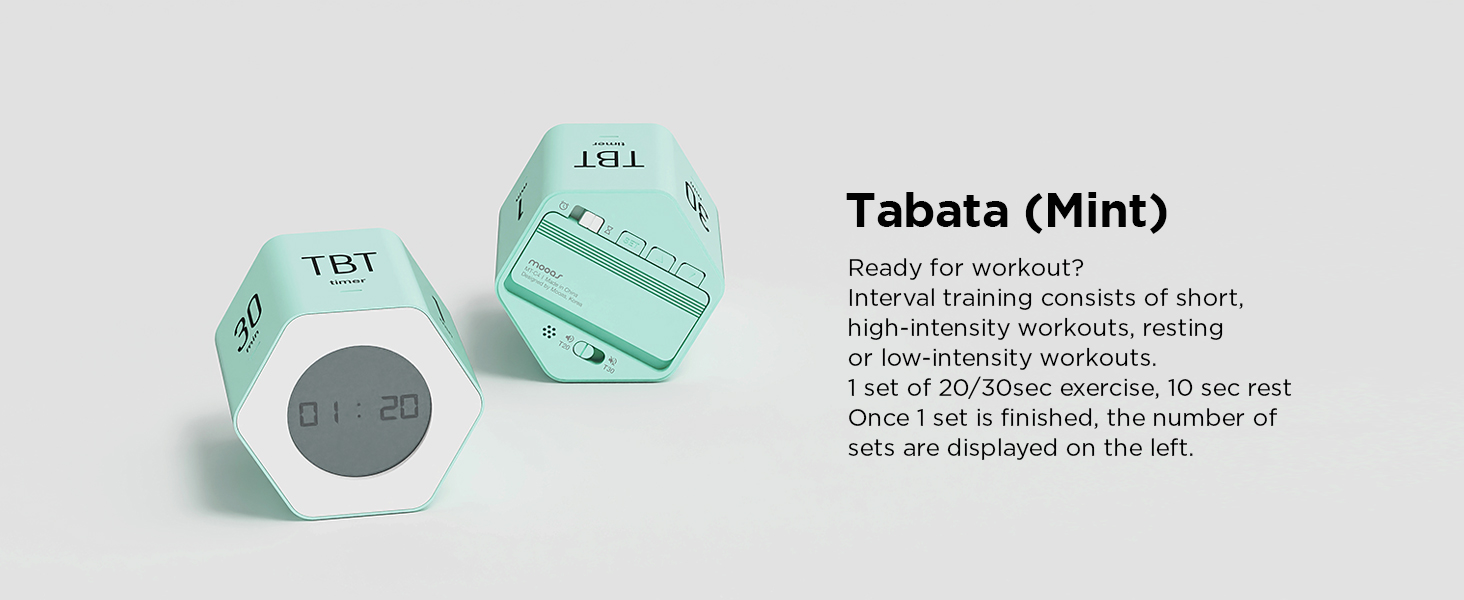
*Tabata mode (For mint only): Use alarm mode switch to set desired time. (T20 : 20 sec mode / T30 : 30 sec mode). In Tabata mode, silent setting is not possible.
How to change Tabata time
Alarm / Snooze mode
In clock mode, short press SET button to turn on/off the alarm. When alarm is activated, AL icon appears on the screen. When alarm rings, press any button at the back to stop the alarm.
Turn the timer to other sides when alarm rings and snooze is activated. When snooze starts, AL icon blinks. Snooze rings for 9 minutes and number of repetitions is unlimited.
Press any button on the back to stop snooze. When the snooze stops, AL icon stops blinking and the alarm rings at the same time next day
How to fit the battery cover
Battery cover
With the set icon and Mooas logo aligned in the same direction, Just close it up.
Mooas Cube Timer Series Comparison
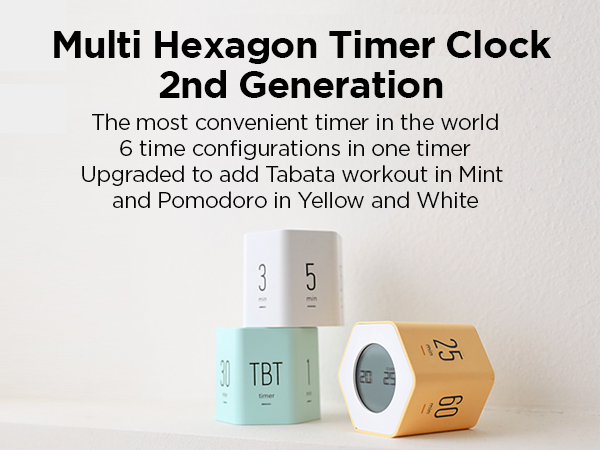
Multi Hexagon Timer Clock | Cube Timer | Multi Cube Timer Clock | Visual Timer Clock | Big Mirror Timer Clock | Timer LED Nightlight | Dodecagon Time Ball |
|---|---|---|---|---|---|---|
| Customer Reviews | ||||||
| — | — | — | — | — | — | — |
| Price | ||||||
| — | — | — | — | — | — | — |
| Size (Inch) | ||||||
| 2.46 x 2.77 x 2.36(W x D x H) | 2.6 x 2.6 x 2.6(W x D x H) | 2.36 x 2.36 x 2.16(W x D x H) | 3.94 x 0.94 x 4.92 (W x D x H) | 15 x 10 x 6.7(W x D x H) | 3.15 x 3.15 x 3.15(W x D x H) | 2.2 x 2.2 x 1.8 (W x D x H) |
| Weight | ||||||
| 0.19 lbs | 0.16 lbs | 0.15 lbs | 0.39 lb | 1.60 lbs | 0.32 lbs | 0.1 lbs |
| Material | ||||||
| ABS | ABS | ABS | ABS | ABS | ABS, HIPS | ABS, PC |
| Color | ||||||
| White, Yellow, Mint | White,Yellow,Mint,Coral,Violet | White,Yellow,Mint,Coral,Violet | White | White | Light Brown, Dark Brown | White, Blue, Sand peach |
| Function | ||||||
| Timer, Clock | Timer | Timer, Clock | Multi-timer clock | Timer, Alarm, Nightlight | Timer, Nightlight | Timer (11 mode) |
| Alarm mode | ||||||
| Backlight, Sound, Silence | Sound, Silence | Backlight, Sound, Silence | LCD screen Backlit display | 3 Level Auto Brightness | 2 Level Brightness | Sound, Vibration, Silent |
| Power | ||||||
| 2 AAA battery (Not included) | 2 AAA battery (Not included) | 2 AAA battery (Not included) | AAA battery x 2 (Not included) | 5V 1A power adaptor(Included) | Micro 5pin USB Cable(Included) | Type C USB cable (Included) |
| Battery capacity | ||||||
| - | - | - | - | - | 1200 mAh Battery | 550 mAh Battery |
| Composition | ||||||
| Timer, Manual | Timer, Manual | Timer, Manual | Main, Wall mount hook, Manual | Timer, remote,cable, adaptor | Timer, 5pin USB cable, Manual | Timer, TypeC USB cable, Manual |