






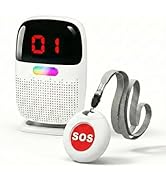
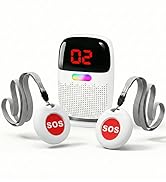
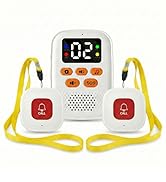
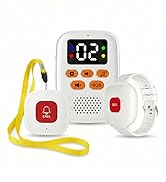




Pair SOS button with the hub
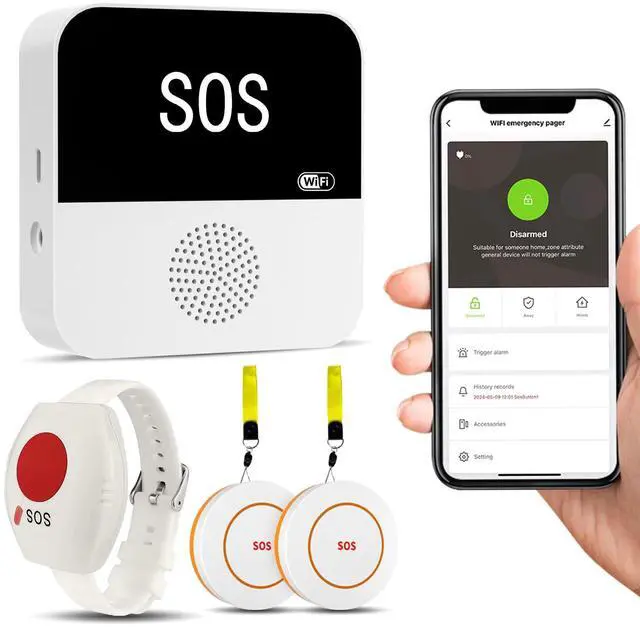
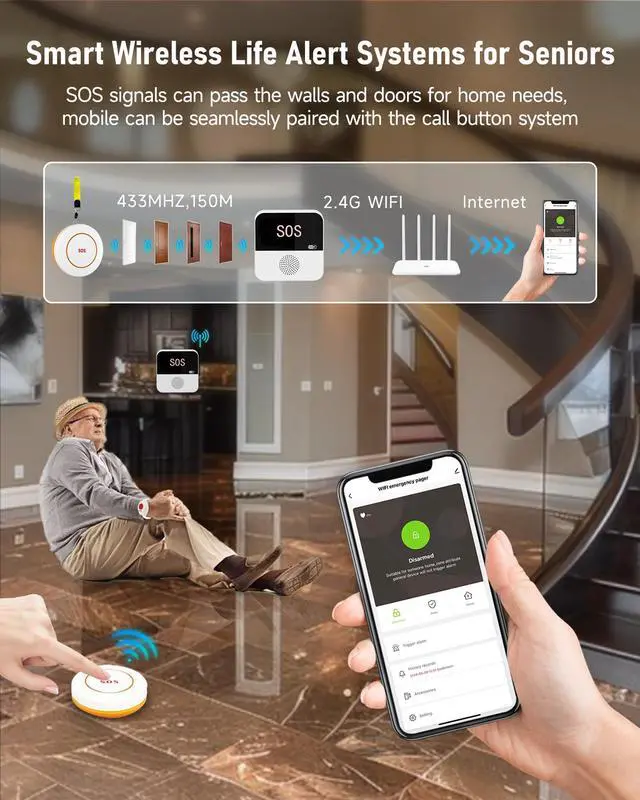
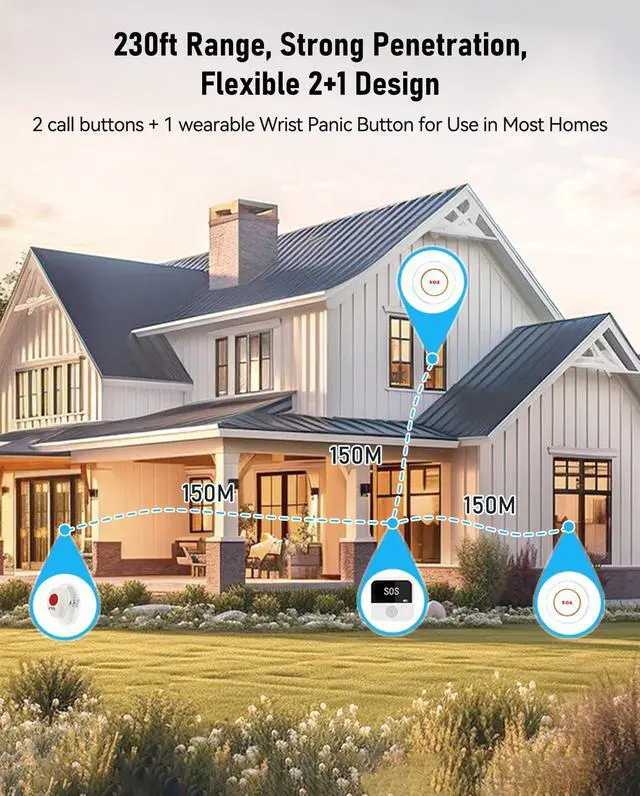
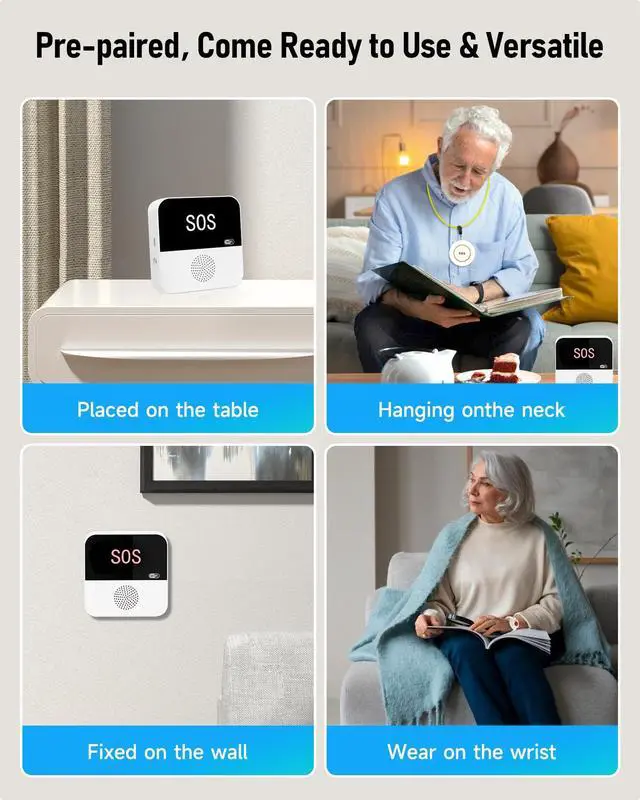
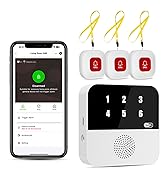
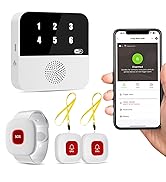
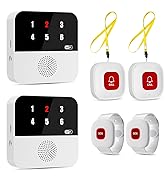
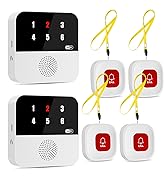
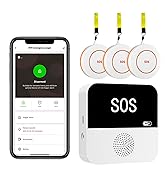
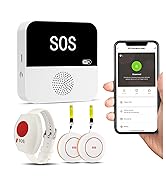
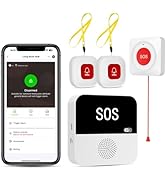
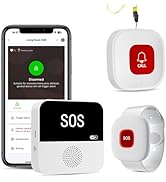
By default, the three panic buttons are already connected to the hub and can be used directly. If pressing the SOS button does not work, please pair it with the hub as follows:
- Press the key on the back of the receiver briefly. The receiver will emit a beep and remain active for 15 seconds.
- Short press the SOS Button, and the Receiver will stop "beep" after successful pairing
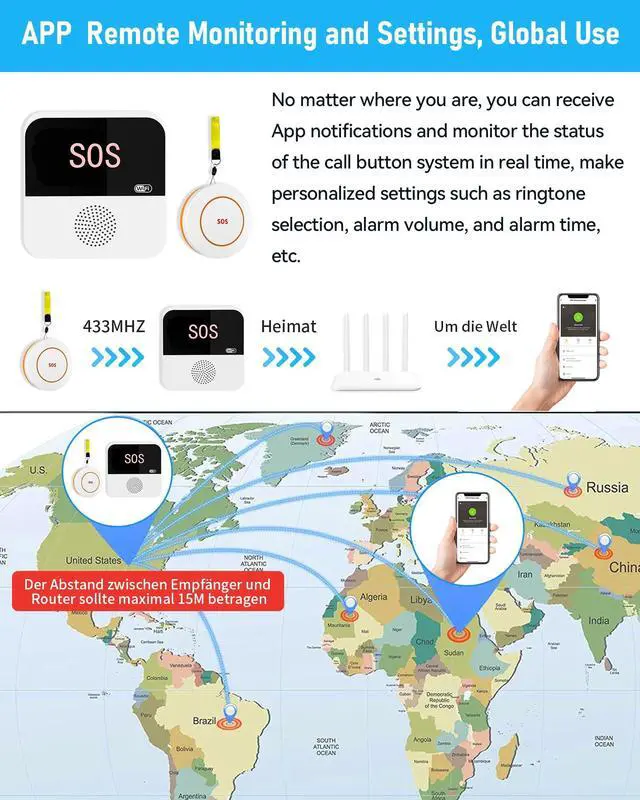
Pair the hub with APP
- Download the APP
- Connect your phone to WIFI and turn on bluetooth
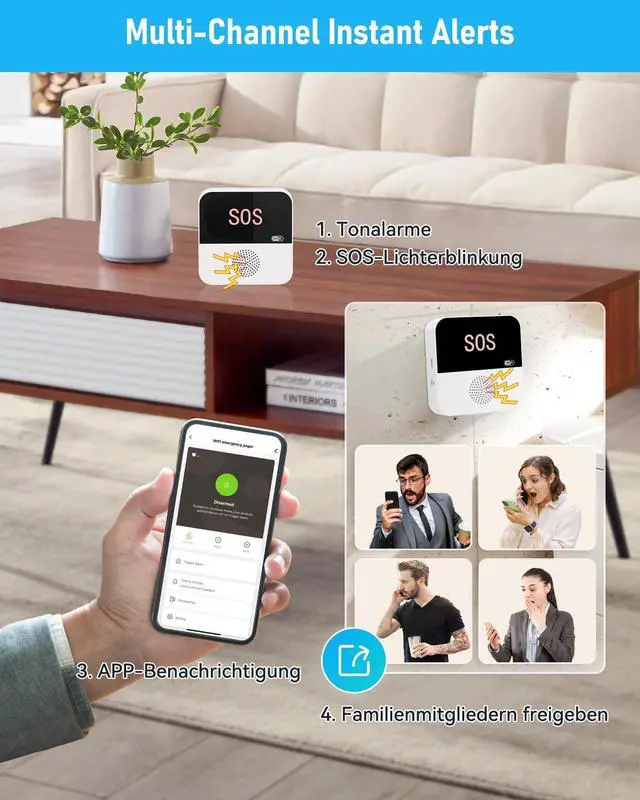
- Long press the key in the back of the hub for 6s, and the green light flash continously
- Open APP, clik "Add Device", input the name and password of the WIFI, normaly it will be add sucessful.
PILSAMAS
Dedicated to Dignity, Driven by Care
WiFi Caregiver with ID Display
Wi-Fi Caregiver Alert System
Bed Alarm & Motion Sensor
Rechargeable Pages and Buttons
Daily Living Aids
PILSAMAS
Dedicated to Dignity, Driven by Care