


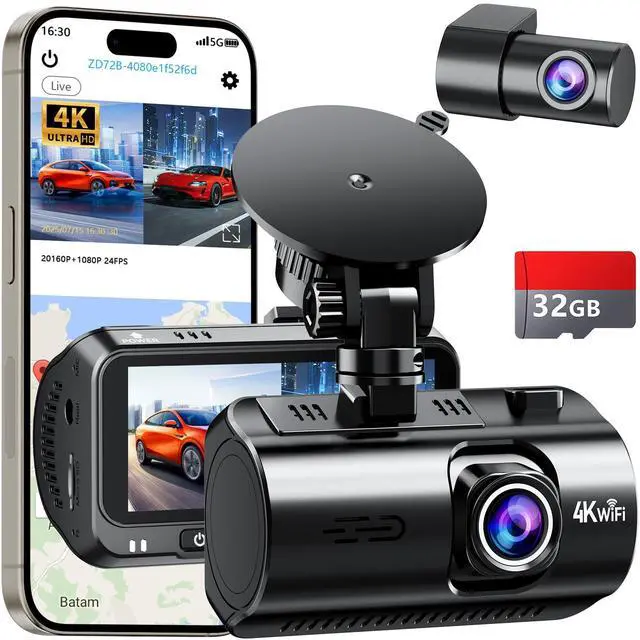
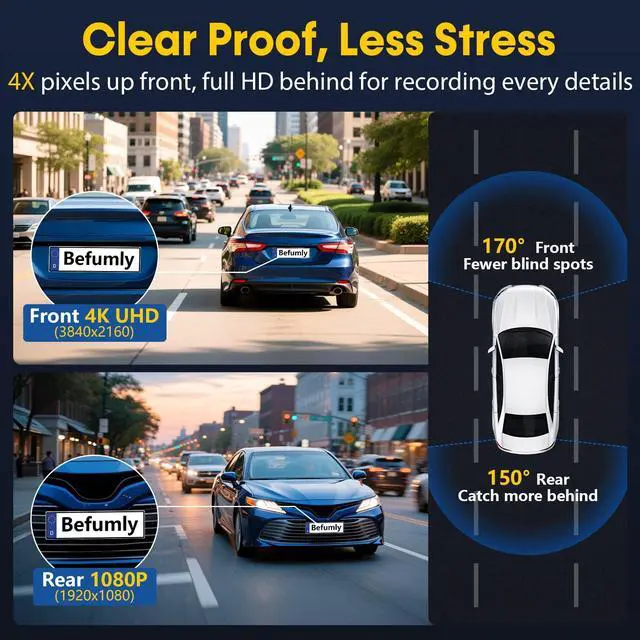
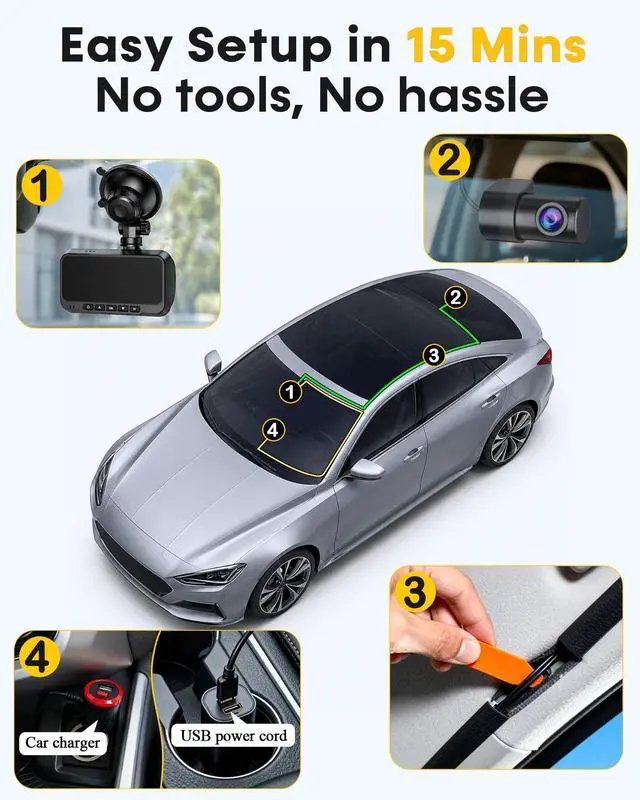
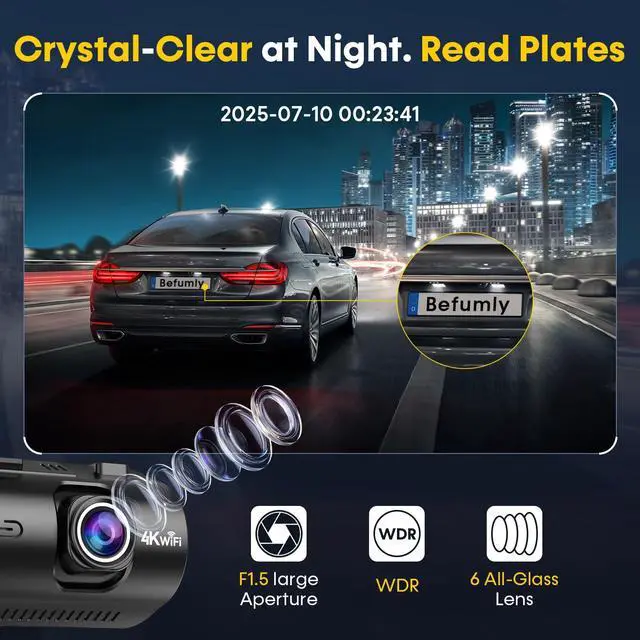


4K Dash Cam Front and Rear for Commuters & Uber Drivers
dash cam front and rear
Merchant VideoWith this dash camera for cars, your safe actions will be recorded if you ever meets with a reckless driver. Excellent source of added security while traveling. The dash cam is primarily used by everyday drivers, rideshare workers, and fleet managers.


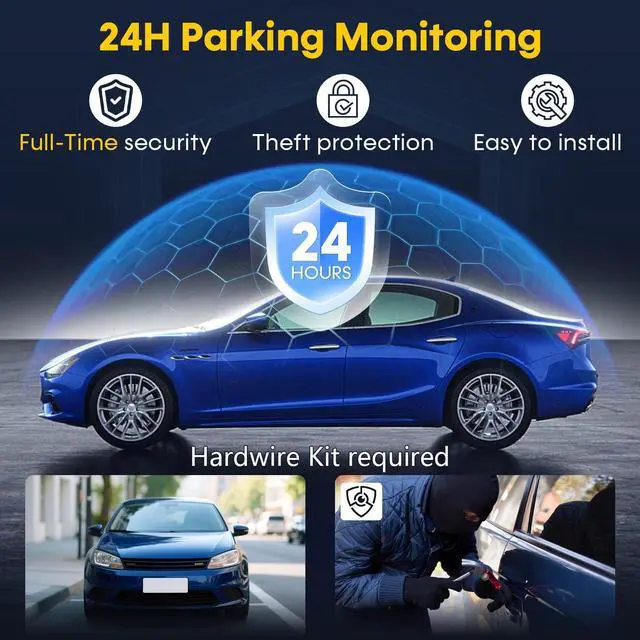
24H Parking Monitor
The dashcam front and rear camera provides 24/7 monitoring to deter thieves and vandals.

G-sensor Parking Monitor
If someone hits your car while it was parked, and if the impact reaches its set G-Sensor level.Camera will turm on and lock the recorded video automatically.


How to use the 24 hours parking monitor function?
A dedicated hardwire kit is required forthis function. The 4k dash cam support 24 hours parking monitoring only when it is connected to our hardwire kit (not included in the package).
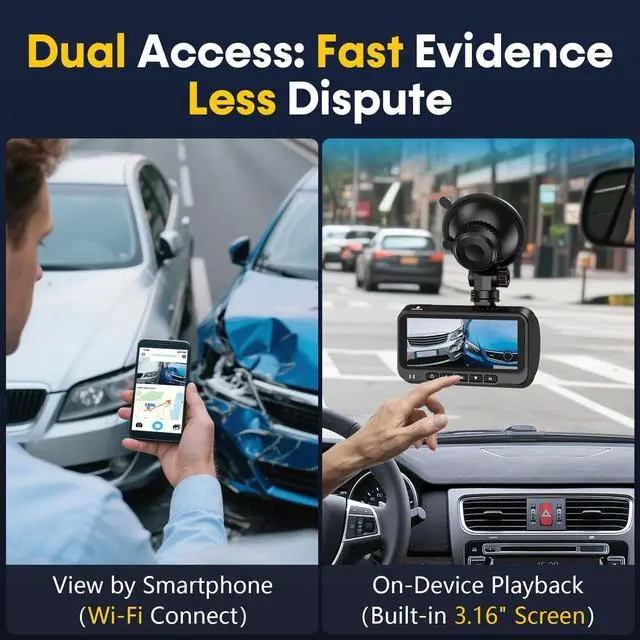
How does built-in wifi work? How do I connect dash cam to my phone?
Download the exclusive app WitCam, turn on dash cam wifi, then connect it. You can refer to the instruction manual where detailed operating steps are described,if you stil have questions,please just contact the 24/7 support team.
Why does the dash cam keep prompting "Exception or no SD card" after inserting or formatting an SD card in the setting?
1.We suggest to format the SD card into FAT32 or exFAT format on PC, then on Dashcam to format the SD card again. If still no storge, you need change another one 2.Make sure you are using the recommended, CLASS 10, U3 Speed, and 128GB Max SD card.
What should you do if you lose/can't find some of the video files?
The car cam has loop recording,it wll delete the oldest files and record newer files when SD card is full. When an accident occurs, important videos are stored in locked video files, if you can't find them please contact support team!
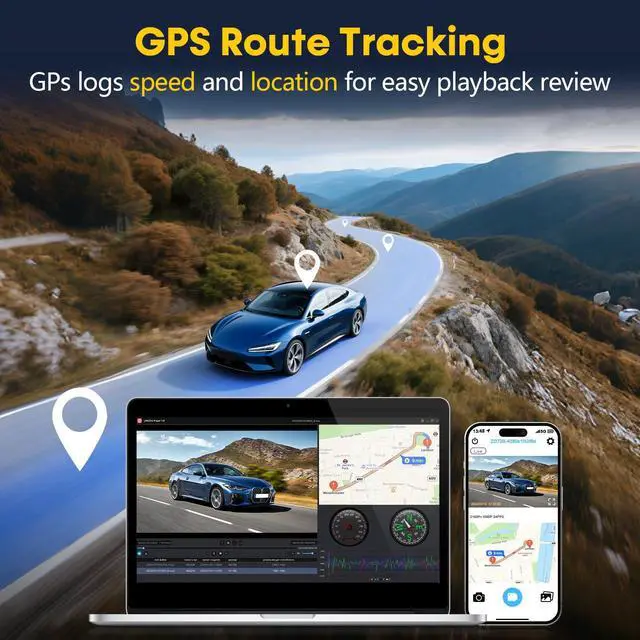
What should you do if you can't successfully locate the GPS from the dash cam in the car?
Turn on dashcam in an open areawait for about 2 mins,see GPS icon on the upper right of screen turns green,and the speed display means GPS has been positioned. lf there is a metal film on the car,it will affect the GPS,please cut a hole out of film.
4K Dash Cam Front and Rear for Commuters & Uber Drivers
dash cam front and rear
Merchant VideoWith this dash camera for cars, your safe actions will be recorded if you ever meets with a reckless driver. Excellent source of added security while traveling. The dash cam is primarily used by everyday drivers, rideshare workers, and fleet managers.


24H Parking Monitor
The dashcam front and rear camera provides 24/7 monitoring to deter thieves and vandals.
G-sensor Parking Monitor
If someone hits your car while it was parked, and if the impact reaches its set G-Sensor level.Camera will turm on and lock the recorded video automatically.


How to use the 24 hours parking monitor function?
A dedicated hardwire kit is required forthis function. The 4k dash cam support 24 hours parking monitoring only when it is connected to our hardwire kit (not included in the package).
How does built-in wifi work? How do I connect dash cam to my phone?
Download the exclusive app WitCam, turn on dash cam wifi, then connect it. You can refer to the instruction manual where detailed operating steps are described,if you stil have questions,please just contact the 24/7 support team.
Why does the dash cam keep prompting "Exception or no SD card" after inserting or formatting an SD card in the setting?
1.We suggest to format the SD card into FAT32 or exFAT format on PC, then on Dashcam to format the SD card again. If still no storge, you need change another one 2.Make sure you are using the recommended, CLASS 10, U3 Speed, and 128GB Max SD card.
What should you do if you lose/can't find some of the video files?
The car cam has loop recording,it wll delete the oldest files and record newer files when SD card is full. When an accident occurs, important videos are stored in locked video files, if you can't find them please contact support team!
What should you do if you can't successfully locate the GPS from the dash cam in the car?
Turn on dashcam in an open areawait for about 2 mins,see GPS icon on the upper right of screen turns green,and the speed display means GPS has been positioned. lf there is a metal film on the car,it will affect the GPS,please cut a hole out of film.