
Your Browsing History

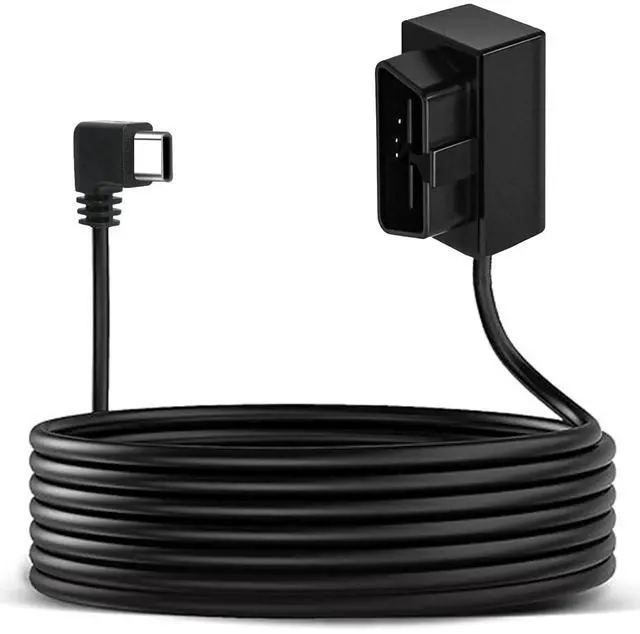
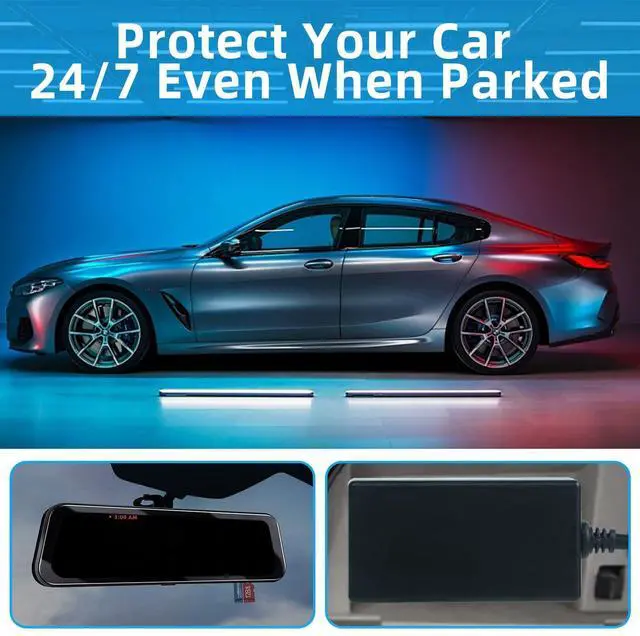
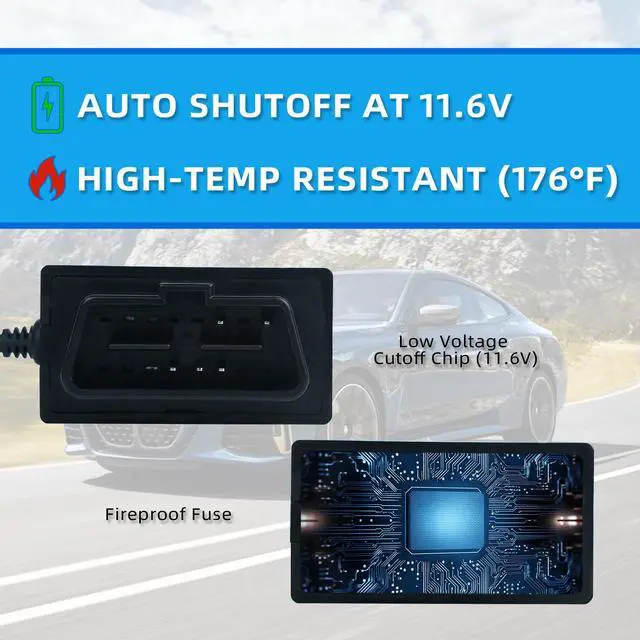
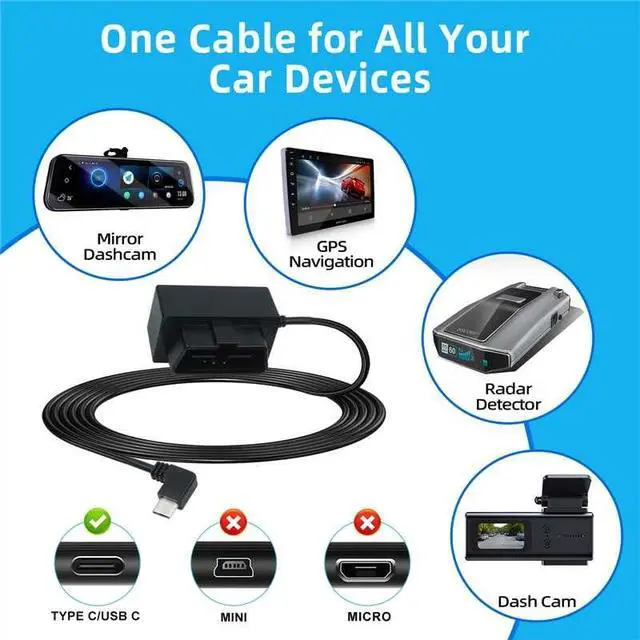
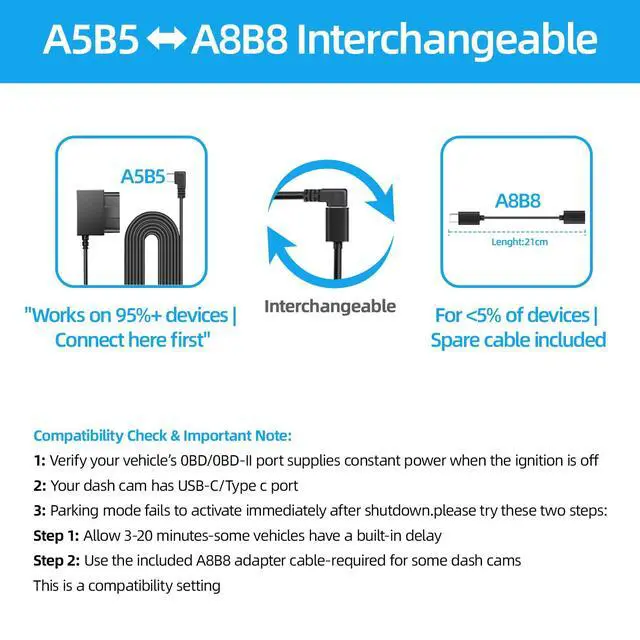

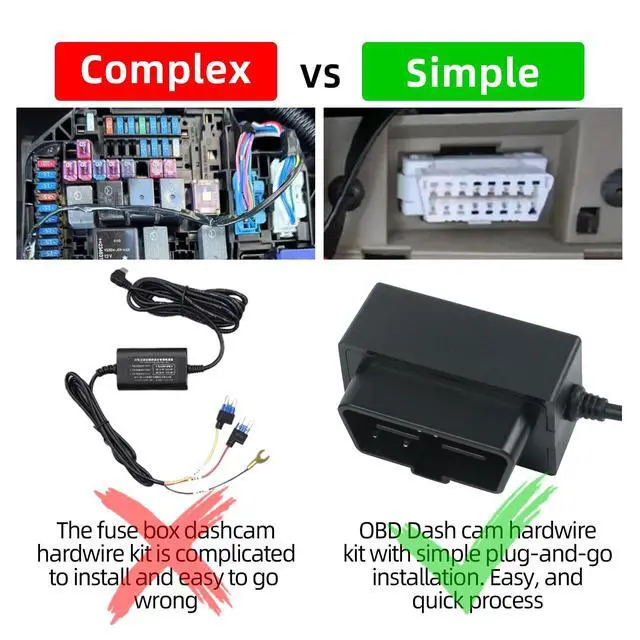



Before purchase, ensure your vehicle's OBD port provides a constant 12V power source when the ignition is off. Without this, parking mode, USB output, and dash cam operation will not work. Verify compatibility for 12V vehicles only. This plug-and-play OBD2 to USB-C cable allows for simple connection to your vehicle's port, eliminating the need for wiring or fuse box access. It enables a fuse box-free, easy installation perfect for a clean, hidden setup. Note: It is not compatible with Electric Vehicles made before 2005. The adapter automatically powers your dash cam upon ignition (ACC mode) and provides continuous surveillance while parked, ensuring 24/7 security. It features a low voltage cutoff (11.6V) to prevent battery drain and protect your car battery in all conditions, including winter, making it ideal for extended parking. The hardwire kit with a USB-C port offers wide compatibility for car DVRs, GPS units, and radar detectors. Built-in surge protection helps maintain clear video quality. Its hidden wiring design keeps the dashboard tidy while delivering stable power. The package includes an A5-to-A8 signal adapter to address parking mode compatibility for specific dash cam models. A compatibility check is required: Verify your vehicle's OBD/OBD-II port provides constant power when off and that your dashcam has a USB-C port. Most vehicles support this; consult your owner's manual or test with a voltmeter. Verification before purchase ensures proper fit and full functionality. Important note: If your dash cam's parking mode does not receive power immediately after shutdown, try: 1) Allowing 3-20 minutes, as some vehicles have a built-in delay, or 2) Using the included A8B8 adapter cable (required for some dash cams). This relates to vehicle compatibility settings. Safety features include automatic power cutoff during short circuits or overloads. Constructed with high-temperature resistant materials (rated up to 185°F) to minimize risks, it includes an intelligent control chip and low voltage protection (11.6V cutoff) for safe, reliable power to your dash cam while safeguarding your vehicle's battery