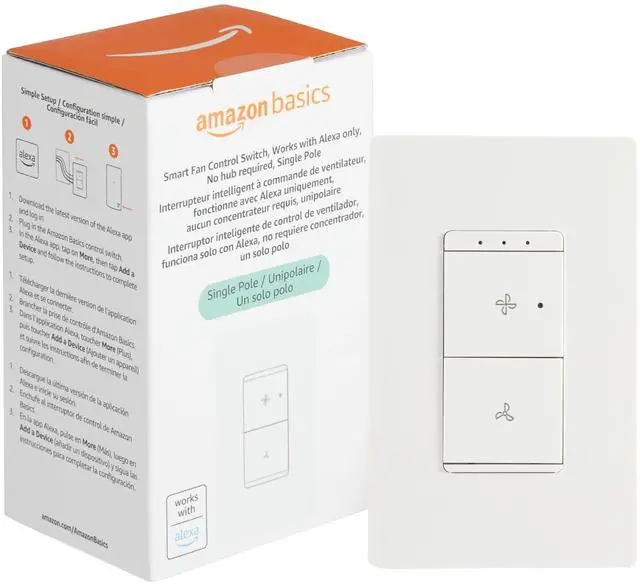
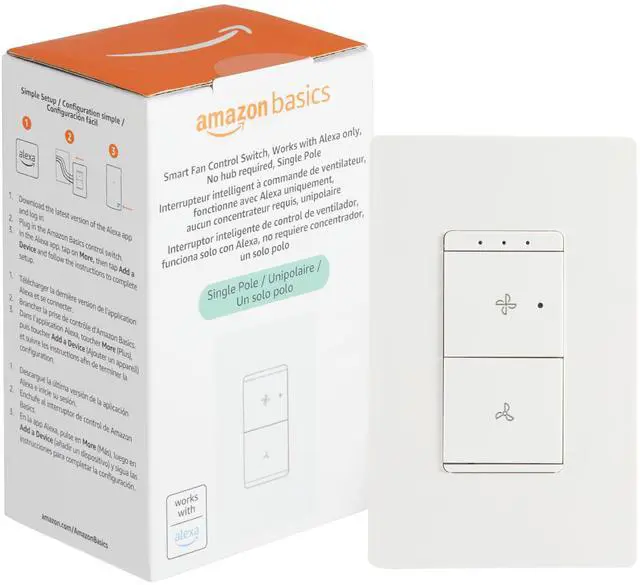
Smart Ceiling Fan Control Switch, 4-Speed, Single Pole, Voice Control, Works with Alexa Only, Control from Anywhere, 2.4 GHz Wi-Fi, No Hub Required, White
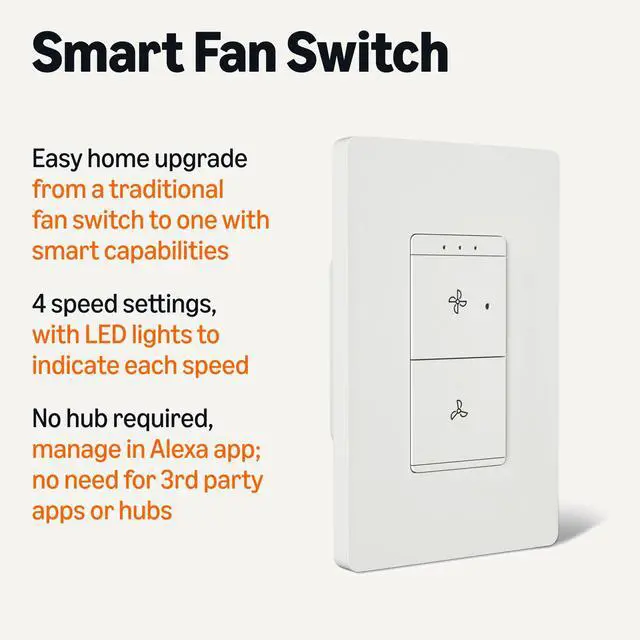
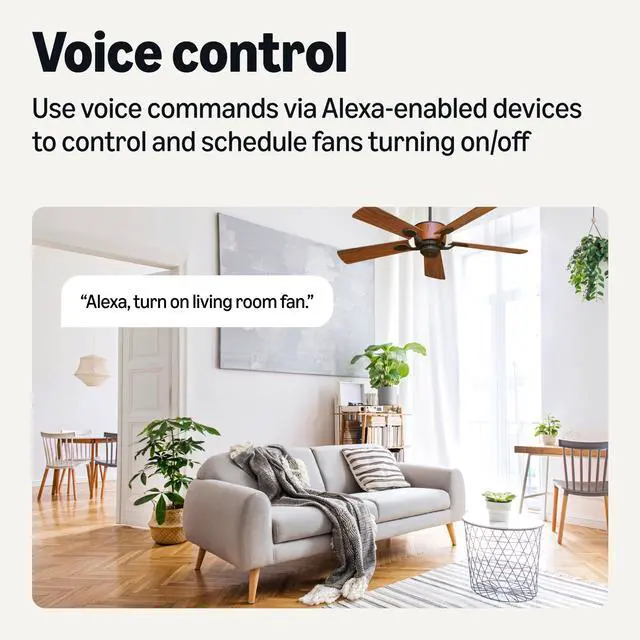
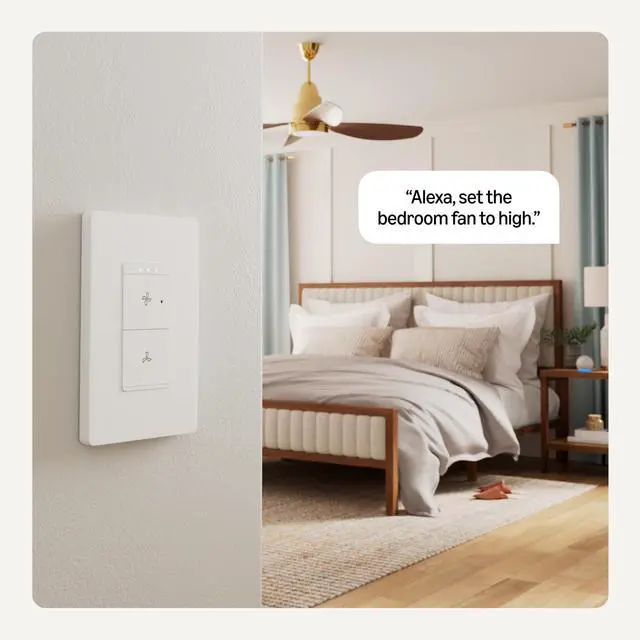
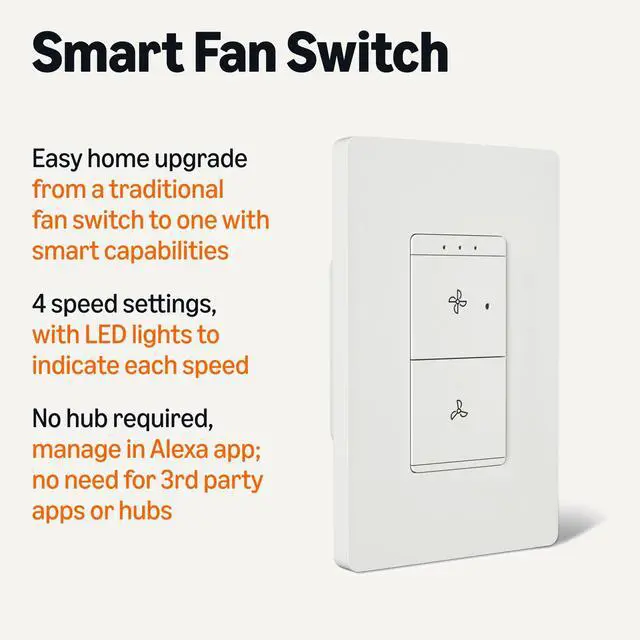
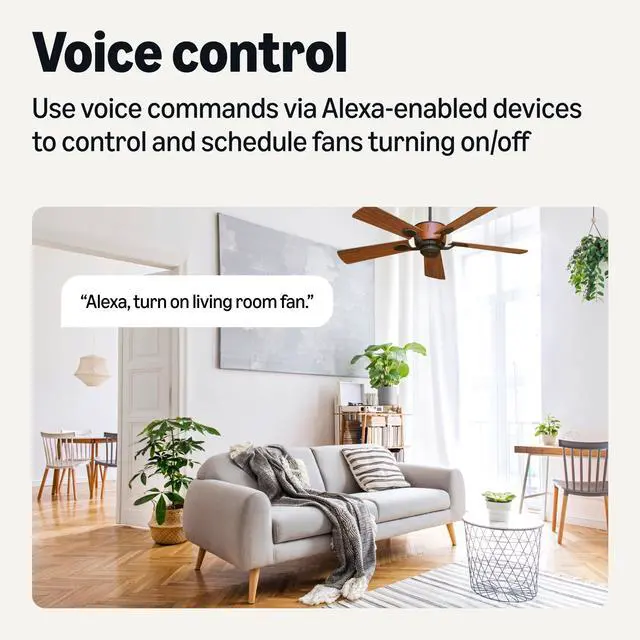
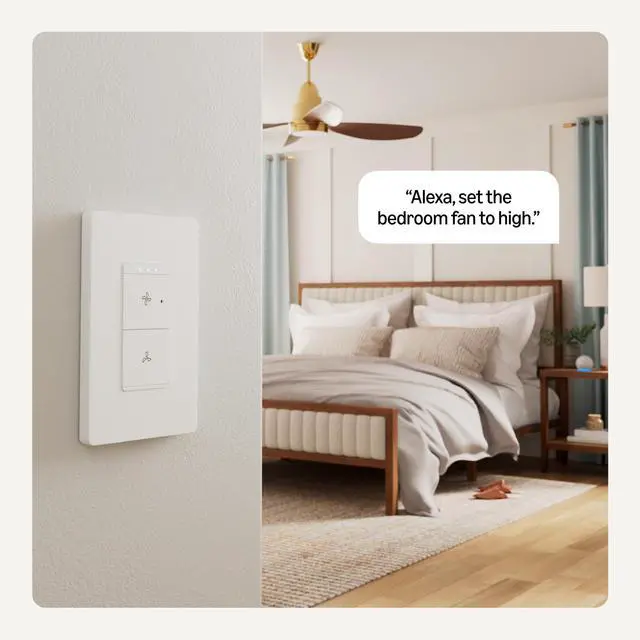
SMART UPGRADE: Works with Alexa to add voice control to your home; an easy upgrade from your traditional single pole fan switch
FUNCTIONS: Has 4 speed settings with LED lights to indicate each speed setting
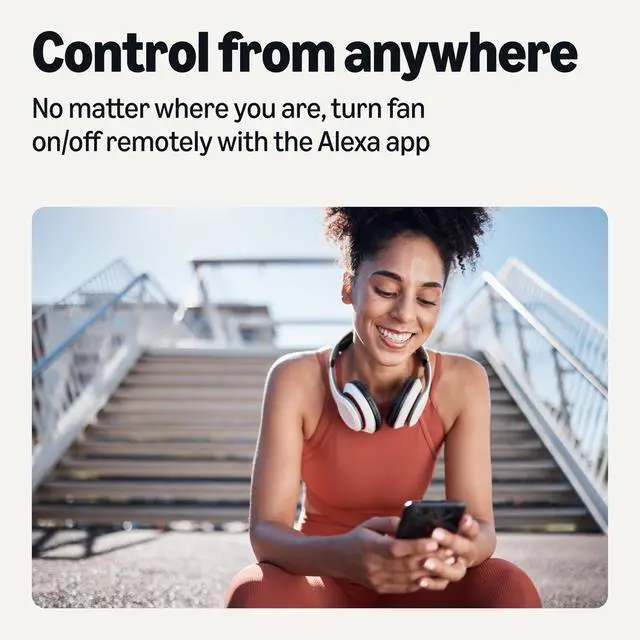
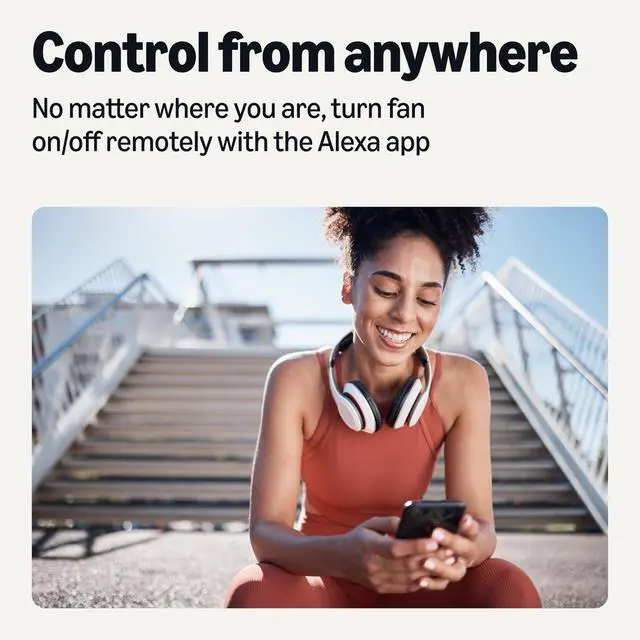
CONTROL FROM ANYWHERE: Schedule fans to turn on and off with Alexa routines and control them from anywhere using the Alexa app
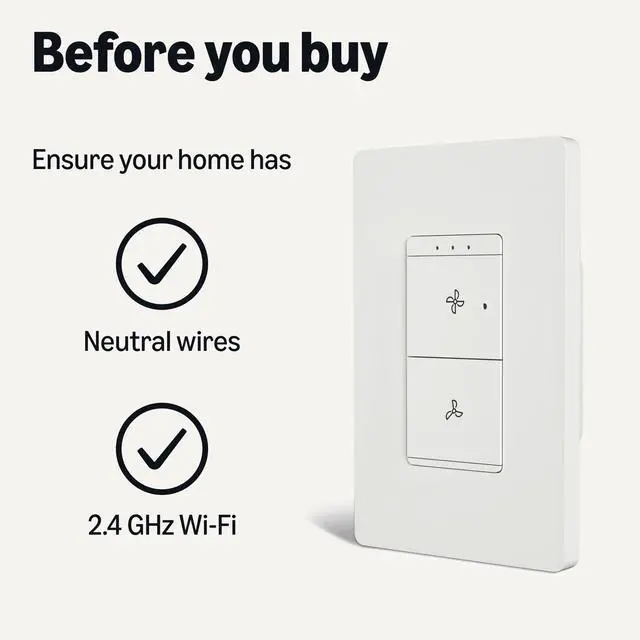
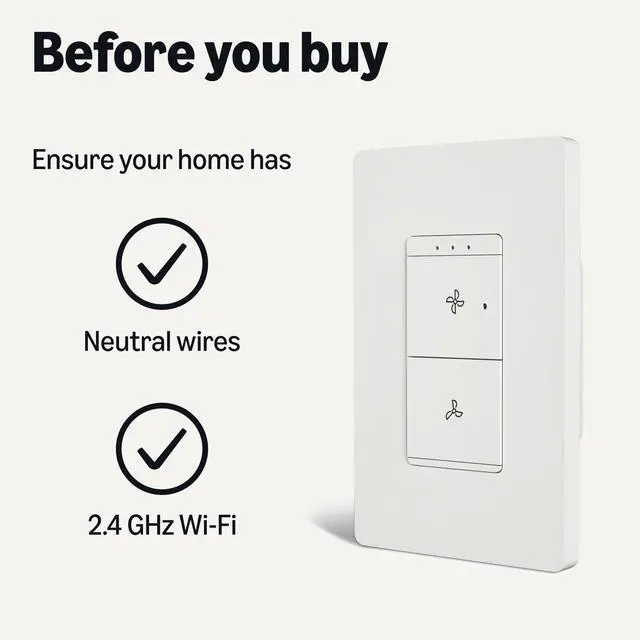
COMPATIBILITY: 1-way ceiling fan control; requires neutral wires and 2.4 GHz Wi-Fi
NO 3RD PARTY APPS OR HUBS REQUIRED: Set up and manage connected devices directly in the Alexa app; no need for additional smart hubs or 3rd party apps; only compatible with Alexa
GUIDED INSTALLATION: Follow step-by-step guidance in the user manual to set up your switch
+
+
Overview
Specs
Reviews
Any questions? Our AI beta will help you find out quickly.
How to Install, Set Up, and Create Routines with Alexa
Installation Requirements
Neutral wires are required. Most US homes built after 1978 have neutral wires. To check, turn off power at your circuit breaker and remove the existing switch to see if a pair of white neutral wires is present. If unsure, contact an electrician.
Wi-Fi Compatibility
Only works with 2.4 GHz Wi-Fi. Does not work with 5GHz or 6GHz Wi-Fi bands. If you have a dual Wi-Fi router and both network signals have the same name, rename one and try reconnecting to the 2.4GHz network
How to install the switch
Do it yourself by following the step-by-step guide provided in the box. If unsure, contact an electrician.
How to set up with Alexa
Download the latest version of the Alexa app. Open the Alexa app, tap the Devices icon, and click the + icon to get started.
How to activate motion sensors
Motion sensors are activated by creating a Routine in the Alexa app. After you've connected the switch to Alexa, tap the Devices Icon, and find the switch in your list of devices. Tap "Create a Routine" and select the "+" in the upper right corner. Configure the routine by selecting "Add an event" and selecting "Smart Home." Select the switch, and configure to: “if motion is detected, then turn on the switch.”
If motion is not detected
Create a separate Routine following the steps above to turn off your lights when motion is not detected after a specified number of minutes.
Compatible with other devices
Routines will also allow you to control other devices or groups of devices based on the motion sensor in the Basics Smart Dimmer Switch. For example, you can create a routine to play music or turn on the TV when motion is detected.
Household Needs
Electronics
Pet Supplies
How to Install, Set Up, and Create Routines with Alexa
Installation Requirements
Neutral wires are required. Most US homes built after 1978 have neutral wires. To check, turn off power at your circuit breaker and remove the existing switch to see if a pair of white neutral wires is present. If unsure, contact an electrician.
Wi-Fi Compatibility
Only works with 2.4 GHz Wi-Fi. Does not work with 5GHz or 6GHz Wi-Fi bands. If you have a dual Wi-Fi router and both network signals have the same name, rename one and try reconnecting to the 2.4GHz network
How to install the switch
Do it yourself by following the step-by-step guide provided in the box. If unsure, contact an electrician.
How to set up with Alexa
Download the latest version of the Alexa app. Open the Alexa app, tap the Devices icon, and click the + icon to get started.
How to activate motion sensors
Motion sensors are activated by creating a Routine in the Alexa app. After you've connected the switch to Alexa, tap the Devices Icon, and find the switch in your list of devices. Tap "Create a Routine" and select the "+" in the upper right corner. Configure the routine by selecting "Add an event" and selecting "Smart Home." Select the switch, and configure to: “if motion is detected, then turn on the switch.”
If motion is not detected
Create a separate Routine following the steps above to turn off your lights when motion is not detected after a specified number of minutes.
Compatible with other devices
Routines will also allow you to control other devices or groups of devices based on the motion sensor in the Basics Smart Dimmer Switch. For example, you can create a routine to play music or turn on the TV when motion is detected.
Smart Ceiling Fan Control Switch, 4-Speed, Single Pole, Voice Control, Works with Alexa Only, Control from Anywhere, 2.4 GHz Wi-Fi, No Hub Required, White
Learn more about the Detailed Specifications
Details
Material
Plastic
Additional Information
First Listed on Newegg
May 20, 2026
There are no reviews yet.
Do you own this product?
Warranty & Returns
Warranty, Returns, And Additional Information
Warranty
Please contact the Seller directly for warranty information. Warranty information may also be found on the Manufacturer's website.