


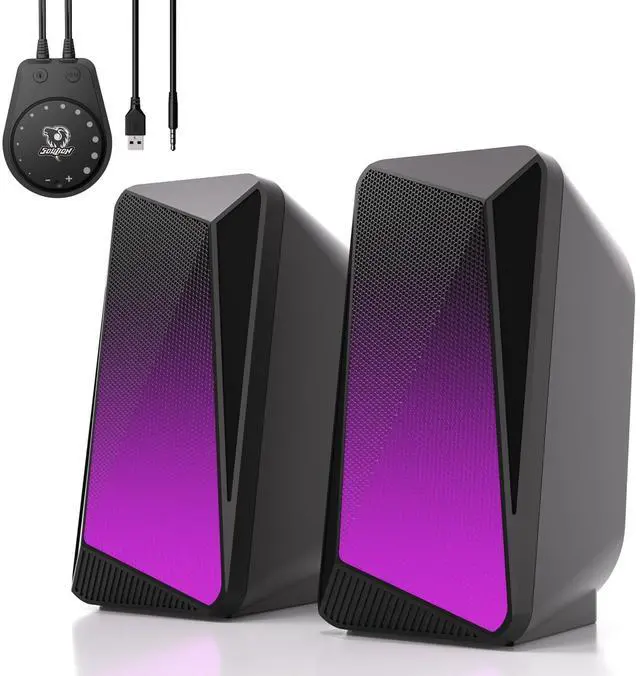


C30 Speakers Video
Merchant Video2 Connection Methods

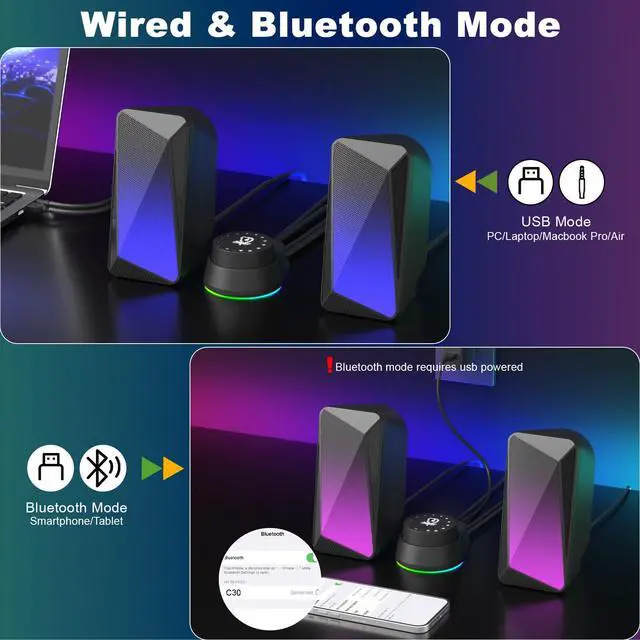
USB Powered and 3.5mm Aux Mode - Plug & Play
- Plug into the USB port for power and press the "M" key to select “Aux Mode”;
- Plug 3.5 mm jack for sound. Press the "M" key to select "Aux Mode".
Tips: For desktop computers, insert 3.5 mm jack into the back end of the host to reduce the current sound.

Bluetooth Mode - Plug & Pair
- Plug in the USB port and press the "M" key to select “Bluetooth Mode”;
- Search "C 30" on your smartphone/tablet and connect.
Tips: The Bluetooth connection must be within a certain range (10 meters / 33 feet) to remain stable.


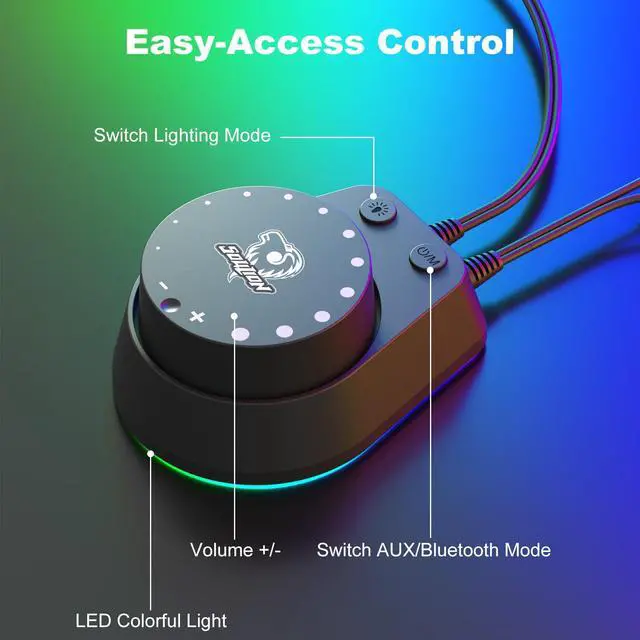
Product Details for Buttons

Mode Switch
- Power On/Off
- USB Powered and 3.5mm Aux Mode
- USB Powered and Bluetooth Mode

LED Light Switch
- Light On/Off
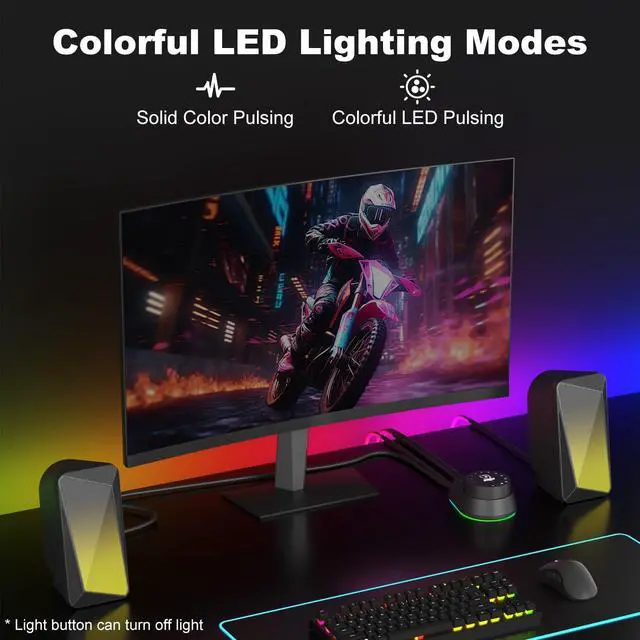
- 2 LED Lighting Modes: Pulsing Mode/Flame LED Mode
- Press and Hold for 3 Seconds to Clear Bluetooth Memory

Rotate the Knob
- Turn Clockwise - Volume -
- Turn Counterclockwise - Volume +

Bottom LED light
- Set the mood when listening to music/watching movies/playing games
- Insert the USB and the bottom light will stay on


SOULION COMPUTER SPEAKER - Just Play, Have Fun!
 C30 Computer Speakers |  R50 PC Speaker |  R100 PC Speaker | 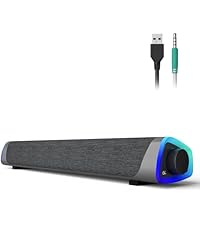 R30 PC Speaker | 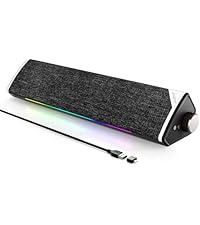 R60 PC Speaker | 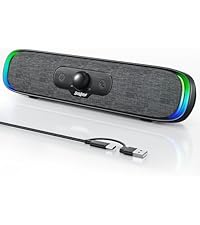 R200 Computer Speakers |  R80 Computer Speakers | |
|---|---|---|---|---|---|---|---|
Customer Reviews | — | — | — | — | — | — | — |
Price | — | — | — | — | — | — | — |
Bluetooth Mode(USB Powered) | ? | ? | ? | ? | ? | ? | ? |
Memory Function | ? | ? | ? | ? | ? | ? | ? |
Voice Prompt | ? | ? | ? | ? | ? | ? | ? |
Wired Mode | USB & Aux Cable | USB & Aux Cable | 2-in-1 USB Cable | USB & Aux Cable | 2-in-1 USB Cable | 2-in-1 USB Cable | 2-in-1 USB Cable |
Lighting Effects | Optional LED Effects | Optional LED Effects | Optional LED Effects | Auto Conversion | Optional LED Effects | Optional LED Effects | Optional LED Effects |
Color | Black | Grey/White | Grey/White | Grey/White | Black/White | Grey | Black |

C30 Speakers Video
Merchant Video2 Connection Methods
USB Powered and 3.5mm Aux Mode - Plug & Play
- Plug into the USB port for power and press the "M" key to select â??Aux Modeâ??;
- Plug 3.5 mm jack for sound. Press the "M" key to select "Aux Mode".
Tips: For desktop computers, insert 3.5 mm jack into the back end of the host to reduce the current sound.
Bluetooth Mode - Plug & Pair
- Plug in the USB port and press the "M" key to select â??Bluetooth Modeâ??;
- Search "C 30" on your smartphone/tablet and connect.
Tips: The Bluetooth connection must be within a certain range (10 meters / 33 feet) to remain stable.


Product Details for Buttons
Mode Switch
- Power On/Off
- USB Powered and 3.5mm Aux Mode
- USB Powered and Bluetooth Mode
LED Light Switch
- Light On/Off
- 2 LED Lighting Modes: Pulsing Mode/Flame LED Mode
- Press and Hold for 3 Seconds to Clear Bluetooth Memory
Rotate the Knob
- Turn Clockwise - Volume -
- Turn Counterclockwise - Volume +
Bottom LED light
- Set the mood when listening to music/watching movies/playing games
- Insert the USB and the bottom light will stay on
How to Setup: Windows
How to Setup: Mac
Troubleshooting
SOULION Brand Story


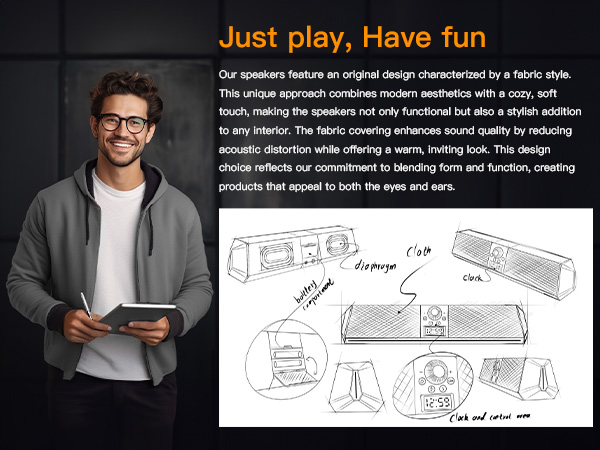
SOULION COMPUTER SPEAKER - Just Play, Have Fun!
C30 Computer Speakers | R50 PC Speaker | R100 PC Speaker | R30 PC Speaker | R60 PC Speaker | R200 Computer Speakers | R80 Computer Speakers |
|---|---|---|---|---|---|---|
| Customer Reviews | ||||||
| — | — | — | — | — | — | — |
| Bluetooth Mode(USB Powered) | ||||||
| ? | ? | ? | ? | ? | ? | ? |
| Memory Function | ||||||
| ? | ? | ? | ? | ? | ? | ? |
| Voice Prompt | ||||||
| ? | ? | ? | ? | ? | ? | ? |
| Wired Mode | ||||||
| USB & Aux Cable | USB & Aux Cable | 2-in-1 USB Cable | USB & Aux Cable | 2-in-1 USB Cable | 2-in-1 USB Cable | 2-in-1 USB Cable |
| Lighting Effects | ||||||
| Optional LED Effects | Optional LED Effects | Optional LED Effects | Auto Conversion | Optional LED Effects | Optional LED Effects | Optional LED Effects |
| Color | ||||||
| Black | Grey/White | Grey/White | Grey/White | Black/White | Grey | Black |