






Compatible with the Following TV Remote
- Sound Bar compatible with Fire TV, Fire stick or Fire TV Cube Remote .
- Additional remotes compatible with Roku box or Roku TVs can be provided as per your request(Not compatible with ROKU Stick).
- Sound Bar Compatible with Google Chromecast Remote
- Sound Bar compatible with Apple TV remote.

Enjoy Music Wirelessly with Bluetooth 5.3
- Compatible with Echo Dot, POP Via Bluetooth.
- Phones, tablets, computers, projectors, laptops, and more.
- If the soundbar has delayed audio, this can be fixed via the audio settings on your TV.
Must Read Before Purchasing
- *The soundbar is NOT compatible with Dolby or DTS audio formats. To ensure the soundbar works with all your streaming apps, please set the audio output format to PCM/Stereo on both your TV and streaming device (such as a Roku Box/Stick, Fire Stick, etc.). Please note that incorrect settings may result in static or no sound.
- *The soundbar does not support HDMI-ARC. Please check if your TV has a DIGITAL OPTICAL OUTPUT or an AUDIO OUT (headphone) port.
- *The soundbar cannot connect to headphones.
The soundbar has only static when watching TV, what's the problem?
The soundbar is not compatible with Dolby and DTS, please kindly disable the related settings on both your TV and video streaming APPs; Besides, setting the TV audio output format to PCM or Stereo.
Can I use my TV remote to control the soundbar? I don't want to use two remotes.
Yes. Please reach out to us, and you can get an additional remote which is compatible with Roku TV or Roku EXPRESS.Also,our soundbar is compatible with Fire TV/Stick remote, and Google Chromcast remote.
My remote is broken , how do l get a replacement remote?
A free remote can be provided as per your request.
I have connected the soundbar with my TV via bluetooth, and how can I connect it with my smartphone?
You will need to disconnect the bluetooth connection by press and hold BT on remote for 2S before connecting it with another device via bluetooth.
How long is the cable for subwoofer?
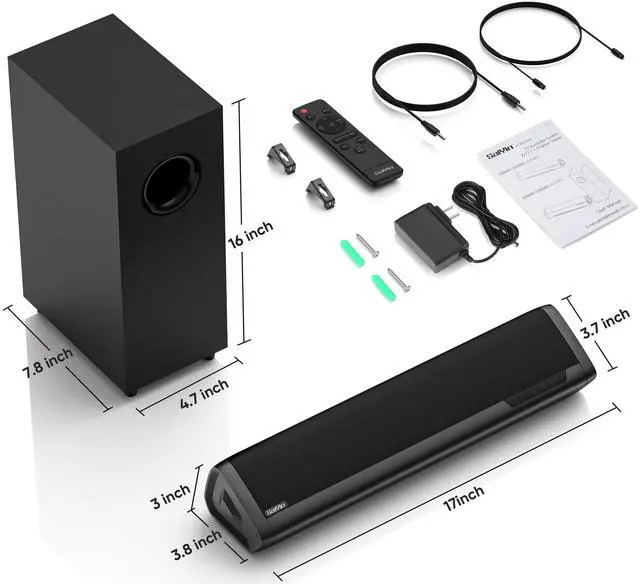
It's 7.55ft(2.3M).


"We are engineers, designers, and dreamers who build every speaker from the ground up—by hand, by ear, by heart. No shortcuts. Just the honest craft of turning wires and wood into something you can feel.
Every curve, every driver, every note is tuned in-house until it breathes. Because sound isn't just heard. It's held, felt, and remembered.
Welcome to Saiyin. Where sound weaves itself into your story."

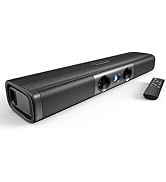
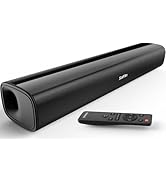
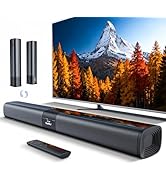
Sound Bar for Smart TV
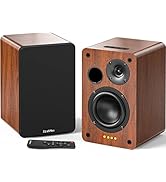
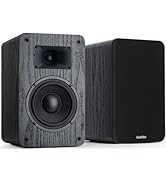
Bookshelf Speakers
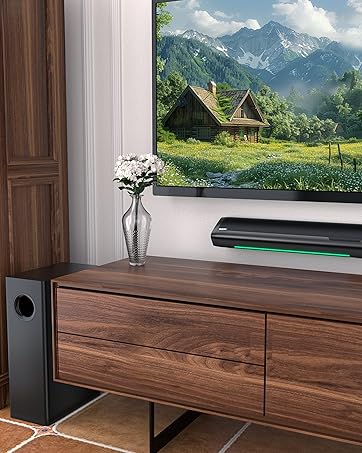
Sound Bar with Subwoofer
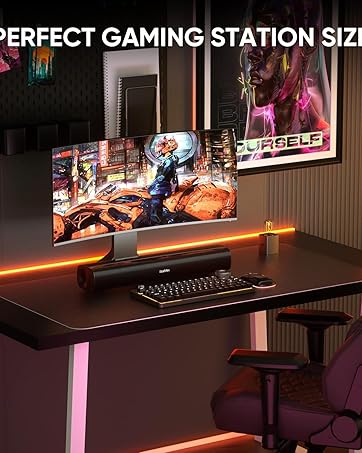
Sound Bar
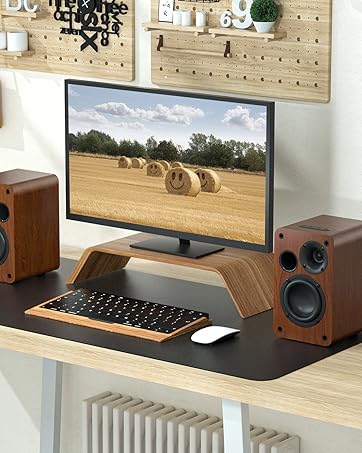
Powered Bookshelf Speakers
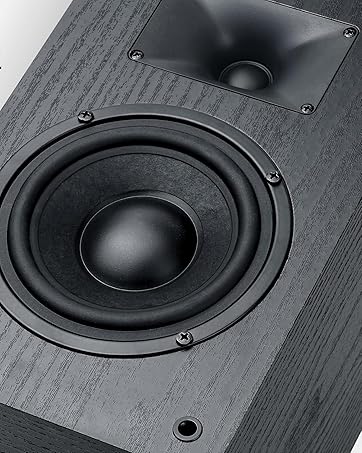
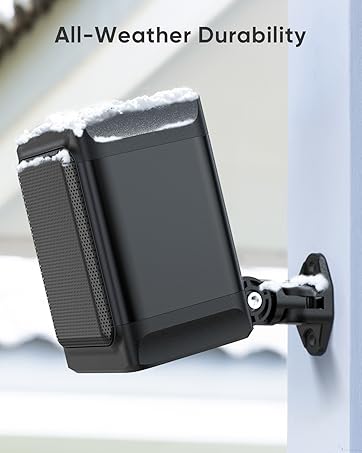
Outdoor Speakres
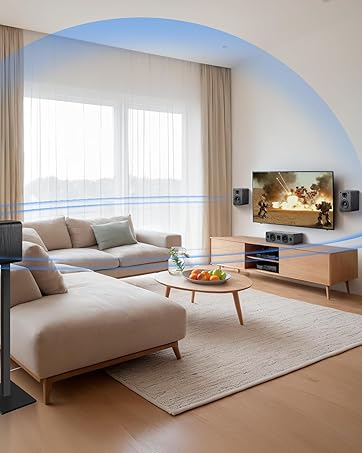
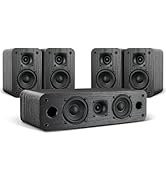
Surround Sound System
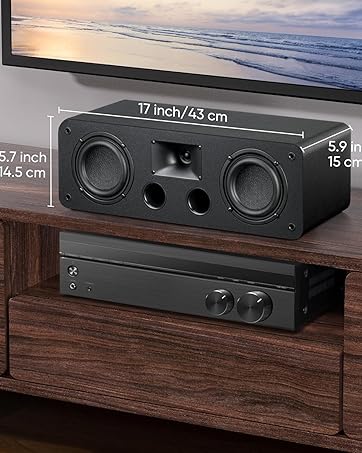
Center Channel Speaker
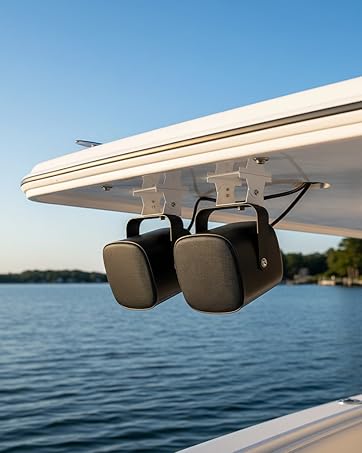
Marine Speakers


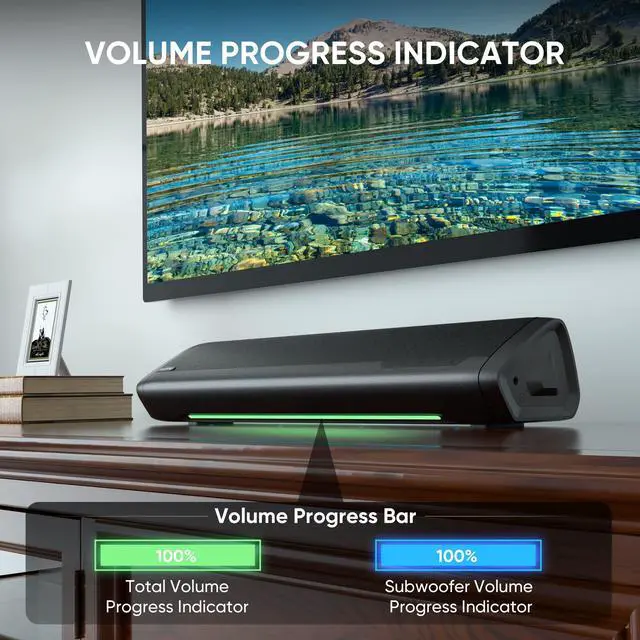
Precise Volume Control & Visual Feedback at a Glance
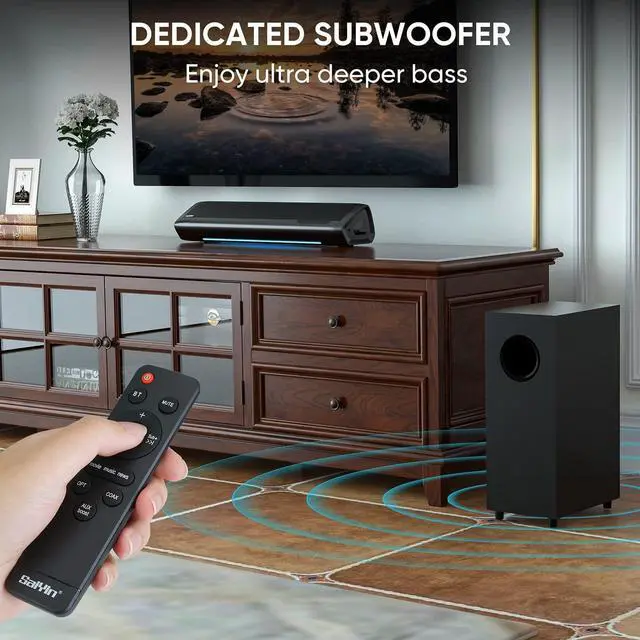
Feel the Boom. Control the Thump.
28° placement optimizes sound projection for a fully immersive audio experience
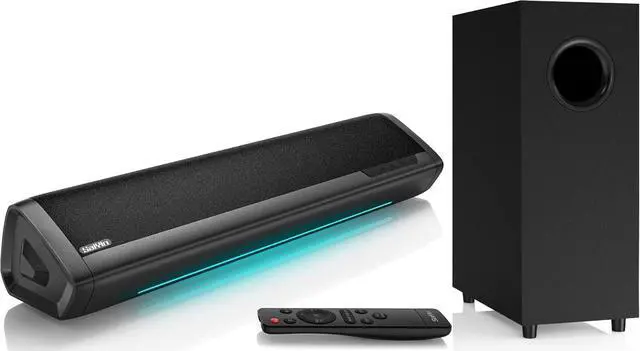
2.1 channel dedicated subwoofer for deep, punchy bass. Full-range stereo speakers for rich detail.
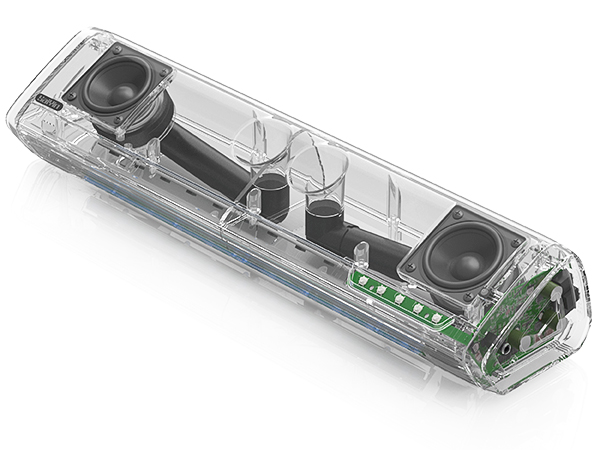
Extreme Acoustic Design
Every millimeter of internal space is engineered to contribute to the sound. No hollow chambers, no compromises. The result: richer bass, clearer mids, and higher overall output from a compact frame.
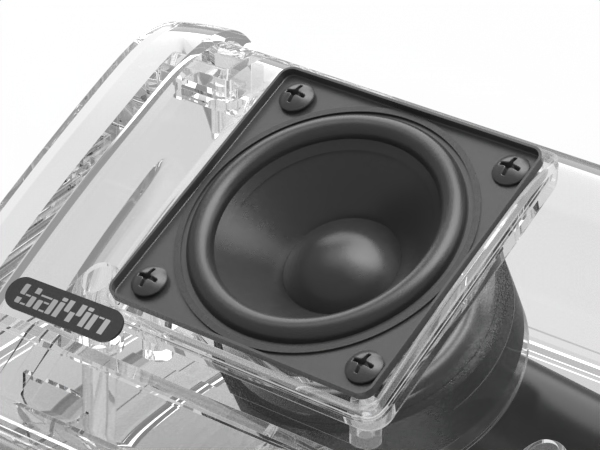
Custom High Sensitivity Full-range Driver
Designed from the ground up for compact systems, this driver turns small size into pure, balanced sound – no muddiness, no missing frequencies. Just clean, natural audio from a tiny footprint.

Dual Horn Bass Reflex Port & System
More bass. Less noise. The dual-horn design accelerates airflow for deeper, punchier low end while eliminating unwanted port turbulence.
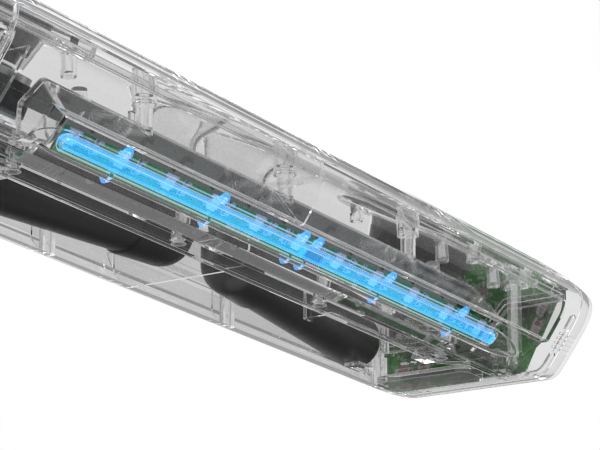
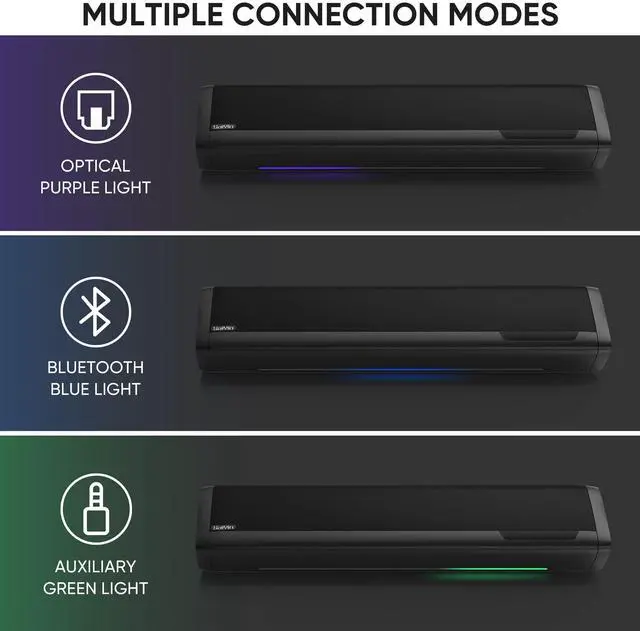
Hidden LED Indicator & Volume Progress Bar
LED indicator shows input mode, master volume, and bass volume– all in one place. The minimalist design blends into the soundbar, so you get the info you need without any visual clutter.
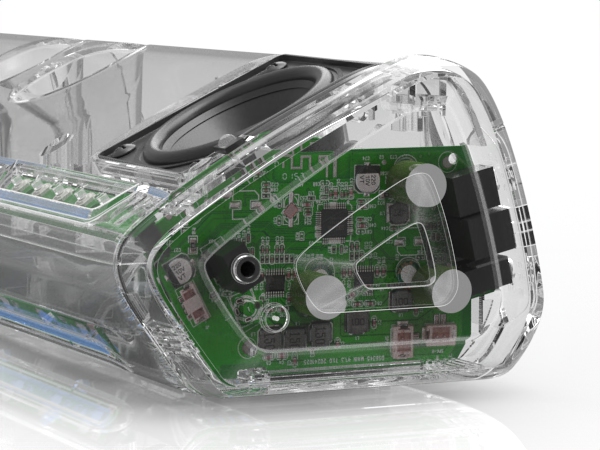
DSP Technology
Advanced DSP technology manages frequency distribution, dynamic range, and speaker protection – so you get clearer highs, tighter bass, and consistent performance across all content.
Compatible with the Following TV Remote
- Sound Bar compatible with Fire TV, Fire stick or Fire TV Cube Remote .
- Additional remotes compatible with Roku box or Roku TVs can be provided as per your request(Not compatible with ROKU Stick).
- Sound Bar Compatible with Google Chromecast Remote
- Sound Bar compatible with Apple TV remote.
Enjoy Music Wirelessly with Bluetooth 5.3
- Compatible with Echo Dot, POP Via Bluetooth.
- Phones, tablets, computers, projectors, laptops, and more.
- If the soundbar has delayed audio, this can be fixed via the audio settings on your TV.
Must Read Before Purchasing
- *The soundbar is NOT compatible with Dolby or DTS audio formats. To ensure the soundbar works with all your streaming apps, please set the audio output format to PCM/Stereo on both your TV and streaming device (such as a Roku Box/Stick, Fire Stick, etc.). Please note that incorrect settings may result in static or no sound.
- *The soundbar does not support HDMI-ARC. Please check if your TV has a DIGITAL OPTICAL OUTPUT or an AUDIO OUT (headphone) port.
- *The soundbar cannot connect to headphones.
The soundbar has only static when watching TV, what's the problem?
The soundbar is not compatible with Dolby and DTS, please kindly disable the related settings on both your TV and video streaming APPs; Besides, setting the TV audio output format to PCM or Stereo.
Can I use my TV remote to control the soundbar? I don't want to use two remotes.
Yes. Please reach out to us, and you can get an additional remote which is compatible with Roku TV or Roku EXPRESS.Also,our soundbar is compatible with Fire TV/Stick remote, and Google Chromcast remote.
My remote is broken , how do l get a replacement remote?
A free remote can be provided as per your request.
I have connected the soundbar with my TV via bluetooth, and how can I connect it with my smartphone?
You will need to disconnect the bluetooth connection by press and hold BT on remote for 2S before connecting it with another device via bluetooth.
How long is the cable for subwoofer?
It's 7.55ft(2.3M).
"We are engineers, designers, and dreamers who build every speaker from the ground up—by hand, by ear, by heart. No shortcuts. Just the honest craft of turning wires and wood into something you can feel.
Every curve, every driver, every note is tuned in-house until it breathes. Because sound isn't just heard. It's held, felt, and remembered.
Welcome to Saiyin. Where sound weaves itself into your story."
Sound Bar for Smart TV
Bookshelf Speakers
Sound Bar with Subwoofer
Sound Bar
Powered Bookshelf Speakers
Outdoor Speakres
Surround Sound System
Center Channel Speaker
Marine Speakers