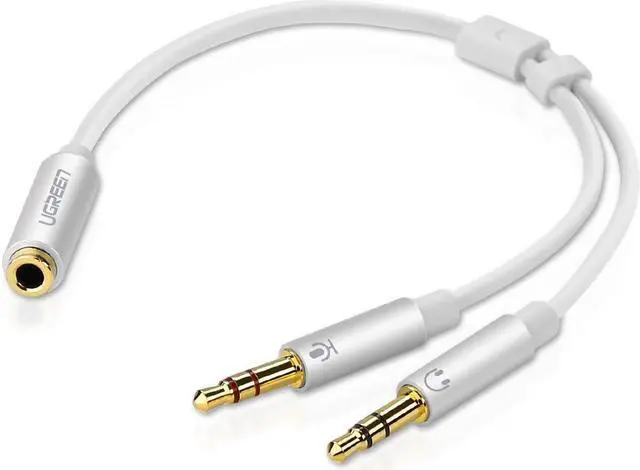
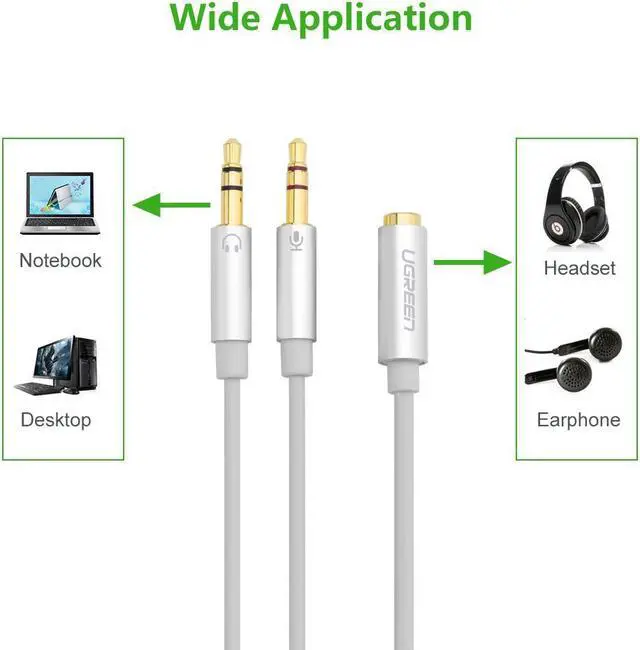
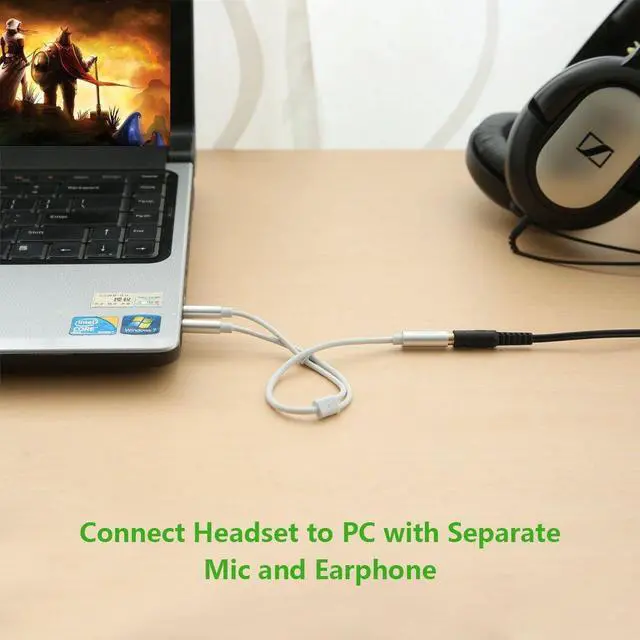
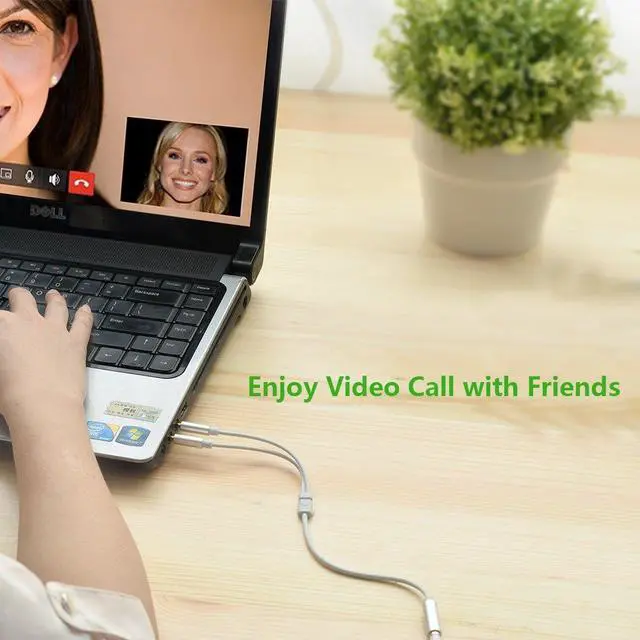
Headset to PC adapter, With 3.5 mm Speaker Mic Stereo Audio Y adapter, you can connect your newer headsets (audio & microphone) to a PC or Laptop for use with VOIP applications, such as Skype or chat programs, MSN Mesenger, Yahoo, Google Voice etc. 3.5 mm Speaker and headphone
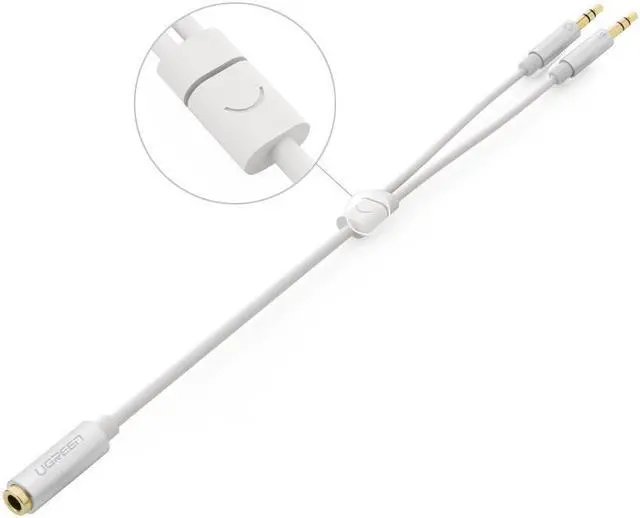
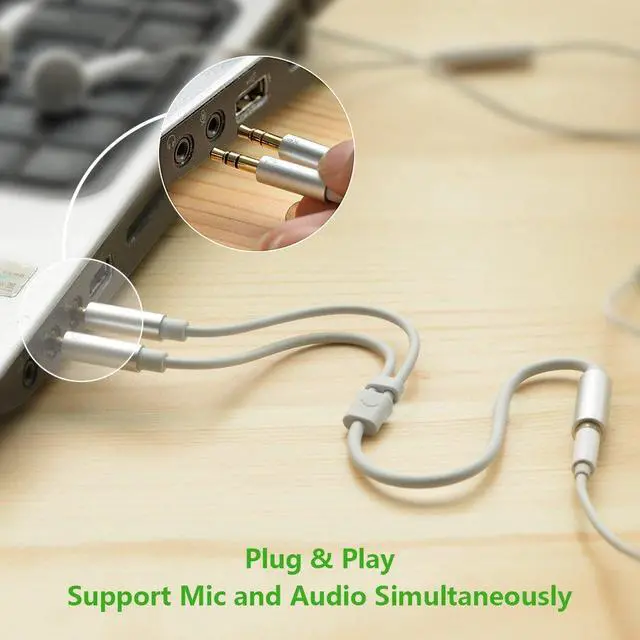
Splitter with two male ports: one for Headphone Jack on your PC/Laptop, the other for Mic Jack on your PC/Laptop. 3.5 mm stereo splitter cable allows you to easily connect your stereo headset Mic to a PC audio port and mic port at the same time. 3.5 mm audio Y splitter cable with Oxygen-free copper provide maximum's conductivity and durability, Compact design for maximum portability - a great solution to have on hand in your laptop bag. Dual 3 position 3.5 mm jack, ideal for connecting two headsets on one audio source, let you enjoy your cellphone music together with your friend easily. The UGREEN 3.5 mm stereo y-splitter cable allows you to easily connect your stereo headset & Mic to a PC audio port and mic port at the same time. enabling you to add a mono microphone input, as well as a stereo output to your PC or Laptop, through a single 3.5 mm audio port. It works with all PC Applications - Skype, MSN Mesenger, Yahoo, Google Voice etc.
Difference with Other Brands: Comparing with PVC spliiters from other brands, this one is in shielding and much more durable with Aluminum case.
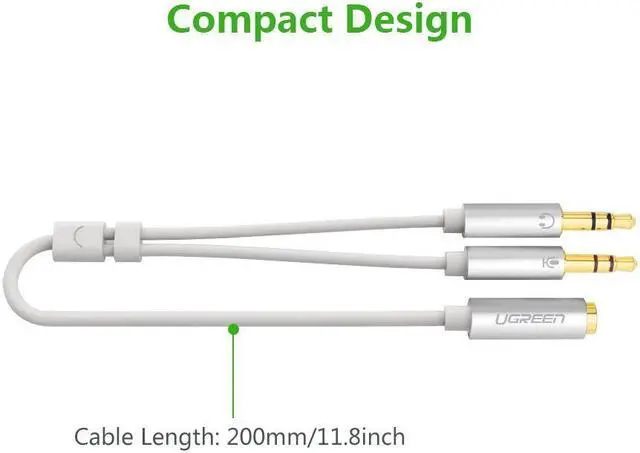
Features: -24K Gold Plated for better sound quality and less loss -Input: 3.5 mm 4-position female for headset or earphone -Output 1: 3. 5mm 3-positiion male for Headphone Jack on your PC/Laptop -Output 2: 3. 5mm 3-position male for Mic Jack on your PC/Laptop -Oxygen-free copper provide maximum's conductivity and durability. -Flexiable cable length 10cm Innovative Audio Ports While some laptops like Dell feature only a single (4-position) 3.5 mm audio port to support both audio input and output, this innovative headset splitter adapter breaks the audio port out into two distinct ports - one that can be used for a microphone input connection, and the other for connecting external (output) speakers
Warm Tips: -To ensure proper hardware detection, we recommend that the external headset be plugged into the adapter first, before the adapter is connected to the computer or mobile device.