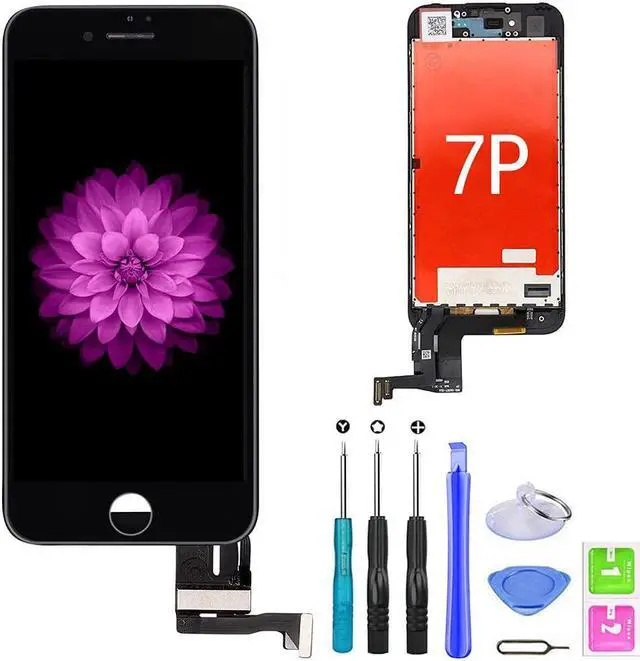
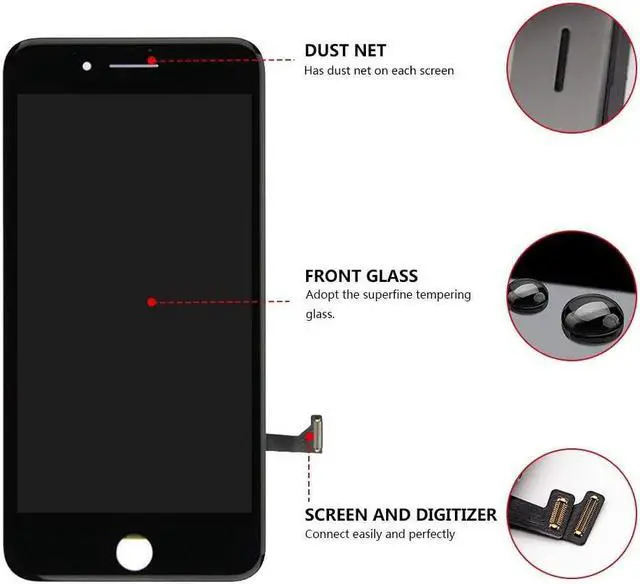
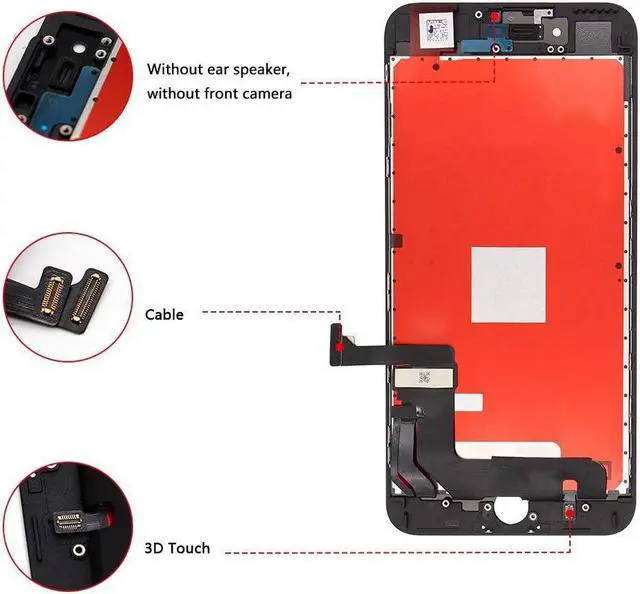
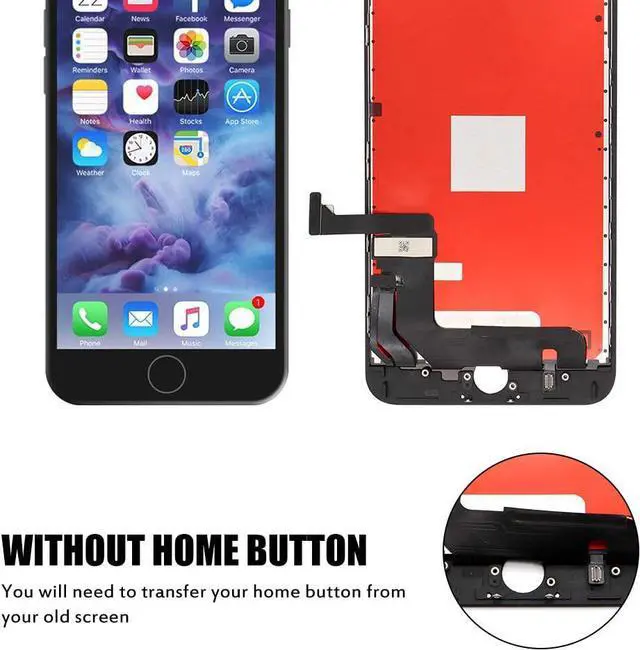
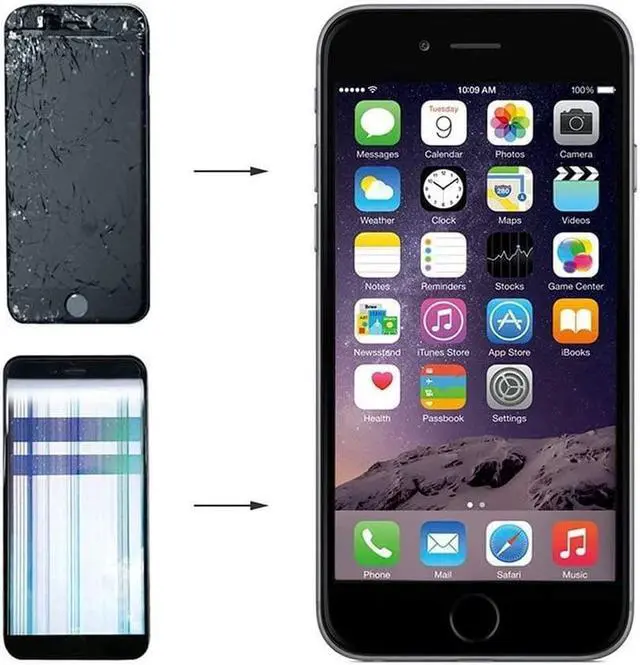
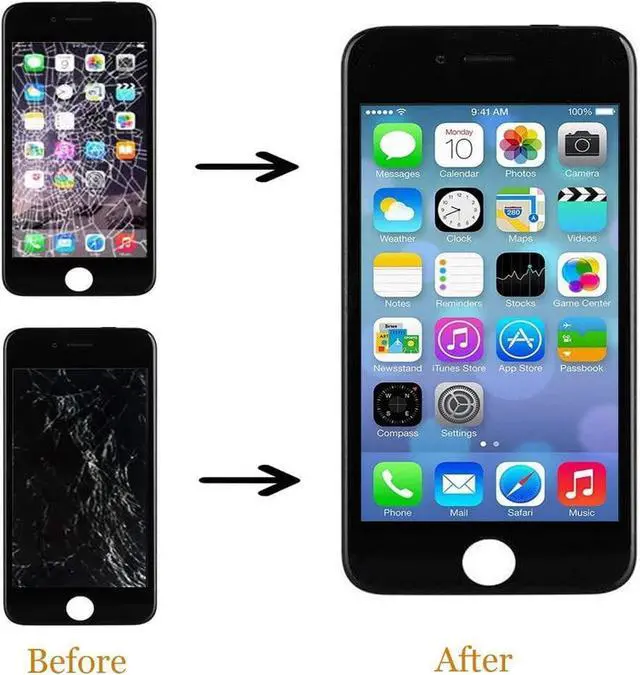
Screen replacement precautions This iPhone screen replacement is only have two cables (display + touch) NOT have home button, earpiece and front camera cables, You need transfer them from your OEM iPhone screen to this new screen
Please first do it as follow
1 [Test]
Receive the screen to see if the appearance of the cable is intact, and the test shows that the touch is normal (the editable icon moves to each position on the screen when the touch is tested, the icon moves with the finger, and the touch is normal), and the test is performed before installation
2 [Cables]
The cable must be deducted in the off state. When buckling the cable, you should gently align the two sides. When the cable is properly buckled, there will be a crisp sound, and then press the four sides of the cable. Then press the iron block under the cable first. Bending the cable installation to avoid car damage to the cable. Before installation, remove the broken screen to practice pressing the cable, and then use the new screen to connect and test.
3 [Screw length]
The length of the screws is not the same. Where you remove them and put them back, otherwise you screwed the screen with the wrong screws and scrapped them. (The main screws pay attention to the two screws next to the front camera, the three screws on the home button, and 5 screws for the cable cover) Do not tighten the screws too much.
4 Before testing and installation, please be sure to watch the precautions and videos for changing the screen. Don't take it too troublesome to avoid the loss caused by negligence.
Please transfer the home button, earpiece and front camera cables from your orginal Screen,Our screen only have two cables (display + touch)
1.Full Complete assembly digitizer
1.A set of Repair tools
1 x Repair screwdrivers
1 x Pry Pick
1 x Suction Cup
2 x Dust Wipes
1 x Sim card pin
Lovely Tips what should I do ? If the screen came out black or unresponsive a.Please check the LCD to make sure the flex cables are in good condition and there are no debris on the connector.
b.Disconnect and reconnect the flex cables from the motherboard side.
c.Then Reboot: Hold buttons (Home, Up volume, and Power button) until the phone switch down and then switch up again.
d.Make sure IOS has been upgraded to the latest version.
Finally emphasize:
This iPhone screen replacement is only have two cables (display + touch) NOT have home button, earpiece and front camera cables, You need transfer them from your OEM iPhone screen to this new screen