DGSCSMY High Quality iPhone 8/SE 2020 Screen Replacement DGSCSMY is a manufacturer's factory that has been focusing on screen replacement for many years. Independent Research and Development Department, Independent QC team are on standby. We will stand by our customers and products.
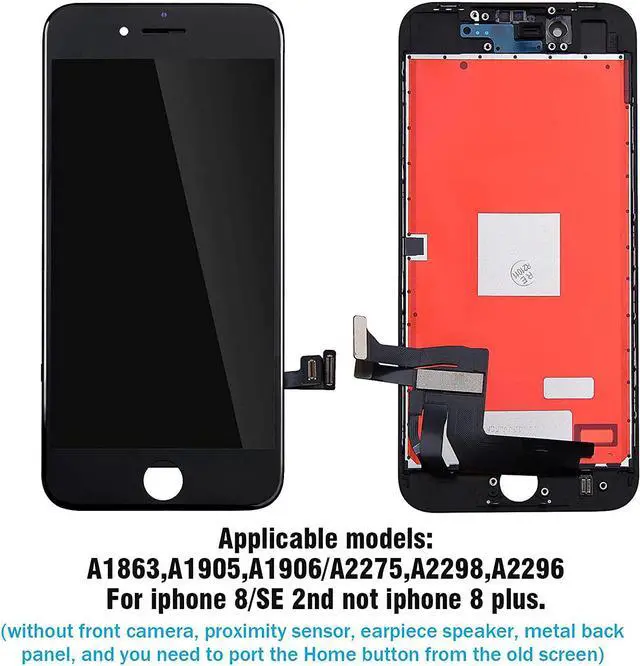
DGSCSMY iPhone 8/SE 2020 screen replacement(4.7inch) is compatible with model A1863, A1905, A1906/A2275, A2298, A2296.
Dear customer,
If you are not a professional, please watch the installation video on Youtube before replacing the screen. It will teach you how to replace it .
1. Before installation, make sure you are in a dust-free clean environment static electricity.
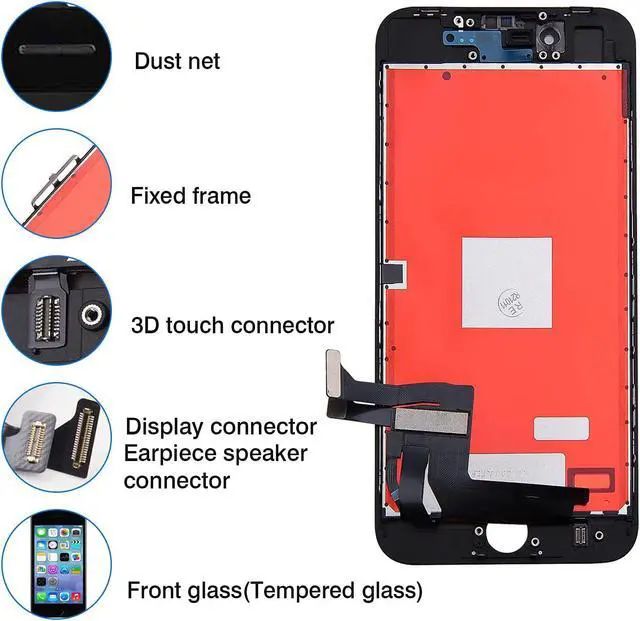
2. Check the screen replacement to ensure that the flex cable is in good condition and that there is no debris/visible dust on the connector.
3. Make sure to power off the phone before installation.
If you encounter the following problems: no display, insensitive to touch, shaking, lines/spots on the screen, ghosting, etc.
Please try the following: Power off the phone, disconnect the ll cable (including the battery cable), and then clean all connectors.
Reconnect the cables, leave the phone in a dry environment for a while, and then restart the phone.
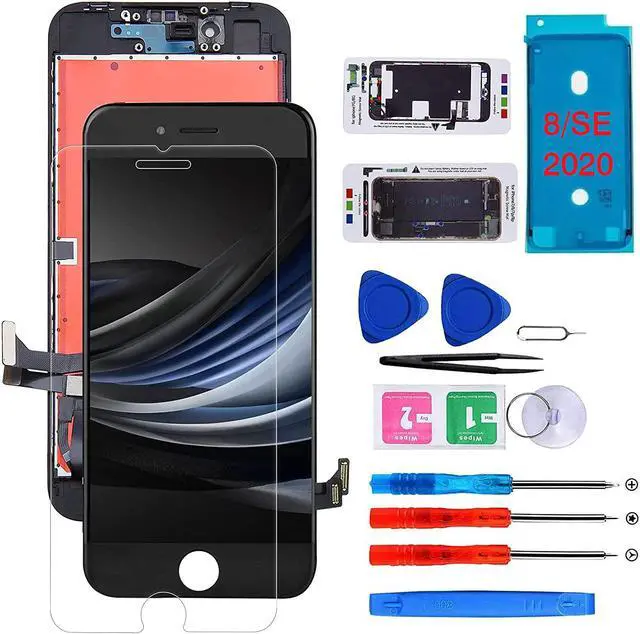
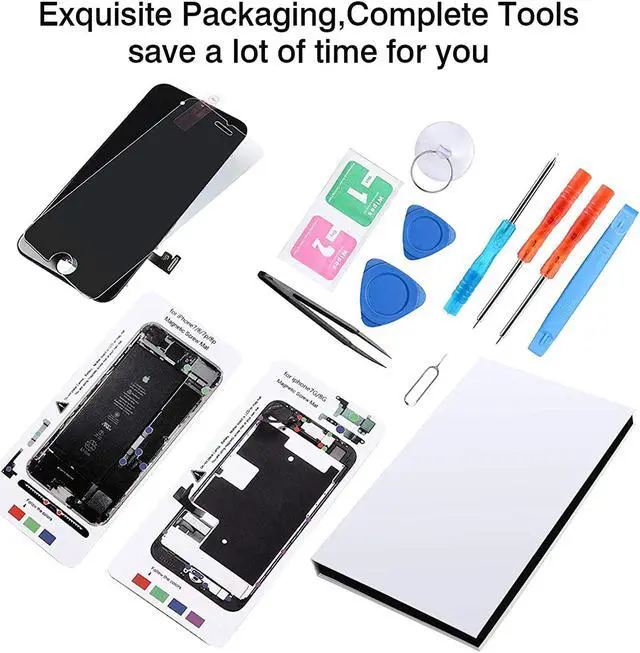
DGSCSMY iPhone 8/SE 2020 screen replacement(4.7inch) Package include:
1.1*iPhone 8/SE 2020 screen replacement
2. Maintenance tool set box(2*Magnetic screwpads.1*Tweezers.3 * screwdriver.1*suction cup.1*pry bar.2*pry piece.1*Dry+wet dust wipe.1*waterproof seal frame.1*sim card pin)
3.1 * iPhone 8/SE 2020 screen protector (tempered film)
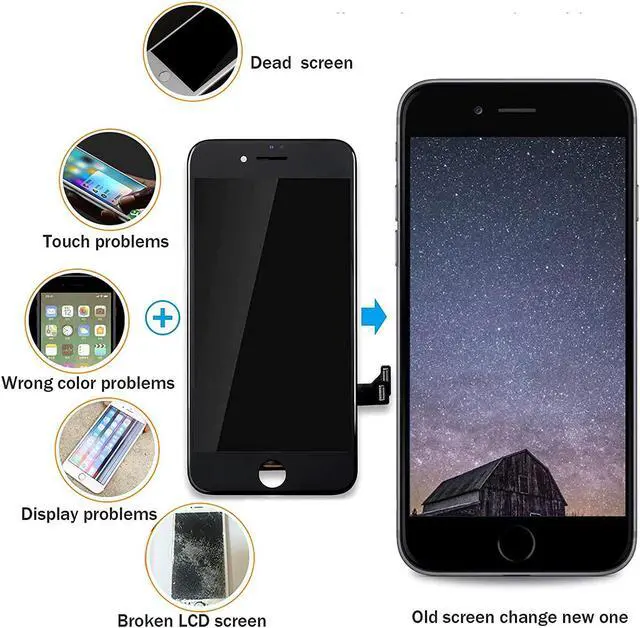
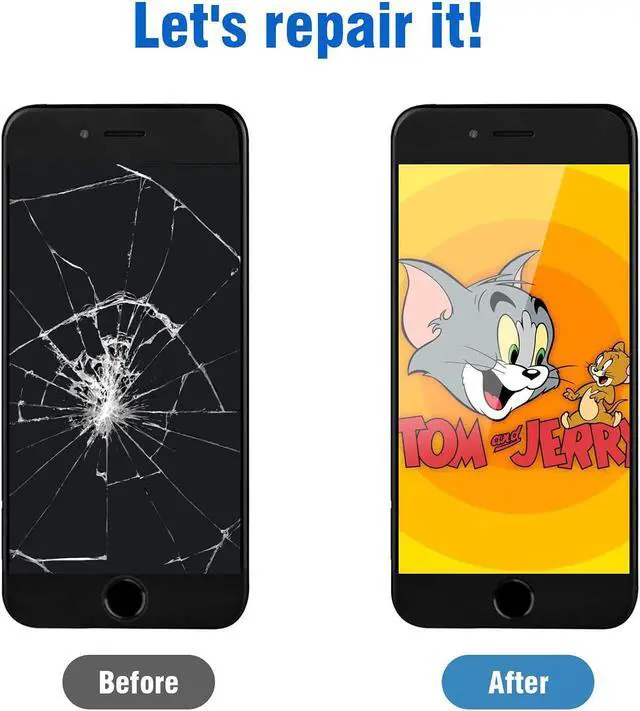
Are you troubled by any of the following problems: Black screen no display Screen component failure, damage can not be displayed
No response delay Screen aging, dirty caused by unresponsive delay
Display problems Damage to the screen module due to dropping and breaking, etc.
Broken Screen Screen broken due to dropping and hitting,etc.
Installing 1. First remove the screws on both sides of the data port.
2. Use a suction cup and a rocker to suck the screen together.
Note: To dial in the upper part of the home button, please dial slowly, do not pull hard.
3. Remove the suction cup.
4. Open slowly by hands.
Installing 5. Be careful when pulling the cable below, do not tear hard, slowly open upwards.
6. Remove the patch that fixes the screen cable, then unscrew a few screws in the circle position in the picture.
7. Use tweezers to remove the patch.
8. Use the rocker to open the camera cable.
Installing 9.Then pry open the fingerprint recognition cable.
10. Then pry open the display cable.
11. Finally pry open the contact cable.
12. The old screen has been successfully removed, follow the above steps in reverse to complete the new screen replacement, you can also refer to the Youtube video tutorial to complete!
Complete Well done!
Congratulations!
step 1
step 2
step 3
step 4