



USB MIDI Cable-Upgrade Professional MIDI to USB in-Out Cable Adapter Converter Connect Piano Keyboard to PC/Laptop for Editing&Recording 2M(Black)
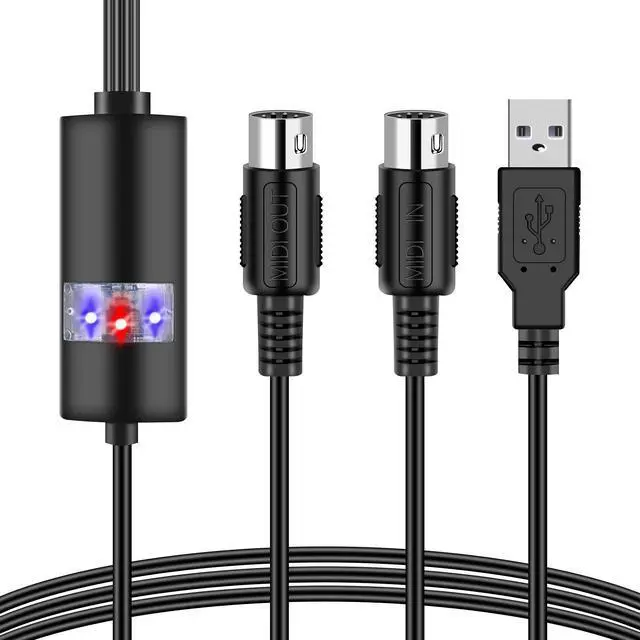
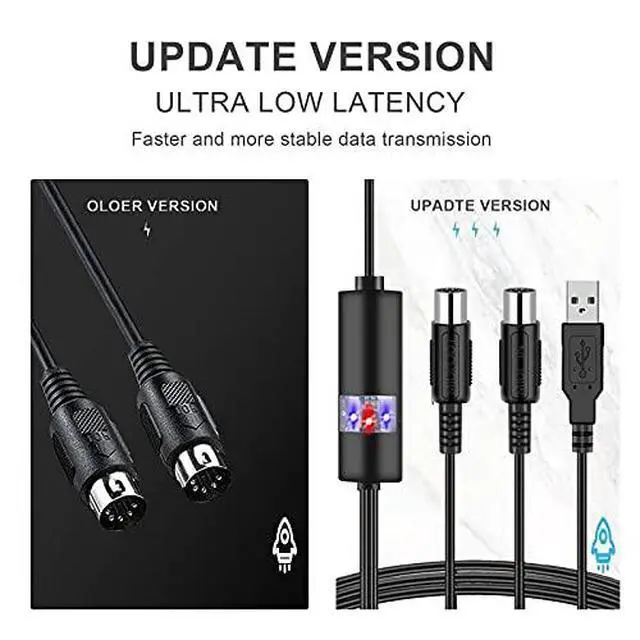
- This Upgrade usb midi cable will easy to connect any MIDI device to PC /Laptop. Then you can play songs while they are being recorded on your computer.
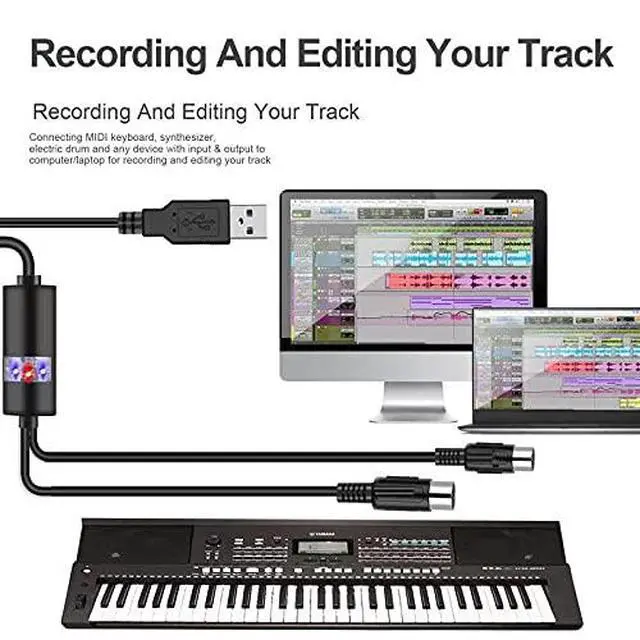
- This midi cable connect standard MIDI interface equipment like MIDI keyboard /digital piano/electronic drum effects/electronic organ/synthesizer to computer/laptop with MIDI input & output for recording and editing your track.

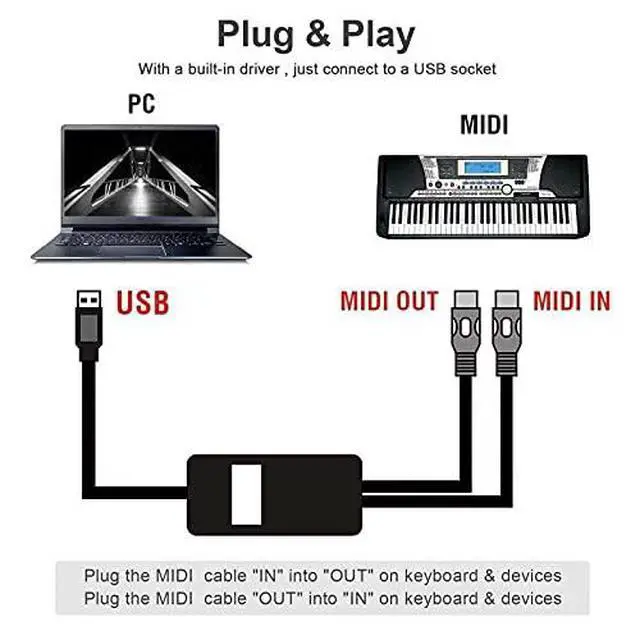
How to Use The Usb Midi Cable?
1.Connect the usb midi cable marked “IN” to the MIDI “OUT” socket of a MIDI keyboard (or MIDI device) 2.Connect the usb midi cable marked “OUT” to the MIDI “IN” socket of a MIDI keyboard (or MIDI device) 3.Plug the midi to usb cable into any free USB socket on your computer, the red LED will light to show power on 4.Open your music software program, e.g. Cubase, Sonar, MIDI Connections, etc 5.Set the music programs MIDI in and MIDI out devices to “USB Audio Device”. 6.Your USB to MIDI interface is now ready for use 7.To save potential problems, This usb to midi converter is recommended that this interface is always connected to the same SUB as it was originally installed on USB to prevent multiple installations of the driver

Important Notes
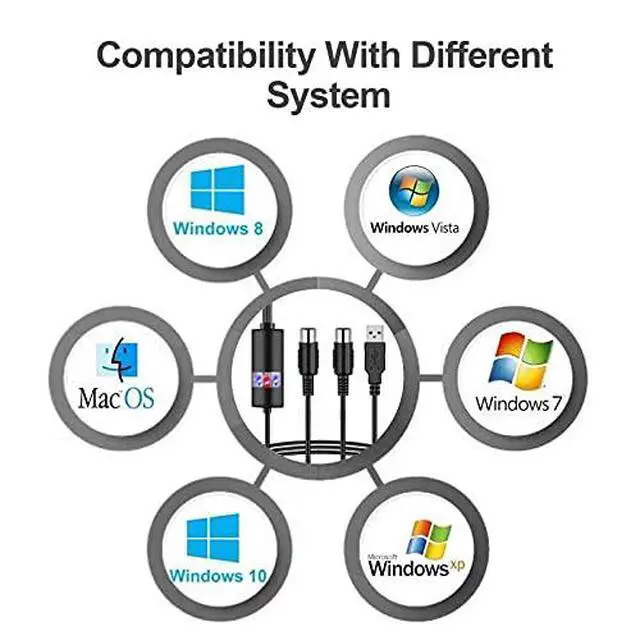
1.Please use authentic Type-C to USB Adapter when connects with your Mac USB port,and make sure all the step correct. Otherwise the midi to usb cable may not work. 2.If you want use the usb midi cable with phone or Pad, you need add a OTG cable (OTG cable not included). 3.Please far away radios and TVs Placed nearby may cause the reception interference. Operate this usb to midi converter at a suitable distance from other devices.

Intelligent Led Indicator

MIDI Input & Output

USB 2.0 Connect

Fast. Reliable. Oxsubor.
Stay connected anytime with Oxsubor cables & adapters—fast speed, durable build, and dependable performance you can trust.


USB MIDI Cable-Upgrade Professional MIDI to USB in-Out Cable Adapter Converter Connect Piano Keyboard to PC/Laptop for Editing&Recording 2M(Black)
- This Upgrade usb midi cable will easy to connect any MIDI device to PC /Laptop. Then you can play songs while they are being recorded on your computer.
- This midi cable connect standard MIDI interface equipment like MIDI keyboard /digital piano/electronic drum effects/electronic organ/synthesizer to computer/laptop with MIDI input & output for recording and editing your track.
How to Use The Usb Midi Cable?
1.Connect the usb midi cable marked “IN” to the MIDI “OUT” socket of a MIDI keyboard (or MIDI device) 2.Connect the usb midi cable marked “OUT” to the MIDI “IN” socket of a MIDI keyboard (or MIDI device) 3.Plug the midi to usb cable into any free USB socket on your computer, the red LED will light to show power on 4.Open your music software program, e.g. Cubase, Sonar, MIDI Connections, etc 5.Set the music programs MIDI in and MIDI out devices to “USB Audio Device”. 6.Your USB to MIDI interface is now ready for use 7.To save potential problems, This usb to midi converter is recommended that this interface is always connected to the same SUB as it was originally installed on USB to prevent multiple installations of the driver
Important Notes
1.Please use authentic Type-C to USB Adapter when connects with your Mac USB port,and make sure all the step correct. Otherwise the midi to usb cable may not work. 2.If you want use the usb midi cable with phone or Pad, you need add a OTG cable (OTG cable not included). 3.Please far away radios and TVs Placed nearby may cause the reception interference. Operate this usb to midi converter at a suitable distance from other devices.
Intelligent Led Indicator
MIDI Input & Output
USB 2.0 Connect
Fast. Reliable. Oxsubor.
Stay connected anytime with Oxsubor cables & adapters—fast speed, durable build, and dependable performance you can trust.
Oxsubor: Hassle - Free Tech
Oxsubor removes transmission troubles. Our USB cables, adapters, audio lines & accessories ensure seamless, reliable 3C experiences. Connect devices, enjoy smooth tech life you deserve.
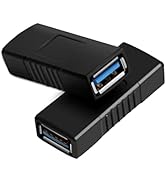
USB 3.0 Cable and Adapter
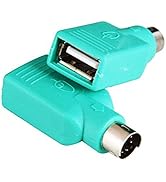
USB 3.0 Type C and PS2
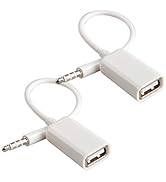
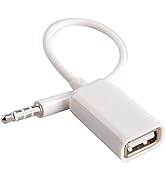
Audio Adapter
