





Better light,Better life
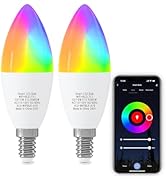
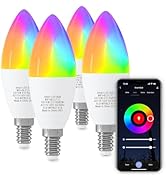
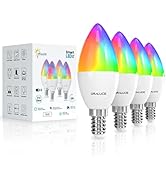
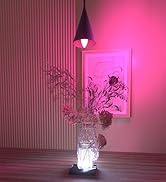
Smart Bandelabra Bulb E12 5W
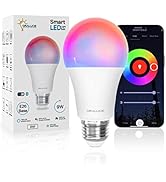
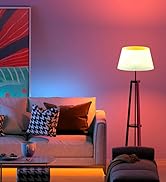

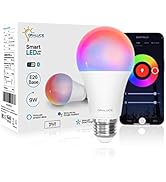
Smart A19 Bulb E26 9W
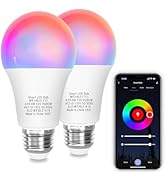
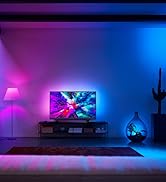
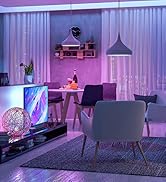
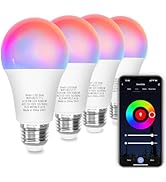
Smart A19 Bulb E26 9W
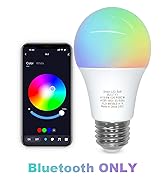
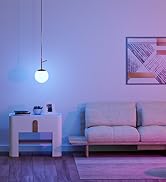
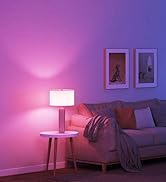
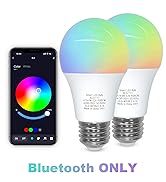
Smart A19 Bulb Bluetooth ONLY
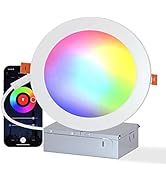
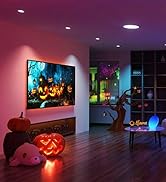
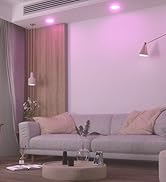
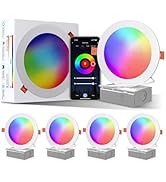
Smart Recessed Ceiling Light
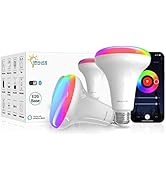
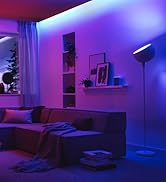
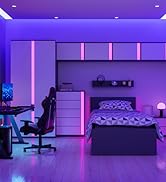
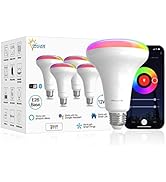
Smart BR30 Bulb E26
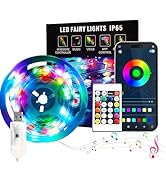
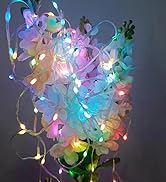
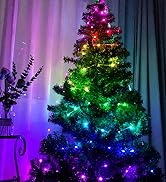
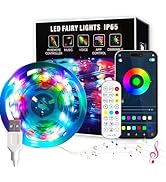
Smart Fairy Lights
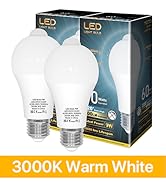
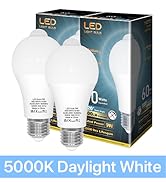
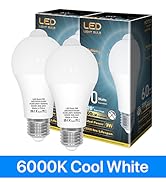

Motion Sensor Bulb 9W
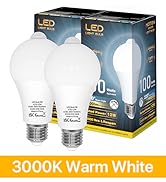

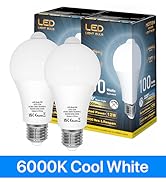
Motion Sensor Bulb 12W
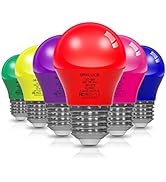
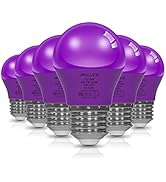
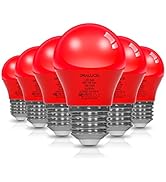
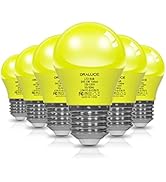
Small A15 Colored Bulb 5W
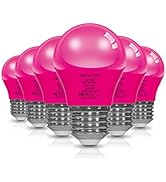
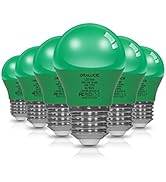

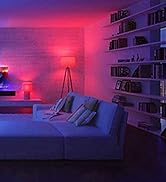
Small A15 Colored Bulb 5W
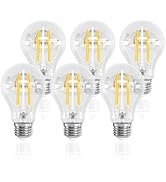
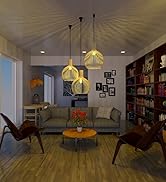
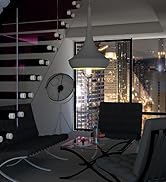
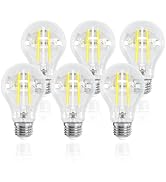
Edison Bulb A19 E26 6W
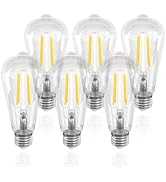
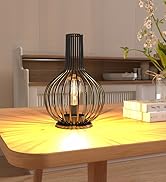
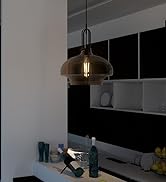
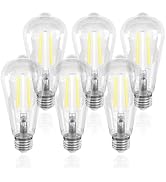
Edison Bulb ST21 E26 6W
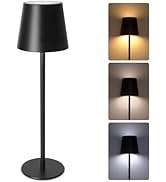
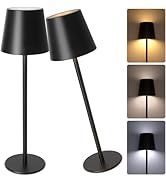
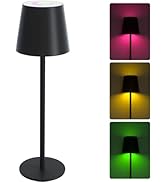
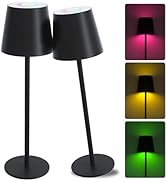
cordless Table Lamp
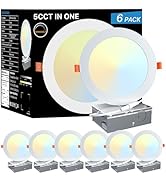
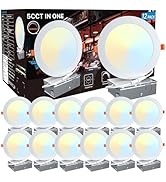
5CCT Recessed Lighting 6 Inch

Specification and features
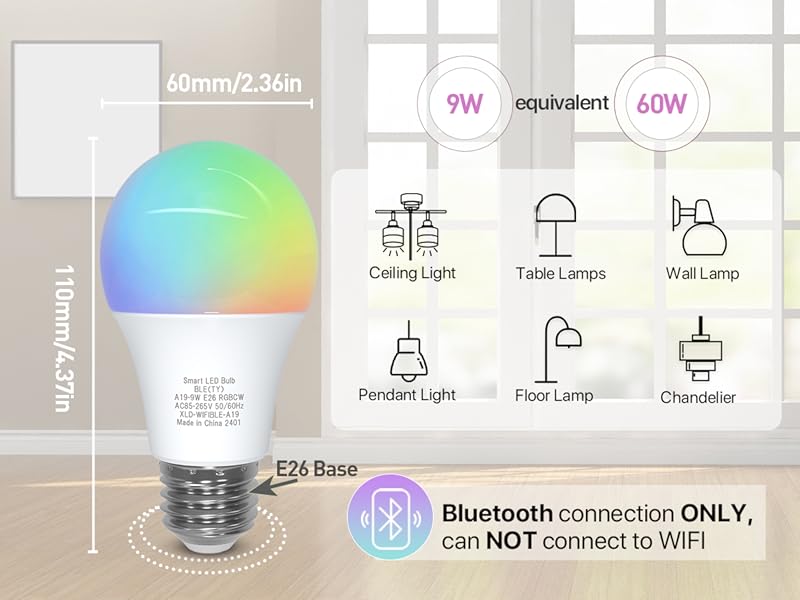
Bluetooth Connectivity Only
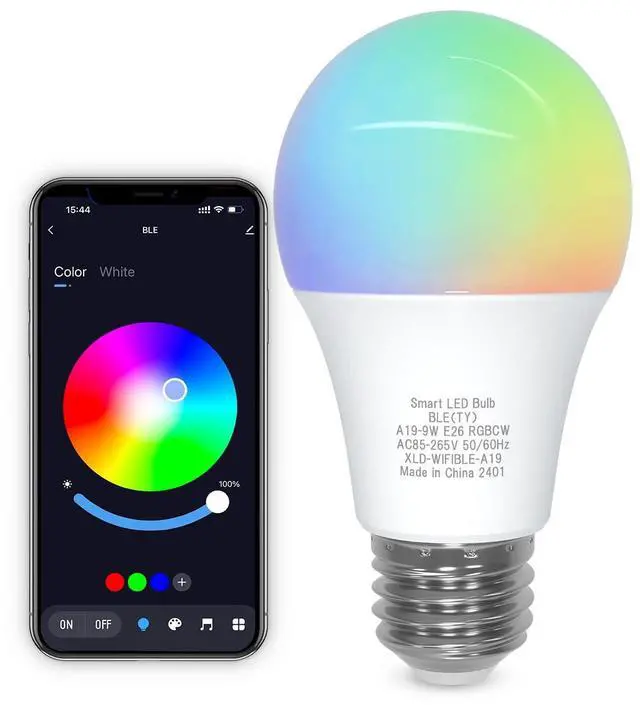
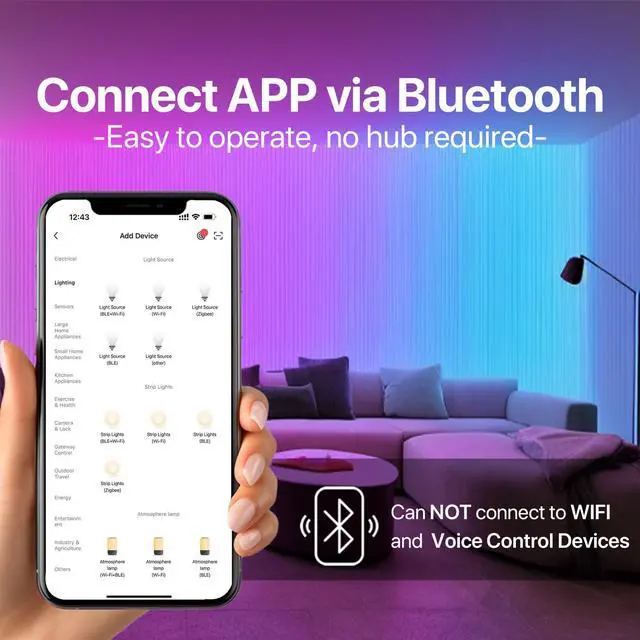
Effortless installation and operation. Simply connect via Bluetooth and control the bulb with the [Smart Life] app to create the ideal lighting for any situation. Does NOT support WiFi connectivity.
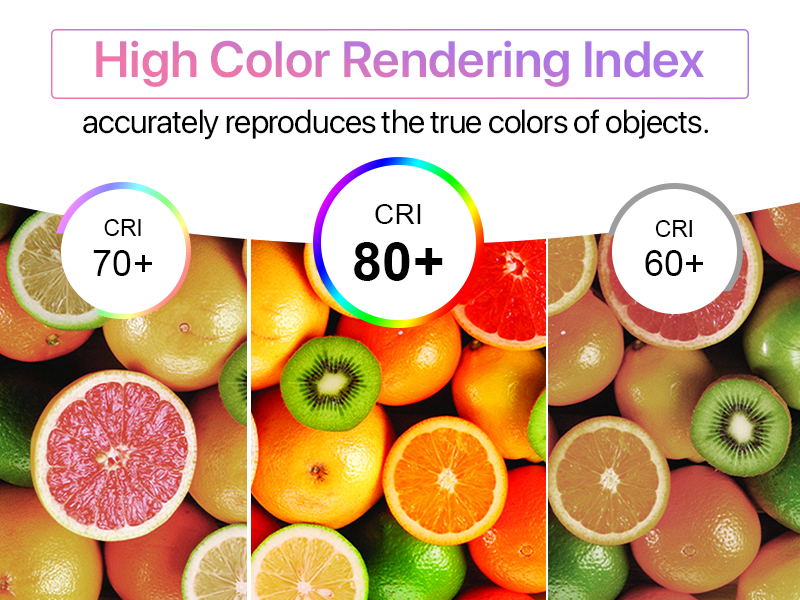
Superior Color Rendering with Ra82+
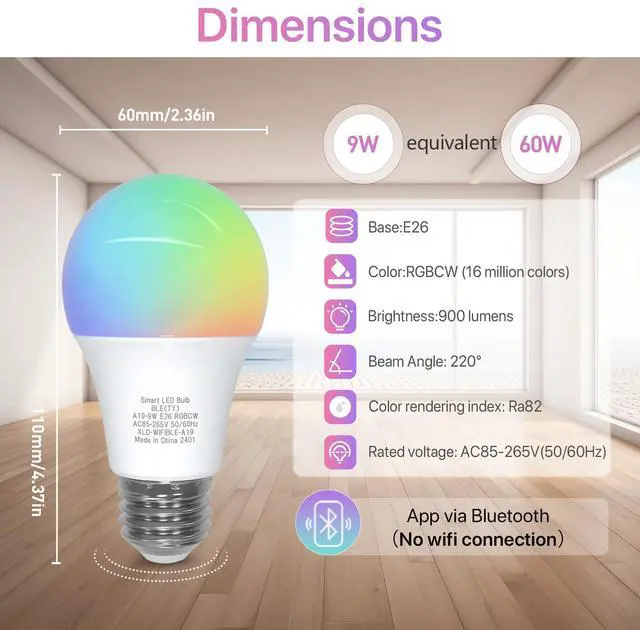
Our LED bulbs, equipped with high-quality LED chips, excel in color reproduction, faithfully replicating hues and enhancing the natural beauty of objects and surroundings under illumination.
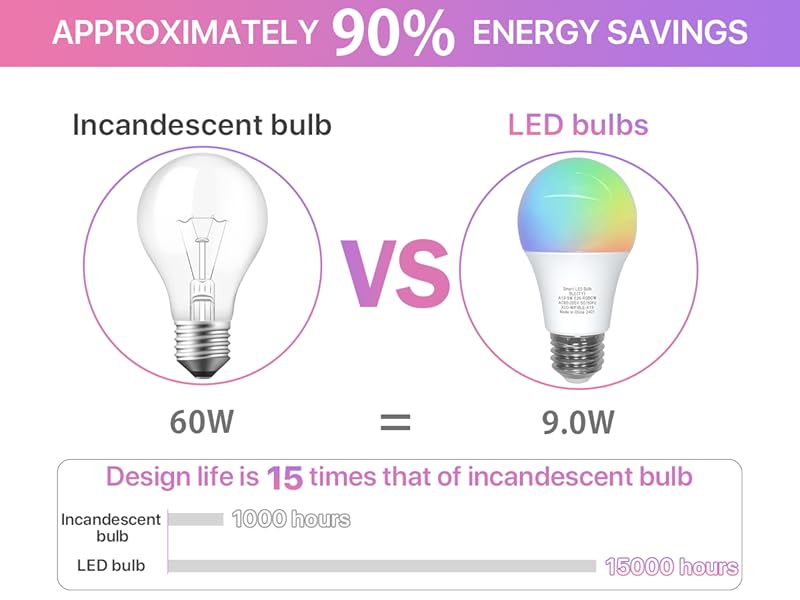
Energy saving & long lifespan
With our high-quality LED chips, consume just 9W of power compared to traditional 100W incandescent bulbs, slashing your electricity bills by about 90%. With a designed lifespan of 15,000 hours, that's 15 times longer than incandescent bulbs. Light up your life with efficiency and longevity!
Wide Beam Angle
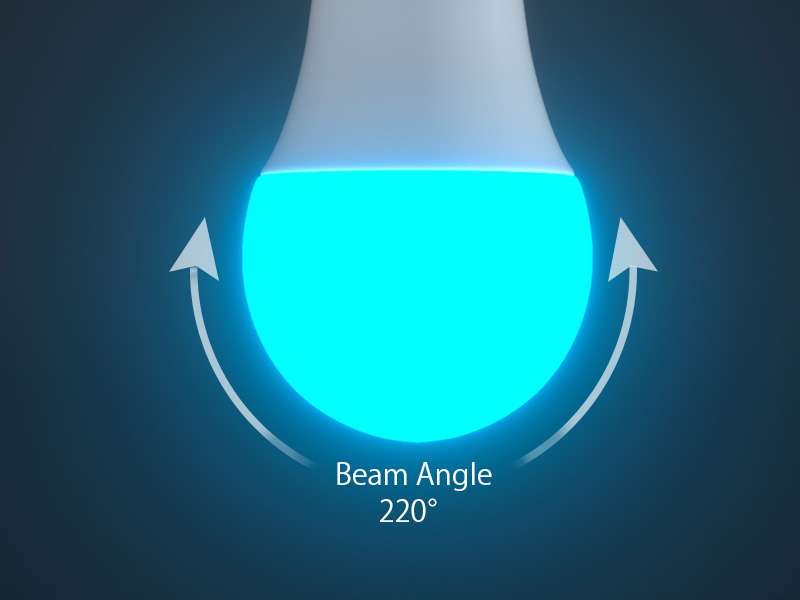
ORALUCE’s bulbs boast a wider illumination range than traditional ones, with a 220° beam angle that evenly distributes light to every corner of the surroundings. Enhance the ambiance of the entire space and create a comfortable lighting environment.


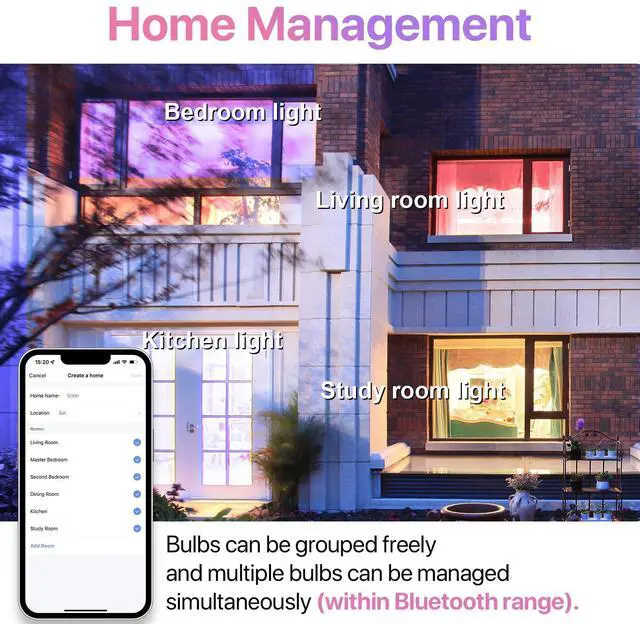
Home Management
Group bulbs as desired and manage multiple bulbs simultaneously. Add members in [Me]?[Home Management]?choose your home?[Add Member], allowing other family members to control the bulbs.

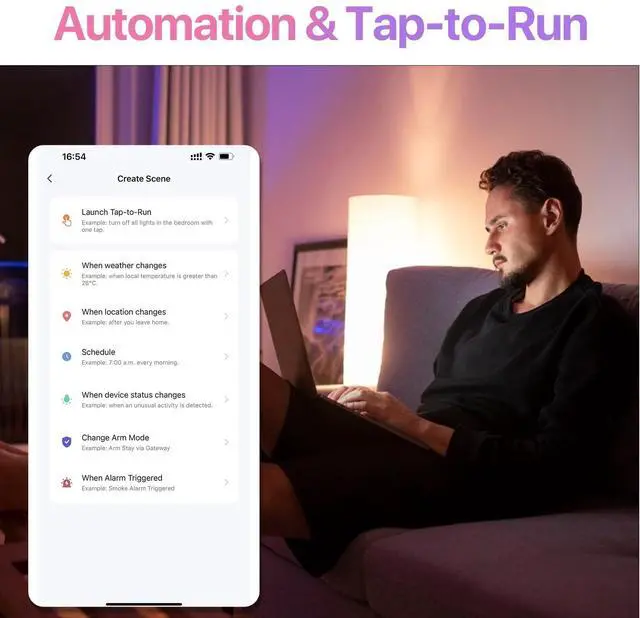
Automation & Tap-to-Run
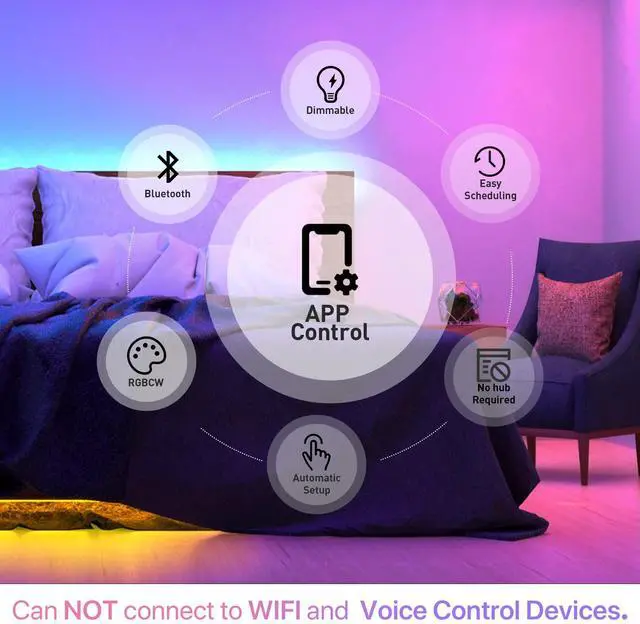
Create scenes for automatic light control based on weather, location, and schedule changes. Set Tap-to-Run for rapid bulb control.
Connecting to the [Smart Life] app


Does this bulb have a wifi connection?
No. This only connects to the app via Bluetooth.
Can he be installed in a light fixture that has dimmer function?
No, but you can adjust its brightness through the app.
Is it possible to control one light bulb with two phones?
Yes, as long as you download the Smart Life app on your phone, or even your ipad. In the app: Me>Home Management>Select your home>Add Member. It is possible to share one or many bulbs to a family member and control the bulbs from others.
How do I contact the seller if I have questions about using the bulbs?
The seller's contact information can be found on the product packaging and in the instructions for use.
Can I control my light bulbs with Alexa/Google?
If you do not have a CR3L/CR2S gateway, you cannot connect to Alexa/Google. Therefore, if you want to control this bulb using smart audio, you will need to purchase the CR3L/CR2S gateway yourself.

Specification and features


Bluetooth Connectivity Only
Effortless installation and operation. Simply connect via Bluetooth and control the bulb with the [Smart Life] app to create the ideal lighting for any situation. Does NOT support WiFi connectivity.
Superior Color Rendering with Ra82+
Our LED bulbs, equipped with high-quality LED chips, excel in color reproduction, faithfully replicating hues and enhancing the natural beauty of objects and surroundings under illumination.
Energy saving & long lifespan
With our high-quality LED chips, consume just 9W of power compared to traditional 100W incandescent bulbs, slashing your electricity bills by about 90%. With a designed lifespan of 15,000 hours, that's 15 times longer than incandescent bulbs. Light up your life with efficiency and longevity!
Wide Beam Angle
ORALUCE’s bulbs boast a wider illumination range than traditional ones, with a 220° beam angle that evenly distributes light to every corner of the surroundings. Enhance the ambiance of the entire space and create a comfortable lighting environment.


Home Management
Group bulbs as desired and manage multiple bulbs simultaneously. Add members in [Me]?[Home Management]?choose your home?[Add Member], allowing other family members to control the bulbs.
Automation & Tap-to-Run
Create scenes for automatic light control based on weather, location, and schedule changes. Set Tap-to-Run for rapid bulb control.
Connecting to the [Smart Life] app

Illuminate Your World with ORALUCE Smart Light.


Does this bulb have a wifi connection?
No. This only connects to the app via Bluetooth.
Can he be installed in a light fixture that has dimmer function?
No, but you can adjust its brightness through the app.
Is it possible to control one light bulb with two phones?
Yes, as long as you download the Smart Life app on your phone, or even your ipad. In the app: Me>Home Management>Select your home>Add Member. It is possible to share one or many bulbs to a family member and control the bulbs from others.
How do I contact the seller if I have questions about using the bulbs?
The seller's contact information can be found on the product packaging and in the instructions for use.
Can I control my light bulbs with Alexa/Google?
If you do not have a CR3L/CR2S gateway, you cannot connect to Alexa/Google. Therefore, if you want to control this bulb using smart audio, you will need to purchase the CR3L/CR2S gateway yourself.
Better light,Better life
Smart Bandelabra Bulb E12 5W
Smart A19 Bulb E26 9W
Smart A19 Bulb E26 9W
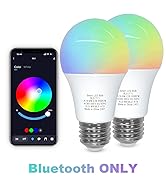
Smart A19 Bulb Bluetooth ONLY
Smart Recessed Ceiling Light
Smart BR30 Bulb E26
Smart Fairy Lights
Motion Sensor Bulb 9W
Motion Sensor Bulb 12W
Small A15 Colored Bulb 5W
Small A15 Colored Bulb 5W
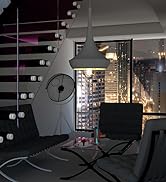
Edison Bulb A19 E26 6W
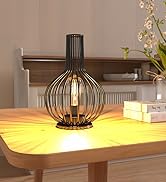
Edison Bulb ST21 E26 6W
cordless Table Lamp
5CCT Recessed Lighting 6 Inch
