
Your Browsing History

Make informed decisions with expert advice. Learn More


Any questions? Our AI beta will help you find out quickly.
Features:
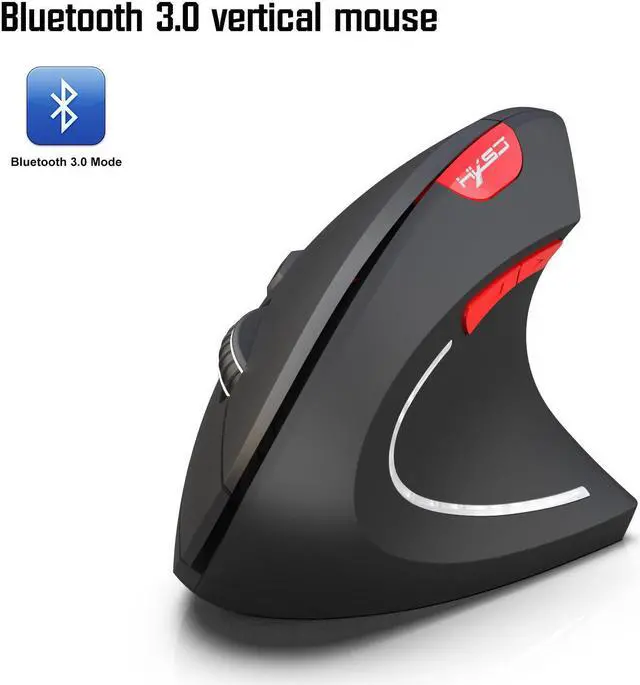
\n\n1.Item type: Ergonomic Optical Mouse
\n2.Resolution: 800dpi;1600dpi;2400dpi.
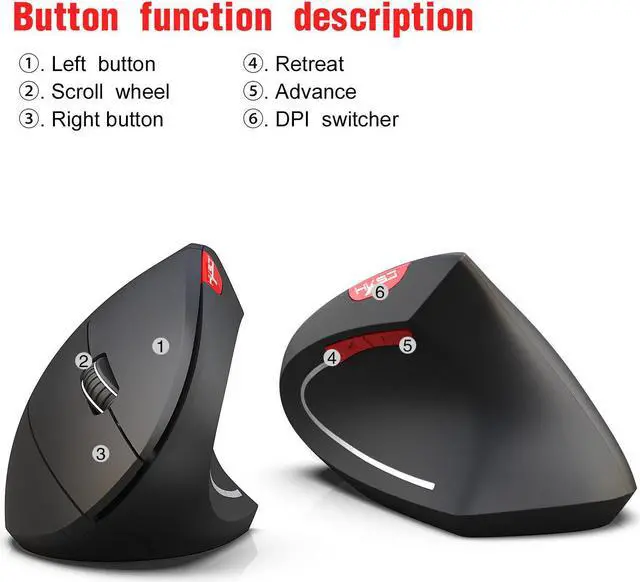
\n3.Button: 4 buttons and 1 wheel (middle button)and dpi(adjusrable)
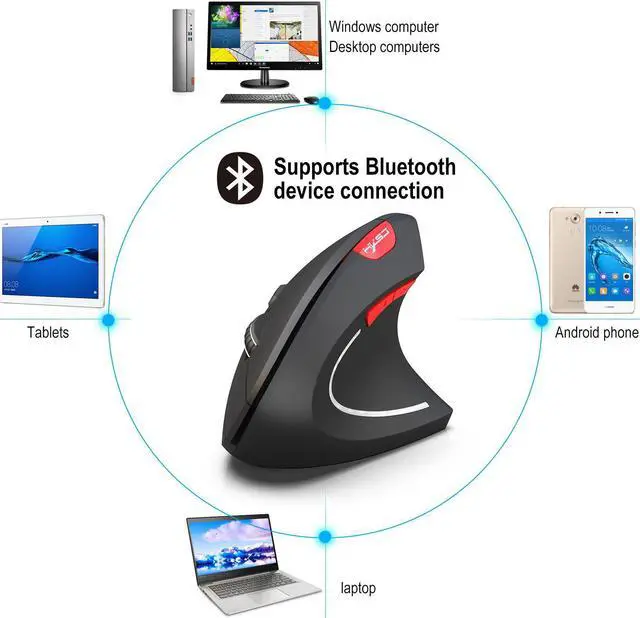
\n4.Wireless Technoloy: Bluetooth 3.0 connection
\n5.Maximum operating range: 10m
\n6.Rated voltage /current:3V/8mA
\n7.Power supply:2*AAA batteries(not included)
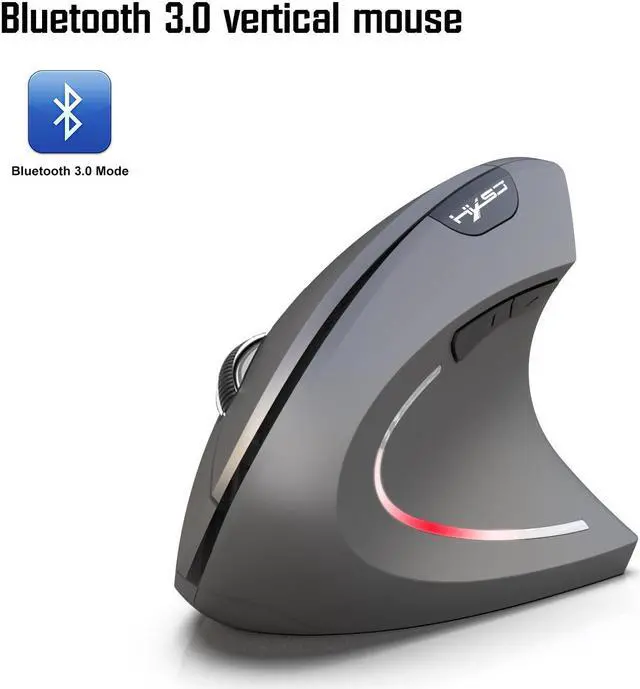
\n8.Color: Black,Grey
\n9.Material: ABS
\n10.Button click life:8 Million times
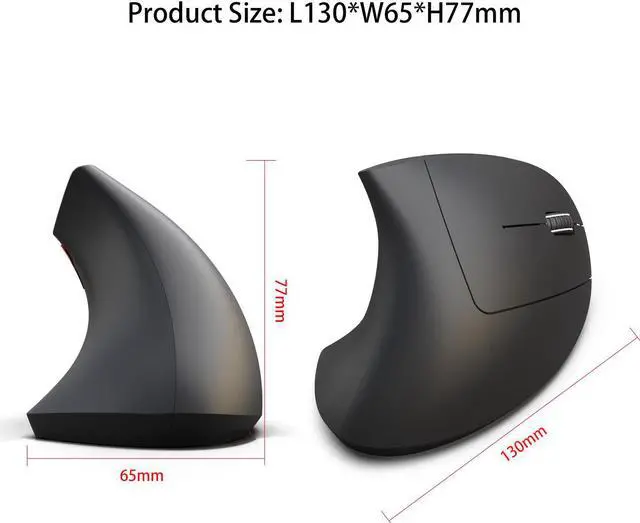
\n11.Item size:13*6.5*7.7cm
\n12.Item weight:87g
\n13.Package size:15.5*8.5*8.4cm
\n14.Package weight:125g(Including the weight of the packaging box)
\n15.System Requirements: Windows 98/Me/2000/XP/Vista/ Win 7/Win8/win10 or latest.
\n\n
Package includes:
\n1 x Mouse
\n1 x English User Manual
\nSpecification:
\n1.Bluetooth 3.0 wireless connection technology.
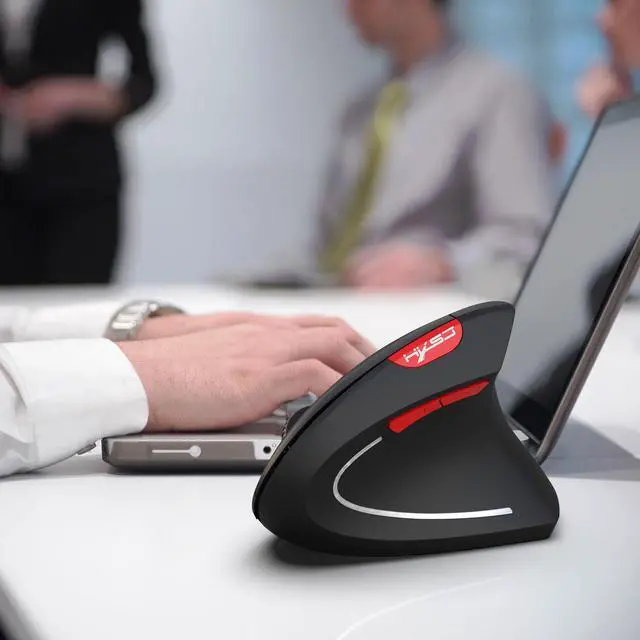
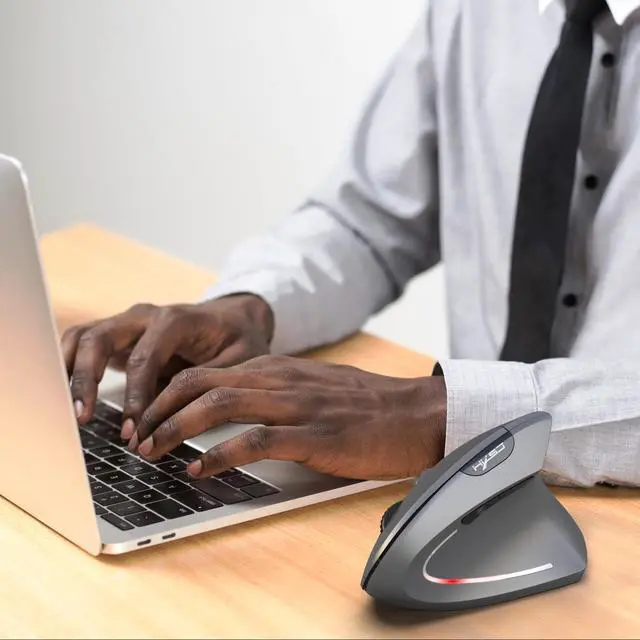
\n2.Ergonomic designed to remit and prevent carpal tunnel syndrome.
\n3.Optical laser technology for precise control.
\n4.User convenience with wow-pen's signature, pen-grip comfort.
\n5.L/R mouse buttons, 2 thumb buttons, and a clickable scroll wheel , dpi button.
\n6.You pick the hand position that best suits you. Plug and play, compatible with Mac.
\nBluetooth connection method:
\n1. Turn on the mouse power switch directly.
\n2. Then search for Bluetooth devices directly in the add device.
\n3. Click to connect to the Bluetooth mouse,The device has been successfully added to this computer
\nNote:
Desktop computers need to be equipped with a Bluetooth receiver to use.
\n\nApple phone is not supported.
\n