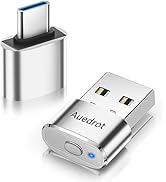
Out of stock
This item is currently out of stock and it may or may not be restocked.
Sold by Newegg

Shipped by Newegg

Shop it at NeweggBusiness.

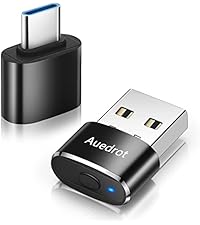
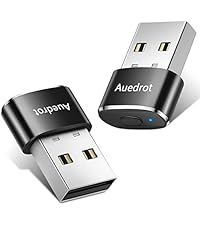
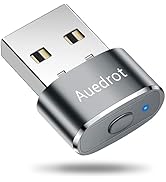
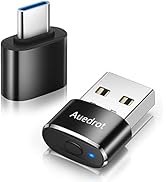
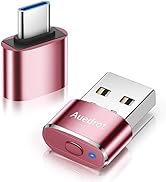
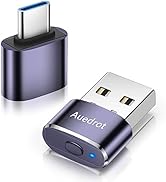
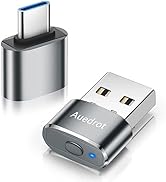
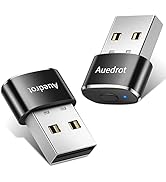
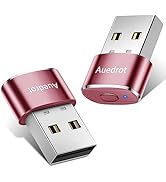
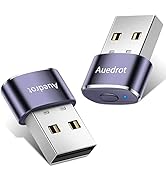
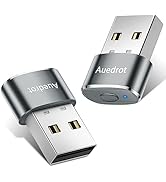
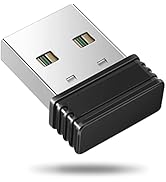
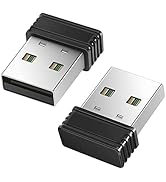
Mouse Jiggler Undetectable Mouse Jiggers USB Mouse Mover with Switch Button, Automatic Mouse Wiggler with 2 Jiggle Modes, Mouse Mover Device, Plug & Play, Keep Computer/Laptop Awake, Black

  • 2 JIGGLER MODES FREELY SWITCH: Slight Jiggler Mode: move the mouse pointer slightly 1-2 pixels back and forth from left to right, which doesn't affect the normal use of mice. Random Jiggler Mode: randomly move the mouse pointer irregularly
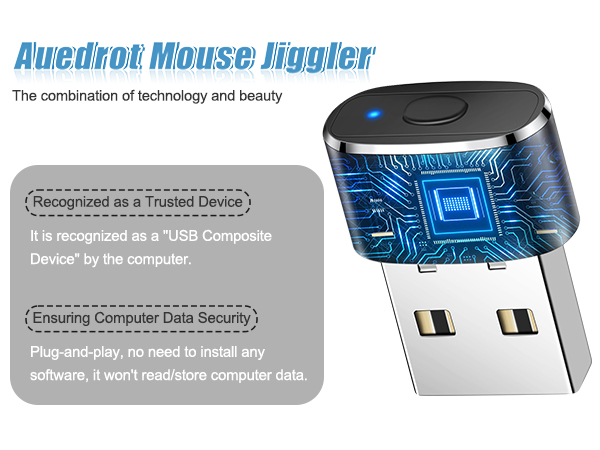
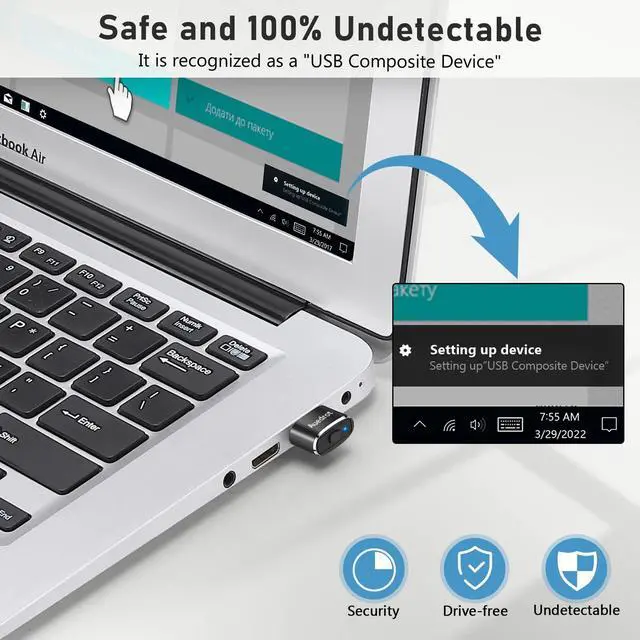
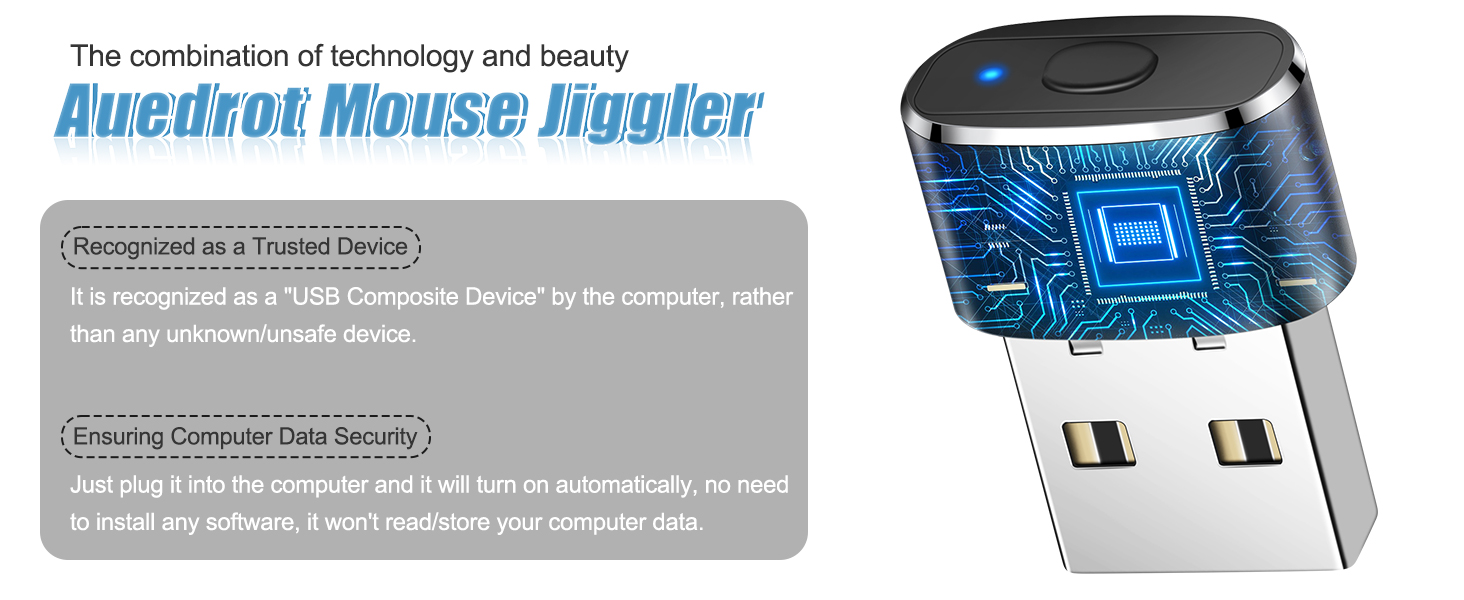
  • RECOGNIZED AS A TRUSTED DEVICE: When this mini mouse jiggler is connected to the computer for the first time, it is recognized as a "USB Composite Device" by the computer, rather than any unknown/unsafe device, you can use it with confidence
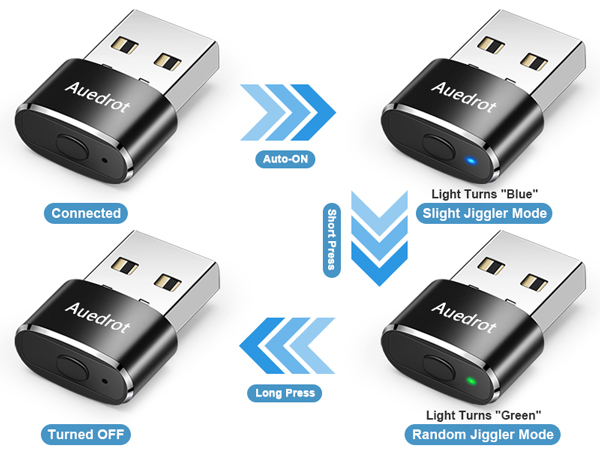
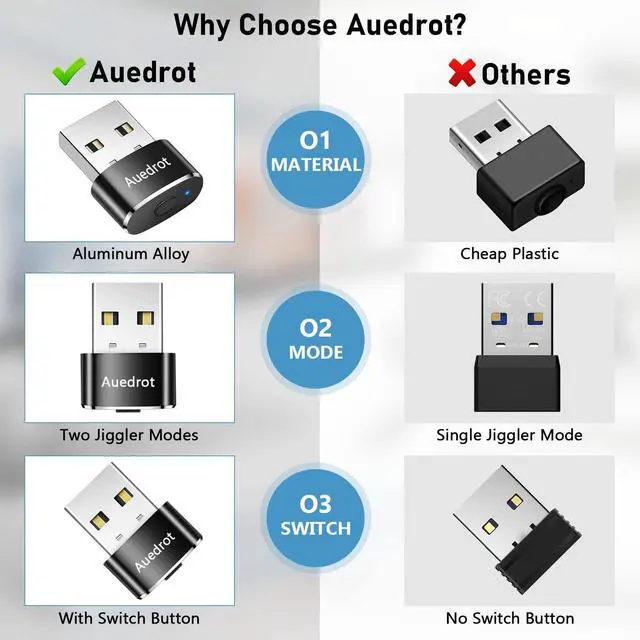
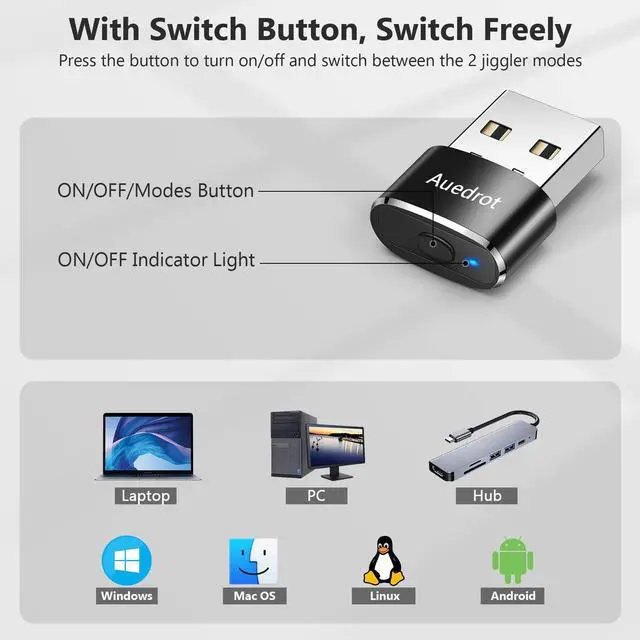
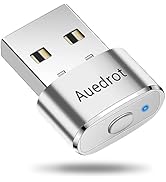
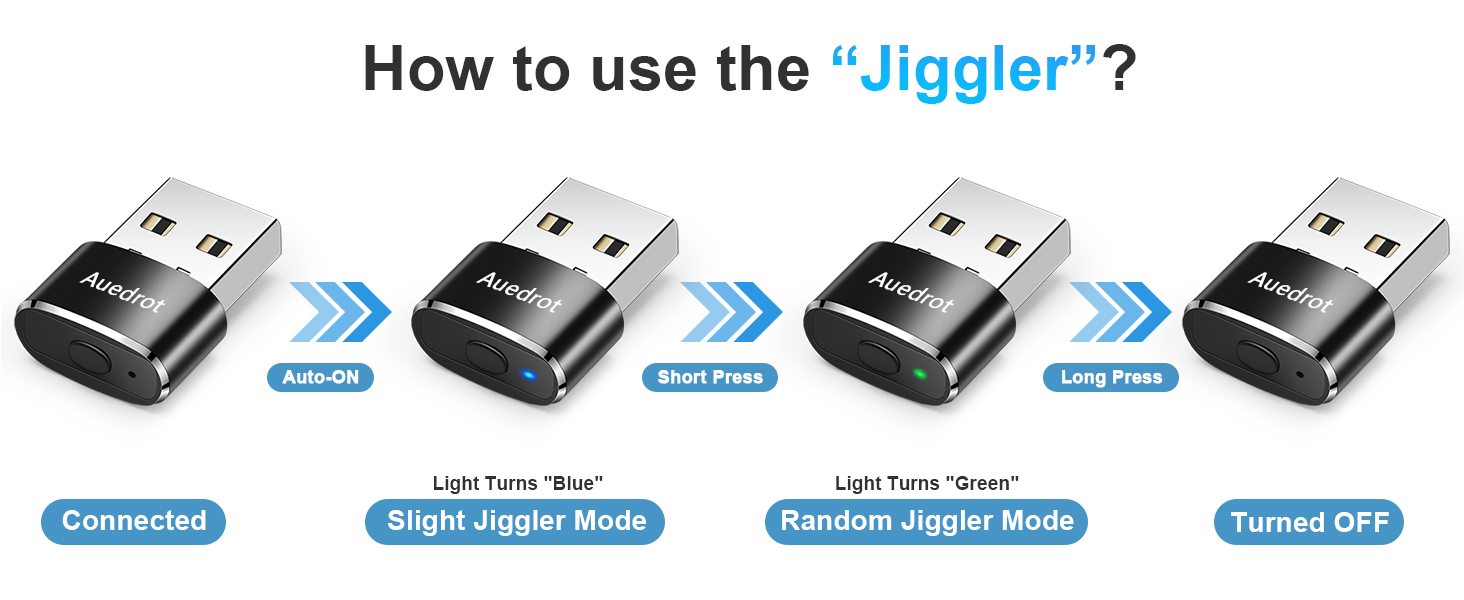
  • METAL MATERIAL WITH SWITCH BUTTON: This mouse jiggler is made of aluminum alloy, which is more upscale and sturdy than plastic. With ON/OFF/Modes Switch button, "Short Press" to turn on/switch between the 2 modes, and "Long Press" to turn it off
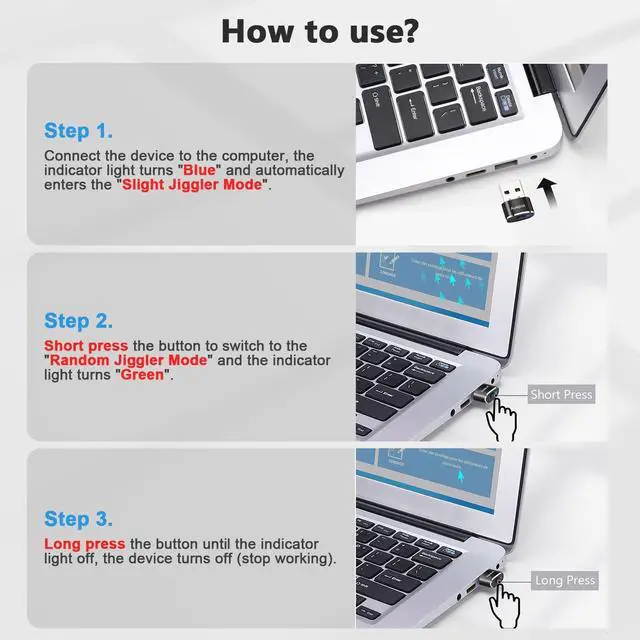
  • NO SOFTWARE INSTALLATION REQUIRED: This mouse jiggler is plug-and-play, no need to install any software, just plug it into the computer and it will turn on automatically, just "Long Press" the button to turn it off, avoid frequent unplugging
  • WITH WIDE APPLICABILITY: It can be used for online reading, games online, remote connection, etc. It keeps the computer active, thereby keeping your Microsoft Teams, Skype, Webex, Lync, etc. "Green". Compatible with Windows, Mac OS, Android, etc
Overview
Specs
Reviews

Auedrot mouse jiggler

Merchant Video

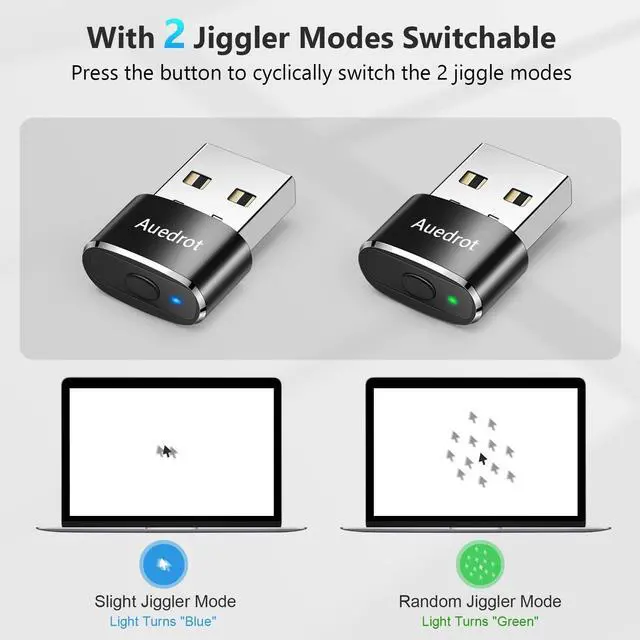
With 2 Jiggler Modes Freely Switchable

a laptop displaying a small bird flying in the air.

Slight Jiggler Mode

Slightly moves the mouse pointer by 1-2 pixels left and right, which is almost invisible and doesn't affect the normal use of the mouse.

a computer displaying a random jigsaw mode.

Random Jiggler Mode

Randomly moves the mouse pointer across the screen, which is excellent for users who want to see the visible movement of the mouse pointer.
mouse mover device undetectable
mouse mover jiggler

Auedrot mouse jiggler series, more choices for you

https://m.media-amazon.com/images/S/aplus-media-library-service-media/65401f58-766a-4d11-a9cf-bd07ac107b60.__AC_SR200,225___.jpg

Mouse Jiggler (USB-C)

https://m.media-amazon.com/images/S/aplus-media-library-service-media/14f1ab1b-a586-4447-a80e-fbd16b252674.__AC_SR200,225___.jpg

Mouse Jiggler (+Adapter)

https://m.media-amazon.com/images/S/aplus-media-library-service-media/5e367f13-a337-4aaa-bc9e-a1ce0803a14e.__AC_SR200,225___.jpg

Mouse Jiggler (2 PCS)

https://m.media-amazon.com/images/S/aplus-media-library-service-media/6961638e-9abe-4531-a3d6-842e01e5d88b.__AC_SR200,225___.jpg

USB Mouse Jiggler

https://m.media-amazon.com/images/S/aplus-media-library-service-media/2e76b4f5-a53f-4d16-84d1-42a99a5c44e8.__AC_SR200,225___.jpg

Ergonomic Mouse Pad

Customer Reviews
Price
Style
Metal, USB-C, 1 PCS Metal, + USB-C Adapter Metal, USB, 2 PCS Plastic, 1 PCS Mouse Pad with Wrist Rest
Modes
2 2 2 1 /
Buttons
1 1 1 / /
Undetectable
? ? ? ? ?
Connection Method
USB-C USB + USB-C USB USB /
Material
Aluminum Alloy Aluminum Alloy Aluminum Alloy ABS Plastic Gel & Memory Foam
Color
Black Black Black Black Black

Auedrot mouse jiggler

Merchant Video

With 2 Jiggler Modes Freely Switchable

a laptop displaying a small bird flying in the air.

Slight Jiggler Mode

Slightly moves the mouse pointer by 1-2 pixels left and right, which is almost invisible and doesn't affect the normal use of the mouse.

a computer displaying a random jigsaw mode.

Random Jiggler Mode

Randomly moves the mouse pointer across the screen, which is excellent for users who want to see the visible movement of the mouse pointer.

mouse mover device undetectable
mouse mover jiggler

Auedrot mouse jiggler series, more choices for you
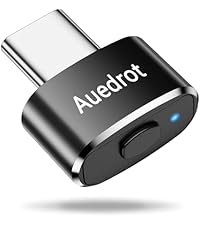
https://m.media-amazon.com/images/S/aplus-media-library-service-media/65401f58-766a-4d11-a9cf-bd07ac107b60.__AC_SR200,225___.jpg

Mouse Jiggler (USB-C)

https://m.media-amazon.com/images/S/aplus-media-library-service-media/14f1ab1b-a586-4447-a80e-fbd16b252674.__AC_SR200,225___.jpg

Mouse Jiggler (+Adapter)

https://m.media-amazon.com/images/S/aplus-media-library-service-media/5e367f13-a337-4aaa-bc9e-a1ce0803a14e.__AC_SR200,225___.jpg

Mouse Jiggler (2 PCS)

https://m.media-amazon.com/images/S/aplus-media-library-service-media/6961638e-9abe-4531-a3d6-842e01e5d88b.__AC_SR200,225___.jpg

USB Mouse Jiggler

https://m.media-amazon.com/images/S/aplus-media-library-service-media/2e76b4f5-a53f-4d16-84d1-42a99a5c44e8.__AC_SR200,225___.jpg

Ergonomic Mouse Pad

Customer Reviews
Price
Style
Metal, USB-C, 1 PCS Metal, + USB-C Adapter Metal, USB, 2 PCS Plastic, 1 PCS Mouse Pad with Wrist Rest
Modes
2 2 2 1 /
Buttons
1 1 1 / /
Undetectable
? ? ? ? ?
Connection Method
USB-C USB + USB-C USB USB /
Material
Aluminum Alloy Aluminum Alloy Aluminum Alloy ABS Plastic Gel & Memory Foam
Color
Black Black Black Black Black

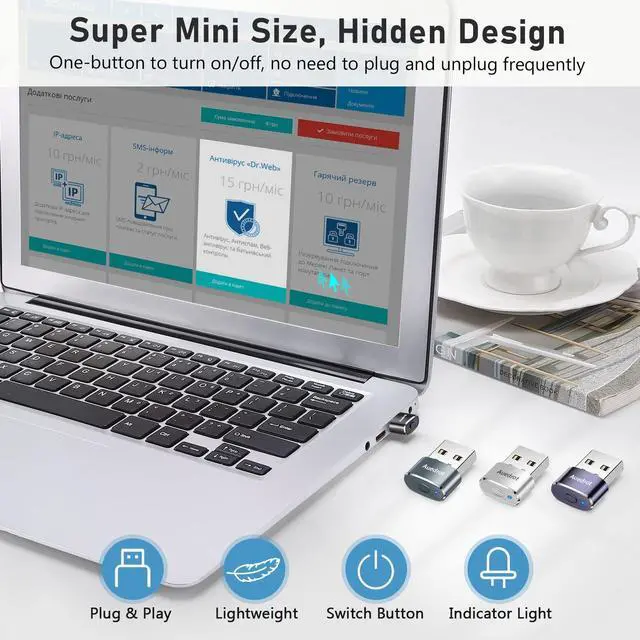
Auedrot metal mini mouse jiggler, with a switch button to turn on/off and freely switch between the "Slight Jiggler Mode" and "Random Jiggler Mode".


When in "Slight Jiggler Mode" the mouse pointer moves slightly by 1-2 pixels, which is almost invisible and does not affect the normal use of the mouse. The "Random Jiggler Mode" randomly moves the pointer across the screen, which is excellent for users who want to see the visible movement of the pointer.


100% Undetected by IT Software

The mouse jiggler is recognized by the computer/IT detection software as a USB composite device, rather than any unknown/unsafe device, so you can use it with confidence unless your company's computer does not allow the use of a mouse.


No Need to Install Any Software

This mouse jiggler is plug-and-play, just plug it into the USB port of the computer. And this device does not have any function of reading/storing data, you can understand it as an "Automatic Mouse".


How to Use It?

Plug it into the computer USB port, "Short Press" the button, the indicator lights on, and enter the "Slight Jiggler Mode" at the same time. "Short Press" the button again to switch to "Random Jiggler Mode", "Short Press" to cycle switch between the 2 jiggler modes. "Long Press" the button until the indicator lights off, the mouse jiggler stops working.


Specifications:

Name: Metal Mouse Jiggler

Size: 22*11*8 mm/0.87*0.43*0.31 in

Net Weight: 3 g/0.1 oz

Interface Type: USB

Material: Aluminum Alloy

Color: Black


Package Included:

1 x Metal Mouse Jiggler


Product information

Brand AUEDROT
Color Black
Connectivity Technology USB
Special Feature Ergonomic Design, Lightweight, Portable, Wireless
Movement Detection Technology Optical
Product Dimensions 0.87 x 0.43 x 0.31 inches
Item Weight 0.106 ounces
Item model number AUB09YTB1DSB
Date First Available June 3, 2022
Manufacturer Shenzhen Paisheng Technology Co., Ltd.

Warranty & Returns

Warranty, Returns, And Additional Information

Return Policies

LOADING...