







3 Adjustable Level
The Bluetooth mouse offers 3 adjustable DPI levels (1000/1200/1600), allowing you to easily customize DPI to suit your preferences.
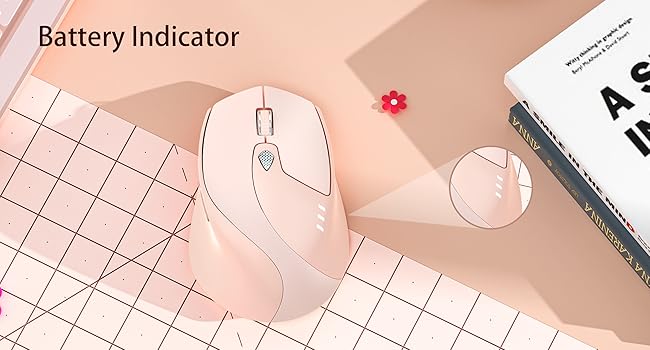
Visible Battery Indicator
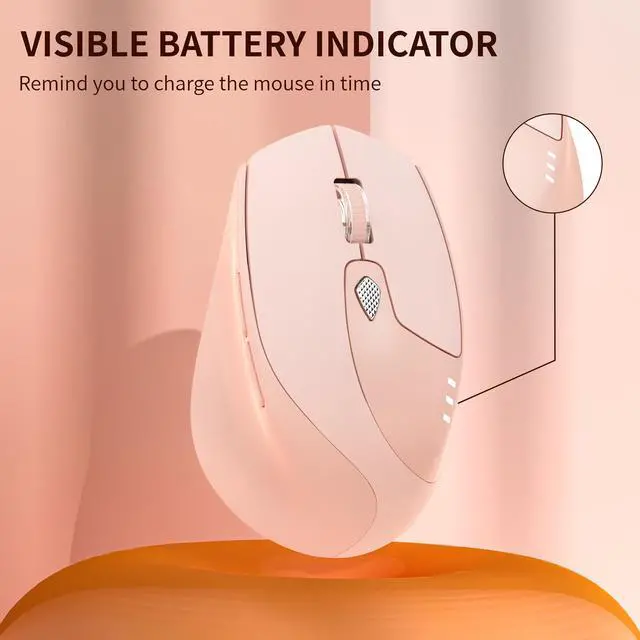
Visible battery indicator on the top of the mouse enables you to know the battery level and charge the mouse in time. Say goodbye to battery anxiety.
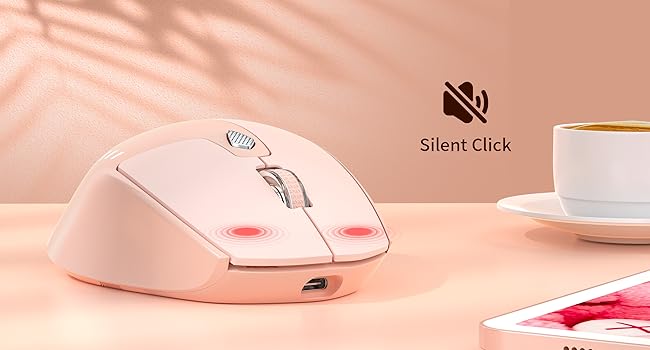
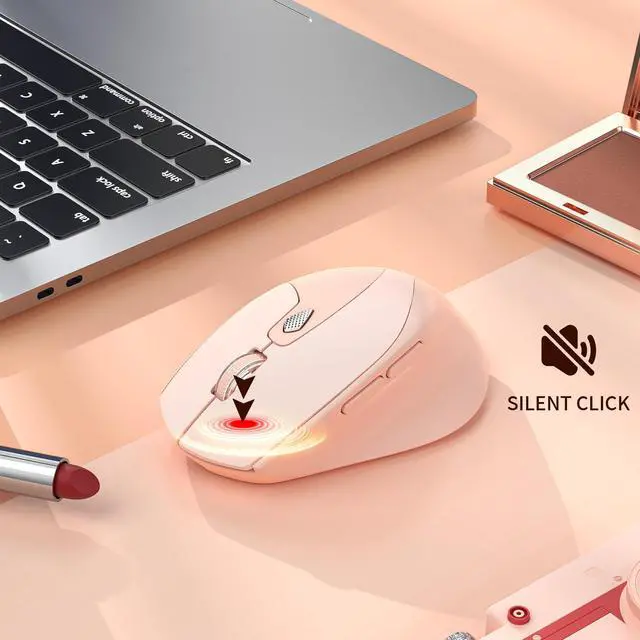
Silent Wireless Mouse
Quiet design for the left and right button ensures silent clicks. You can use the mouse anywhere and won’t bother others, ideal for use in public, such as library, dormitory, office and so on.

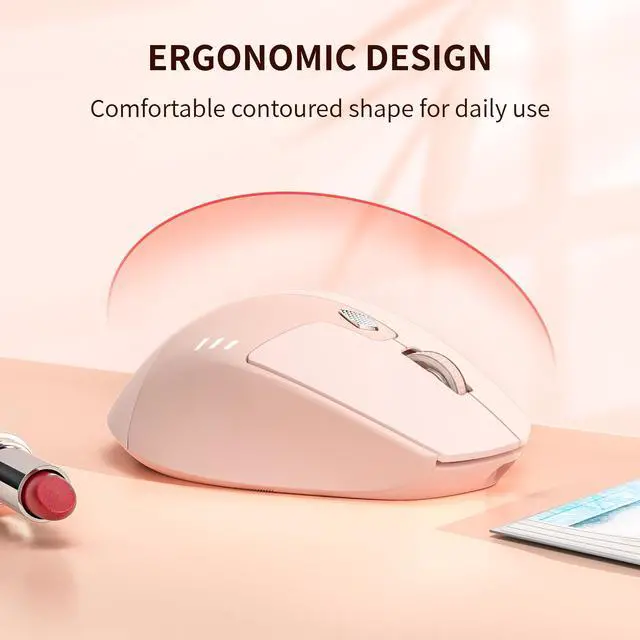
Portable Travel Mouse
Portable design makes it easy to store in bag for traveling. It’s a good choice for taking around from home to office and business trip.

How do i connect the mouse to Bluetooth?
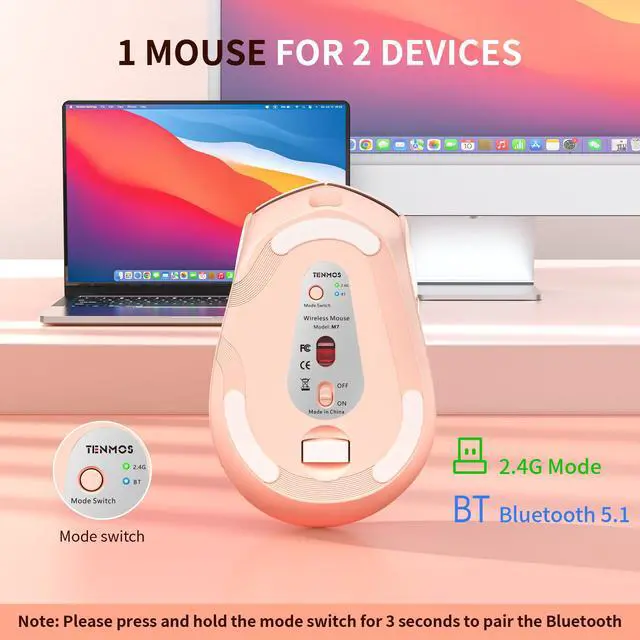
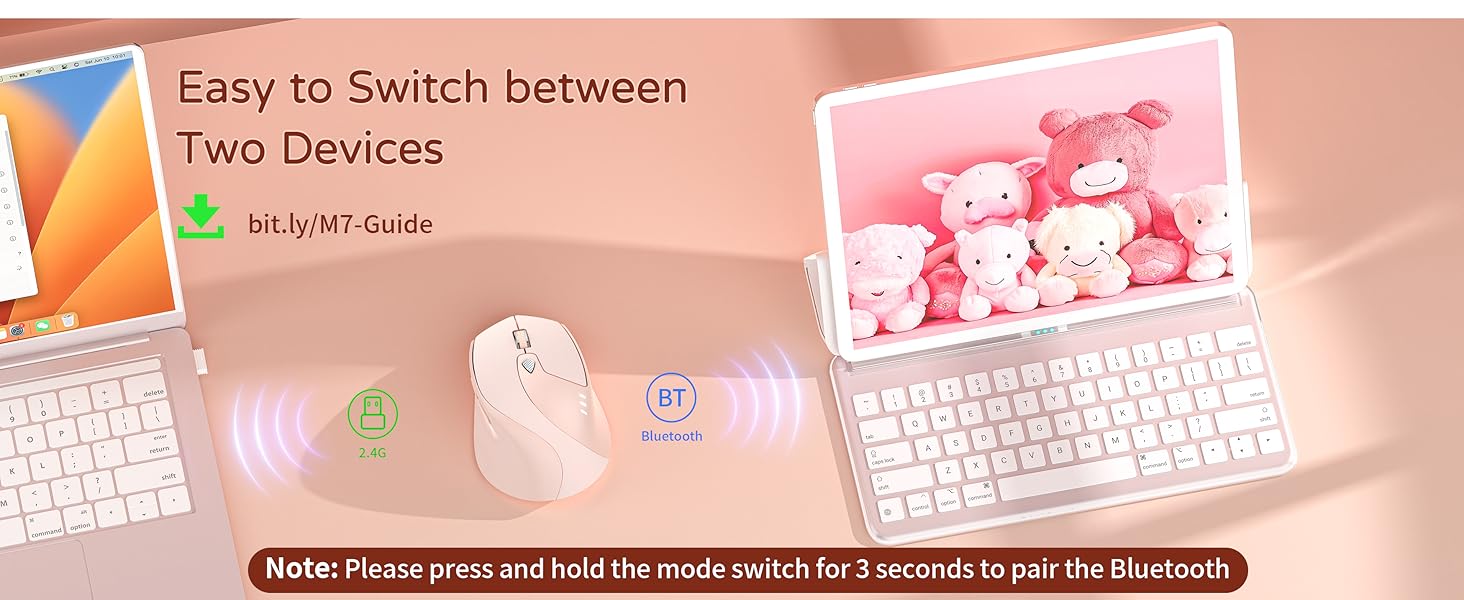
Turn "ON" the mouse, single tap the "Mode Switch" button to the "BT", hold for 3 seconds, blue light flashes quickly, find "BT5.1 Mouse" on your device and pair.
How to use the Type-C adapter that included?
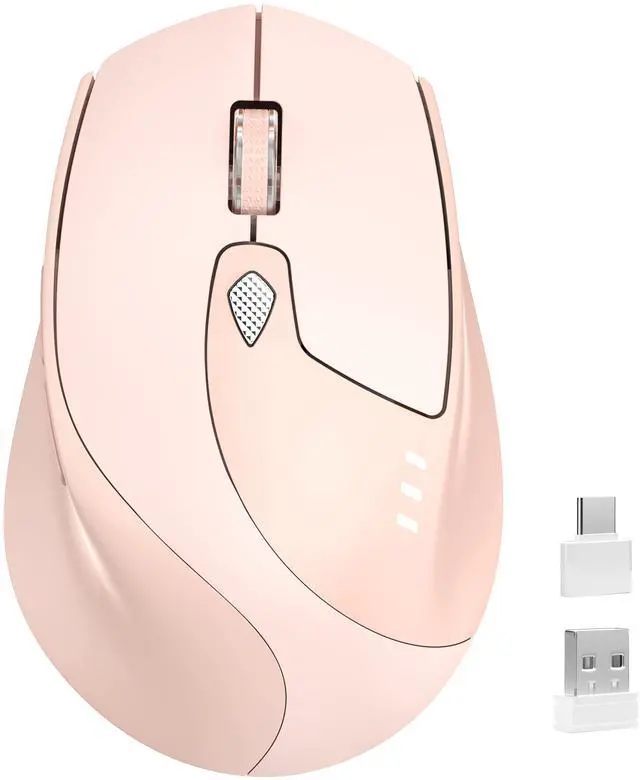
If your devices with USB-C port, you need to insert the Type-C adapter into the device first and then insert the USB receiver into the Type-C adapter.
Where is the USB receiver?
The USB receiver is stored at the bottom of the mouse, you need to take it out.
Is the Bluetooth feature incompatible with Apple M4 chip?
Sorry, the Bluetooth feature incompatible with Apple M4 chip.
TENMOS Wireless Mouse
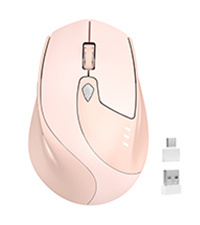 M7 Bluetooth Mouse |  M2 Wireless Mouse |  M16 Bluetooth Mouse |  M18 Bluetooth Mouse |  M101 Wireless Mouse | |
|---|---|---|---|---|---|
Customer Reviews | — | — | — | — | — |
Price | — | — | — | — | — |
Connection | Bluetooth + USB | USB | Dual Bluetooth + USB | Dual Bluetooth + USB | USB |
Rechargeable | Yes | Yes | Yes | Yes | No |
DPI | 1000/1200/1600 | 800/1600/2400 | 800/1200/1600 | 1200 | 1600 |
Silent | Yes | Yes | Yes | Yes | Yes |
Button | 6 | 6 | 4 | 3 | 3 |
Receiver | Inside the Mouse Bottom | Inside the Mouse Bottom | Inside the Mouse Bottom | Packed with Mouse | Inside the Battery Compartment |


TENMOS is focused on developing and producing computer mice and keyboard for many years. Our team works hard to design innovative and quality product for everyone.
We are committed to providing each customer with the highest service.
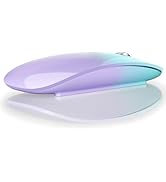
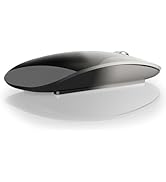
Wireless Bluetooth Mouse
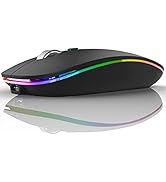
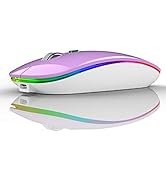
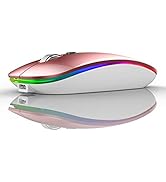
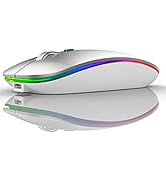
Dual Mode LED Wireless Mouse
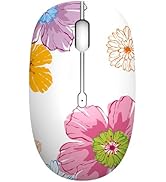
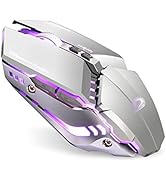
Wireless Mouse
3 Adjustable Level
The Bluetooth mouse offers 3 adjustable DPI levels (1000/1200/1600), allowing you to easily customize DPI to suit your preferences.
Visible Battery Indicator
Visible battery indicator on the top of the mouse enables you to know the battery level and charge the mouse in time. Say goodbye to battery anxiety.
Silent Wireless Mouse
Quiet design for the left and right button ensures silent clicks. You can use the mouse anywhere and won’t bother others, ideal for use in public, such as library, dormitory, office and so on.
Portable Travel Mouse
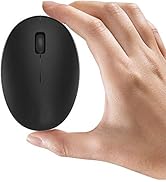
Portable design makes it easy to store in bag for traveling. It’s a good choice for taking around from home to office and business trip.

How do i connect the mouse to Bluetooth?
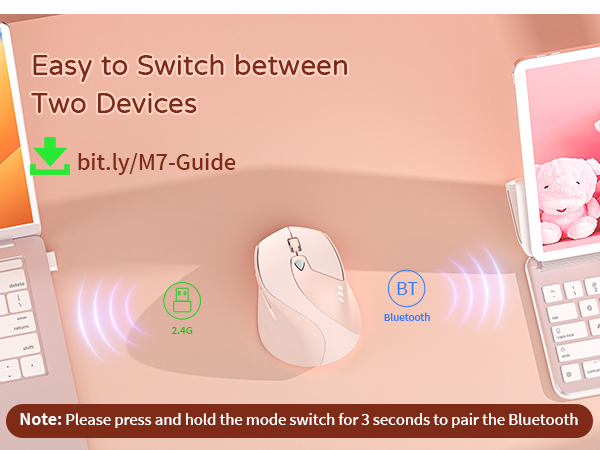
Turn "ON" the mouse, single tap the "Mode Switch" button to the "BT", hold for 3 seconds, blue light flashes quickly, find "BT5.1 Mouse" on your device and pair.
How to use the Type-C adapter that included?
If your devices with USB-C port, you need to insert the Type-C adapter into the device first and then insert the USB receiver into the Type-C adapter.
Where is the USB receiver?
The USB receiver is stored at the bottom of the mouse, you need to take it out.
Is the Bluetooth feature incompatible with Apple M4 chip?
Sorry, the Bluetooth feature incompatible with Apple M4 chip.
TENMOS Wireless Mouse
M7 Bluetooth Mouse | M2 Wireless Mouse | M16 Bluetooth Mouse | M18 Bluetooth Mouse | M101 Wireless Mouse |
|---|---|---|---|---|
| Customer Reviews | ||||
| — | — | — | — | — |
| Price | ||||
| — | — | — | — | — |
| Connection | ||||
| Bluetooth + USB | USB | Dual Bluetooth + USB | Dual Bluetooth + USB | USB |
| Rechargeable | ||||
| Yes | Yes | Yes | Yes | No |
| DPI | ||||
| 1000/1200/1600 | 800/1600/2400 | 800/1200/1600 | 1200 | 1600 |
| Silent | ||||
| Yes | Yes | Yes | Yes | Yes |
| Button | ||||
| 6 | 6 | 4 | 3 | 3 |
| Receiver | ||||
| Inside the Mouse Bottom | Inside the Mouse Bottom | Inside the Mouse Bottom | Packed with Mouse | Inside the Battery Compartment |
TENMOS is focused on developing and producing computer mice and keyboard for many years. Our team works hard to design innovative and quality product for everyone.
We are committed to providing each customer with the highest service.
Wireless Bluetooth Mouse
Dual Mode LED Wireless Mouse
Wireless Mouse