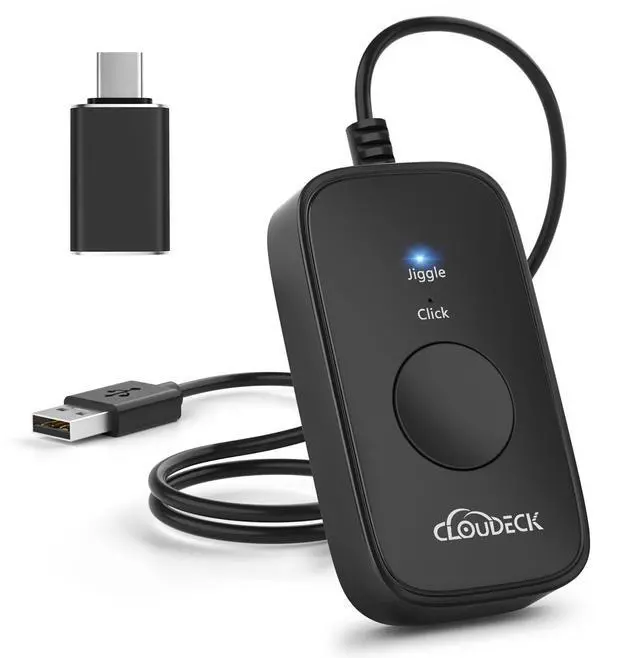
Mouse Jiggler Undetectable,2 in 1 Mouse Mover and Mouse Clicker with Type-C Adapter for Computer, Plug & Play, Simulate Mouse Movement to Prevent The Computer from Entering Sleep Mode
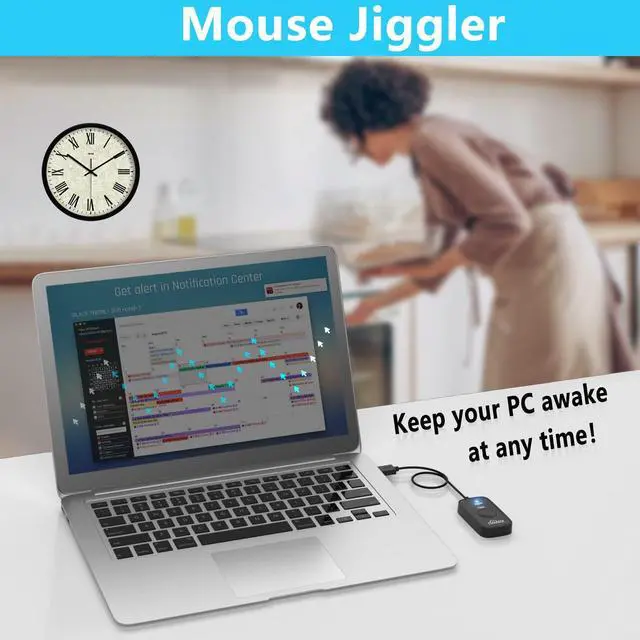
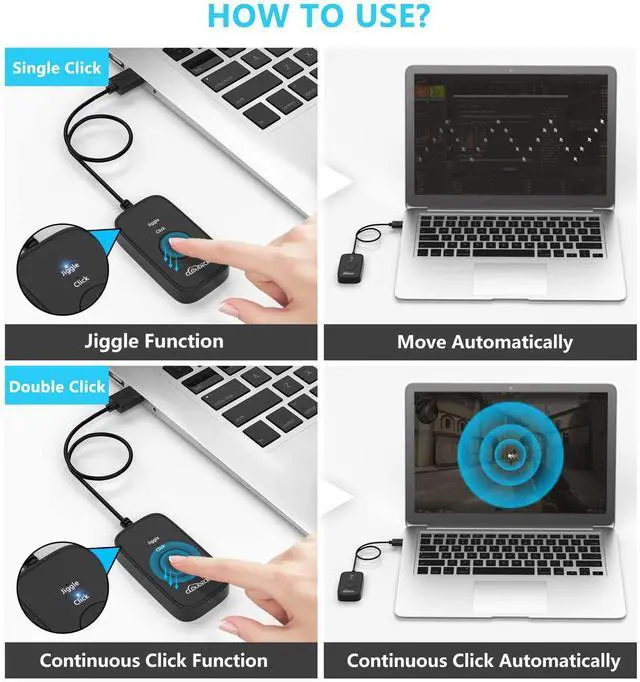
UNIQUE 2-IN-1 DESIGN Different from any other mouse jiggler, Cloudeck mouse jiggler is integrated 2 functions in one button. Use it as simulate mouse mover to prevent the computer from sleeping or hibernation, or as an auto clicker to do click works. 2 modes can be switched at any time.
AUTO HIGH FREQUENCY CLICK TECHNOLOGY Just double click the mouse clicker button going into continuous click mode, the mouse cursor will automatically click on the target location continuously at 5 times per second. This feature helps you win the game easily, rush to buy online promotional products, continuous likes, etc. to help you to do the continuous clicking work.
PLUG & PLAY WITH NO DRIVER REQUIRED NO software and driver needed, and NO settings required, just plug into the computer and press the button, the mouse clicker device will go into work immediately
ON/OFF SWITCH DESIGN Cloudeck mouse jiggler is more convenient to use thanks to the special ON/OFF switch. Just one simple press, the mouse jiggler will start to work or stop working, protecting the USB ports of your computer from the damage caused by plugging and unplugging constantly.
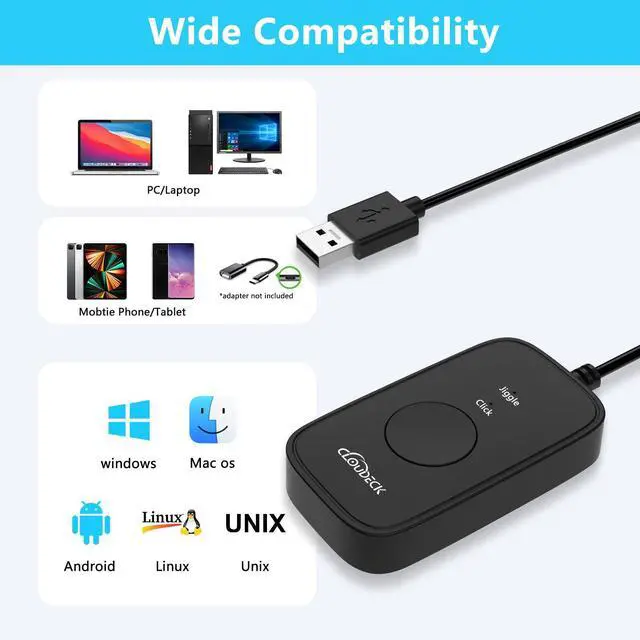
WIDELY COMPATIBILITY Cloudeck mouse mover supports most popular computer systems like Win7, Win8, Win10, Win11 Mac iOS Android and Linux ect. High performance for Notebook, laptop, Computer, MacBook.
+
+
Overview
Specs
Reviews
Cloudeck Mouse Jiggler Undetectable,2 in 1 Mouse Mover and Mouse Clicker with Type-C Adapter for Computer, Plug & Play, Simulate Mouse Movement to Prevent The Computer from Entering Sleep Mode
Learn more about the Detailed Specifications
Model
Brand
Cloudeck
Type
USB
Details
Interface
USB
Hand Orientation
Ambidextrous
Tracking Method
Optical
Buttons
1
Scrolling Capability
Ultra-Silent
Color
Blue
Additional Information
First Listed on Newegg
March 10, 2026
There are no reviews yet.
Do you own this product?
Warranty & Returns
Warranty, Returns, And Additional Information
Warranty
Please contact the Seller directly for warranty information. Warranty information may also be found on the Manufacturer's website.