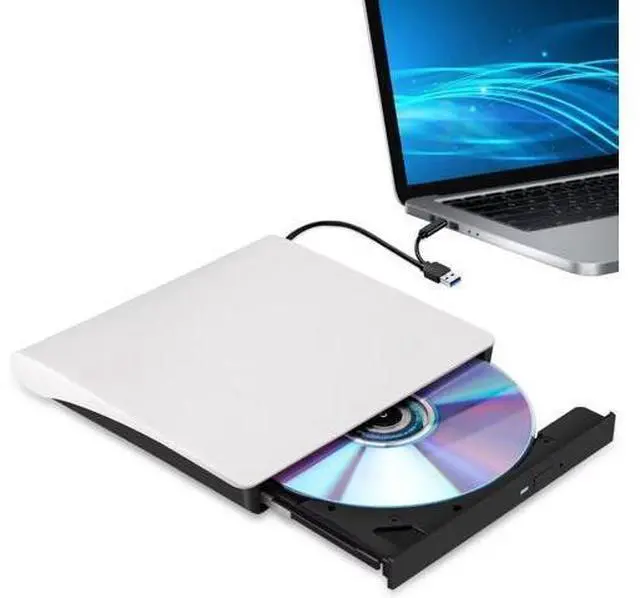
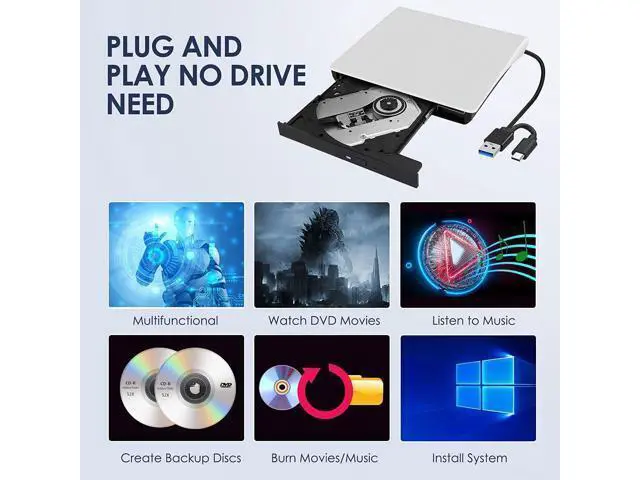
WISDUM ED001 USB-C External CD/DVD RW Drive Burner for Apple Mac & Windows Laptop PC In the age of streaming and cloud services, CDs and DVDs have become outdated formats. As a result, most laptop and desktop manufacturers have opted to remove built-in optical drives to make their devices slimmer and more compact. However, if you want to relive your favorite '90s music CDs and movie DVDs, burn custom music CDs, archive valuable videos or photos to discs for long-term storage, import media from discs to your computer or phone, or install software and system updates, the best and most convenient solution is a reliable USB external optical drive.
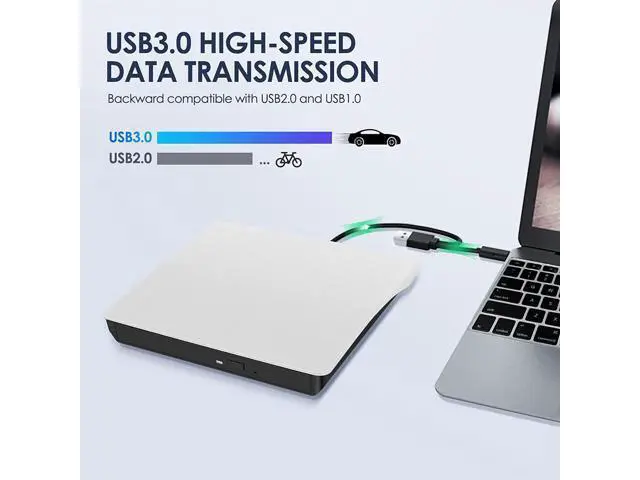
Luckily, we've got you covered. This ED001 not only has an ultra-thin and compact shape, but it also uses a true high-speed USB 3.0 solution. Simply connect to your computer via USB Type-A or Type-C, and it will automatically install the driver, and then you can experience smooth reading, burning, and ripping CD/DVD functions through the media player or burning software. The portable design and reliable performance are the reasons why this model has sold more than 1.8 million units and received the most positive reviews since it was launched in
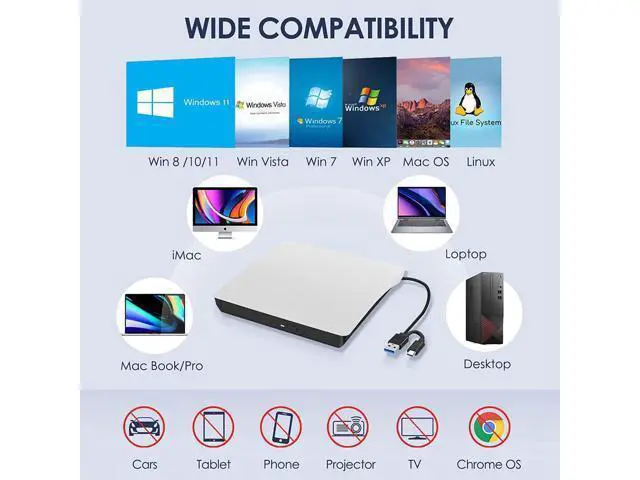
2016. Of course, it should be noted that this external CD/DVD player is only compatible with Windows, Apple Mac, and Linux computers. It CAN NOT work with Chromebooks, smartphones, tablets, TVs, cars, projectors, PlayStation, Ubuntu, or Blu-ray discs. 2-IN-1 USB 3.0 Connector Equipped with USB-C and USB-A connectors make it easier to connect to more laptops and desktop computers, no USB hub/adapter required. Plug into your computer, insert your disc, it will be recognized by your computer automatically, then you can use the compatible software to read or burn your CDs/DVDs.
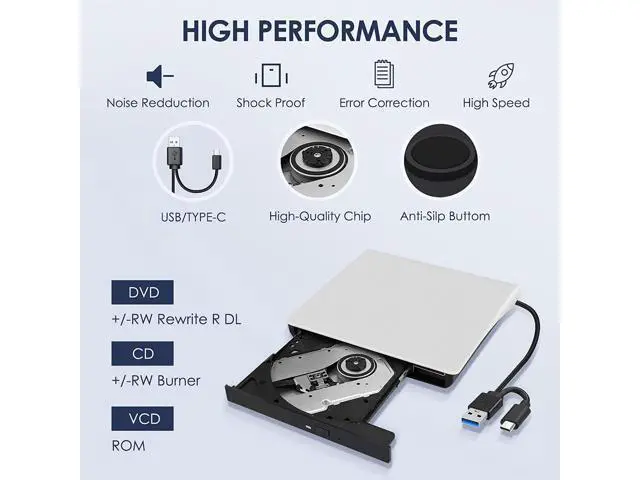
* The length of the cable is about 25 cm/ 9.8 inches. Powerful Performance 100% brand-new upgraded DVD loader with faster speed, low impedance & anti-interference ability, bring you a fast and more smooth experience.
* Max Speed:
CD-ROM: 24X /
CD-R: 24X /
CD-RW: 8X /
DVD-ROM: 8X /
DVD-R: 8X /
DVD+R: 8X /
DVD-RW: 8X /
DVD+RW: 8X /
DVD+R DL: 4X /
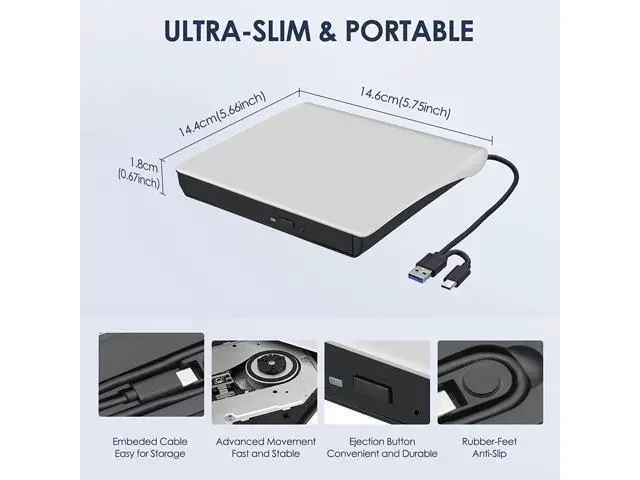
DVD-R DL: 4X / DVD RAM 3X Separate Power Supply Cord If your computer cannot supply sufficient power for this drive through a single data cable, please connect this separate power supply cord to a USB power bank/adapter or another USB port on your computer. If needn't, you can remove this power cord. * This power supply cord can not use alone. Slim and Portable Slim design and lightweight allow us to carry and use this portable external CD/DVD drive anytime, anywhere no matter you are at home, in the office, or during a trip.
* Approximate size: 14.6 * 14.9 * 1.7 cm ( 5.74 * 5.86 * 0.67 inch) How to Use this USB External CD/DVD Drive? How to Use it on
Windows OS:
1. Take out the USB A/C data cable built into the back of the drive.
2. Plug the USB A or USB C connector into your computer's USB port instead of a USB hub.
3. Your computer will recognize the drive.
4. Insert your CDs or DVDs.
4. Set the region code to Number 1 to play US or CA DVDs (CDs do not have region code).
5. Use a media player (such as Windows Media Player, VLC player, etc. ), burning, or ripping software to play, burn, or digitize your discs. Play CDs & DVDs on
Windows OS: You can use Windows media player software to play audio CDs and data DVDs (Windows 11 needs a network). If you want to play video/movie DVDs, download the free VideoLAN VLC player from VLC's official site, launch the VLC media player, click on "Media" in the top menu, select "Open Disc... ", ensure "DVD" is selected, then click "Play. " If you want to use another media player to play video DVDs, please set the region code before playing, scroll down to check the region code instructions. Best CD & DVD Burning/Ripping Software on
Windows OS: Free audio CDs burning software (Windows Media Player, CDBurnerXP and ImgBurn); Free audio CD ripping software (Windows Media Player, iTunes, CDex, Exact Audio Copy [EAC])