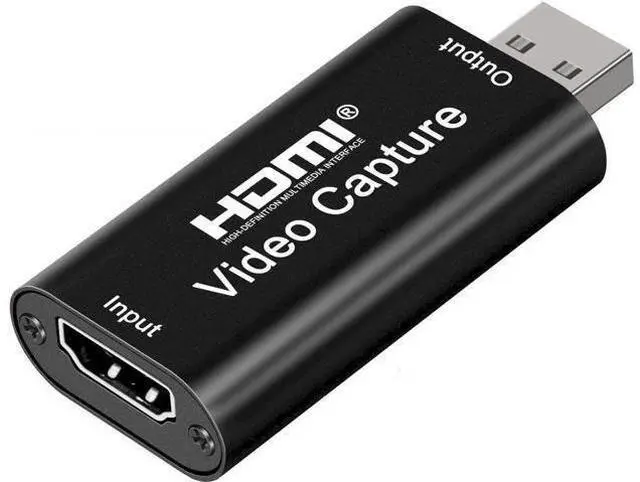
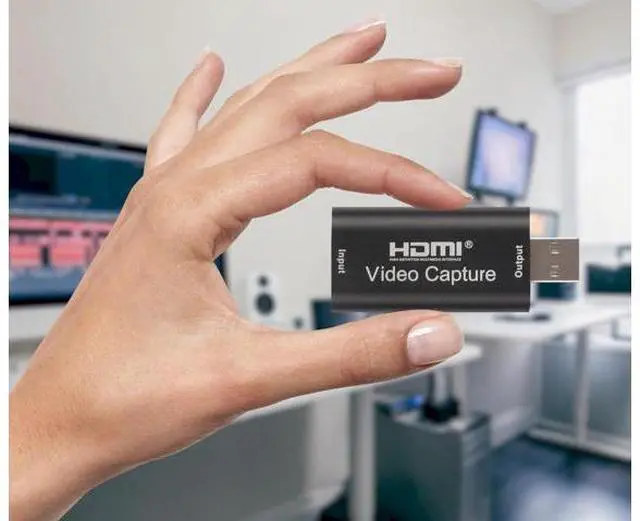
Capture & Record Moments Effortlessly capture and record high-quality streaming with HDMI to USB 2.0 Capture Card. Refer to the FAQ below for assistance or contact us directly anytime.
Connection & Operation:
1.
Install Software: OBS or Potplayer. 2.
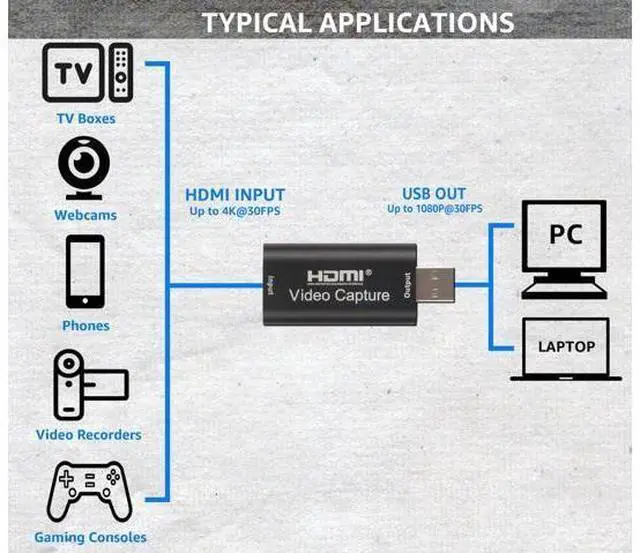
HDMI Source Connection: Connect UHD source (e. g., DSLR) to HDMI input using cable. 3.
USB Connection: Link capture card to computer's USB port.
4.
Operating Steps (OBS): - Select "Video Capture Device" as source. - Configure image size. - Opt for "Studio Mode". - Click "Start Recording".
FAQ/TROUBLESHOOTING:
1.
Frame Rate & Quality: Optimize settings for performance & video quality. 2.
USB Port: Use USB 2.0 port to prevent drops.
3.
Compatibility & Firmware: Check updates, verify console compatibility.
4. Fast Motion &
Frame Drops: Reduce intensity, optimize settings.
5.
Input Lag: Ensure capable computer, quality HDMI cables.
6.
Capture Software: Configure settings for synchronization.
7.
Other Factors: Test with different games & devices. By addressing these factors, achieve optimal results with HDMI to USB 2.0 video capture card.
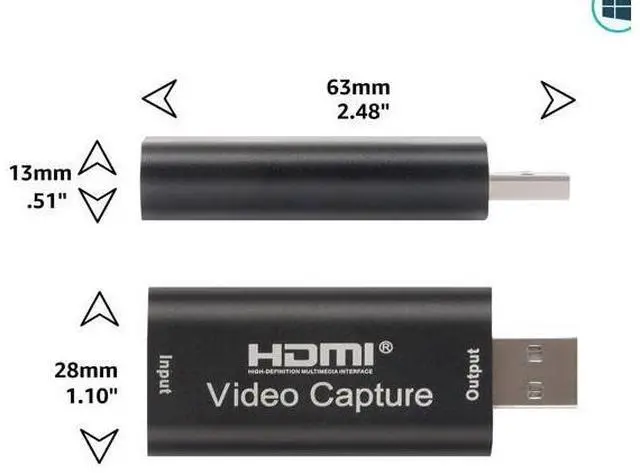
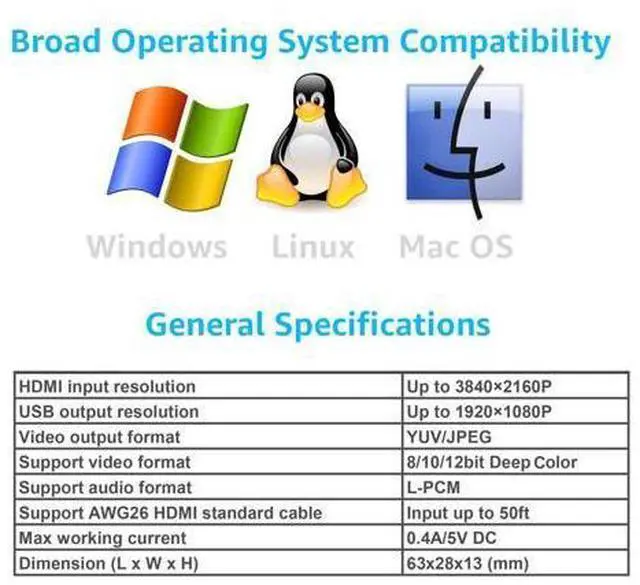
Specifications
: - Input
Resolution (4K): 3840×2160@30Hz -
Output Resolution: 1920×1080@30Hz -
Interface: USB 2.0 - Video Output