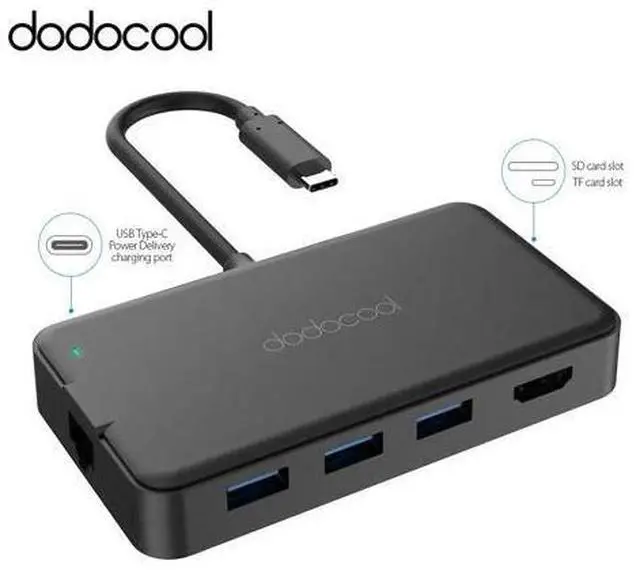
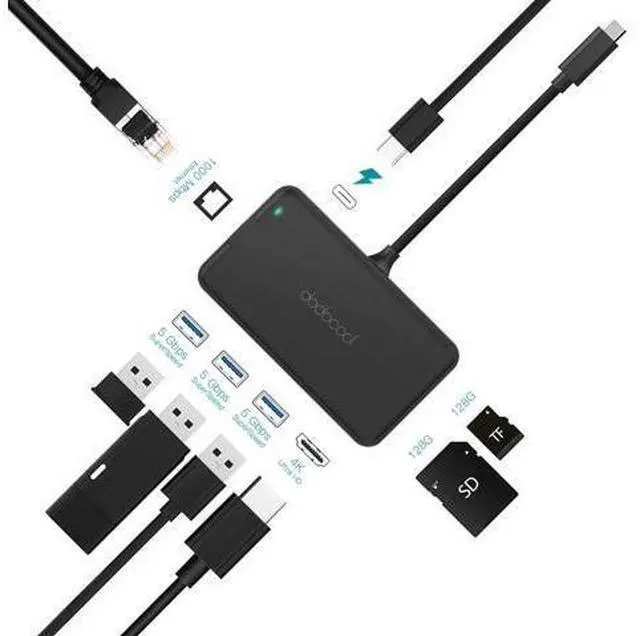
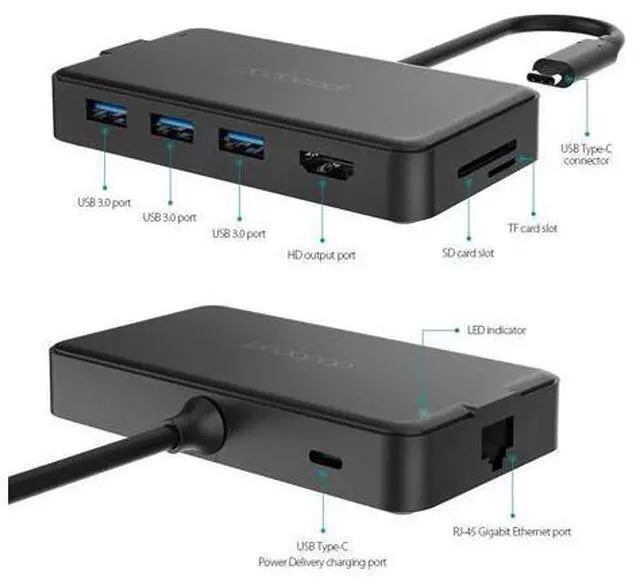
8-in-1 USB-C Hub Extend one USB Power Delivery Type-C charging port, one HD output port, three USB 3.0 Type-A ports, one SuperSpeed Gigat Ethernet port, one SD memory card slot and one TF memory card slot from one USB-C port or Thunderbolt 3 (USB-C) port. SuperSpeed USB 3.0 Ports The SuperSpeed USB 3.0 ports allow you to transfer at up to 5Gbp/s. Capable of connecting up to three USB-A peripherals (e. g. Keyboards, mice, speakers or thumb drivers) to a USB-C laptop simultaneously. Backwards compatible with USB 2.0 and USB 1.0 devices.
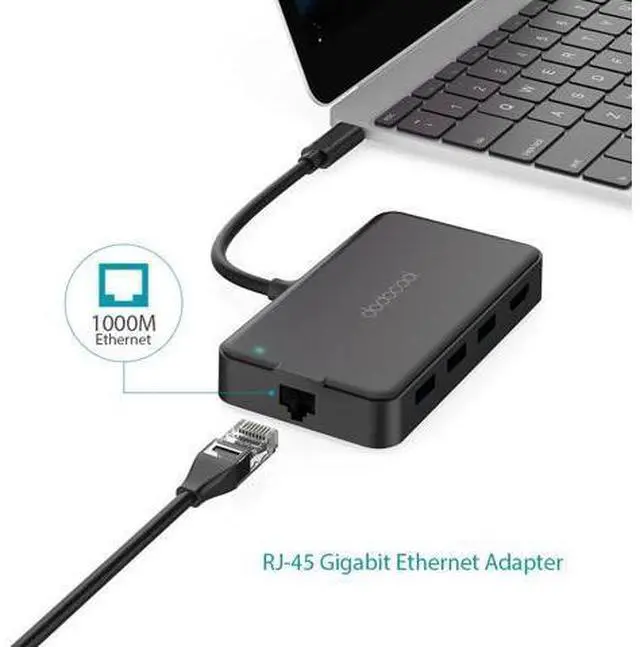
Power Delivery USB-C Port Connect to a USB-C power adapter and charge the connected Power Delivery enabled USB-C laptop and the hub via its USB-C charging port while connecting multiple peripherals and transferring. 4K Video HD Output Adapter Mirror or extend the display of your laptop to your TV, monitor or projector in up to 4K UHD (3840 x 2160 @ 30Hz) resolution through the HD output port. Backward support 2K / 1080p / 720p / 480p / 360p resolutions. RJ-45 Gigat Ethernet Adapter Enable you to enjoy the ultra-fast Gigat Ethernet speeds and the reliality of wired connection directly.
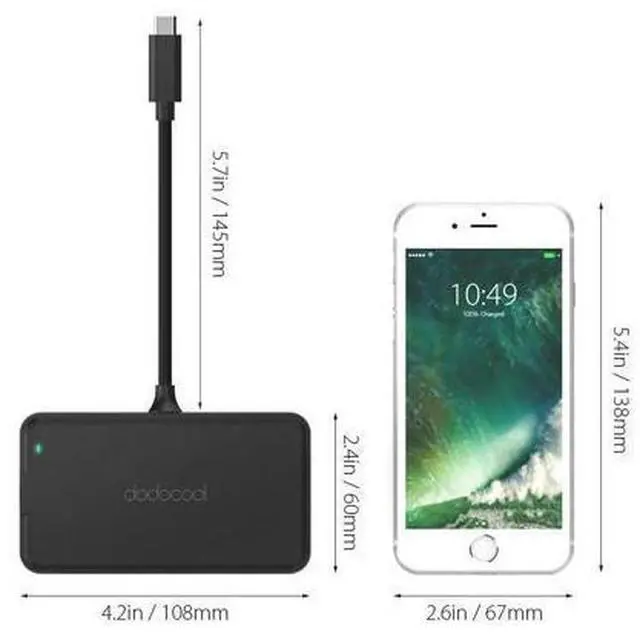
Support 10 / 100 / 1000 BEST-T networks. SD / TF Card Reader Enable you to easily access files from either an SD card or a TF card on your USB-C laptop. Easy to Use No driver required. Plug and play. Support hot swapping function. Stylish and Portable Thin, lightweight and compact design makes this hub a great travel companion. You can easily slide it into your pocket, bag or suitcase.
Note: 2. To use the HD output port, the host USB-C port from your device must support DisplayPort Alt Mode.
Tips: