


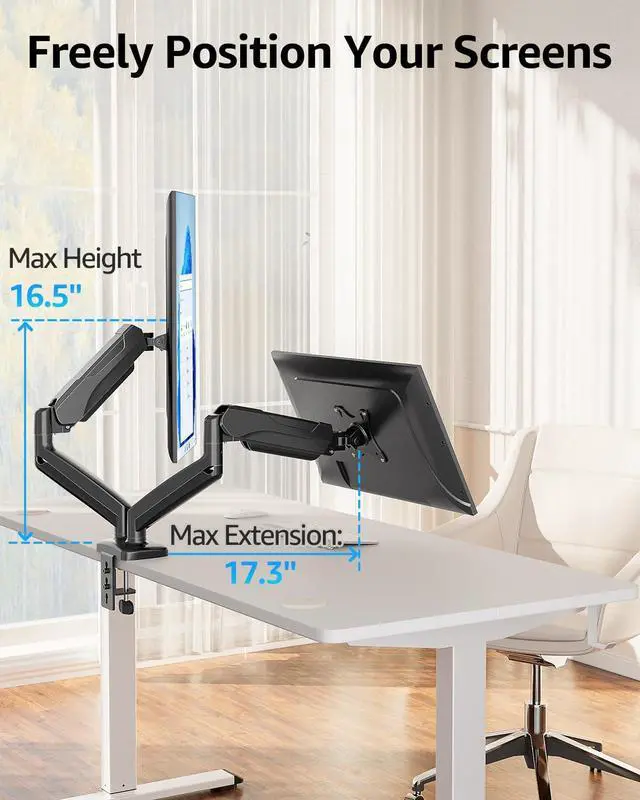
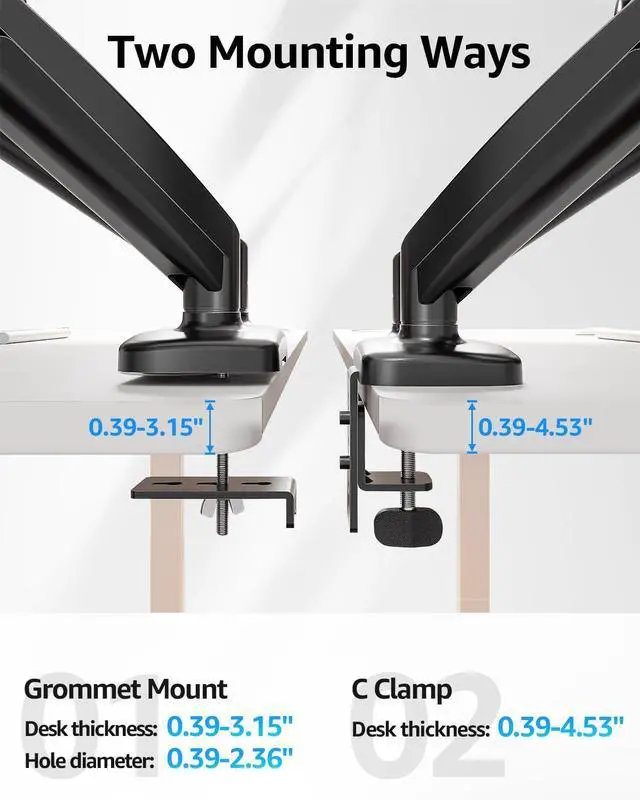
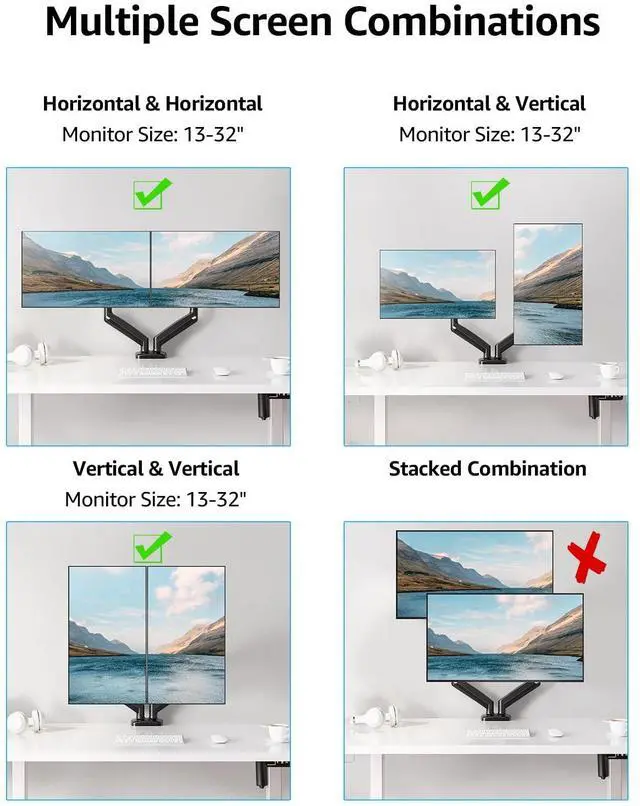


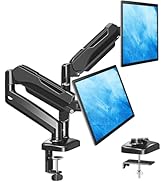
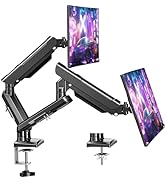
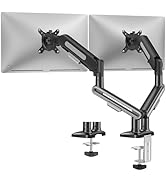
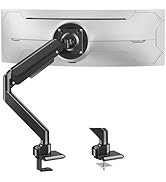
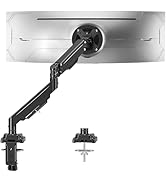
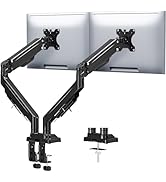
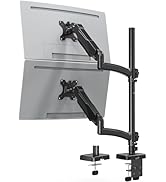
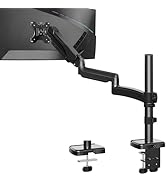
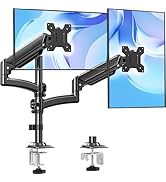
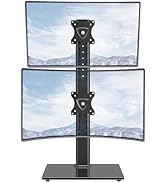
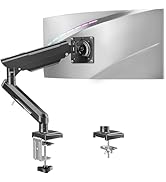
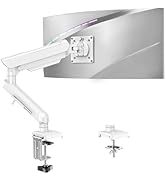
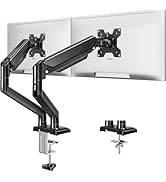
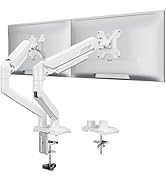
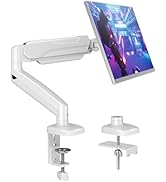
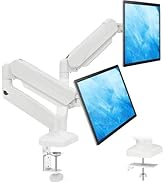
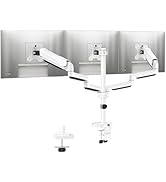
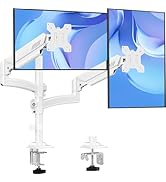
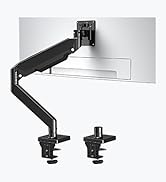
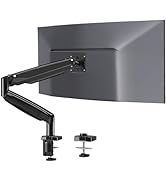
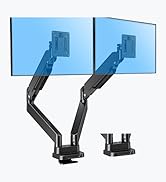
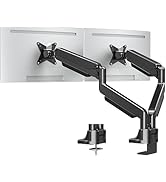
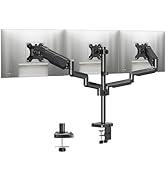
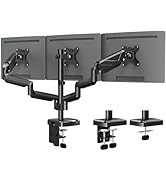
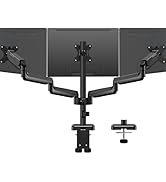
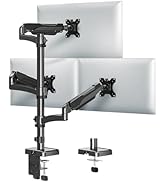
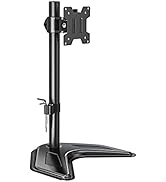
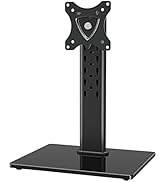
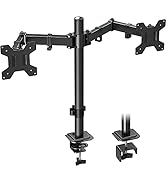
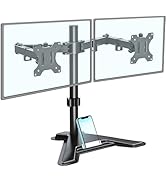
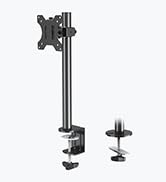
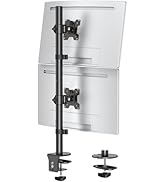
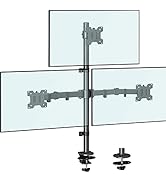
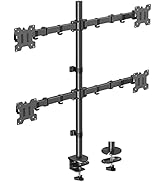
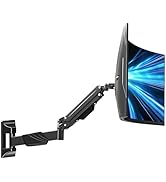
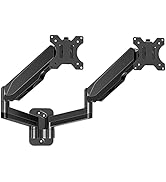
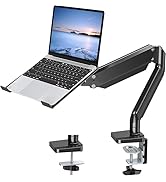
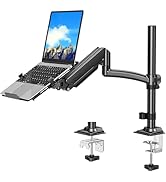
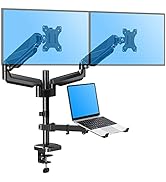
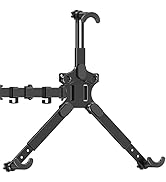
MOUNTUP Dual Monitor Stand - Elevate Your Workspace

Two Screens, One Perfect View – Adjustable Dual Monitor Mount for Seamless Multitasking.


Tension And Tilt Adjustment

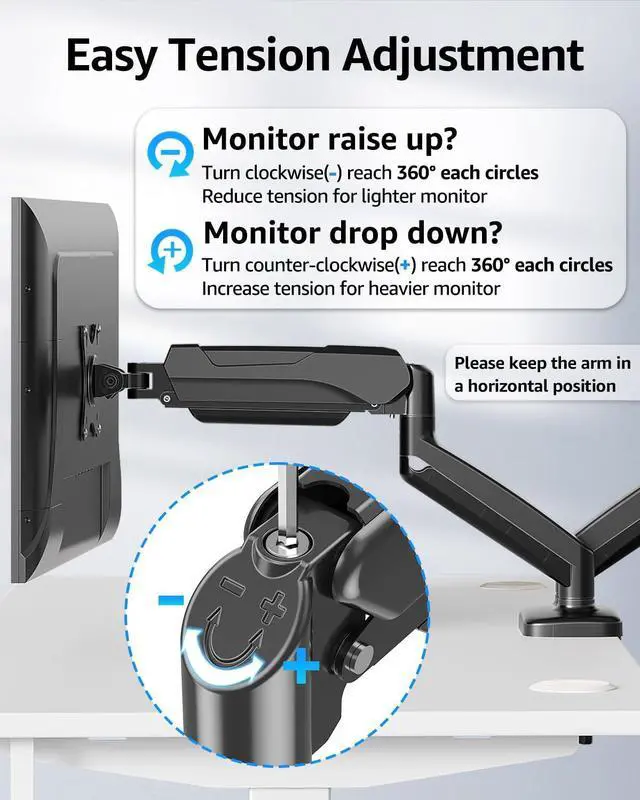
Important Note: The monitor arm is pre-set to medium tension(Not applicable to all displays). You will need to refer to the figure above and adjust the tension according to the weight of your monitor once the monitor is hung on.
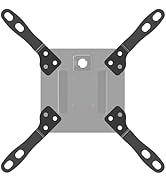
The VESA plate is oriented crookedly. How to solve it?
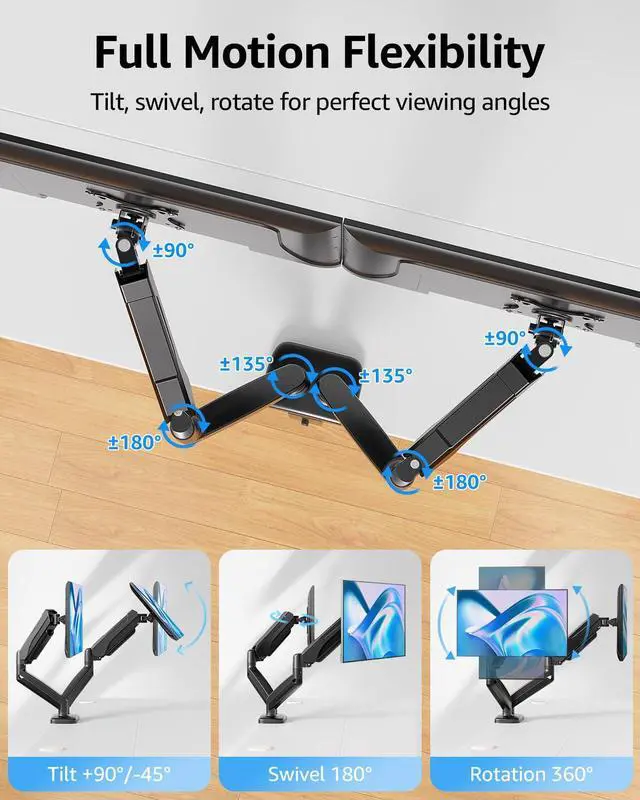
If the VESA plate is not in the right position, please hold it with both hands and rotate vigorously to make up arrows pointing up. You could refer to the third video on the detail page. Please don't worry. This is normal.
Why does not the arm stay in the position needed?
Please note that when out of the factory, the value of the tension is generally adjusted to the minimum value which makes the arms lean forward. You could refer to the instruction manual to adjust the value according to the weight of your monitor.
When the monitor keeps tilting down, how we can solve it?
You could adjust the tilting bolt for the monitor.
1. Loosen the bolt 1-2 turns with the Allen Key
2. Hold the monitor with both hands and adjust it to the right position
3. Tighten the bolt firmly with the Allen Key
When the tension on the arm does not work at all, how we can do?
Please tell us ASAP and we will send you the new spare parts.
MOUNTUP Monitor Arm Family
 MU0005 |  MU6016B |  MU8014B |  MU7006 |  MU7005 |  MU9010 |  MU0045 | |
|---|---|---|---|---|---|---|---|
Customer Reviews | — | — | — | — | — | — | — |
Price | — | — | — | — | — | — | — |
Fits screens size | 17‘’-32‘’ | 17‘’-32‘’ | 17‘’-32‘’ | 22-39'' | 22-42'' | 17’’- 35" | 19‘’-32‘’ |
Max load per arm | 17.6 lbs | 22 lbs | 22 lbs | 33 lbs | 33 lbs | / | 17.6 lbs |
Tilt Range | +90° to -45° | +70° to -45° | +70° to -45° | +90° to -45° | +90° to -45° | -25° to +25° | / |
Swivel Range | 180° | 180° | 180° | 180° | 180° | 180° | / |
360° Rotation | ? | ? | ? | ? | ? | ? | ? |
MOUNTUP Dual Monitor Stand - Elevate Your Workspace

Two Screens, One Perfect View – Adjustable Dual Monitor Mount for Seamless Multitasking.


Tension And Tilt Adjustment

Important Note: The monitor arm is pre-set to medium tension(Not applicable to all displays). You will need to refer to the figure above and adjust the tension according to the weight of your monitor once the monitor is hung on.
The VESA plate is oriented crookedly. How to solve it?
If the VESA plate is not in the right position, please hold it with both hands and rotate vigorously to make up arrows pointing up. You could refer to the third video on the detail page. Please don't worry. This is normal.
Why does not the arm stay in the position needed?
Please note that when out of the factory, the value of the tension is generally adjusted to the minimum value which makes the arms lean forward. You could refer to the instruction manual to adjust the value according to the weight of your monitor.
When the monitor keeps tilting down, how we can solve it?
You could adjust the tilting bolt for the monitor.
1. Loosen the bolt 1-2 turns with the Allen Key
2. Hold the monitor with both hands and adjust it to the right position
3. Tighten the bolt firmly with the Allen Key
When the tension on the arm does not work at all, how we can do?
Please tell us ASAP and we will send you the new spare parts.
MOUNTUP Monitor Arm Family
MU0005 | MU6016B | MU8014B | MU7006 | MU7005 | MU9010 | MU0045 |
|---|---|---|---|---|---|---|
| Customer Reviews | ||||||
| — | — | — | — | — | — | — |
| Price | ||||||
| — | — | — | — | — | — | — |
| Fits screens size | ||||||
| 17‘’-32‘’ | 17‘’-32‘’ | 17‘’-32‘’ | 22-39'' | 22-42'' | 17’’- 35" | 19‘’-32‘’ |
| Max load per arm | ||||||
| 17.6 lbs | 22 lbs | 22 lbs | 33 lbs | 33 lbs | / | 17.6 lbs |
| Tilt Range | ||||||
| +90° to -45° | +70° to -45° | +70° to -45° | +90° to -45° | +90° to -45° | -25° to +25° | / |
| Swivel Range | ||||||
| 180° | 180° | 180° | 180° | 180° | 180° | / |
| 360° Rotation | ||||||
| ? | ? | ? | ? | ? | ? | ? |
Ergonomic Monitor Mount
Adjustable Monitor Arm
Heavy Duty Monitor Arm
Tall monior arm
Freelift Monitor Arm
White Monitor Mount
Heavy Duty Monitor Arm
Triple Monitor Desk Mount
Basic & Freestanding Mount
Tall Monitor Arm
Monitor Wall Mount
Monitor & Laptop Mount
Monitor Adapter