• $100.48
  • Free 30-day Returns
  • Price alert
    Shop it at NeweggBusiness.

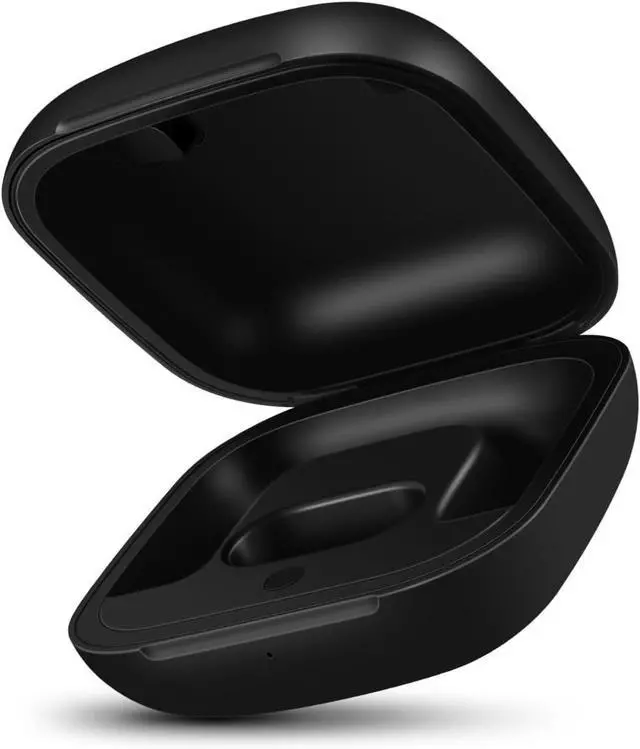
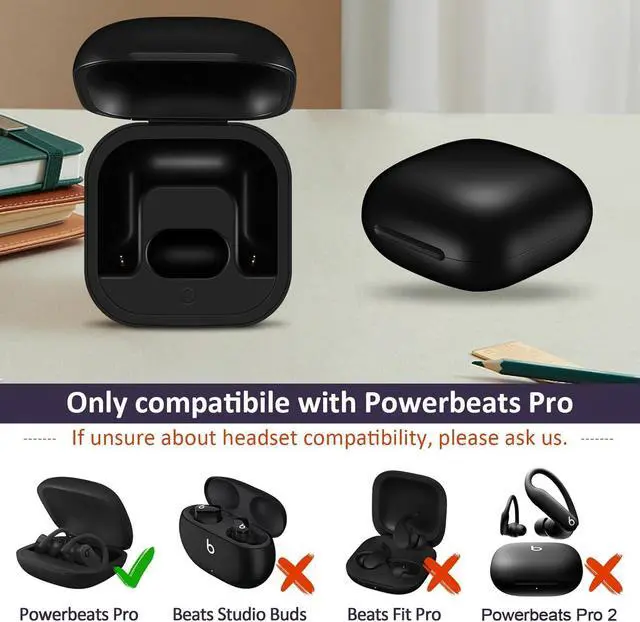
    Replacement Charging Case Compatible with Powerbeats Pro: Charger Case with Bluetooth Pairing Button, 700mAh Battery, Not Included Earbuds

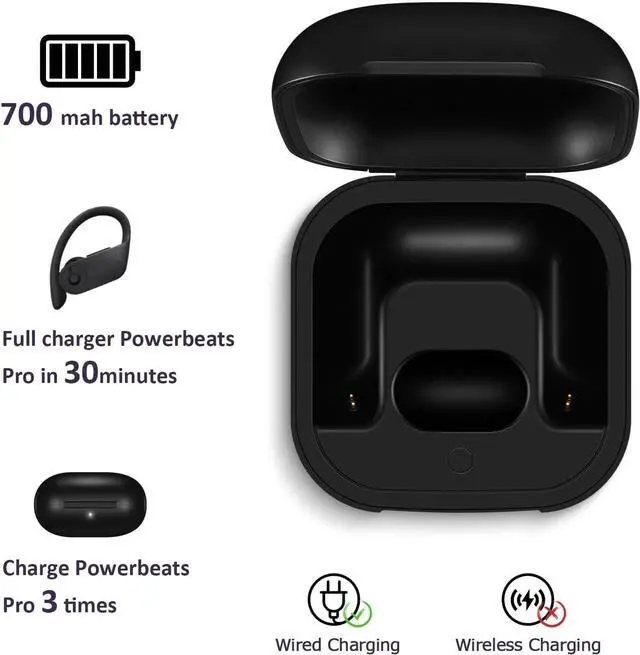
    • Large Battery: The charger case replacement is equipped with a 700 mAh battery, can charge the powerbeats pro three times which can be fully charged in just 30mins, fully charge the charging case for 2.5 hours
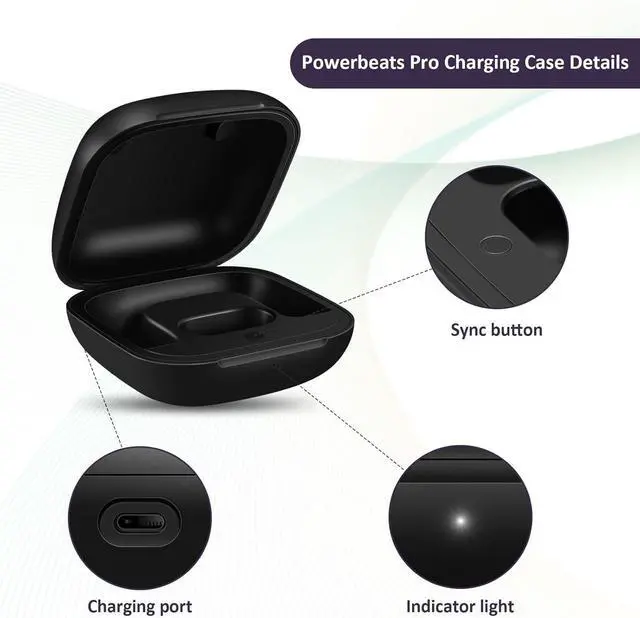
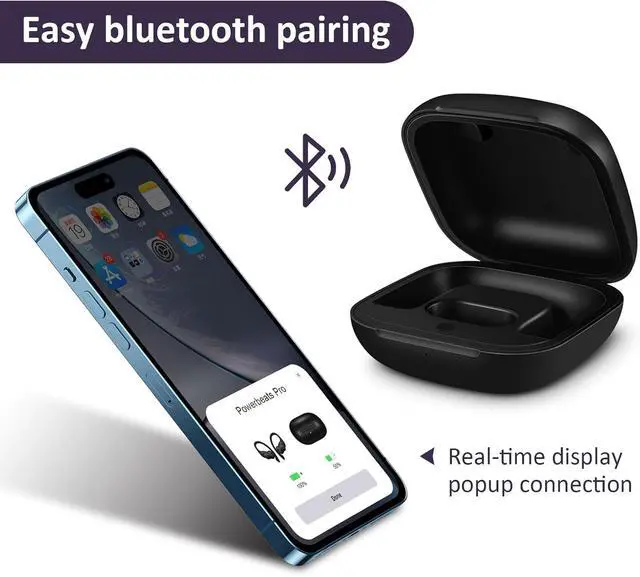
    • Quick Bluetooth Pairing: This upgraded powerbeats pro charging case features a sensitive bluetooth pairing and sync button, making it easy to pair with a phone within two seconds
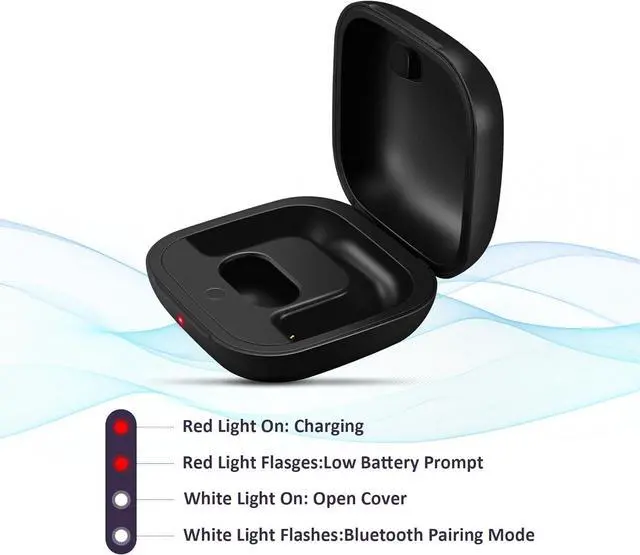
    • Indicator Light Display: There is an LED indicator light on the front of the case replacement, different colored lights can let you know the battery status of the headphones
    +
    +
    Overview
    Reviews
    avatar

    Any questions? Our AI beta will help you find out quickly.

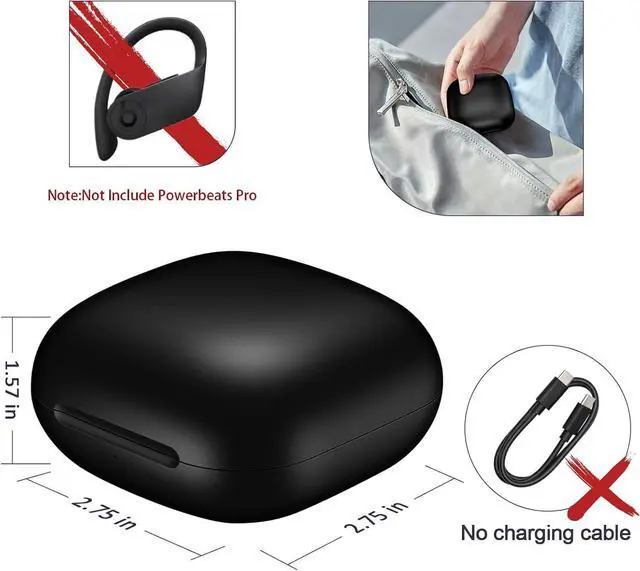
    Portable Charger Case: The pocket size can be carried around and replace the original charging case you lost; It is very suitable for vacation, business travel, and outdoor use
    Note: Not include powerbeats pro and charging cables, the packaging box will include a user manual; If you have any questions, please feel welcome to contact us


    For iOS 18 (Latest System):

    Go to Settings > Bluetooth
    on your iPhone and make sure Bluetooth is turned on.
    Open the charging case and place one earbud
    inside. Wait for the cases light to turn off.
    Place the second earbud
    inside and wait for the light to turn off again.
    A pairing prompt should appear on your iPhonejust tap "Connect. "
    Press and hold the button on the case until pairing is complete.

    For iOS 17, Android, or if no pop-up appears on iOS 18:

    Open the charging case and place one earbud
    inside. Wait for the light to turn off.
    Place the second earbud
    inside and wait for the light to turn off.
    Press and hold the cases button until the light flashes white
    , then release it.
    If the light doesnt flash white, remove both earbuds, close and reopen the case, and repeat the steps until the light flashes white.
    Check your phones Bluetooth settings for the headphones and tap to pair.

    Warranty & Returns

    Warranty, Returns, And Additional Information

    Warranty

    • Please contact the Seller directly for warranty information. Warranty information may also be found on the Manufacturer's website.
    • CONTACT

    Return Policies

    Manufacturer Contact Info

    LOADING...