
Your Browsing History

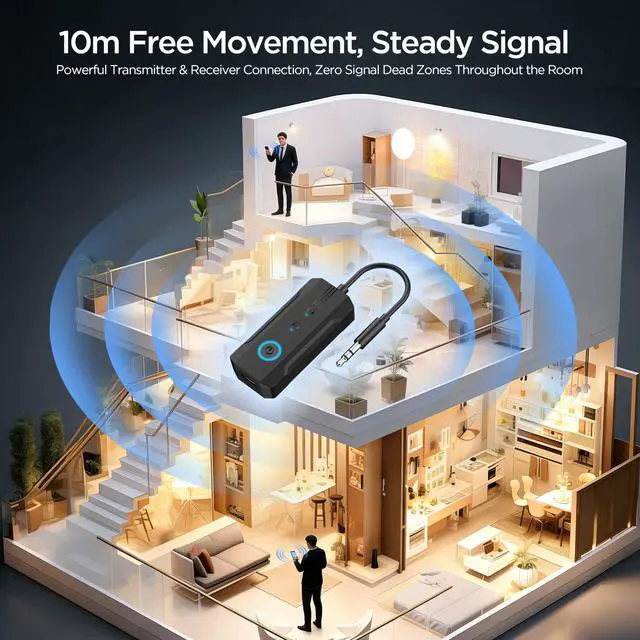
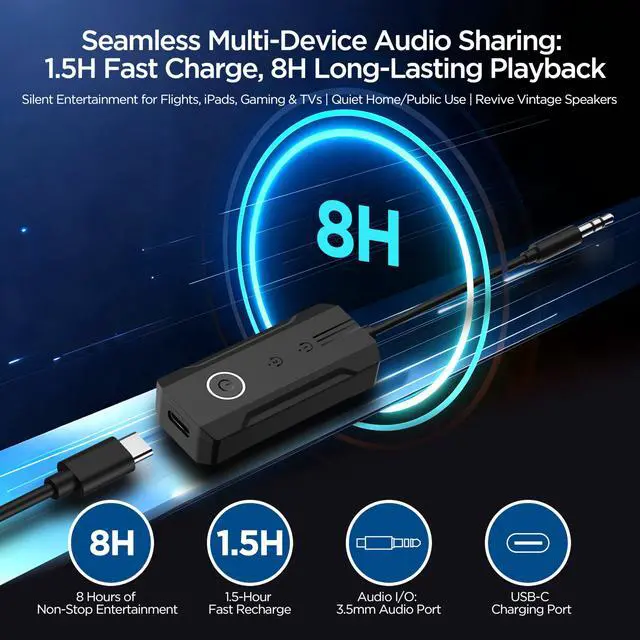



1. For Apple AirPods (1st, 2nd, 3rd Gen & Pro 1st, 2nd Gen): Open the charging case lid and place the earbuds inside. Press and hold the button on the back of the case for 5-15 seconds until a white light flashes, indicating pairing mode is active. 2. For Apple AirPods 4 and AirPods Pro 3: With the lid open, place the earbuds in the case. Double-tap the front panel of the case, below the status light. A white flash confirms the device is in pairing mode. 3. For Apple AirPods Max: Remove the headphones from the Smart Case. Locate the noise control button on the right ear cup and hold it for 5 seconds. Pairing mode is ready when the LED near the port flashes white. 4. For Beats, Sony, Bose, and other Bluetooth headphones: - Beats: Press and hold the power/system button for 5-15 seconds until the indicator light flashes. - Sony: Hold the power button for more than 7 seconds until the light flashes red and blue and a "pairing" voice prompt is heard. - Bose: Hold the power button for 5-10 seconds until a blue light flashes and the "Ready to pair" announcement is made. 5. Troubleshooting steps if connection fails: - Verify the LED indicator is blinking rapidly, not showing a solid light. - First, remove the old device pairing from your source device's Bluetooth list. - Keep the adapter and your headphones within 1 meter of each other. - Check that your headphone battery level is above 20%. - Restart the adapter by unplugging it and plugging it back in. - Afterwards, re-initiate the pairing mode on your headphones. 6. Bluetooth 6.0 Technology: Equipped with the latest Bluetooth 6.0, this adapter provides quicker pairing and a more stable connection. It greatly improves audio-video synchronization for videos and games, minimizing delays and elevating your entertainment. 7. Up to 8 Hours Battery Life: Offering a maximum of 8 hours of continuous operation, it suits all-day requirements for leisure or business travel. Experience uninterrupted music and calls without the need for constant recharging. (RX: 8H / TX: 8H) 8. Dual-Function Bluetooth Transmitter and Receiver: - In Transmitter (TX) mode, connect it to non-Bluetooth audio sources like TVs or in-flight entertainment via the 3.5mm AUX port, then pair with your Bluetooth headphones for wireless listening. - In Receiver (RX) mode, it transforms traditional audio equipment such as car stereos or older speakers into Bluetooth-compatible devices. Connect them wirelessly to your smartphone or computer for music playback, delivering cable-free convenience without sacrificing sound quality