Out of stock
This item is currently out of stock and it may or may not be restocked.
Sold by Newegg

Shipped by Newegg

Shop it at NeweggBusiness.
Get Educated

Make informed decisions with expert advice. Learn More

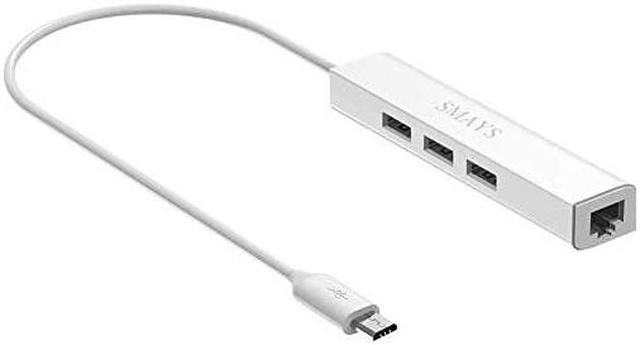
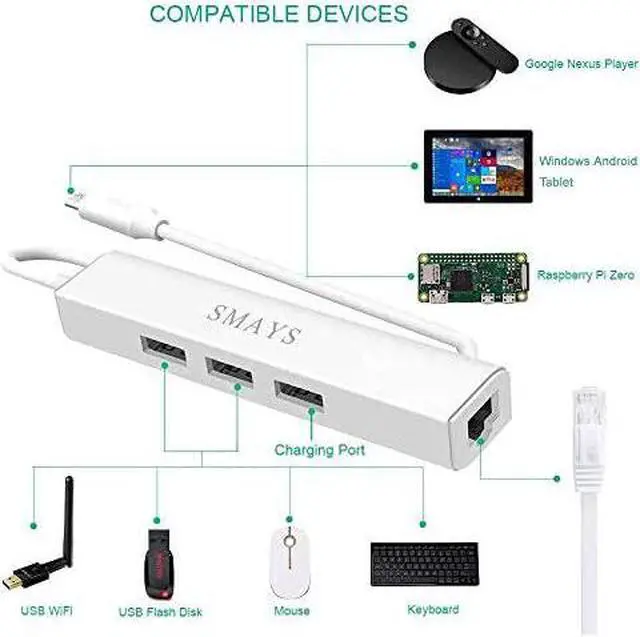
HUB OTG Micro USB Ethernet Network Adapter for Raspberry Pi Zero Google Nexus Player Windows Android Tablet

  • *****
  • **********
  • ***** *****
  • *****Best Quality Guranteed.*****
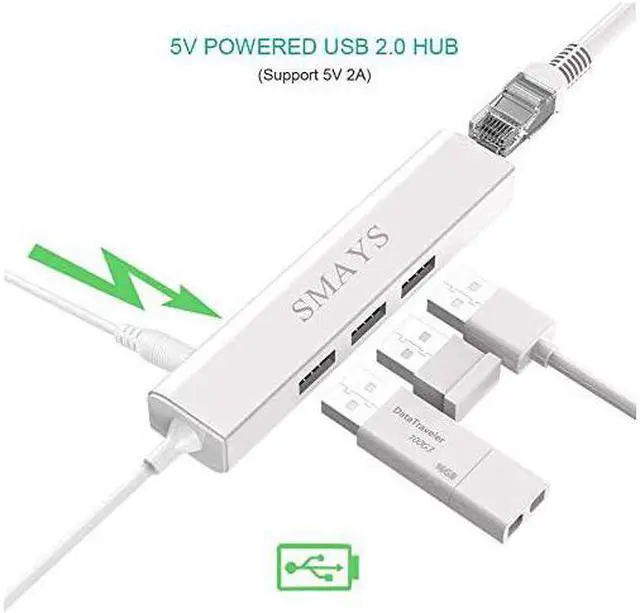
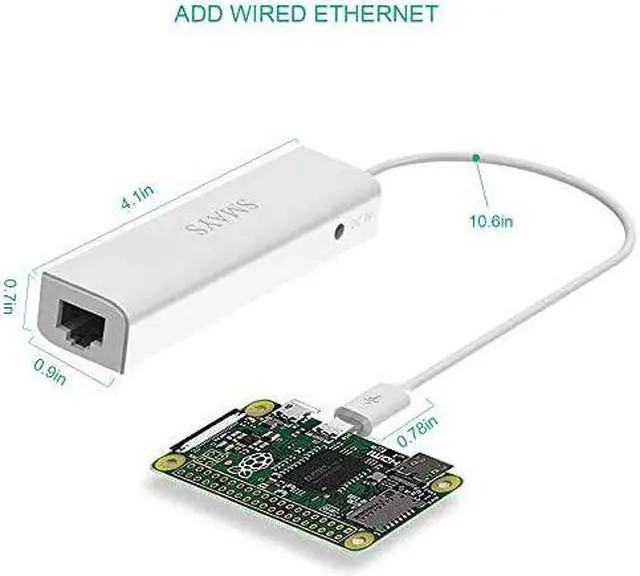
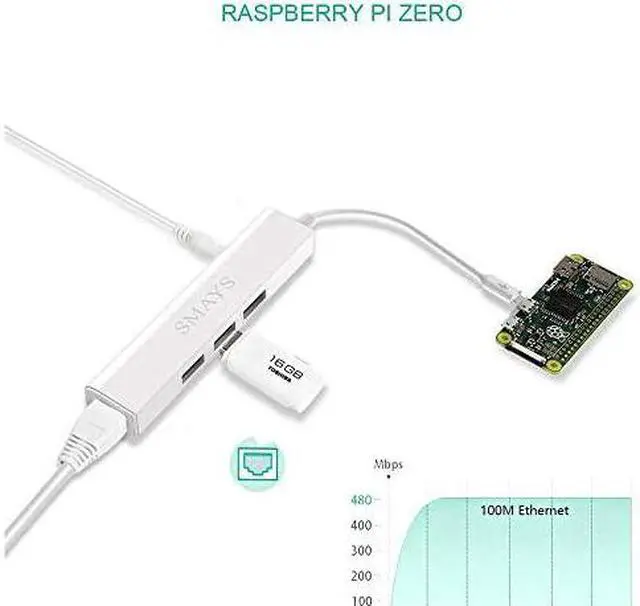
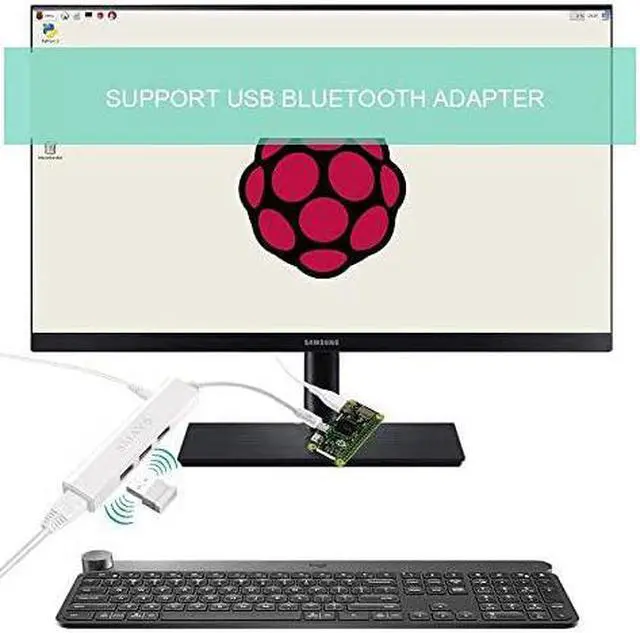
  • *****Host OTG cable to HUB & LAN adapter -- Adds additional 2-Port OTG USB extension, orange USB is only for power output; Adds 10/100 Mbps wired internet connectivity*****
  • *****Driver-less design for Windows 8.1 / 10 (32/64 bit) or up, Mac OS 10.9 or up, and Android 6.0 or up operation system, Chrome OS*****
  • *****Compatible for Raspberry Pi 2, Fire TV Stick, notebook, Tablets, and computer with one available micro-b port*****
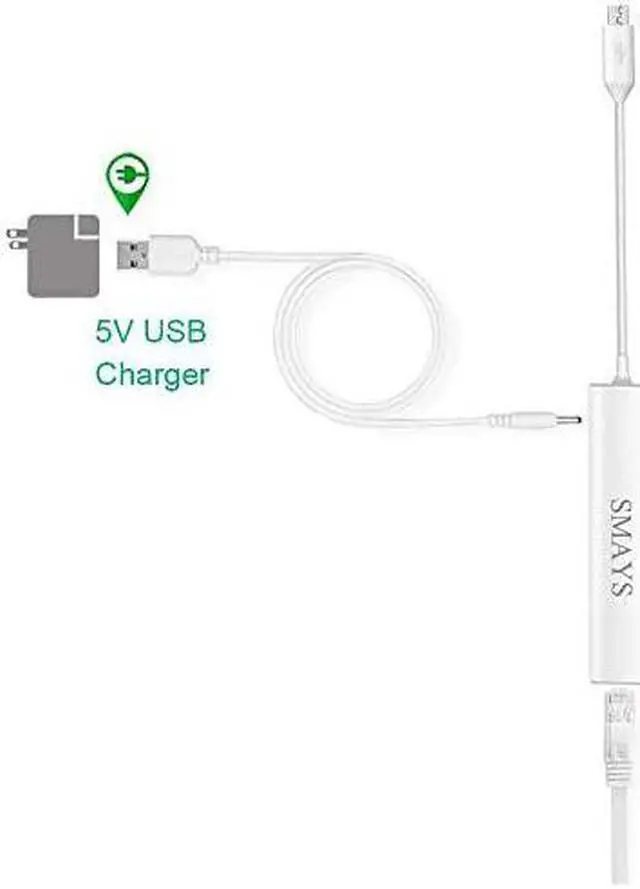
  • *****Built-in a 5V DC port, DC power cable included; It only powers USB 2.0 HUB and NOT the host; It charges the added USB device*****
  • *****It has limited Android compatibility. Android users, before you buy, be sure to look if the device has a (grayed out) "Ethernet" menu in Settings under WIRELESS & NETWORKS. Most probably it will just work then

Overview
Specs
Reviews
avatar

Any questions? Our AI beta will help you find out quickly.

***** ********** ***** ***** *****Best Quality Guranteed. ***** *****Host OTG cable to HUB & LAN adapter -- Adds additional 2-Port OTG USB extension, orange USB is only for power output; Adds 10/100 Mbps wired internet connectivity***** *****Driver-less design for Windows 8.1 / 10 (32/64 bit) or up, Mac OS 10.9 or up, and Android 6.0 or up operation system, Chrome OS***** *****Compatible for Raspberry Pi 2, Fire TV Stick, notebook, Tablets, and computer with one available micro-b port***** *****Built-in a 5V DC port, DC power cable included; It only powers USB 2.0 HUB and NOT the host; It charges the added USB device***** *****It has limited Android compatibility.

Android users, before you buy, be sure to look if the device has a (grayed out) "Ethernet" menu in Settings under WIRELESS & NETWORKS. Most probably it will just work then


Warranty & Returns

Warranty, Returns, And Additional Information

Return Policies

LOADING...