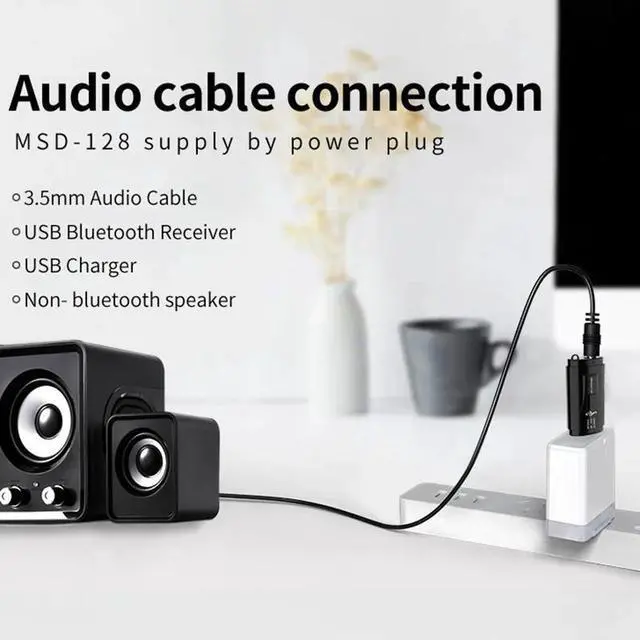
Description:Working Method: (USB cant be used separately)
1). With 3.5MM Audio Cable:
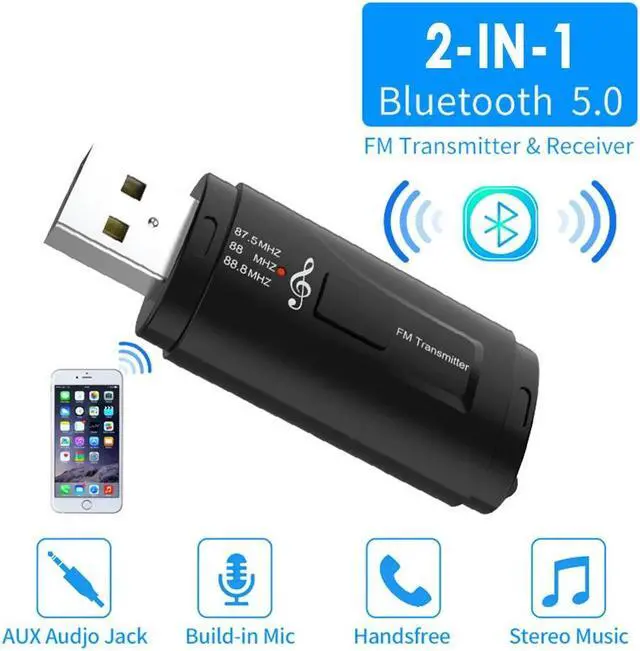
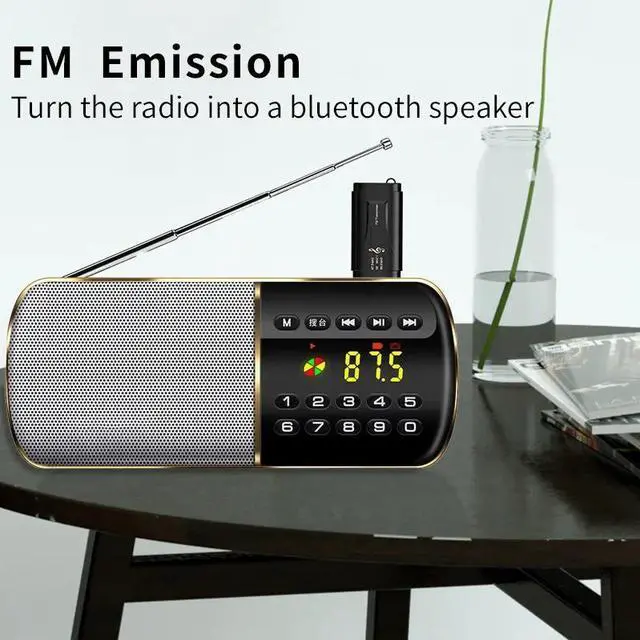
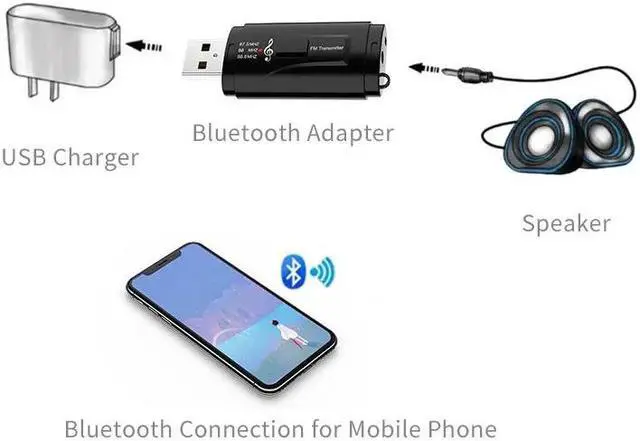
Plug the device into the USB interface, the blue light flashes quickly, and connect the device to the car AUX interface with a 3.5MM audio cable (or plug the audio cable of the speaker into the device). Turn on the phone Bluetooth, and search for the Bluetooth device MSD-128, The blue light flashes slowly after successful connection.
2) FM Transmitter:
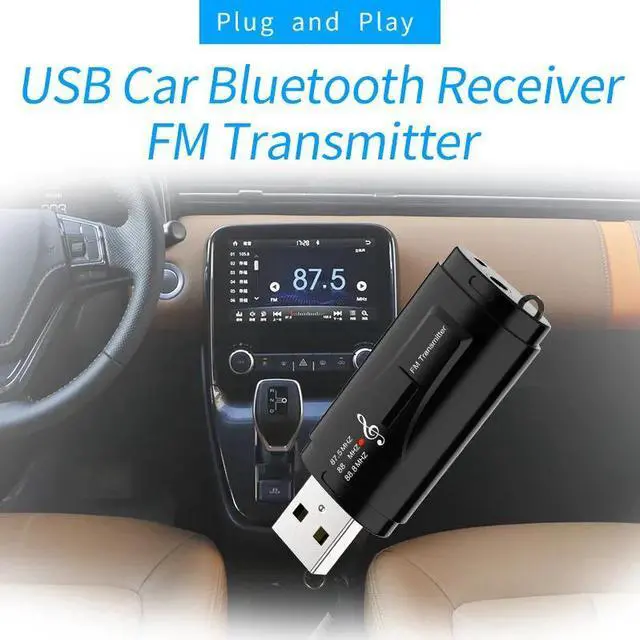
1)Connect the device to the USB port of the car cigarette lighter or the Original USB port. Original USB port of some cars cant be used or the noise is large. It is recommended to use the cigarette lighter to supply power.
2)Three Frequency: 87.5MHZ (green light on), 88.0MHZ (red light on), 88.8MHZ (green and red light on), click the button to change the frequency and set the one you want.
3) Adjust the car radio frequency the same as the device. When the device has interference or the noise is large, you can fine tune the radio frequency by 0.1 MHZ or minus 0.1 MHZ, or change to another frequency.
4) The device has frequency memory function. When the you turn off the device under 88.8MHZ frequency, it will be 88.8MHZ when you turn on the device.
5) Turn on the phone Bluetooth, and search for the Bluetooth device MSD-128, the blue light flashes quickly, and the blue light flashes slowly after successful connection.
6) Turn on the mobile phone music player, you can send the phone music to the car radio. It is recommended that setting the car volume to moderate volume, only setting the phone to get the volume you want. Because the car volume is louder, the noise and distortion will be more serious.
Bluetooth Handsfree Calling:
Product Model: MSD-128