The Lastest
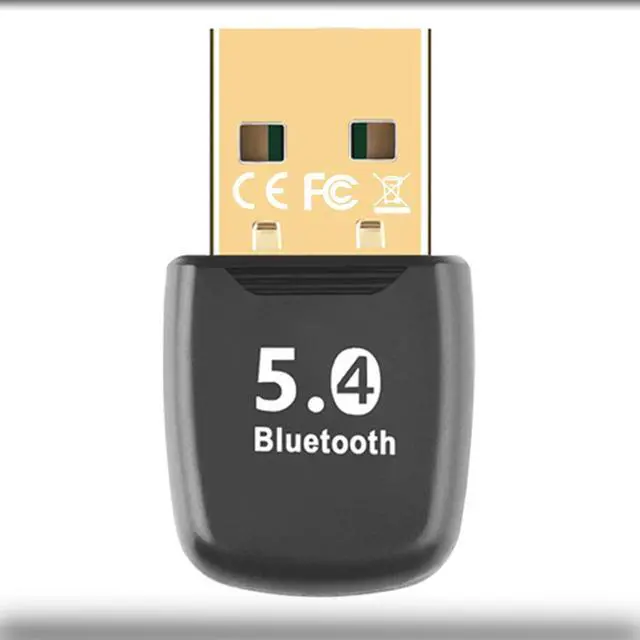
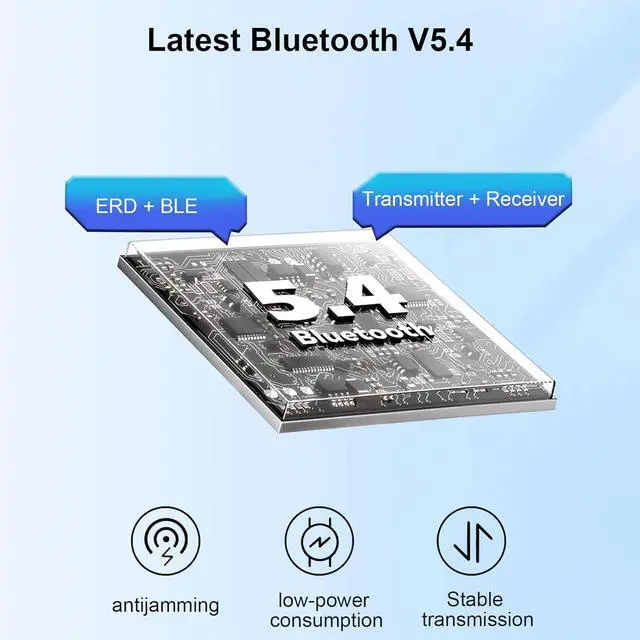
Bluetooth V 5.4: This Bluetooth adapter uses Bluetooth 5.4 +EDR technology with dual modes for Bluetooth 5.4 Low Energy (BLE). The latest technology brings you a better user experience. Compatible with Bluetooth 5.0 / 5.1 / 5.2 / 5.3.
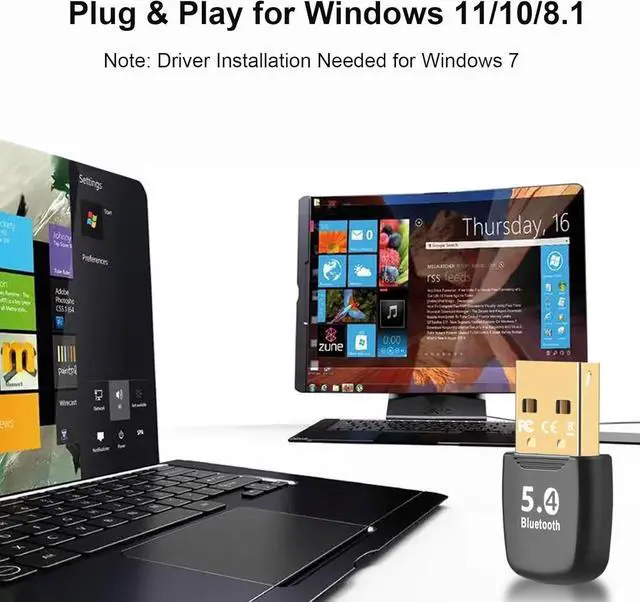
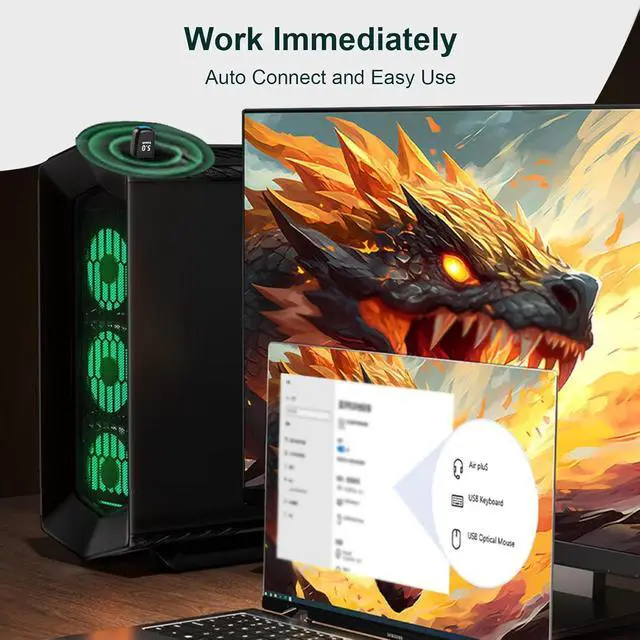
Plug and Play: This Bluetooth dongle is able to connect desktop PC or laptop with Windows 11/10/ 8.1 directly without driver installation needed. (Driver installation need for Windows 7 and NOT support Windows 8/XP/Vista/Linux and
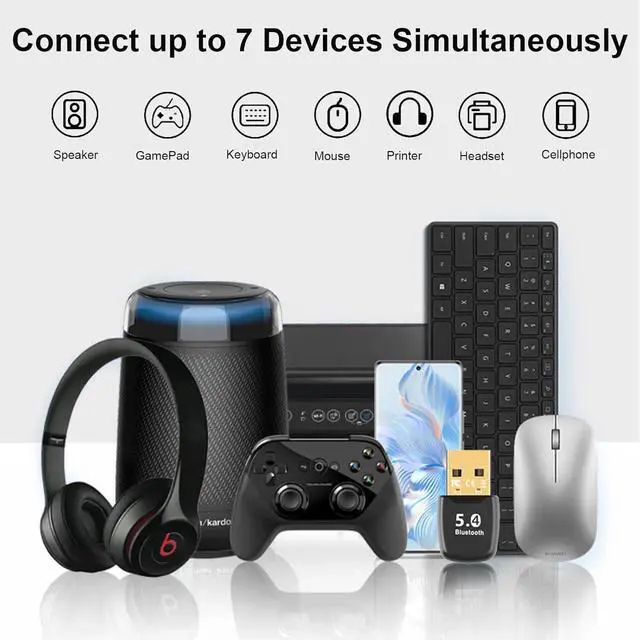
Mac OS)7 Devices Connecting Simultaneously: Our PC Bluetooth dongle supports pairing with 7 different types of Bluetooth devices at the same time without interfering with each other and save USB port. ( Bluetooth speaker Mouse Keyboard GamePad headphones printer cellphone)
Stable Signal Connection: With Bluetooth 5.4 technology the USB Bluetooth adapter reduces the signal transmission delay effectively and allows you to use your wireless devices smoothly without delay just like wired connection.
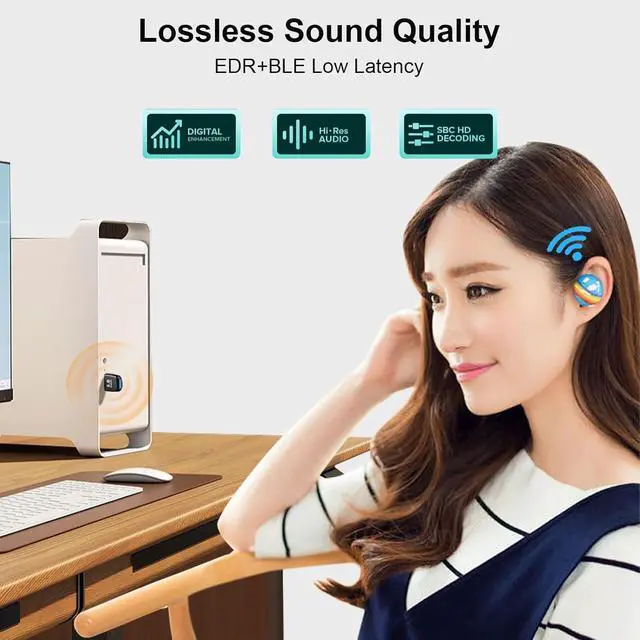
HiFi Sound Quality: With digital enhancement technology this Bluetooth receiver supports SBC/HiFi sound effect solved the issue of signal loss during transmission from the root and offers you a ultimate music experience. Sleek Design and
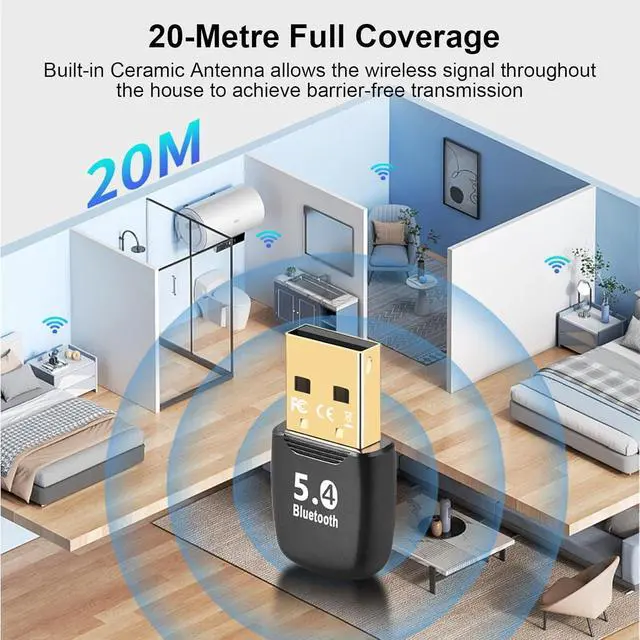
Long Working Range: Portable size in 30x18x8mm with simple and atmospheric appearance design. Built-in antenna allows the signal pass the wall without loss and achieve coverage range up to 20m easily.
Warm Tips: If your computer has built-in Bluetooth and if you want to use this external Bluetooth Adapter you need to disable the computer built-in Bluetooth feature.