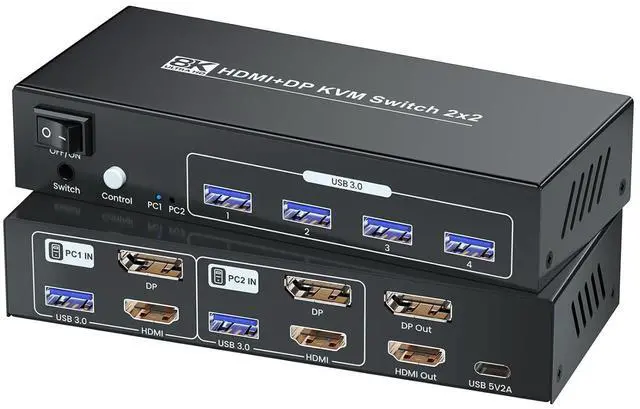
Are you tired of juggling multiple keyboards, mice, and monitors just to switch between 2 computers? This 8K HDMI & DisplayPort 2 port KVM Switch is here to revolutionize your workspace.
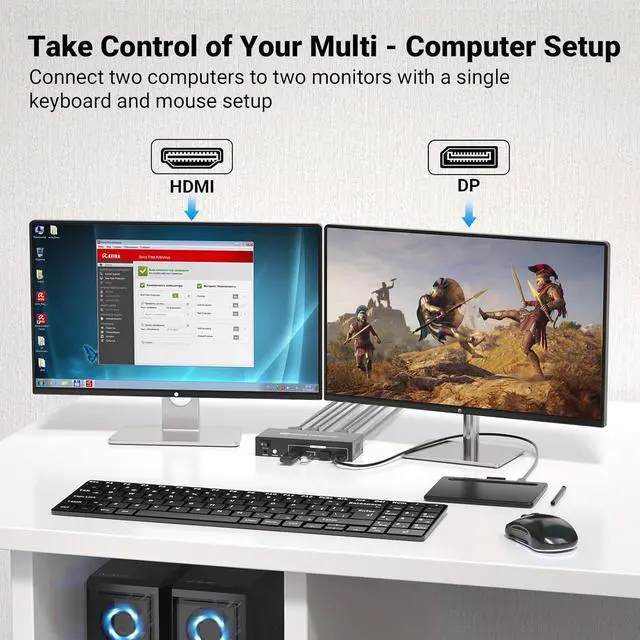
This dual port KVM switch lets you connect two computers to two monitors with a single keyboard and mouse setup. Whether youre a professional working on complex projects or a gamer looking for an immersive experience, the KVM switcher is your ultimate solution.
Features of This 8K HDMI & DisplayPort KVM Switches:
(1) Effortless Control:
Manage two computers with just one keyboard, mouse, and monitor setup. This KVM switch makes it easy to switch between tasks and stay productive.
(2) High - Performance Data Transfer:
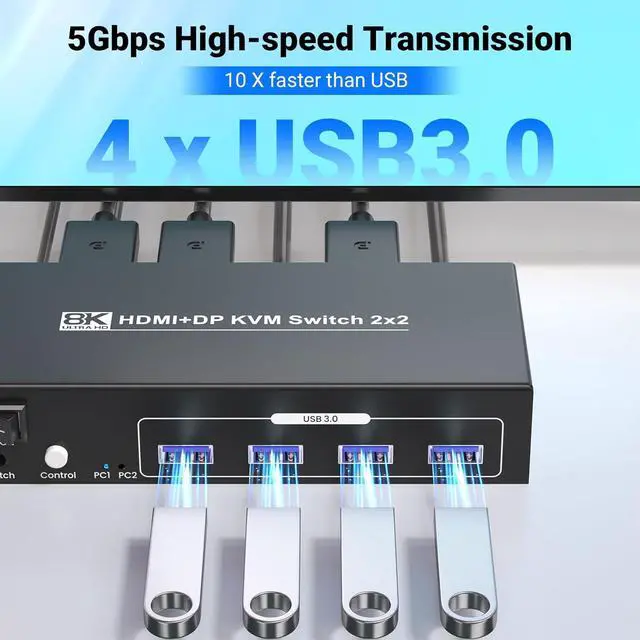
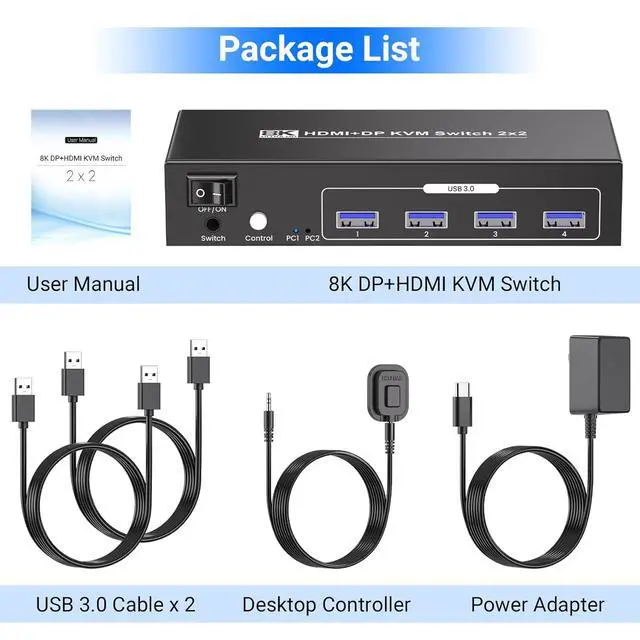
With USB 3.0 ports, you can transfer data at incredibly fast speeds, making your workflow more efficient.
(3) Space - Saving Design:
This compact dual monitor KVM switch takes up minimal space on your desk, allowing you to keep your workspace organized and clutter - free.
(4) Compact and Reliable:
Built with metal materials, this 2 computer KVM switch is designed to last. It can handle the demands of daily use, ensuring long - lasting performance
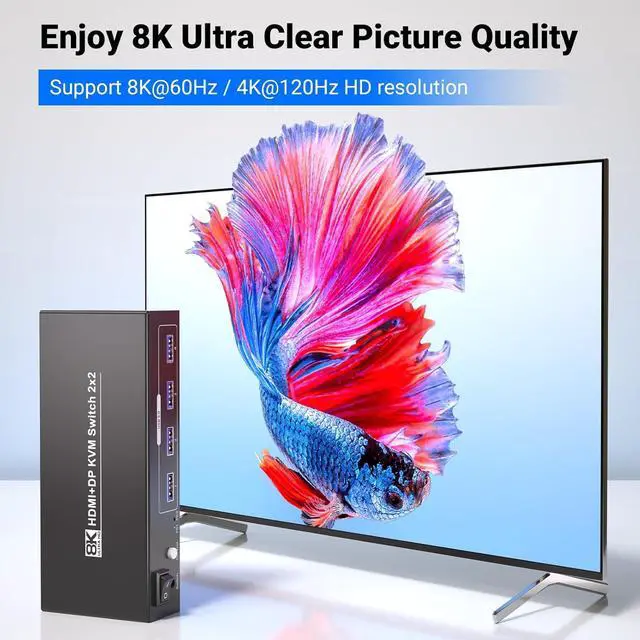
Enjoy ultra - high - definition visuals with full support for 8K resolution (7680 x 4320). Whether you are working on detailed graphics, editing high - resolution videos, or gaming in stunning clarity, this KVM switch 2 monitors 2 computers delivers exceptional image quality.
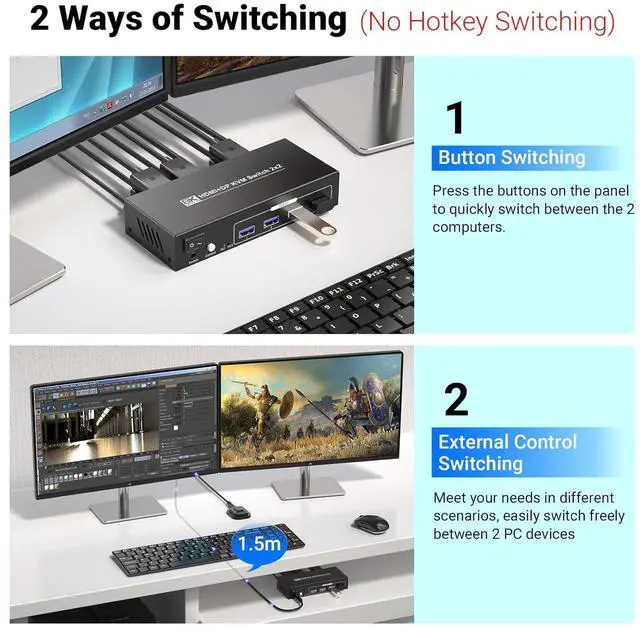
Easily toggle between your two connected computers using either the manual switch or external controller. The dual switching modes provide maximum flexibility, allowing you to switch between systems quickly and effortlessly.
Note:
1. Hotkey switching isnt available with this model.
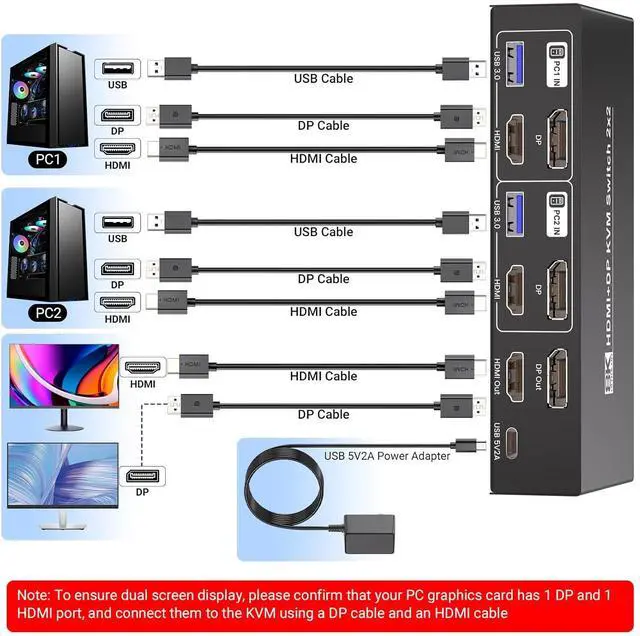
2. To get the most out of the 4 front-facing USB 3.0 ports, remember to connect your PCs to the KVM switch via USB cables otherwise, those ports wont spring into action.
3. Please confirm that the graphics card of your 2 PCs has 1 DP and 1 HDMI output ports, and connect both to this KVM switch for each computer to ensure dual-monitor magic. Skipping one port? Only one screen will work.
8K@60Hz 4K@120Hz HDMI DisplayPort KVM Switch 2 Monitors 2 Computers Take Control of Your Multi - Computer Setup with This 8K Dual Monitor KVM Switch 8K Resolution Support Designed for professionals and enthusiasts who demand the highest quality in display technology Dual Switching Modes How to Connect This KVM Switch to Your Computers