





WJESOG Displayport to USB C Cable
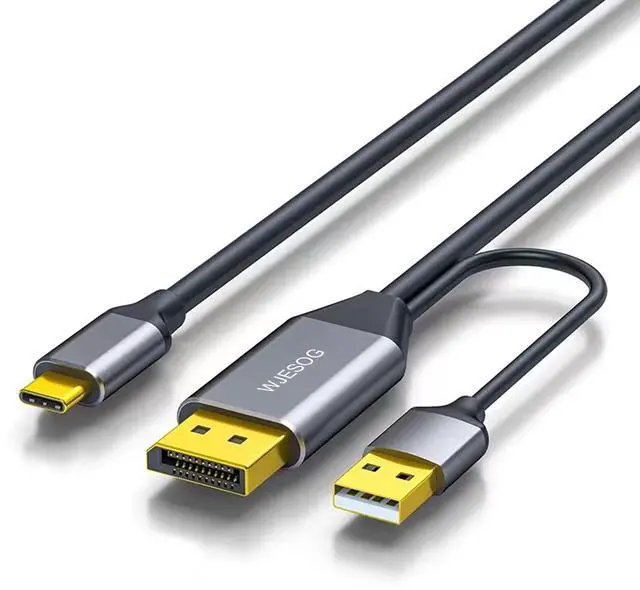
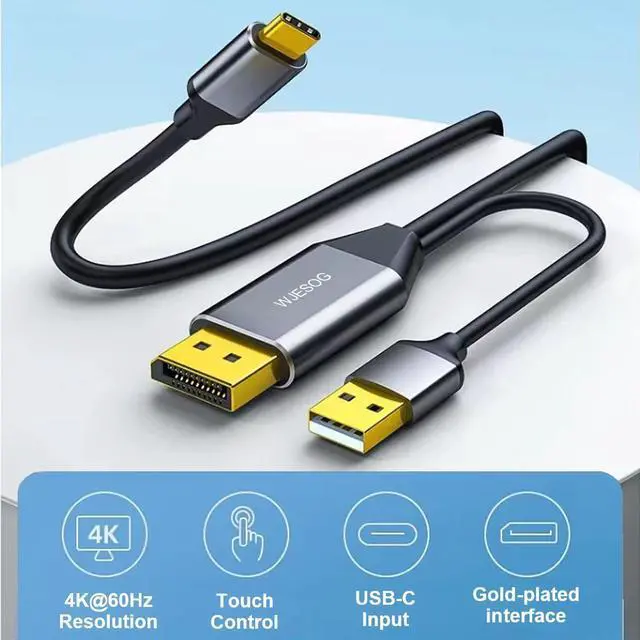
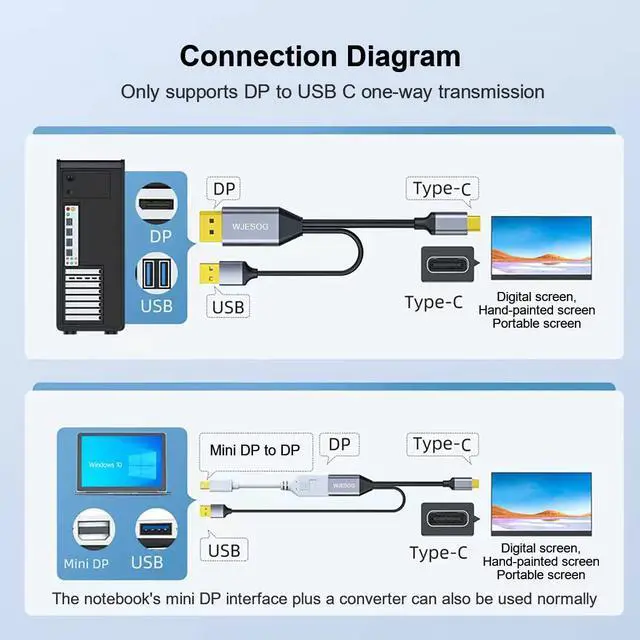
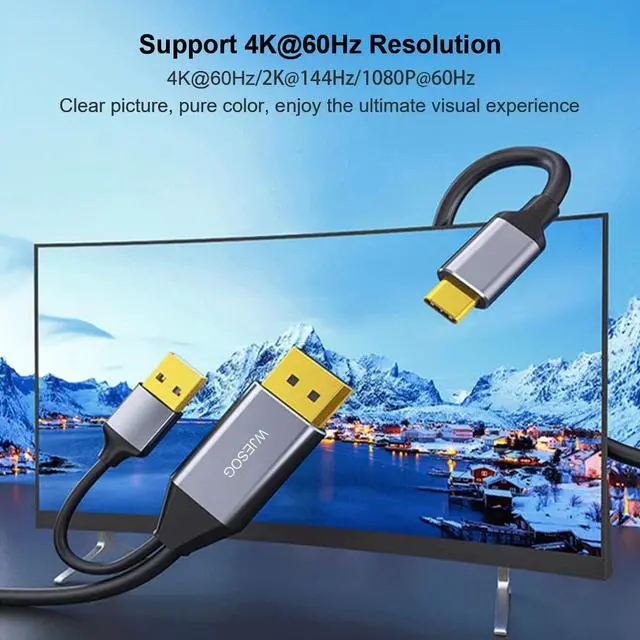
WJESOG DisplayPort to USB-C Converter – Seamlessly connect your DisplayPort-enabled PC, graphics card, laptop, or Xbox to monitors and portable displays with USB Type-C inputs. Unlock the potential of Ultra HD 4K@60Hz resolution, delivering stunning visuals with remarkable clarity.
Works for Xreal/Nrela Air AR

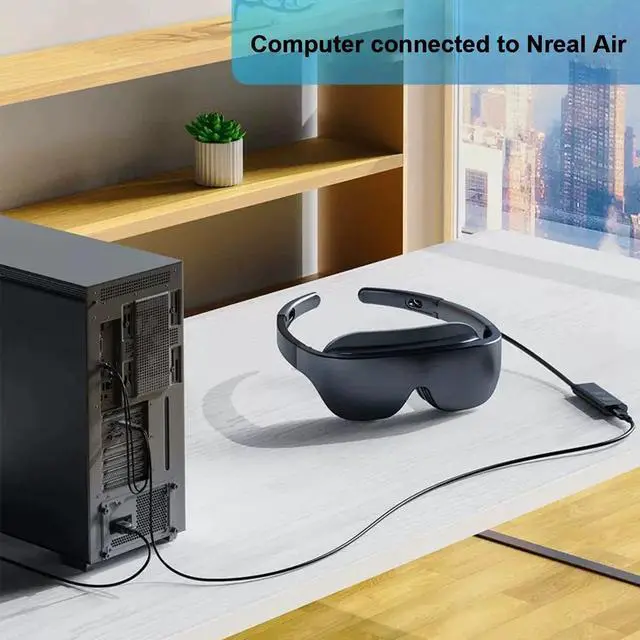
Can transfer laptops, desktops, Xbox with DP interface to Nreal Air AR
This cable not only links up with your portable screen but also extends its functionality by transmitting your computer's signals to your Nreal Air. Elevate the possibilities of your Nreal Air experience with added versatility.
Supports copy mode and extend mode

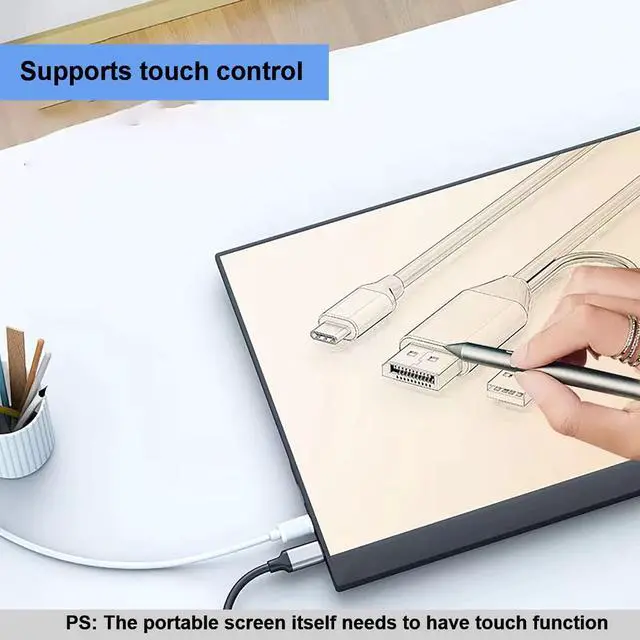
Suitable for monitors or portable screen with USB C interface, and supports touch function at the same time

Laptop connected to monitor with USB-C

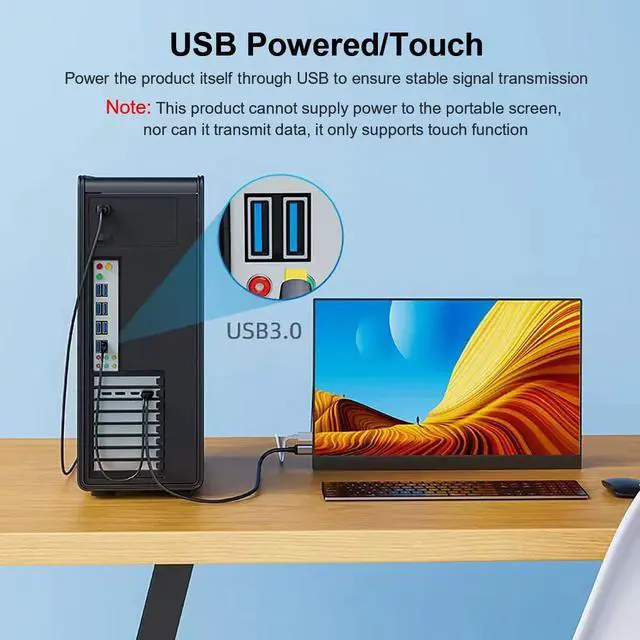
Support portable screen touch

Computer connected to portable screen

About connecting your computer to Apple Studio Display
Using this cable to connect to an Apple Studio Display may have issues with the image not coming out, primarily because the GPU has very specific requirements for the cable to work. For Apple Studio Display to work properly, the key thing is that the GPU has to support Display Stream Compression (DSC), DSC is baked on to the hardware of the GPU so GPUs cannot be updated to support this, at this time you can consider Replace the graphics card. Currently, most RTX graphics card GPUs come with DSC. You can check whether the graphics card supports DSC through the manufacturer's graphics card specifications.
Summarize:
1. Connect the USB to the power adapter to ensure stable power supply
2. The GPU of the graphics card needs to have DSC
WJESOG Displayport to USB C Cable
WJESOG DisplayPort to USB-C Converter – Seamlessly connect your DisplayPort-enabled PC, graphics card, laptop, or Xbox to monitors and portable displays with USB Type-C inputs. Unlock the potential of Ultra HD 4K@60Hz resolution, delivering stunning visuals with remarkable clarity.
Works for Xreal/Nrela Air AR
Can transfer laptops, desktops, Xbox with DP interface to Nreal Air AR
This cable not only links up with your portable screen but also extends its functionality by transmitting your computer's signals to your Nreal Air. Elevate the possibilities of your Nreal Air experience with added versatility.
Supports copy mode and extend mode
Suitable for monitors or portable screen with USB C interface, and supports touch function at the same time
Laptop connected to monitor with USB-C
Support portable screen touch
Computer connected to portable screen
About connecting your computer to Apple Studio Display
Using this cable to connect to an Apple Studio Display may have issues with the image not coming out, primarily because the GPU has very specific requirements for the cable to work. For Apple Studio Display to work properly, the key thing is that the GPU has to support Display Stream Compression (DSC), DSC is baked on to the hardware of the GPU so GPUs cannot be updated to support this, at this time you can consider Replace the graphics card. Currently, most RTX graphics card GPUs come with DSC. You can check whether the graphics card supports DSC through the manufacturer's graphics card specifications.
Summarize:
1. Connect the USB to the power adapter to ensure stable power supply
2. The GPU of the graphics card needs to have DSC