



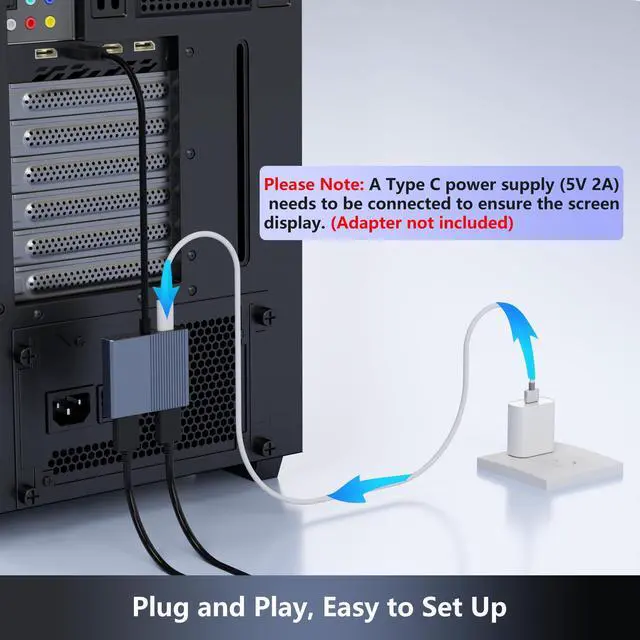


Displayport Splitter 1 IN 2 OUT
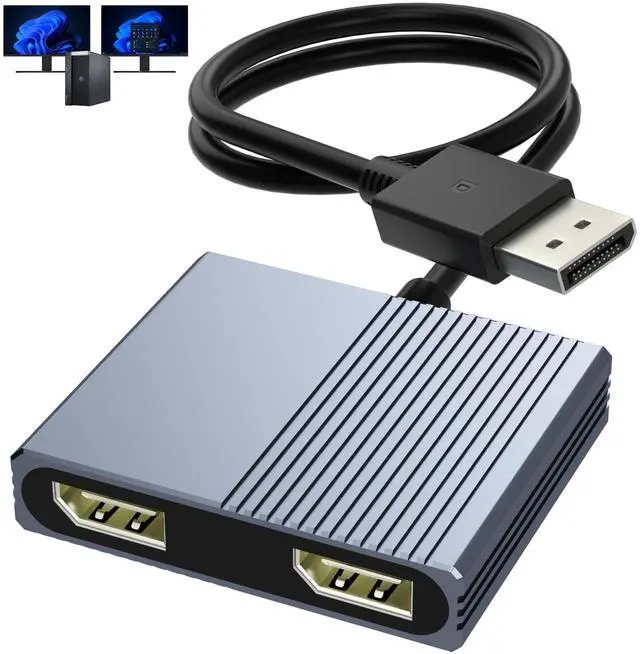
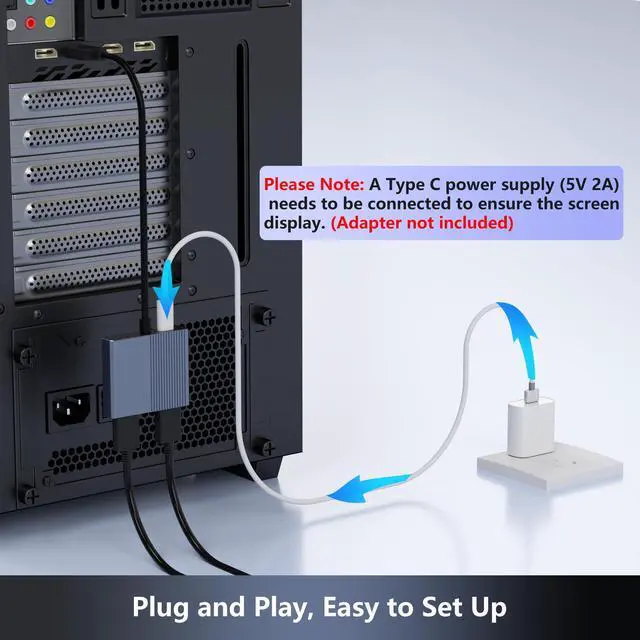
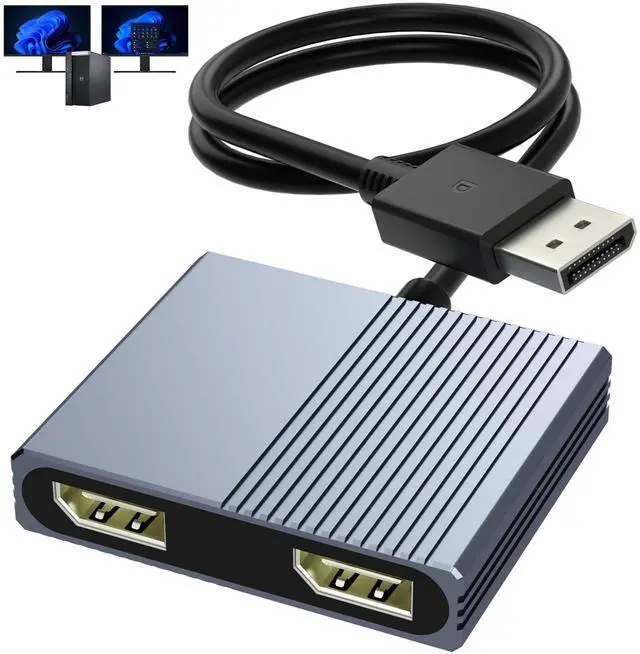
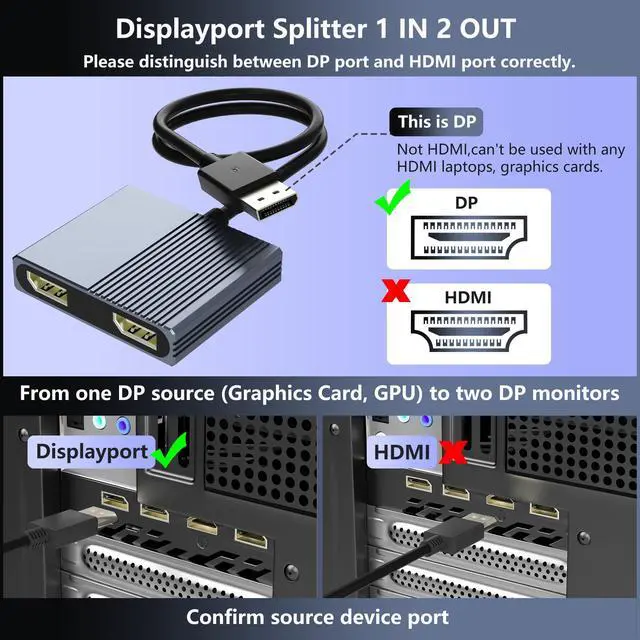
Extend your computer monitor with this DisplayPort to Dual DisplayPort splitter. Mirror or extend 4K DisplayPort signals from one source to two DisplayPort monitor, and synchronize both audio and video.


If One Display Not Work?
For Windows: Click 'Detect' or manually select the missing display ? Apply
For Graphics card: Right-click desktop ? Graphics Properties'?Display? Select 'One or More Active Displays'
New monitors may have multiple DP ports; select the correct input source in the settings.


Displayport Splitter 1 IN 2 OUT
Extend your computer monitor with this DisplayPort to Dual DisplayPort splitter. Mirror or extend 4K DisplayPort signals from one source to two DisplayPort monitor, and synchronize both audio and video.


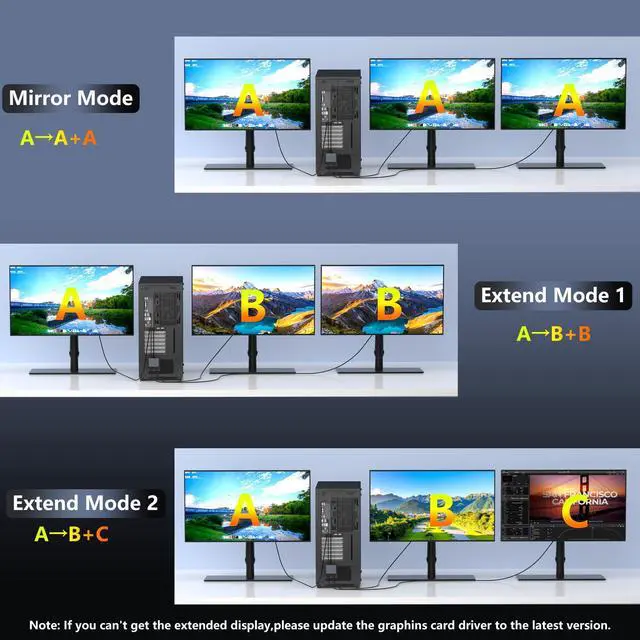
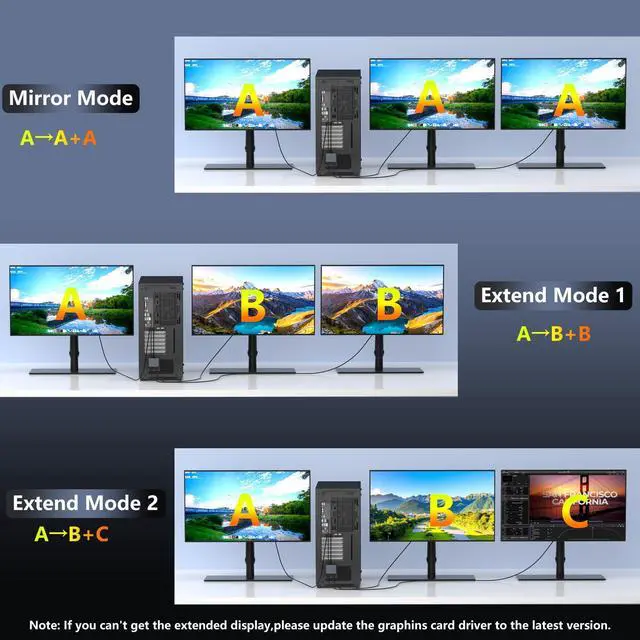
This monitor splitter for dual monitor display support mirror mode(AAA) and extended mode(ABB mode and ABC mode).
How to connect Extend Mode on Windows?
Right-click desktop?Intel display Settings?pop-up Settings screen select display?multi-screen display?expand the desktop


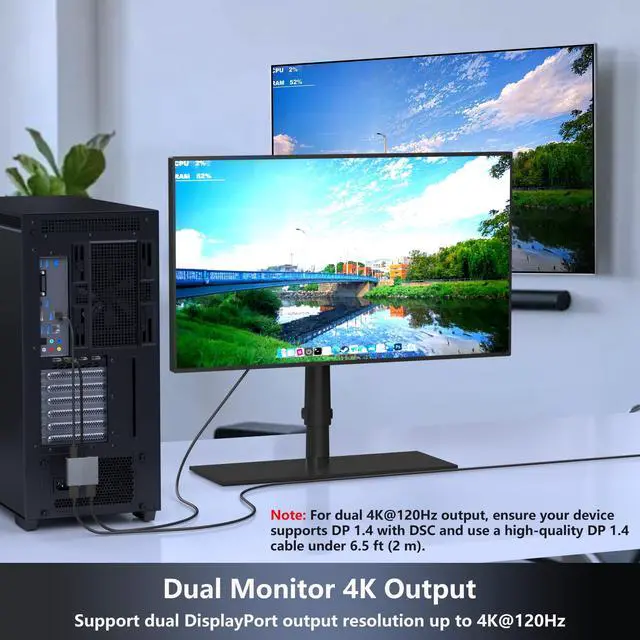
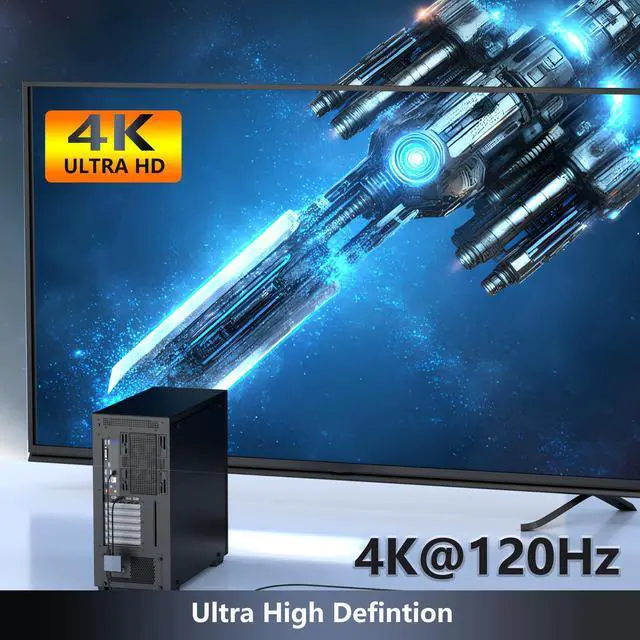
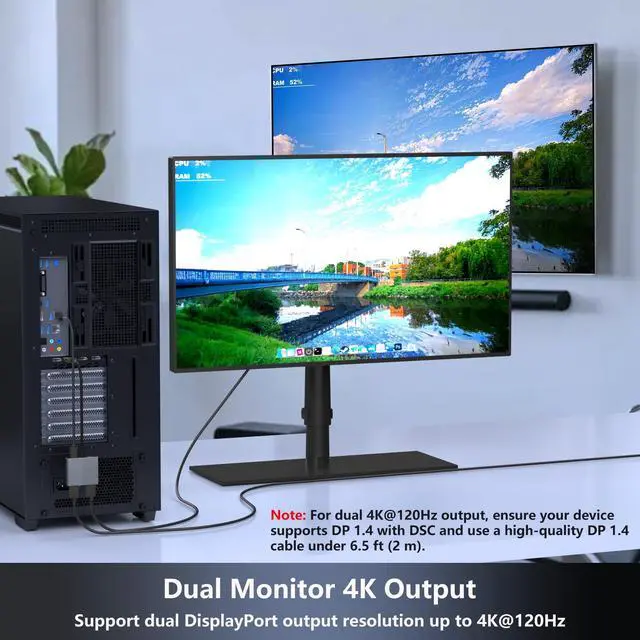
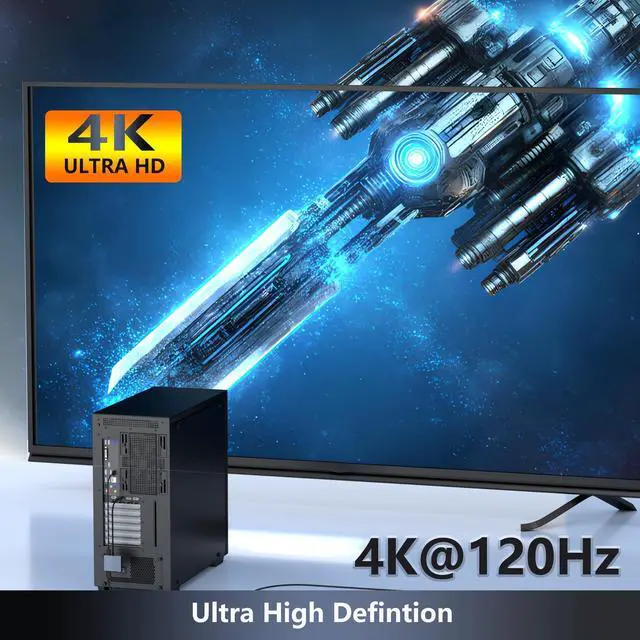
Supports Up to 4K@120Hz
It complies with DisplayPort 1.4 and supports up to 4K@120Hz resolution, making it an ideal solution for businesses, education, and commercial environments.
Note: To enjoy 4K@120Hz, your computer, cables, and monitors must all support this resolution, VRR is not supported.


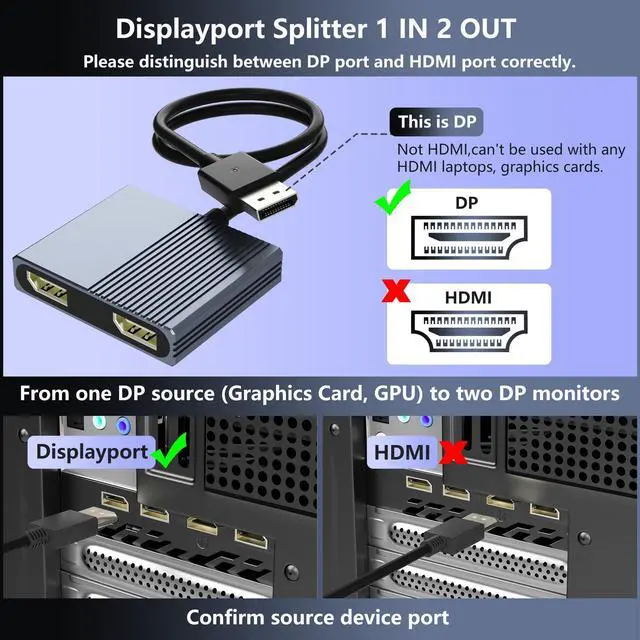
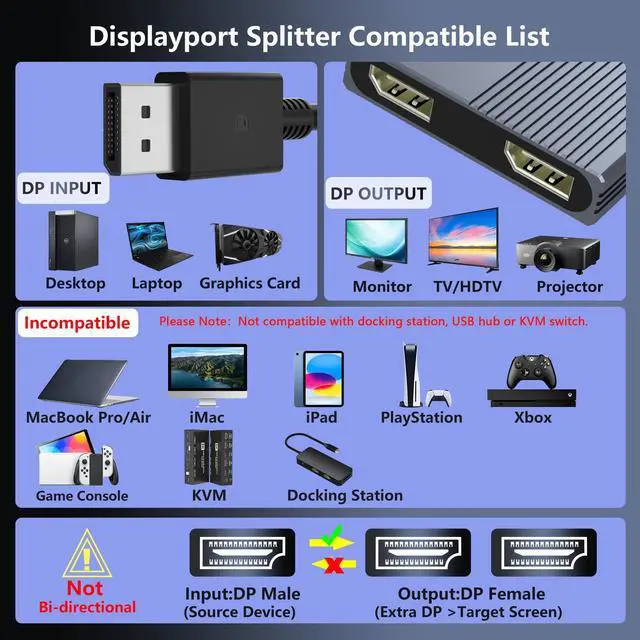
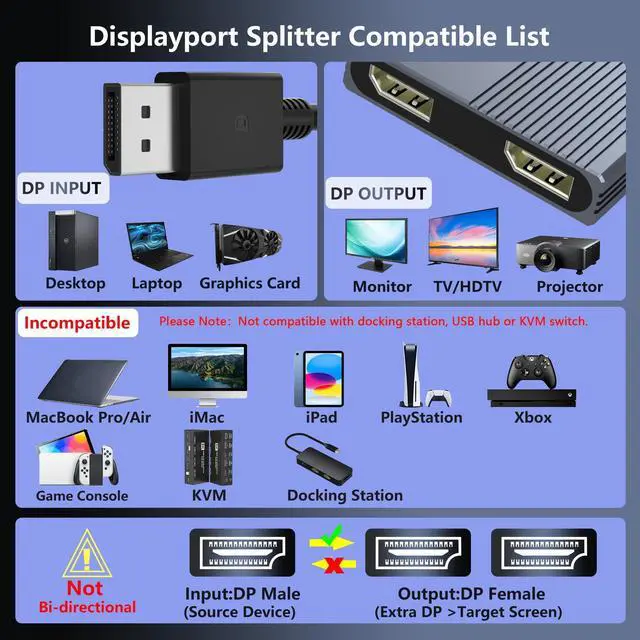
Compatible with Devices Equipped with DisplayPort
Compatible Input Devices: Computers with a standard DisplayPort output port
Compatible Output Devices: Monitor, Projector, HDTV and other devices with a standard DisplayPort input port
Note:Not compatible with docking station, USB hub or KVM switch

If One Display Not Work?
For Windows: Click 'Detect' or manually select the missing display ? Apply
For Graphics card: Right-click desktop ? Graphics Properties'?Display? Select 'One or More Active Displays'
New monitors may have multiple DP ports; select the correct input source in the settings.