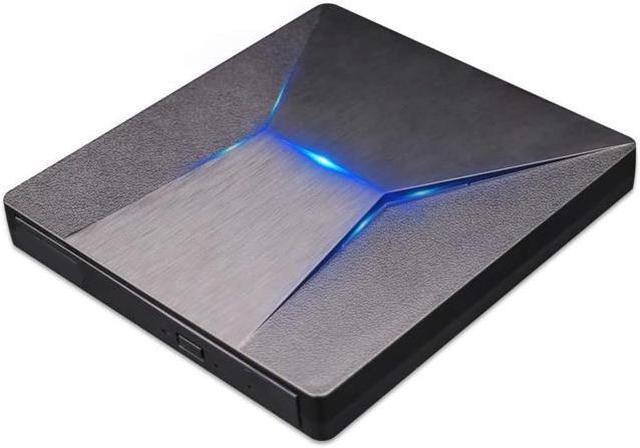
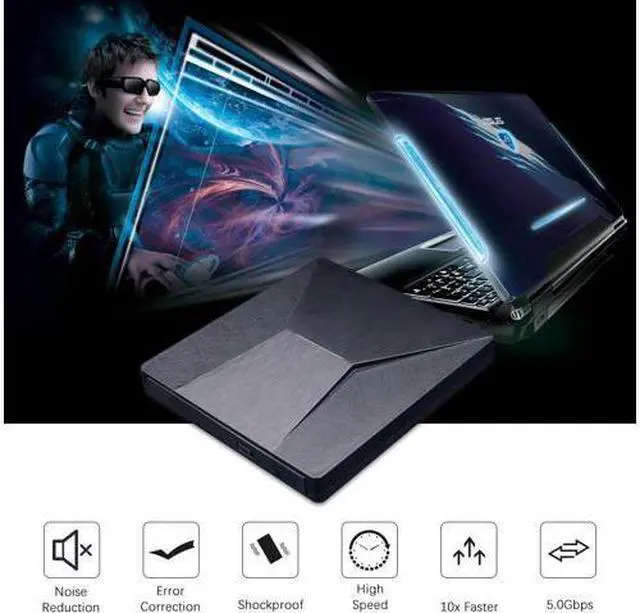
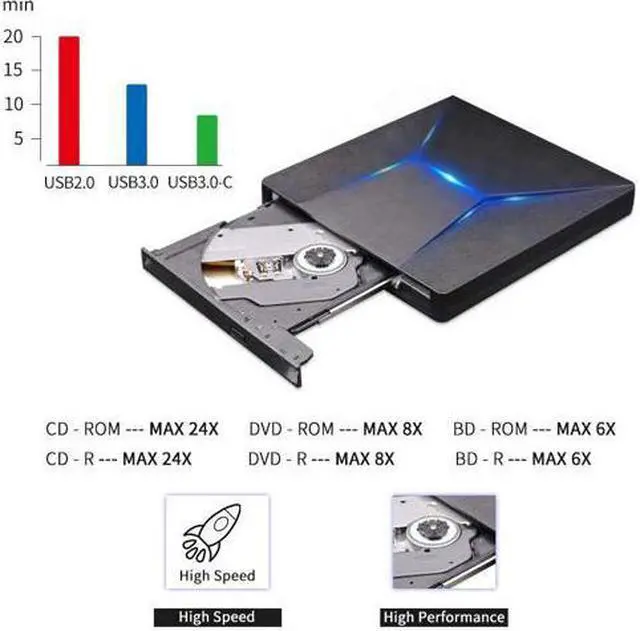
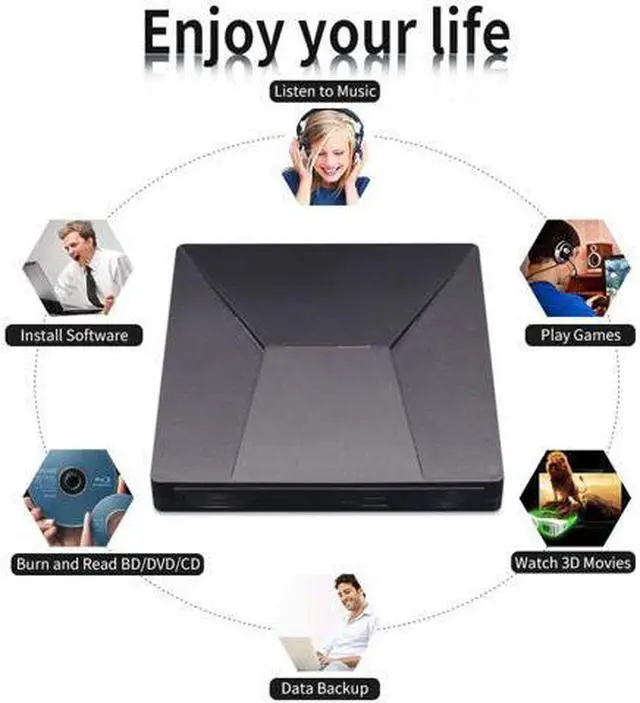
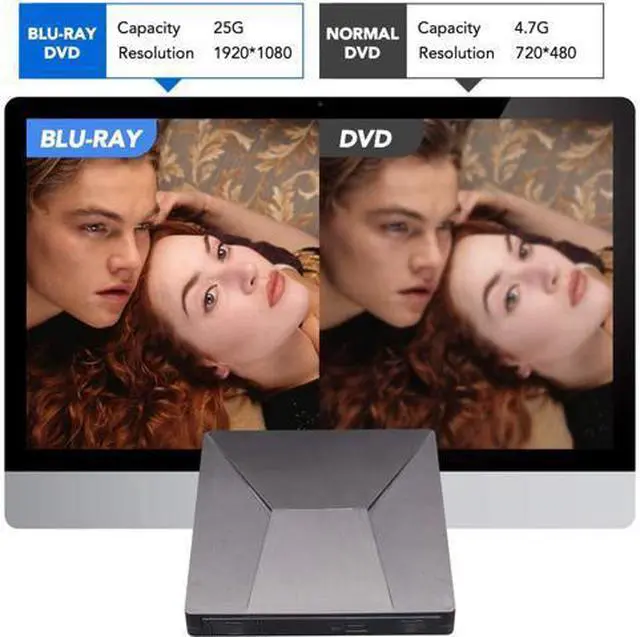
The latest high-definition recording technology --- external Blu-ray drive has a larger storage capacity and faster reading and recording speed. The reading speed of Blu-ray is up to 6 times, DVD is up to 8 times, and CD is up to 24 times. Support 8.5G 4.7G 700M CD DVD burning function. Advanced high-speed 3.0 interface, up to 5Gbps (6 times faster than 2.0 (480Mbps)), Type-C interface has strong error correction capability, impact resistance, low noise, and low power consumption.
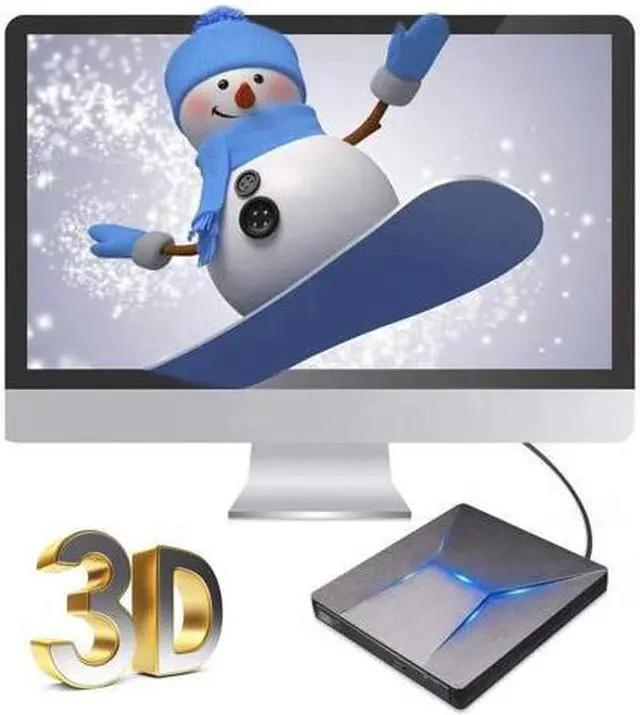
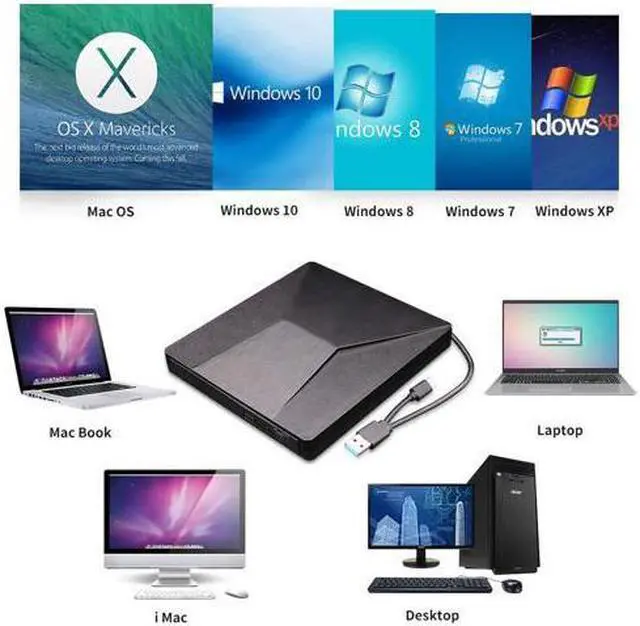
Wide compatibility --- This USB 3.0 and type-c Blu-ray drive can be used for laptop/desktop/Macbook. And compatible with Windows XP/7/8/10, Mac OS. Support 3D players and enjoy the clarity close to 4K quality. (Note: Blu-ray DVD drives do not play 4K Ultra HD discs). Make sure that the playback software on the computer must support the Blu-ray format. Download "Cyber?????????? BD&3D Advisor, start the test, it will tell you whether your computer supports Blu-ray or 3D playback.
Fashionable lighting design --- When you use an external Blu-ray burner to burn and play your favorite BD/DVD, there will be a beautiful shade change on the top of the drive. It's so cool to use this external optical drive at night.
Easy to use --- MthsTec external Blu-ray burner can read and write CD, DVD, BD. Powered by USB or TYPE-C, no separate power supply is required. The fuselage has an eject button, no need to install any driver. Just press the eject button and insert the disc, then insert the Blu-ray DVD drive into the USB port of the computer. Then you can enjoy the wonderful time.
Service Guarantee--We provide high-quality products and the best customer service. If you have any questions about our products, please do not hesitate to contact us, we will try our best to find a satisfactory solution for you within 24 hours