



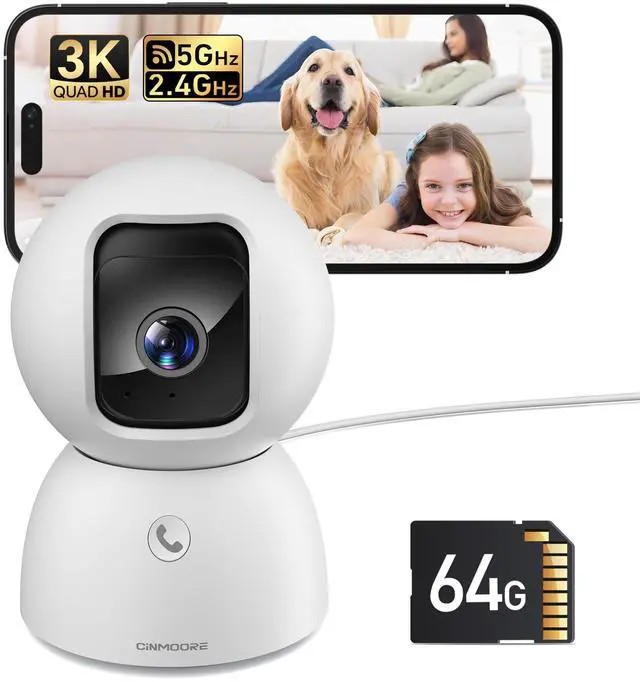

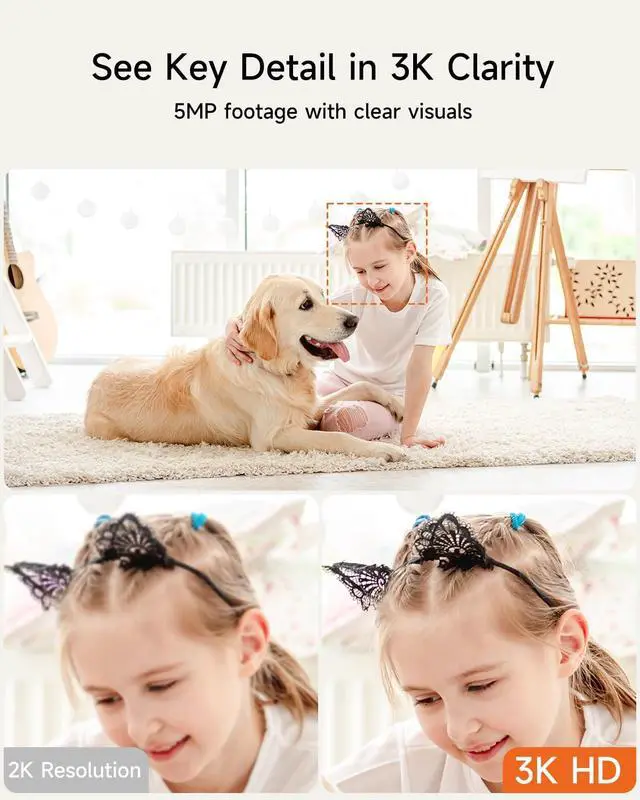
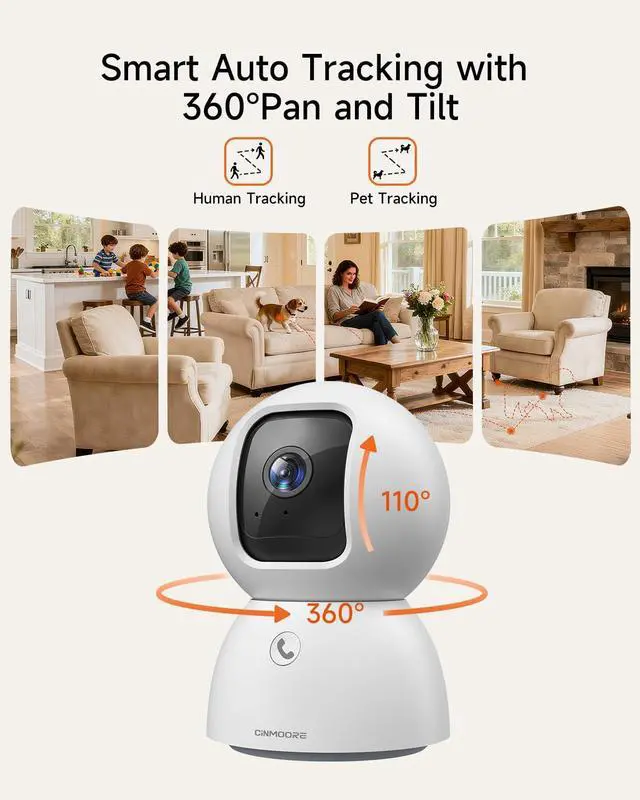
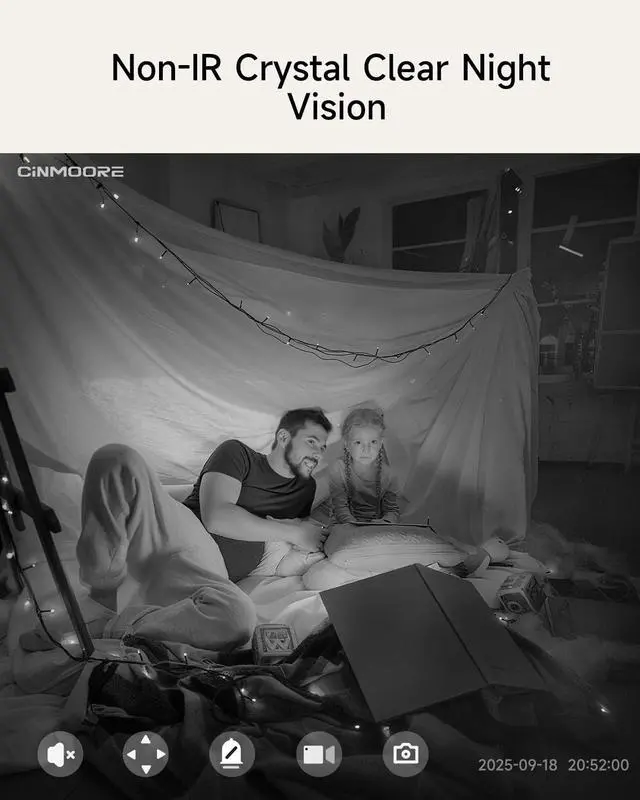


CINMOORE C2U 5MP Version 5G AI Smart Indoor Camera
Merchant Video


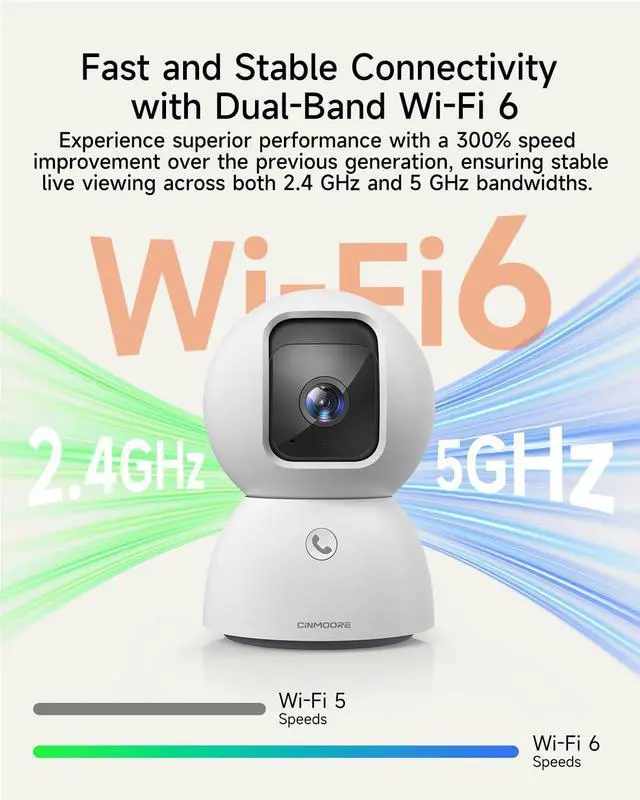
Does the indoor camera support 5 GHz Wi-Fi?
Yes, it supports both 2.4 GHz and 5 GHz dual band Wi-Fi.
Notice: Wi-Fi network name (SSID) and password should not contain any special characters (such as! @ # $% & *), otherwise the connection will fail.
How to connect the indoor camera to Wi-Fi network?
1. Connect the camera to power.
2. Connect your phone to your home Wi-Fi.
3. Open the CINMOORE app and follow the steps to connect the camera to your phone.
Note: If it fails, please reset the camera (rotate lens upward) and add it again.
Does the camera need a monthly fee?
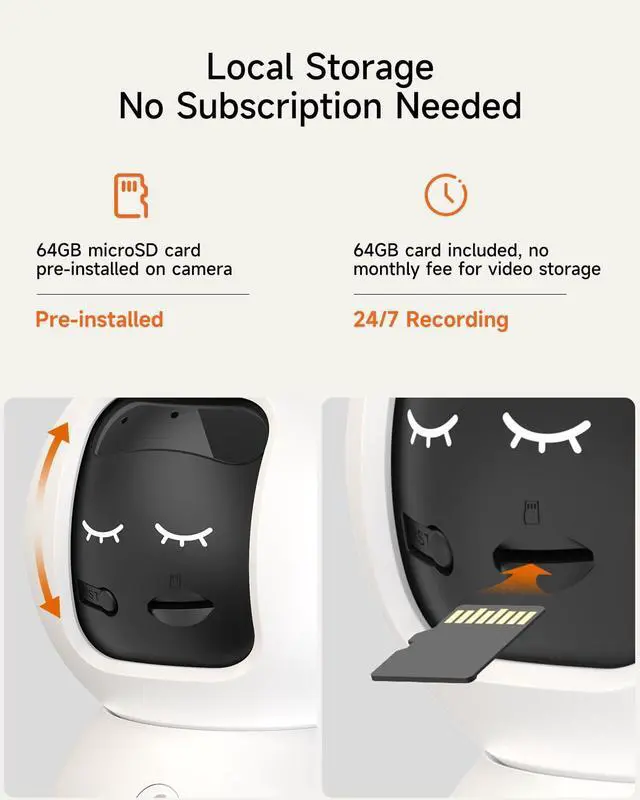
No, a 64GB microSD card is included for local storage and no subscription is required. AI detection for human/pet/facial detection is also free to use.
Where is the 64GB card in the package?
The 64GB microSD card is pre-installed in the camera. Rotate the camera lens upaward to see the card slot and remove out the card.
How do I get help if I have a problem with the camera?
Path 1: Open CINMOORE app, go to the profile and click help.
Path 2: Find help information of the brand module to contact.






CINMOORE C2U 5MP Version 5G AI Smart Indoor Camera
Merchant Video


Does the indoor camera support 5 GHz Wi-Fi?
Yes, it supports both 2.4 GHz and 5 GHz dual band Wi-Fi.
Notice: Wi-Fi network name (SSID) and password should not contain any special characters (such as! @ # $% & *), otherwise the connection will fail.
How to connect the indoor camera to Wi-Fi network?
1. Connect the camera to power.
2. Connect your phone to your home Wi-Fi.
3. Open the CINMOORE app and follow the steps to connect the camera to your phone.
Note: If it fails, please reset the camera (rotate lens upward) and add it again.
Does the camera need a monthly fee?
No, a 64GB microSD card is included for local storage and no subscription is required. AI detection for human/pet/facial detection is also free to use.
Where is the 64GB card in the package?
The 64GB microSD card is pre-installed in the camera. Rotate the camera lens upaward to see the card slot and remove out the card.
How do I get help if I have a problem with the camera?
Path 1: Open CINMOORE app, go to the profile and click help.
Path 2: Find help information of the brand module to contact.
3K Indoor Cam with 64GB Card
