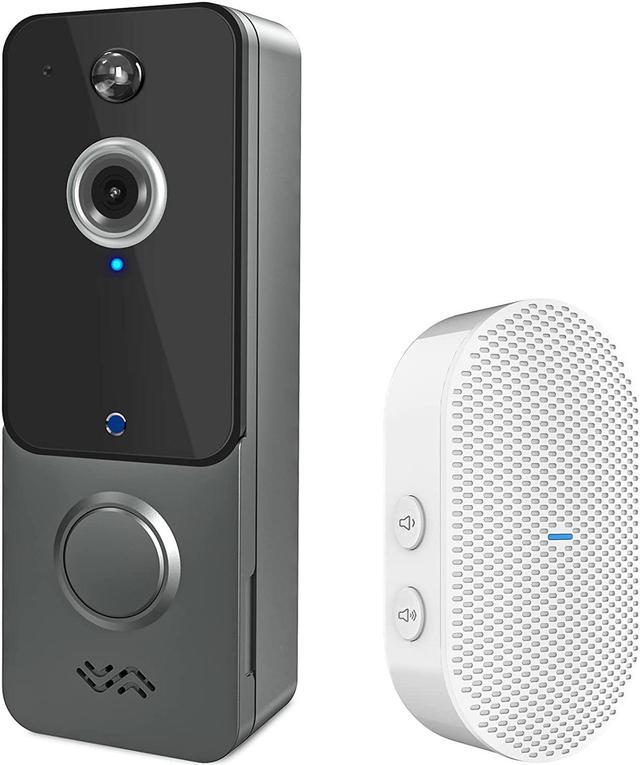
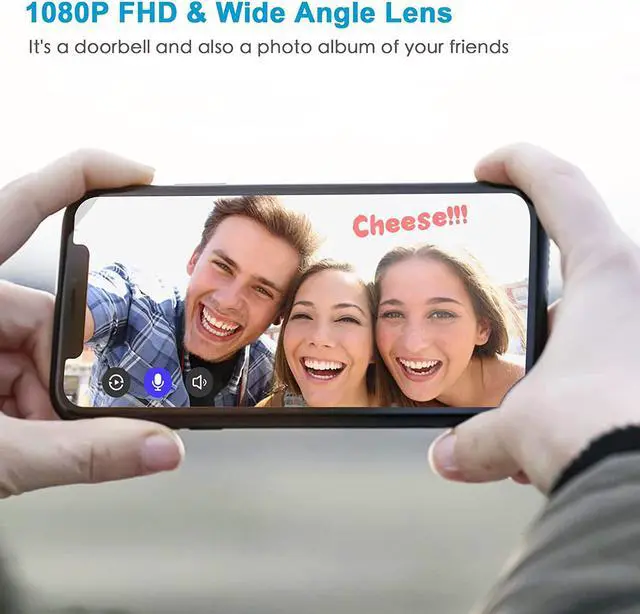
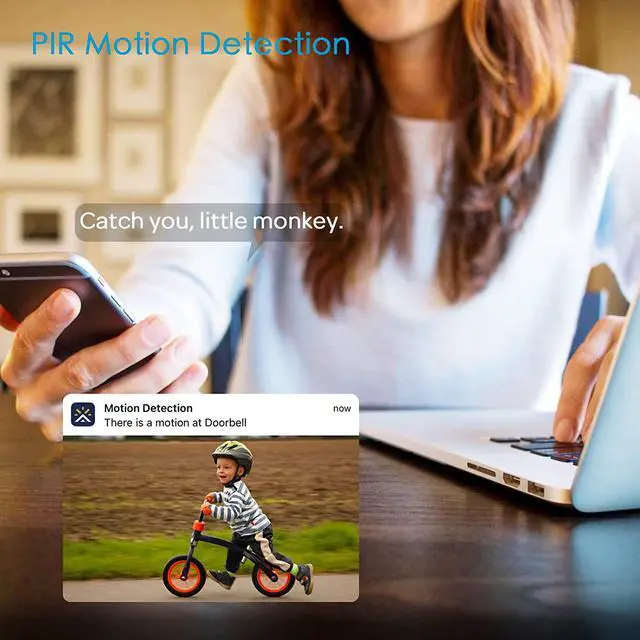
The New Towsen T9 Wireless Video Doorbell Camera PIR Motion Detection Once the PIR motion detector is triggered, the wireless doorbell camera will capture a picture and push it to the phone through the APP. Detection sensitivity can be adjusted or turned off in Aiwit App from level 1 to 3, you can also set the door bell to do not disturb messages for a period of time in App.
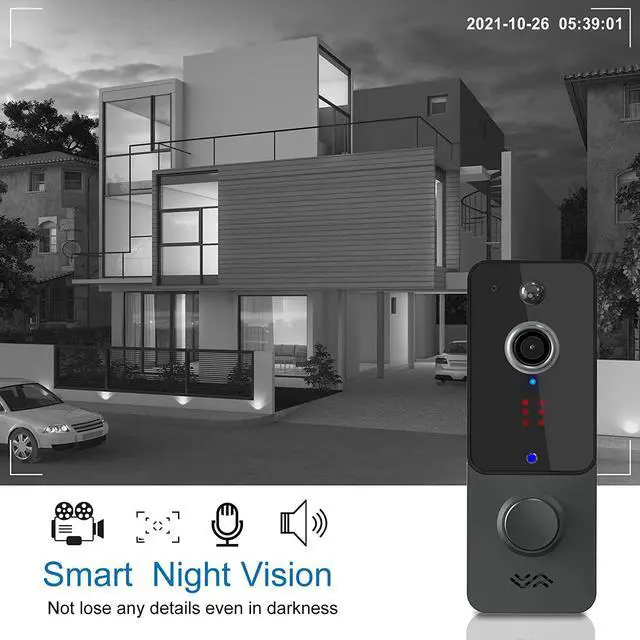
Smart Night Vision Built-in light sensor will turn on the night vision mode automatically according to the brightness around. There are total 6 pieces of hidden infrared lights inside which will ensure that the wireless doorbell camera will not lose any details even in darkness. The maximum distance of night vision can be up to 20 meters.
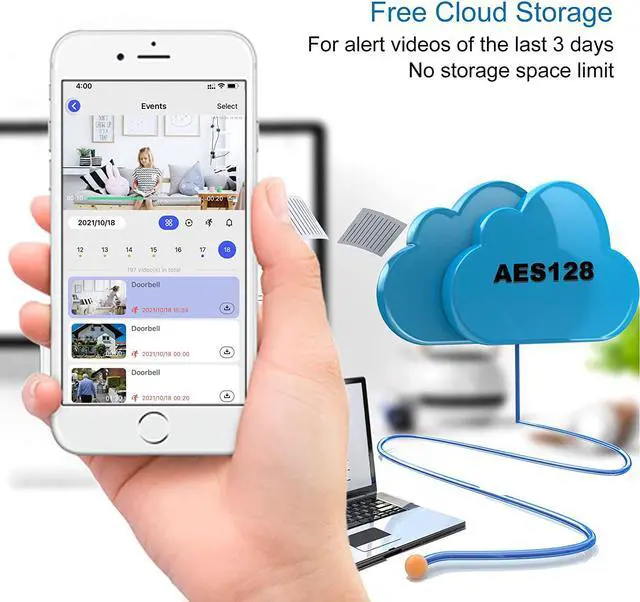
Free Cloud Storage We provide free cloud storage service for this video doorbell camera, device will upload videos from the latest 3 days in a loop. you can check and download them by your smartphone whenever and wherever. Don't worry about the security of the videos, we use AES128 encryption for our cloud service.
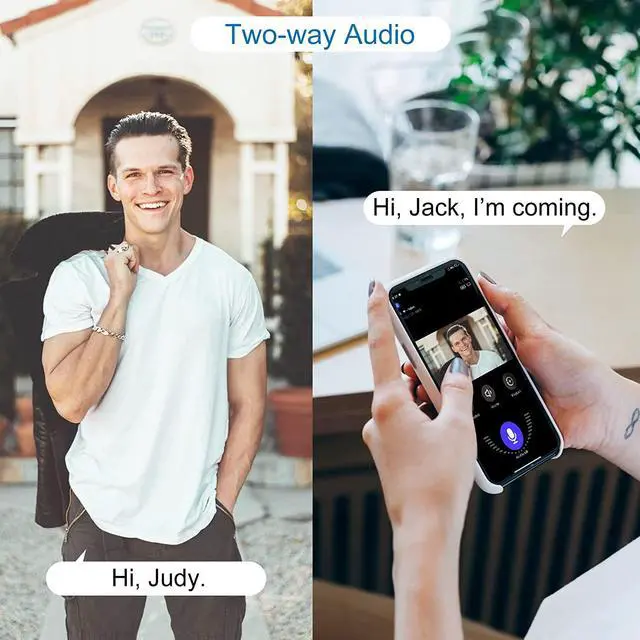
Group Sharing Open the Aiwit app, tap the share icon, tap share via email or share via QR code. You can share the device with up to 8 family members. Up to 3 users may view the video feed, but only 1 user can use the direct intercom. Both IOS and Android are compatible.
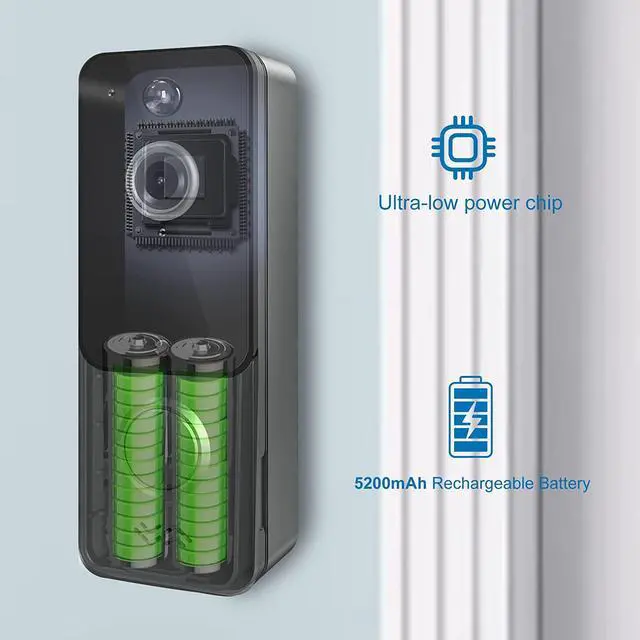
Ultra-low Power Chip High-capacity rechargeable li-ion battery up to 5200 mAh, and ultra-low power chip helps the doorbell always online with less power. Both of them work together to make the video doorbell keeps working for about 1200 notifications after a full charge.
Indoor Wireless Chime Connect the video doorbell to the doorbell chime, and get instant alert in your phone when someone ring the doorbell. There are 5 levels of volume adjustable (10~110 dB) and you can choose one you like from 38 different ringtones inside.
Download and install Aiwit app 1. Please search "Aiwit" in Google Play or App Store to download the app.
2. Or you can scan the QR code by your smart phone to download the app.
Notice: Please open the notification and data permissions of the app in your phone.
Full charge the batteries 1. Please remove the insulation sheet at the bottom of doorbell battery before using.
2. Please charge the doorbell for 8~10 hours before installation, it is recommended to use a 5V/2A USB power adapter (not included) for charging.
Set up your video doorbell 1. Create an Aiwit account with your email address and activate the account by the email you receive.
2. Press and hold the doorbell button until the red light is flashing, select the "+" icon and connect the doorbell to WiFi according the instructions in app.
3. Pairing succeed
Notice: Please put the smart phone and doorbell close to router when connecting
Install your video doorbell 1. Take the doorbell to the location where you need to install, check if the WiFi signal showed in app is good.
2. Drill holes in the wall and fix the bracket on the wall with anchors and screws, or you can fix the bracket on smooth surface with double-sided tape.
3. Install the doorbell into wall bracket and lock the safety screw.