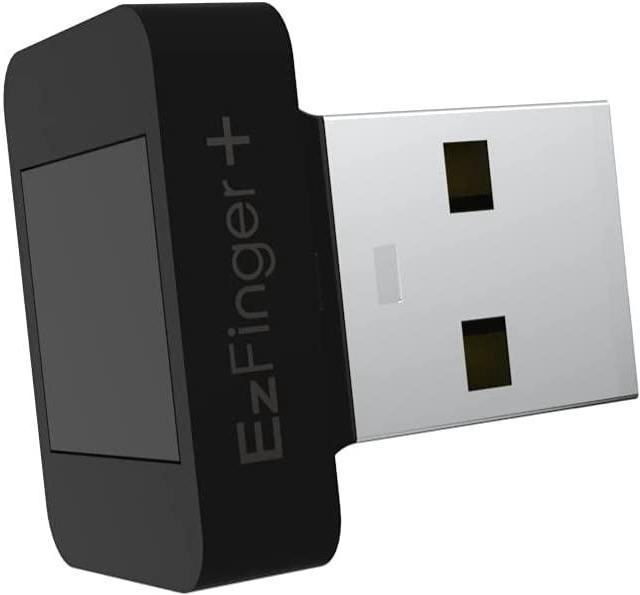
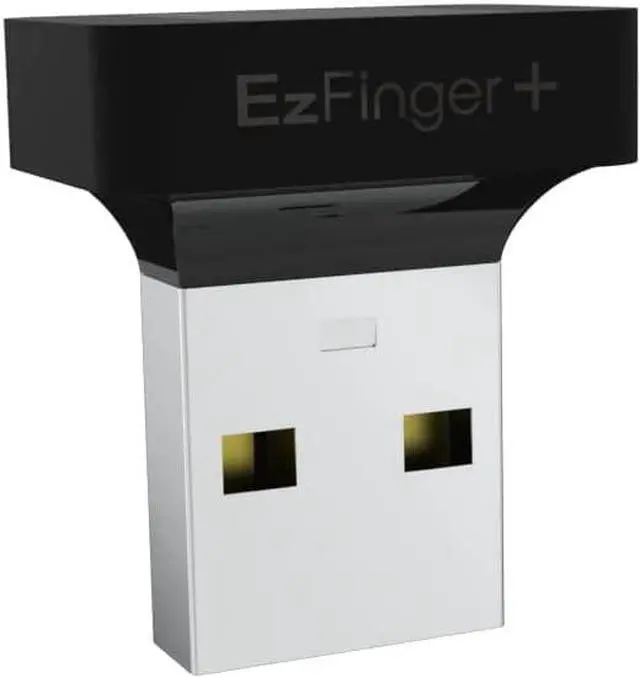
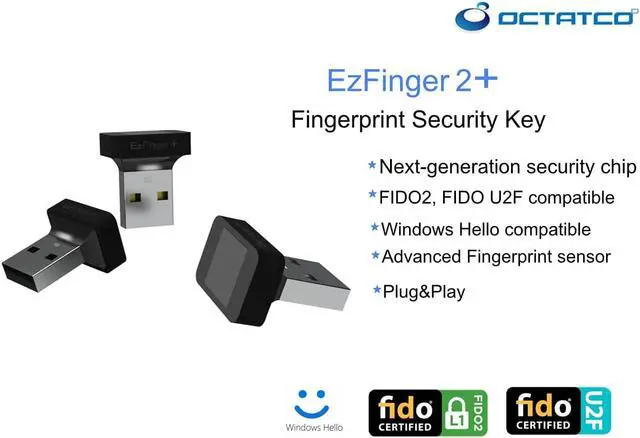
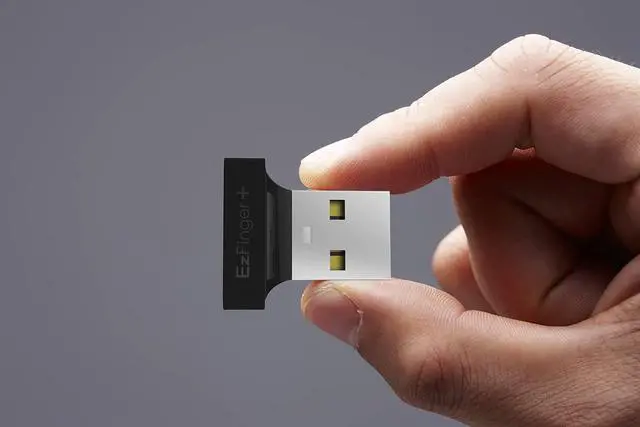
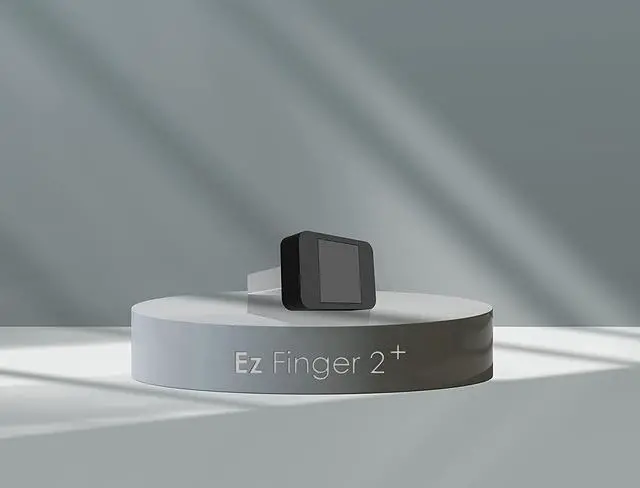
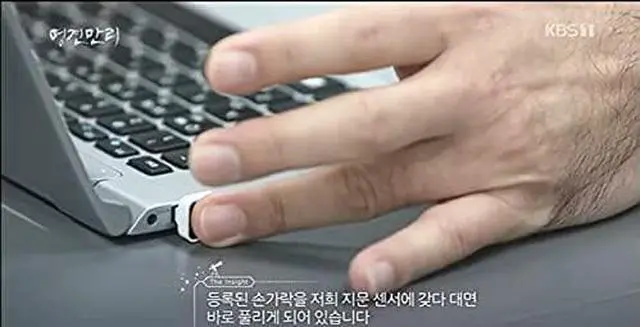
EzFinger2+ is an upgraded version of EzFinger2, which is a FIDO-certified fingerprint security key to provide secure and password-free authentication across all FIDO-enabled browsers/platforms.
Embedded new microchip with an advanced SecureElement
Enhanced fingerprint sensor with faster reading speed
Compatible with FIDO2, FIDO U2F, and Windows Hello
EzFinger2+ EzFinger2 EzFinger1 Windows Hello Compatibility Compatible
Windows Hello Compatibility Compatible
Windows Hello Compatibility Compatible
FIDO2 Compatibility Compatible
FIDO2 Compatibility Compatible
FIDO2 Compatibility Non-compatible
FIDO U2F Compatibility Compatible
FIDO U2F Compatibility Non-compatible
FIDO U2F Compatibility Non-compatible
EzFinger2+adds another layer of security by enabling second-factor and passwordless authentication.
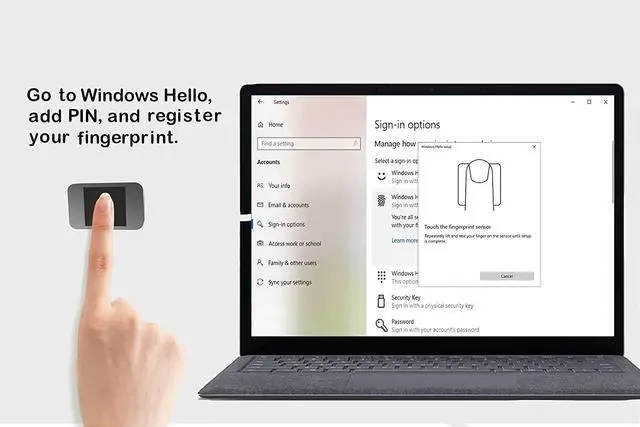
Compatible with Windows Hello - can also be integrated with Azure AD
Phishing resistant and streamlined sign-in to multiple FIDO-enabled websites/platforms - Office 365, Gmail, Facebook, Twitter, 1Password and so on
Can be integrated with existing IT structure to provide better security and strong authentication in an enterprise environment
URGENT Currently Plug&Play is not available with EzFinger2+. We are working on it :)
You can still download the driver from our website. Please, first google for 'octatco com'.
1. Access octatco dot com website
2. Change the website language to English from the navigation menu
3. Click menu SUPPORT and choose go to "How to install EzFinger2+" post (#20)
5. Please, follow the instructions shown under 'How to install EzFinger2+'?(There are also posts in Korean, so the page may look a bit confusing.)
NOTE: If you are logged in as a super administrator account, you cannot register a fingerprint on EzFinger+ security key. According to the Windows 10 system rules, it is not possible to enroll a fingerprint with a super administrator account. Please, switch to another user account to use a fingerprint security key.
EzFinger2+ Product Specifications