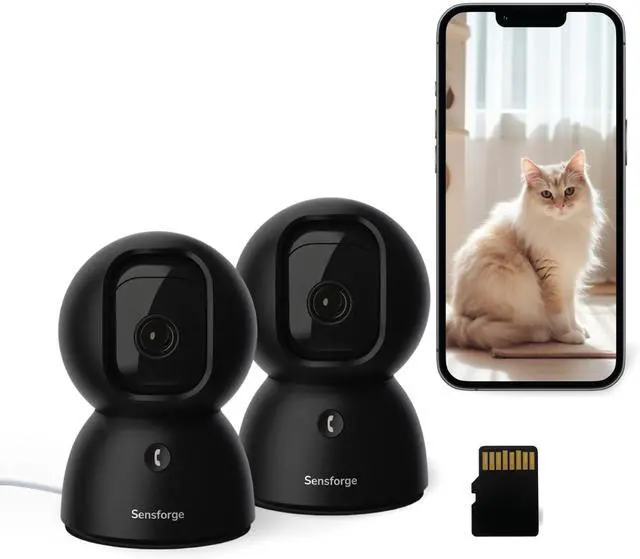
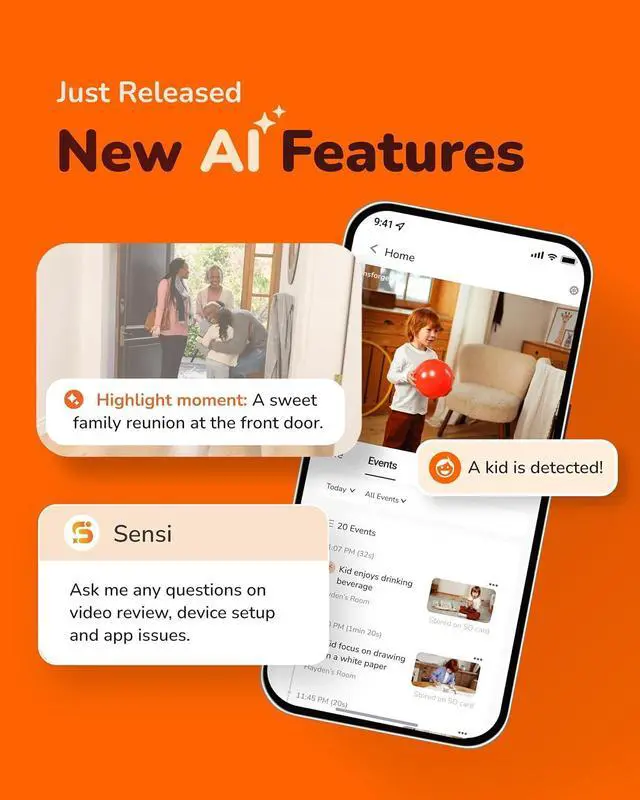
Introducing the SensForge 2.5K Indoor Security Camera 2 Pack designed for peace of mind, effortless control, and crystal-clear protection. Whether youre monitoring your home, pets, or loved ones, SensForge delivers reliable and intelligent surveillance in a sleek, modern design.
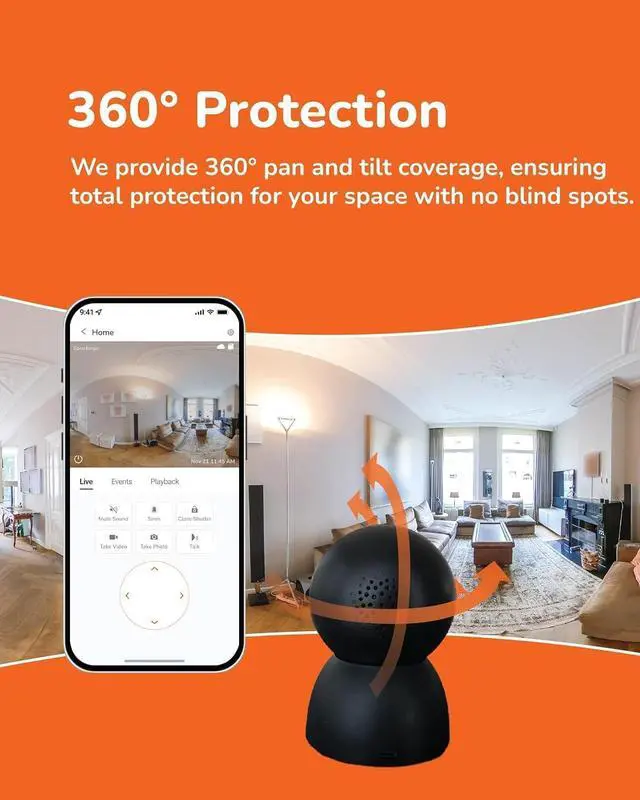
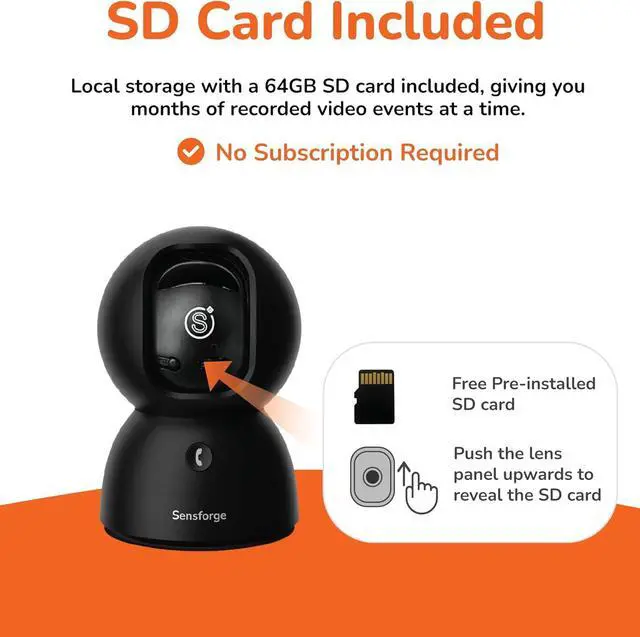
1360 Degree Protection2Customizable Zones3Instant Notifications4Dual-Band Wi-Fi5Privacy Shutter You mentioned a microSD card is included, but I couldnt find it in the package.
The microSD card comes pre-installed inside the camera, so its ready to use right out of the box. You dont need to insert it manually.
How can I contact Sensforge if I need help?
Were here to help whenever you need support.
In the app: Open the app Go to Profile Tap Help
or check our website to find multiple ways to connect.
The camera doesnt pan or tilt smoothly. What shall I do?
The camera includes an auto-calibration feature to improve pan and tilt movement.
To use it, open the app and go to:Settings Image Settings PTZ Calibration
This will help recalibrate the pan-tilt motor for smoother movement.
I am moving the camera to another place. How shall I do?
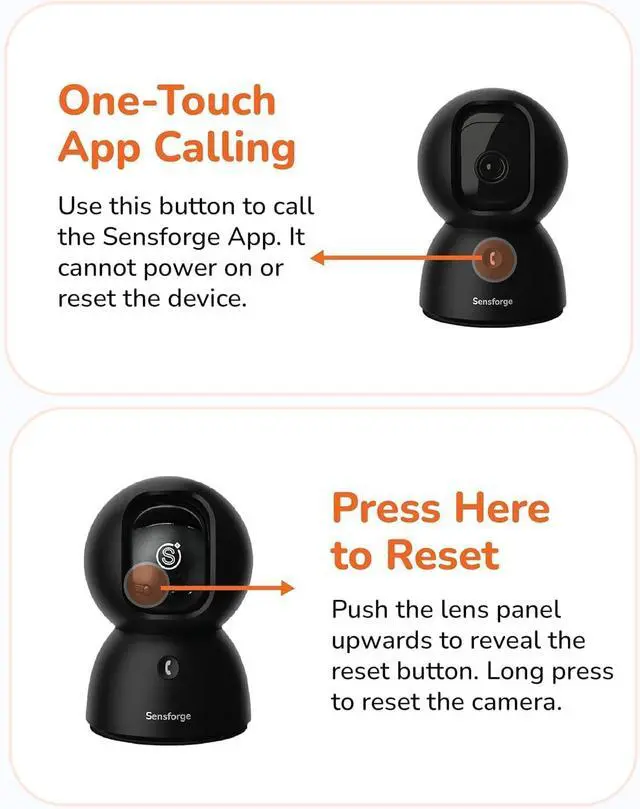
Please reset the camera and re-pair it after relocation. To reset, gently tilt the lens upward to locate the reset button.
Why cant my camera connect to public Wi-Fi (like in hotels, dorms, or cafes)?
Many public Wi-Fi networks block smart devices due to security settings like firewalls or login portals. For best performance and privacy, connect your camera to a private 2.4GHz or 5GHz home Wi-Fi network.
You mentioned a microSD card is included, but I couldnt find it in the package.
How can I contact Sensforge if I need help?
The camera doesnt pan or tilt smoothly. What shall I do?
I am moving the camera to another place. How shall I do?
Why cant my camera connect to public Wi-Fi (like in hotels, dorms, or cafes)?