• $288.99
  • Free 30-day Returns
  • Price alert

    Best Sellers

    Newegg
    • + $11.20 Shipping
    Shop it at NeweggBusiness.

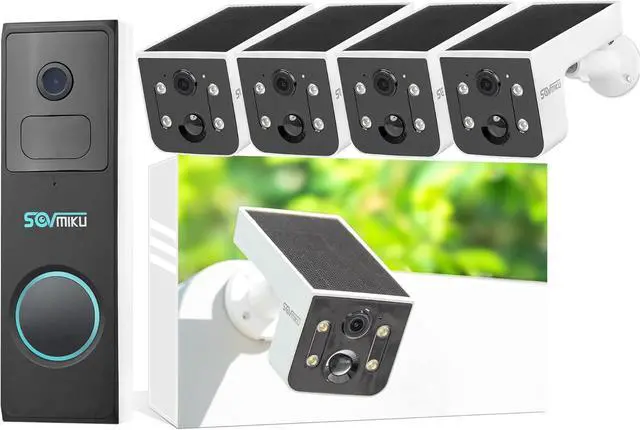
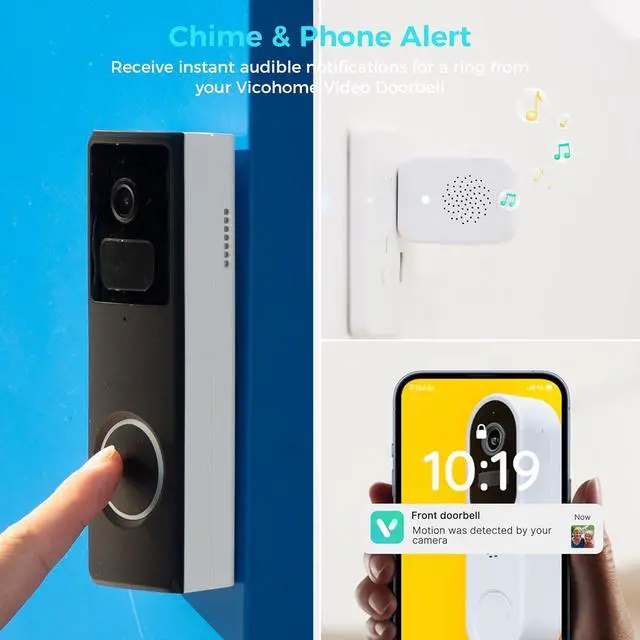
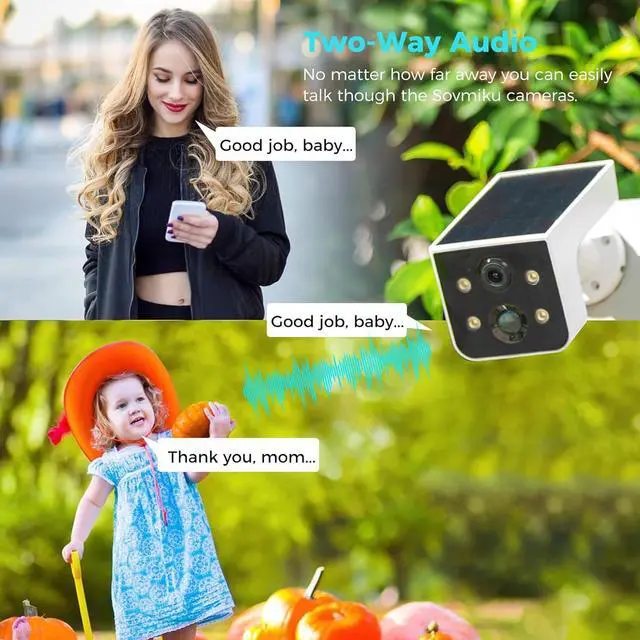
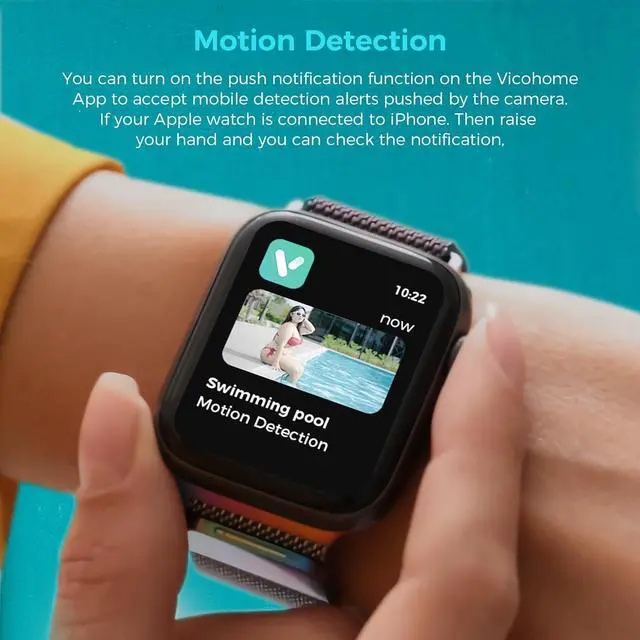
    SOVMIKU Vicohome 4CG6L Solar Security Camera Wireless Outdoor System and DB2A Video Doorbell with Chime,No NVR Needed,Battery Powered,Easy to Setup,Motion Detection,Two Way Audio,Color Night Vision

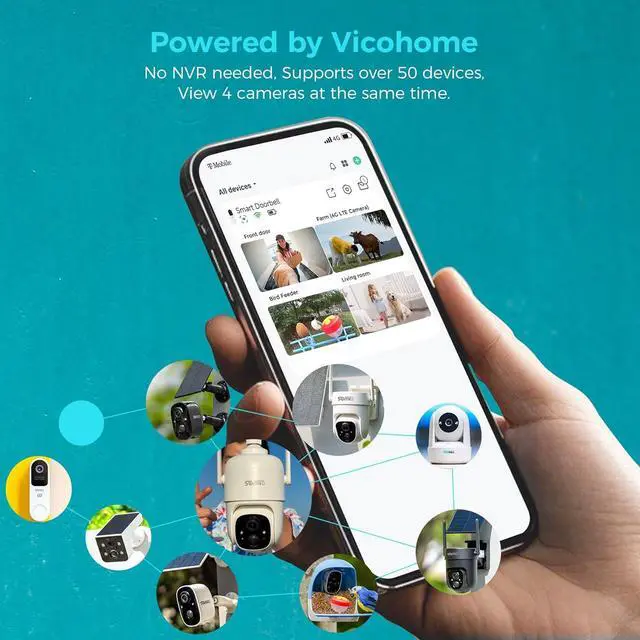
    • Seamless Vicohome App Compatibility: Works perfectly with all your existing Vicohome-enabled devices. Unified app management for real-time monitoring, playback and alertsno extra apps or learning costs needed.
    • , - The advanced quad-pixel sensor on the Main camera makes the most of 3 megapixels by adapting to what youre shooting, Shooting in 3MP delivers 4x the resolution for jaw-dropping cropping.
    • Sovmiku has powerful global Internet services.After you connect Sovmiku D2A Wi-Fi Doorbell to the internet, even if you travel on the other side of the earth,you can get real-time images of your home and hear family through the Vicohome App.Download free App Vicohome from Google Play or Apple App Store.
    • Just 4 steps. 1) Install Vicohome App from Google play or Apple App Store. 2) Register a Vicohome account with your email or mobile number and Sign in. 3) Select the "Add a new device" button on
    +
    +
    Overview
    Specs
    Reviews
    avatar

    Any questions? Our AI beta will help you find out quickly.

    Seamless Vicohome App Compatibility: Works perfectly with all your existing Vicohome-enabled devices. Unified app management for real-time monitoring, playback and alertsno extra apps or learning costs needed.
    , - The advanced quad-pixel sensor on the Main camera makes the most of 3 megapixels by adapting to what youre shooting, Shooting in 3MP delivers 4x the resolution for jaw-dropping cropping.
    Sovmiku has powerful global Internet services.After you connect Sovmiku D2A Wi-Fi Doorbell to the internet, even if you travel on the other side of the earth,you can get real-time images of your home and hear family through the Vicohome App.Download free App Vicohome from Google Play or Apple App Store.
    Just 4 steps. 1) Install Vicohome App from Google play or Apple App Store. 2) Register a Vicohome account with your email or mobile number and Sign in. 3) Select the "Add a new device" button on the app, then enter your WiFi name and password, and then a QR code will appear. 4) Press power button on the camera for 3 seconds, Scan the QR code on your phone with the doorbell
    180 Days Exchange Policy: No reason needed, as long as you don't like it, Submit your request and we will give you the best solution within 24 hours.

    Warranty & Returns

    Warranty, Returns, And Additional Information

    Warranty

    • Please contact the Seller directly for warranty information. Warranty information may also be found on the Manufacturer's website.
    • CONTACT

    Return Policies

    Manufacturer Contact Info

    LOADING...
    LOADING...