

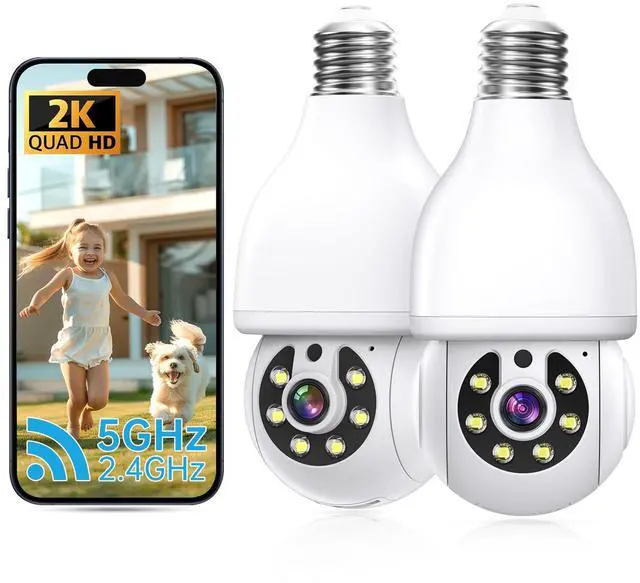
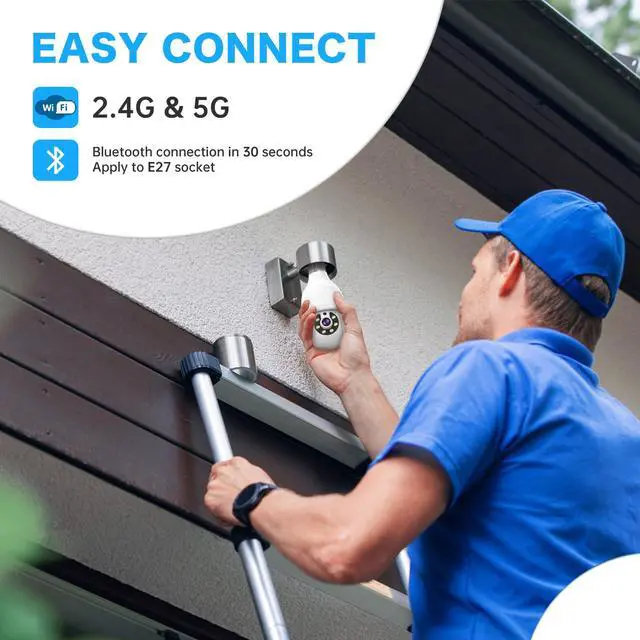
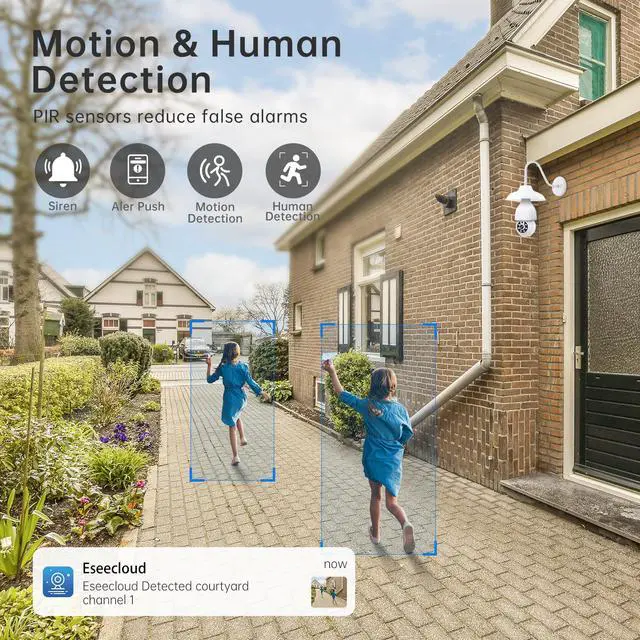

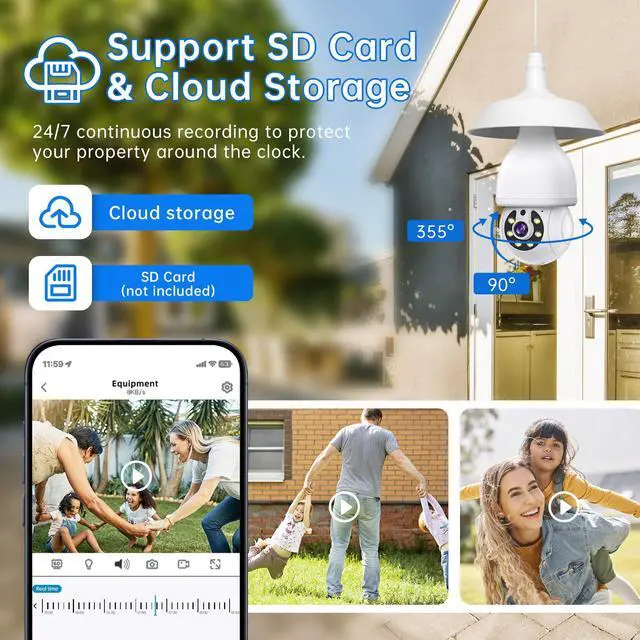
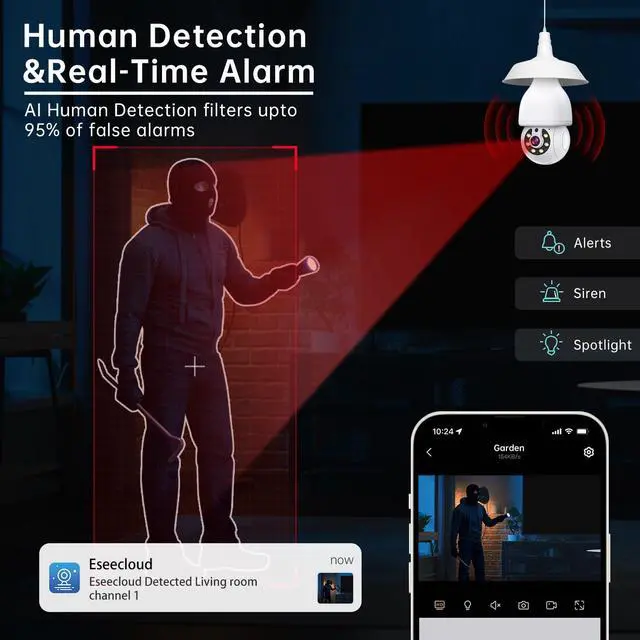


Light bulb camera
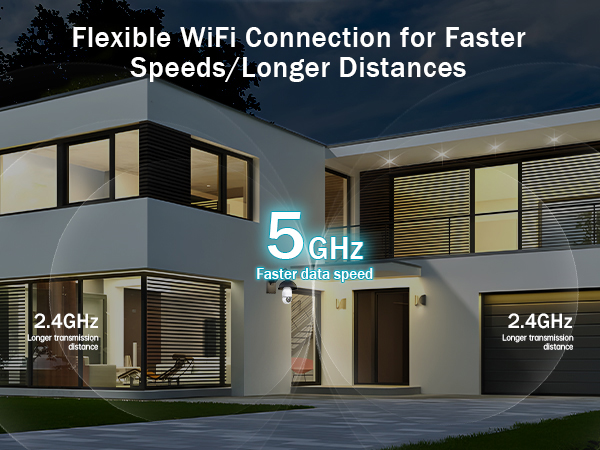
Merchant VideoSupport Dual Band WiFi
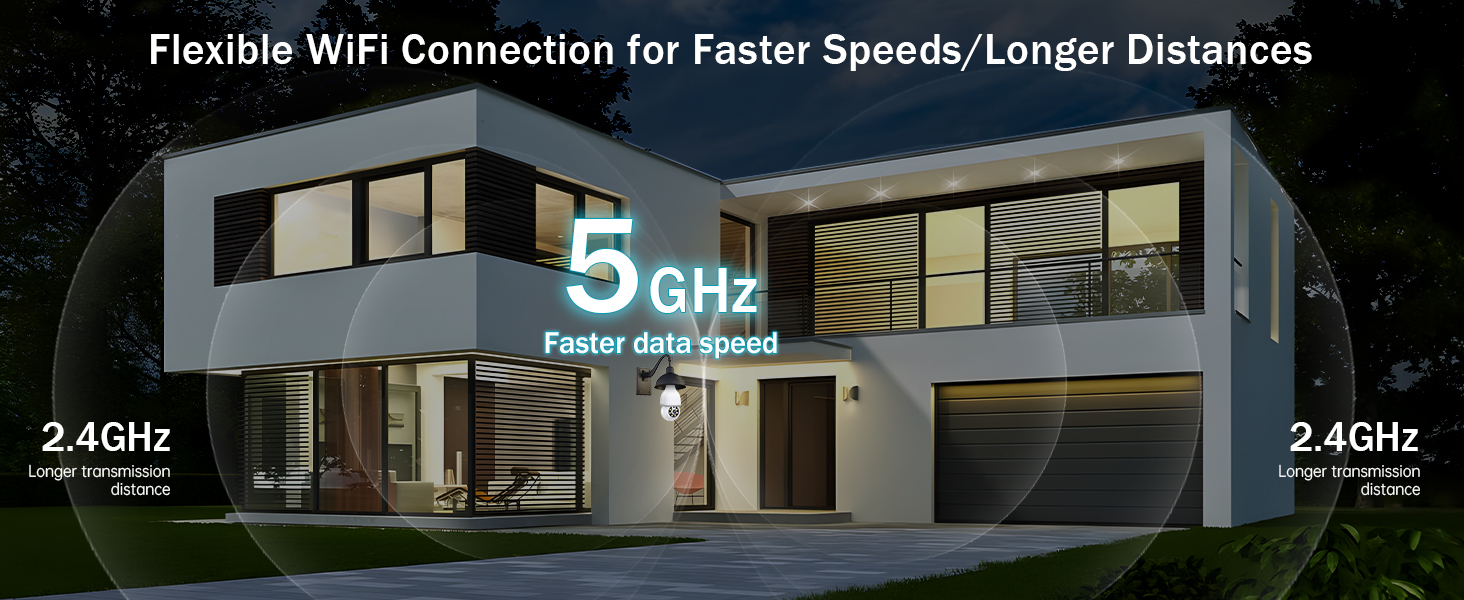
WiFi Troubleshooting Tips 1):
First, power cycle your router: Unplug your home WiFi router from the power source. Wait about 10-15 seconds, then plug it back in and let it fully restart.
WiFi Troubleshooting Tips 2):
Check your WiFi name and password: Your WiFi network name (SSID) and password should not contain any special characters (like ! @ # $ % & *).
WiFi Troubleshooting Tips 3):
Get closer to the router: Make sure you're not too far from the WiFi router. For the strongest signal, try connecting right next to it. Ideally, stay within 5-15 meters (16-49 feet)
WiFi Troubleshooting Tips 4):
Try a different network: If possible, switch to a different WiFi network. You could also try using your phone's mobile hotspot as the WiFi source instead
WiFi Troubleshooting Tips 5):
Reset the camera after each failed attempt: If the network setup fails, you must fully reset the camera each time. After resetting it, wait 1-2 minutes for it to restart completely before trying the setup process again
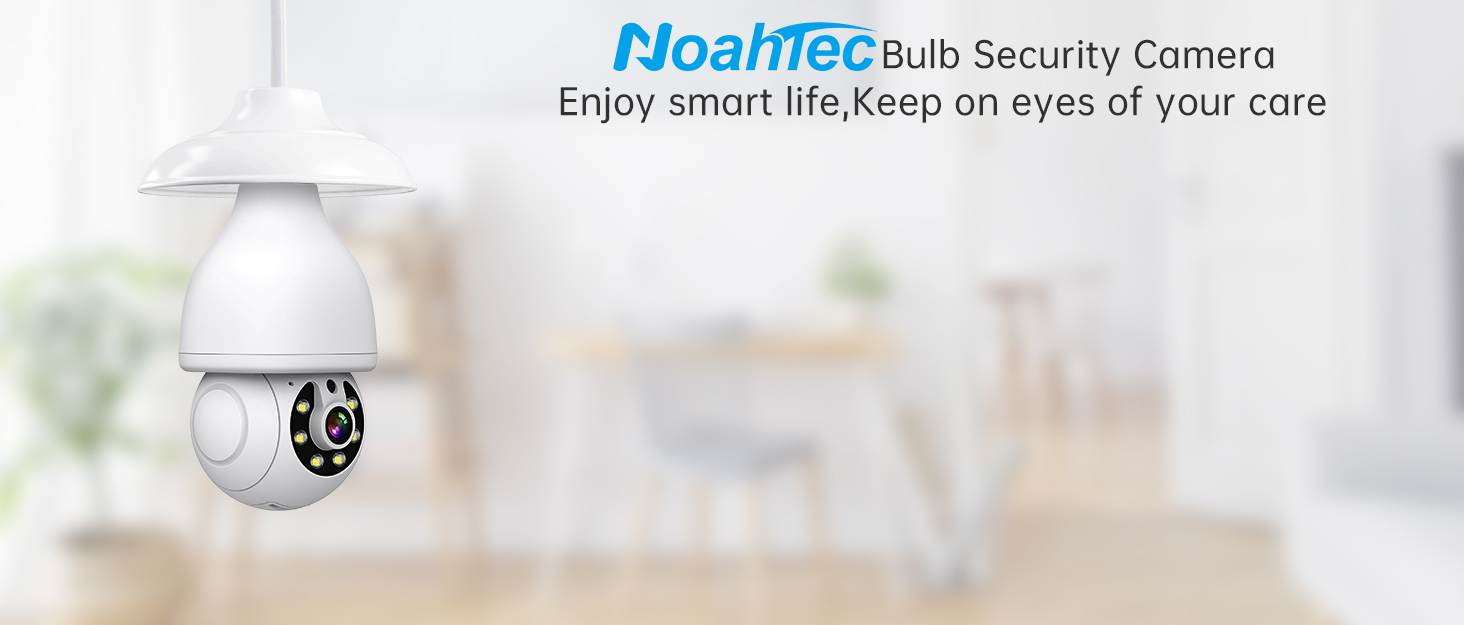

NoahTec is a company integrating R&D, production and sales. Immersed in the electronics manufacturing industry for many years, we have formed a complete and mature supply chain system. We pay attention to the voice of customers and constantly create better products. We hope that our products can make people more beautiful life

Mature R&D System

Light bulb camera
Merchant VideoSupport Dual Band WiFi
WiFi Troubleshooting Tips 1):
First, power cycle your router: Unplug your home WiFi router from the power source. Wait about 10-15 seconds, then plug it back in and let it fully restart.
WiFi Troubleshooting Tips 2):
Check your WiFi name and password: Your WiFi network name (SSID) and password should not contain any special characters (like ! @ # $ % & *).
WiFi Troubleshooting Tips 3):
Get closer to the router: Make sure you're not too far from the WiFi router. For the strongest signal, try connecting right next to it. Ideally, stay within 5-15 meters (16-49 feet)
WiFi Troubleshooting Tips 4):
Try a different network: If possible, switch to a different WiFi network. You could also try using your phone's mobile hotspot as the WiFi source instead
WiFi Troubleshooting Tips 5):
Reset the camera after each failed attempt: If the network setup fails, you must fully reset the camera each time. After resetting it, wait 1-2 minutes for it to restart completely before trying the setup process again
NoahTec is a company integrating R&D, production and sales. Immersed in the electronics manufacturing industry for many years, we have formed a complete and mature supply chain system. We pay attention to the voice of customers and constantly create better products. We hope that our products can make people more beautiful life
Mature R&D System