1080P HD Mini Projector LED Portable Home Cinema Projector
Feature:
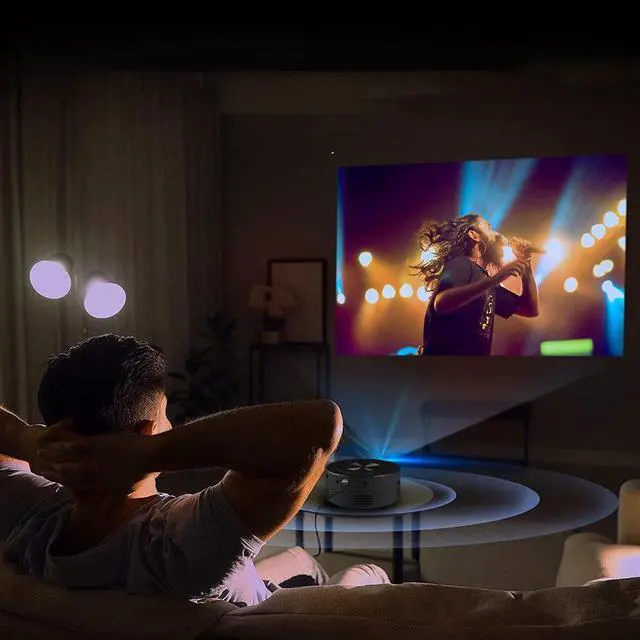
1. Eye protection, with a portable mini projector, kids can stay away from cell phones, other electronics, perfect for playing games, watching videos, listening to music, studying
2. Small and portable, small size, easy to carry, can be used anywhere
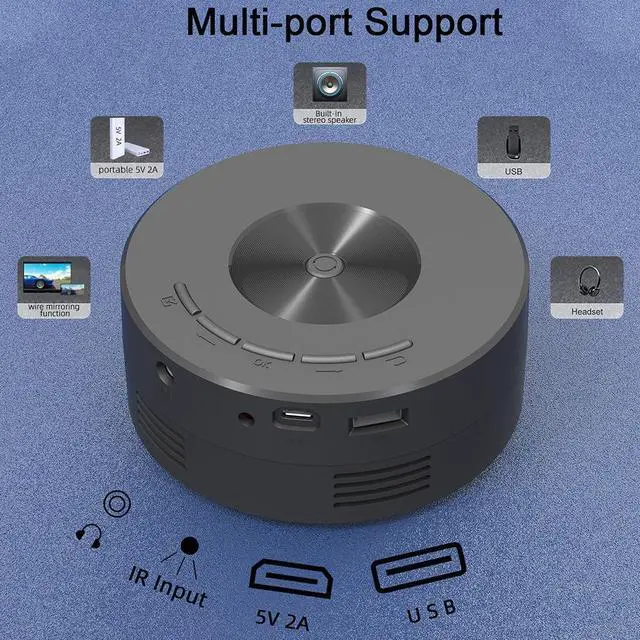
3. Compatible with multiple devices, Compatible with For Fire TV Stick/Headphone/USB Disk/Game/Camera/Phone/Tablet/PC/Amplifier
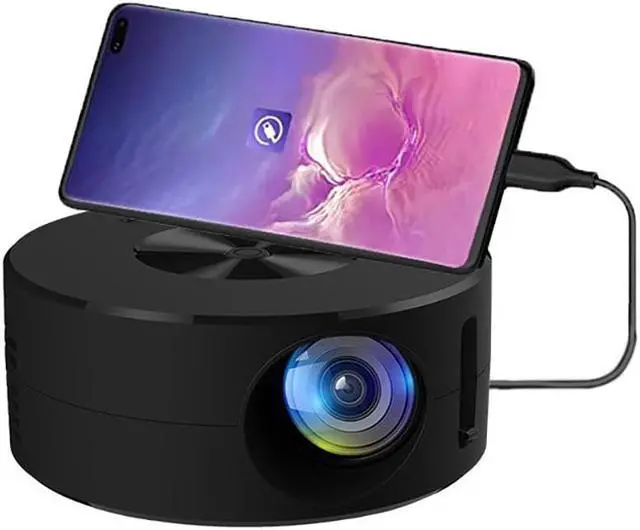
4. The same screen, the same screen of the mobile phone: support the same screen of the mobile phone data cable
5. 100-inch projection, only 4m can reach 100 inches
6. High life HD lens 30000 hours lamp life
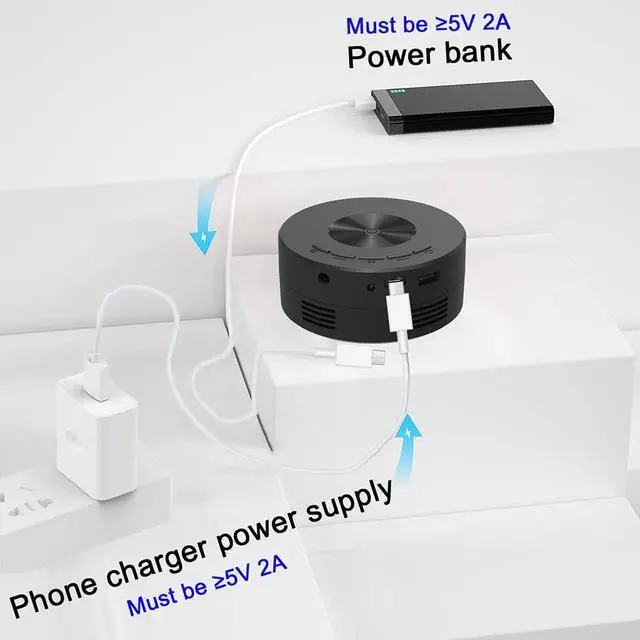
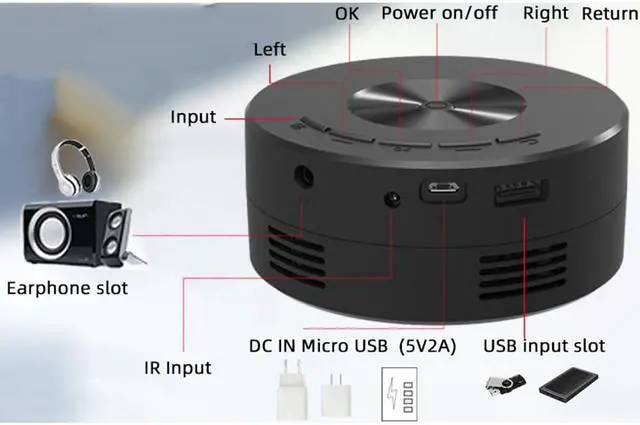
Note: The power supply needs to be greater than or equal to 5V 2A
Specification:
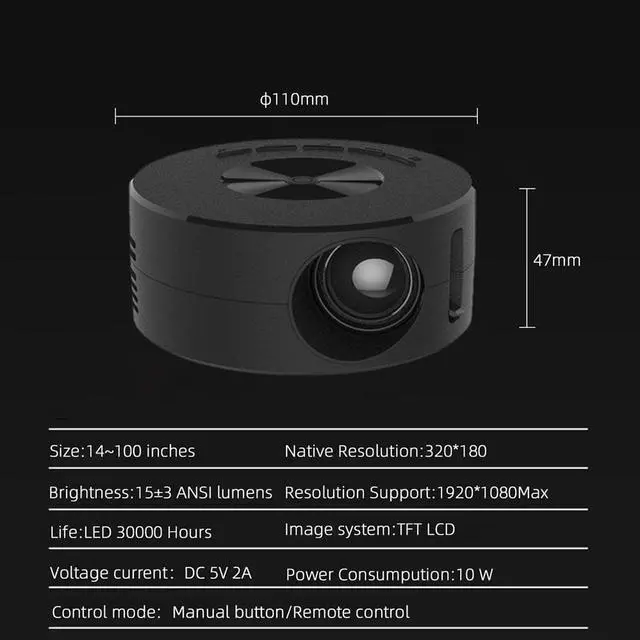
Projection size: 14~100 inches
Default physical resolution: 320*180p
Support resolution: 1920*1080max
Lumens: 15 ± 3ans lumens
Light source: LED, 30, 000 hours lifespan
Projection technology: LCD
Working voltage: DC 5V
Working current: 2A
Power: 10W
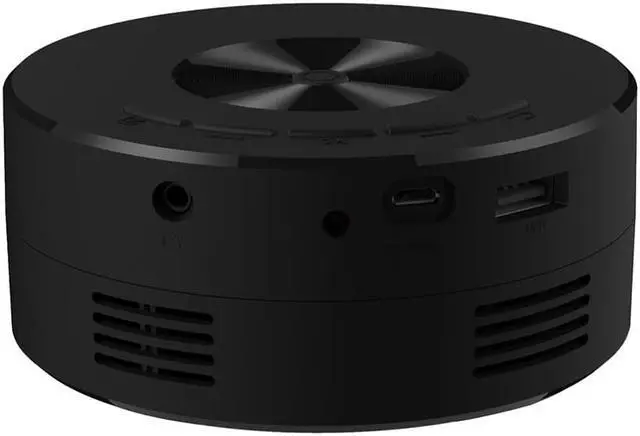
Headphone output: audio output, 3.5 mm connector output
Remote control: panel buttons/infrared remote control (the red sensing area behind the touch point projector, the remote control power port has an insulating film, which needs to be removed before use before it can be used)
Focus: The switch next to the product lens can be adjusted up and down to focus
Screencasting binding settings:
1. Turn on the projector, use the remote control to adjust the interface to (Wirecast) to enter, bind the For Android phone to cast the screen, connect the device with the data cable of the original USB interface of the mobile phone, select the data transmission synchronization on the mobile phone, and download the prompted APP. After the download is successful, ready to use
2. For Apple mobile phone, original data cable connection, no need to download and can be connected and paired
Note: If the original mobile phone line and mobile phone do not prompt to download the APP, you can enter the mobile phone settings:
1. About the phone entry,
2. Version information, find the version, click continuously until the screen opening password appears, then enter the password,
3. Then exit After that, click Settings to enter, then enter System Settings, find developer options, select USB configuration or default USB configuration to enter, click to select MIDI, and then exit
4. Then plug in the data cable, and the phone will be connected, and a prompt to download the port will pop up., if it still does not appear, shut down and restart it.
Please note: Use the original data cable as far as possible for the above connections, not the original data cable, it may not be applicable.
Package Included:
1 * Projector
1 * Cable
1 * Controller
1 * Manual