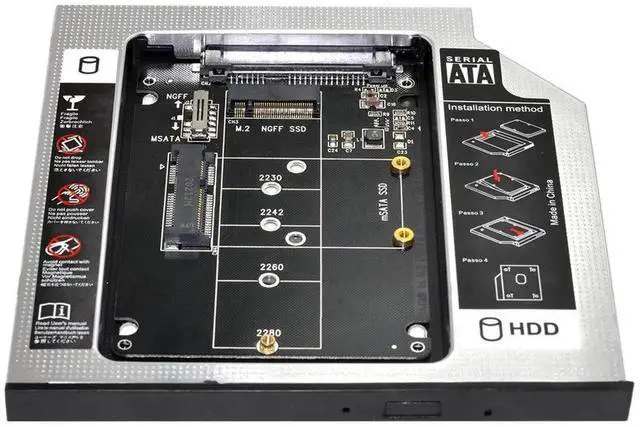
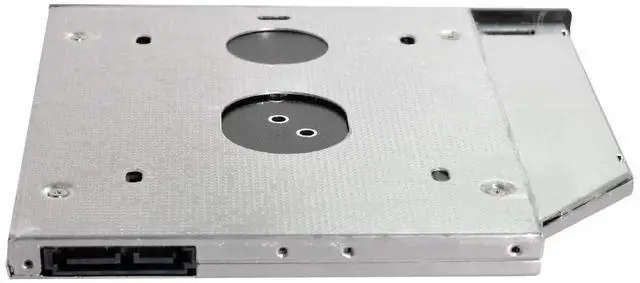
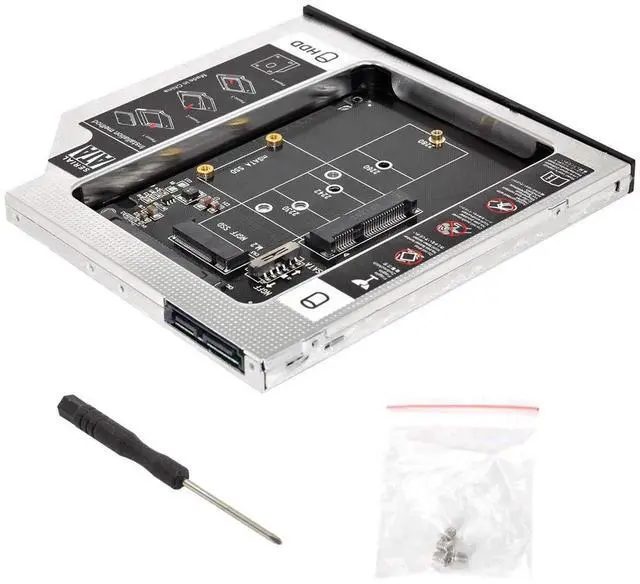
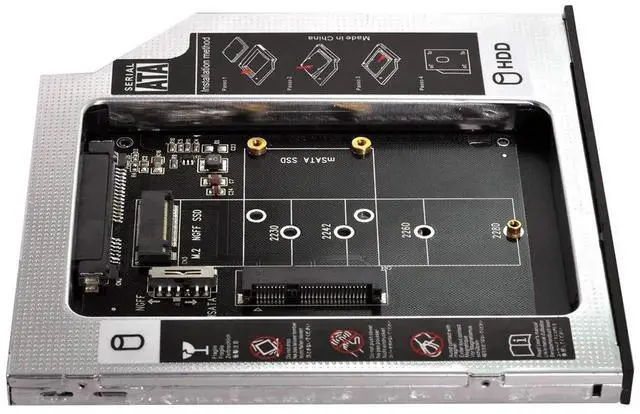
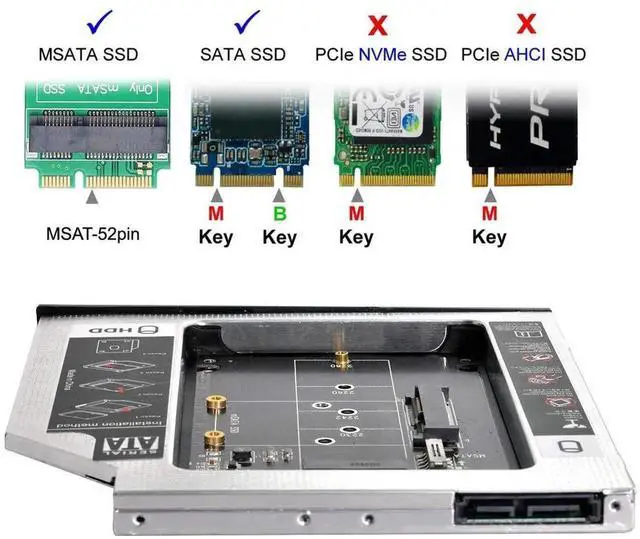
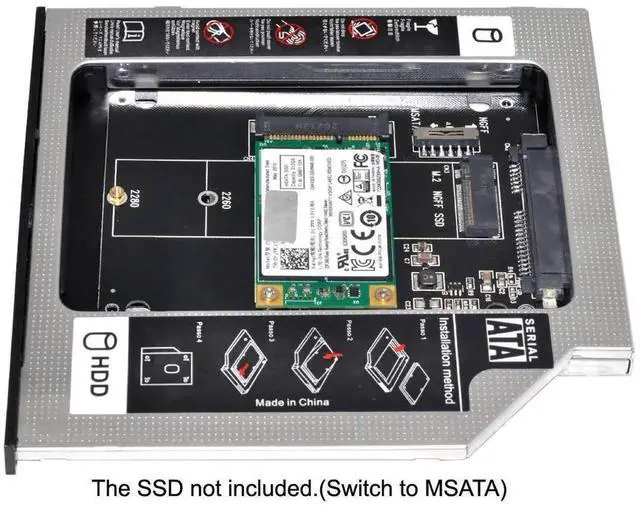
The 2nd Hard Disk Drive Caddy / Adapter to bring you new maximum data storage flexibility, with the compact portable design. Which can work with MSATA or NGFF B/M-key SSD (Solid State Drive) as well.
the MSATA and NGFF SSD cannot work at same time. You need use the switch to convert it. The adapter only work for B-key or B/M-key socket NGFF SSD, cannot work for M-key socket. With the second HDD in your Laptop, You can speed to backup important applications and critical data ( Simply remove your CD-ROM drive and put the Caddy (with the added hard drive) in its place.
Easy operation and convenient to use. Support Plug & Play,Fast & Reliable connection just as the primary HDD. Fully integrated into Laptop, no cables / PSU / software driver needed. Dual boot, Support installation of 2nd Operating System on the 2nd HDD and boot selection.
Installation: Unpack the New drive, lift the adapter retaining latch, the screw to the hard disk; Insert the drive into the Adapter at an angle;
Slide the drive into the connector until it locks into place; Lower the adapter retaining latch until it snaps closed
Overview
Specs
Reviews
Any questions? Our AI beta will help you find out quickly.
Try me now
The 2nd Hard Disk Drive Caddy / Adapter to bring you new maximum data storage flexibility, with the compact portable design. Which can work with MSATA or NGFF B/M-key SSD (Solid State Drive) as well.
the MSATA and NGFF SSD cannot work at same time. You need use the switch to convert it. The adapter only work for B-key or B/M-key socket NGFF SSD, cannot work for M-key socket. With the second HDD in your Laptop, You can speed to backup important applications and critical data ( Simply remove your CD-ROM drive and put the Caddy (with the added hard drive) in its place.
Easy operation and convenient to use. Support Plug & Play,Fast & Reliable connection just as the primary HDD. Fully integrated into Laptop, no cables / PSU / software driver needed. Dual boot, Support installation of 2nd Operating System on the 2nd HDD and boot selection.
Installation: Unpack the New drive, lift the adapter retaining latch, the screw to the hard disk; Insert the drive into the Adapter at an angle;
Slide the drive into the connector until it locks into place; Lower the adapter retaining latch until it snaps closed
Learn more about the Detailed Specifications
Additional Information
First Listed on Newegg
December 05, 2025
There are no reviews yet.
Do you own this product?
Warranty & Returns
Warranty, Returns, And Additional Information
Return Policies
Return for refund within: 30 days
Return for replacement within: 30 days
This item is covered by Newegg.com's 30-Day Return Policy.