NOT Support: PM981,950 Pro ,WD Blue NvME SN570 /SN770
Important Notice: It can't support recovering from internet,important to prepare bootable USB disk driver(M.2 PCIe has no OS systerm inside,it must be erased first),if you don't know how to do this, you can ask for help. There is hibernation for all 2013-2014 Macs,you can set it to resolve this problem as guider in attached photo.If you meet unbootable after installing MAC OS,pls reset "NVRAM" by Hold Down "CMD+Option+P+R".
Overview
Specs
Reviews
Any questions? Our AI beta will help you find out quickly.
Try me now
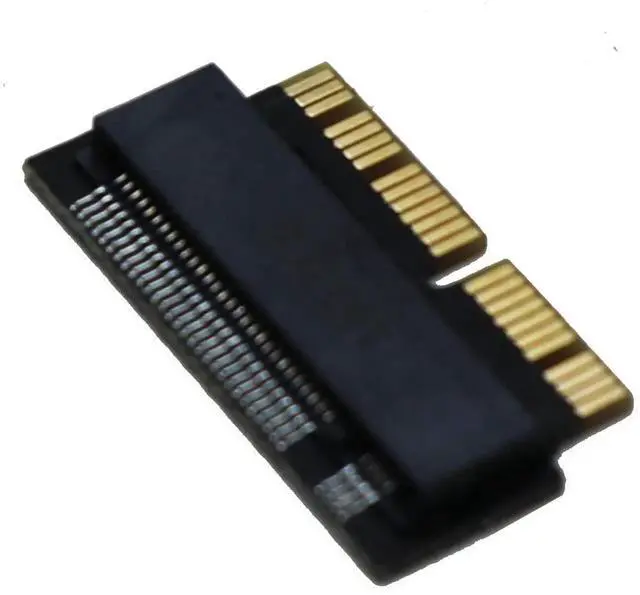
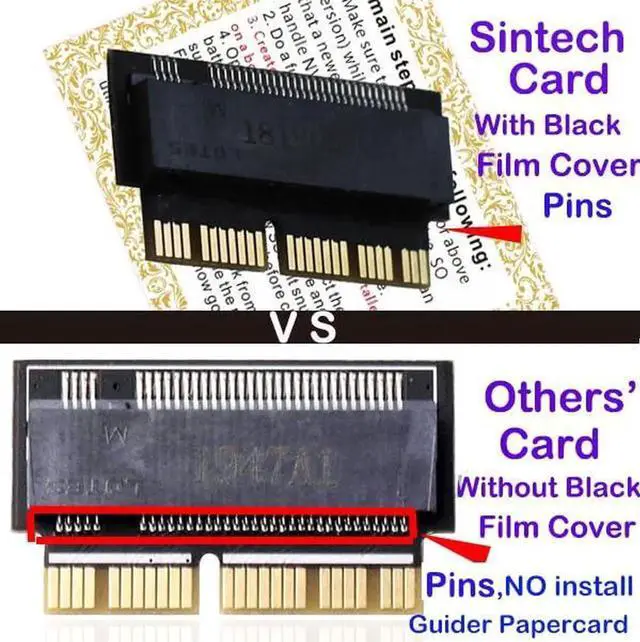
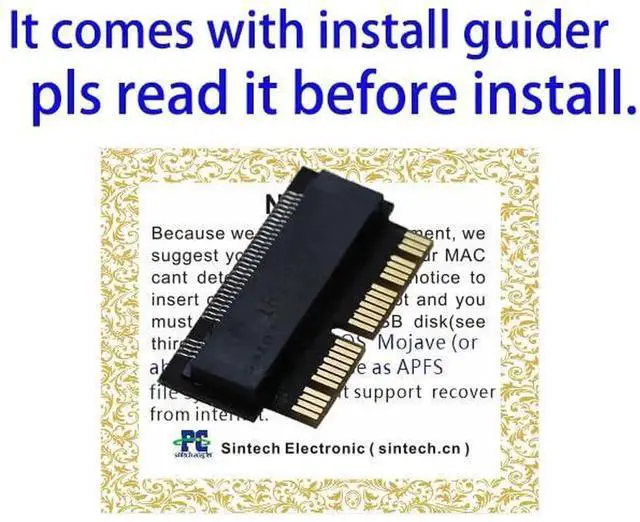
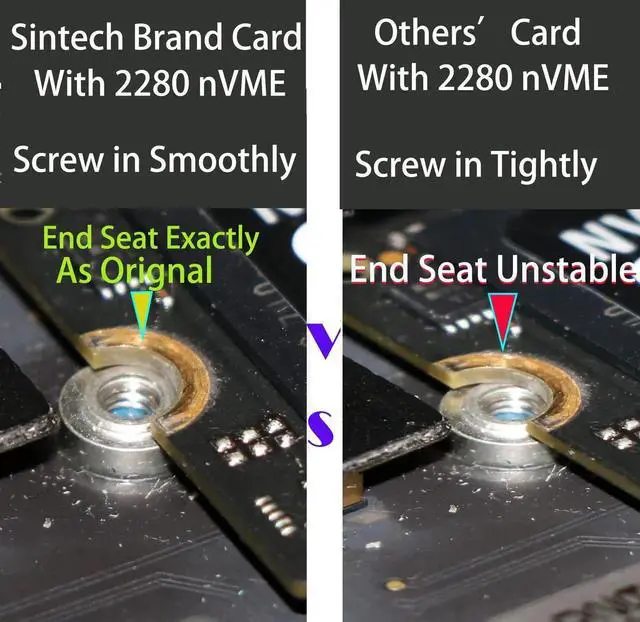
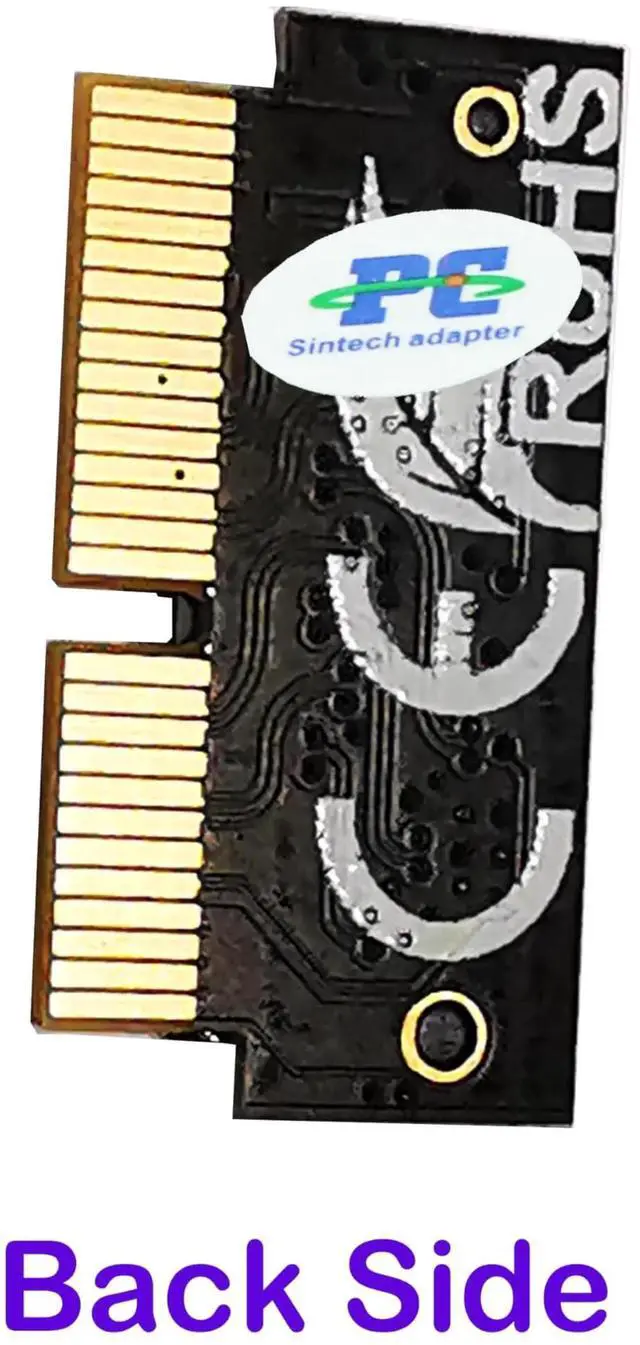
Notice: The card comes with blak film covering pins and Sintech install guide paper-card.[ONLY Sintech Adapter sell Sintech-brand]
Support Adata NVMe SSD : SX6000, SX7000, SX8200, SX8200 Pro etc,Corsair : MP500, MP510,Crucial : P1,HP: ex920, ex950
NOT Support: PM981,950 Pro ,WD Blue NvME SN570 /SN770
Important Notice: It can't support recovering from internet,important to prepare bootable USB disk driver(M.2 PCIe has no OS systerm inside,it must be erased first),if you don't know how to do this, you can ask for help. There is hibernation for all 2013-2014 Macs,you can set it to resolve this problem as guider in attached photo.If you meet unbootable after installing MAC OS,pls reset "NVRAM" by Hold Down "CMD+Option+P+R".
Learn more about the Detailed Specifications
Additional Information
First Listed on Newegg
December 05, 2025
There are no reviews yet.
Do you own this product?
Warranty & Returns
Warranty, Returns, And Additional Information
Return Policies
Return for refund within: 30 days
Return for replacement within: 30 days
This item is covered by Newegg.com's 30-Day Return Policy.