Out of stock
This item is currently out of stock and it may or may not be restocked.
Sold by Newegg

Shipped by Newegg

Shop it at NeweggBusiness.

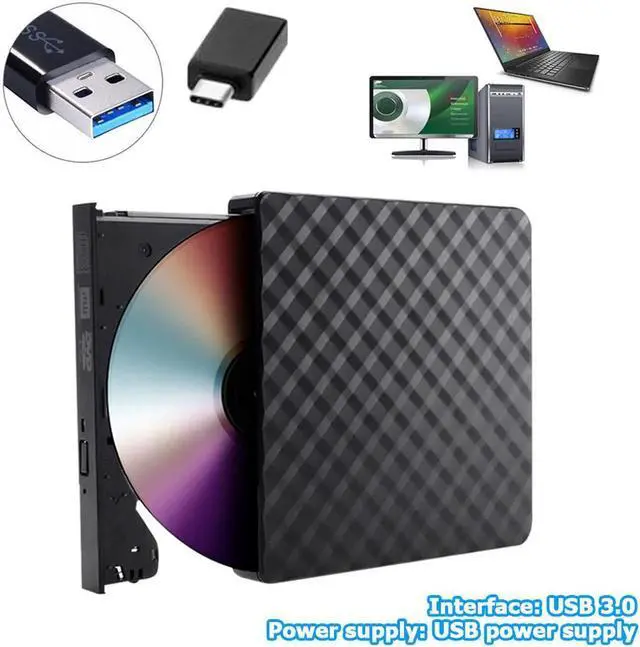
JAENFONG USB 3.0/Type-C External DVD Burner Writer Recorder DVD RW Optical Drive CD/DVD ROM Player MAC OS Windows XP/7/8/10

  • Faster delivery: It usually takes about 3-7 days to deliver from United States/Canada/China warehouse .
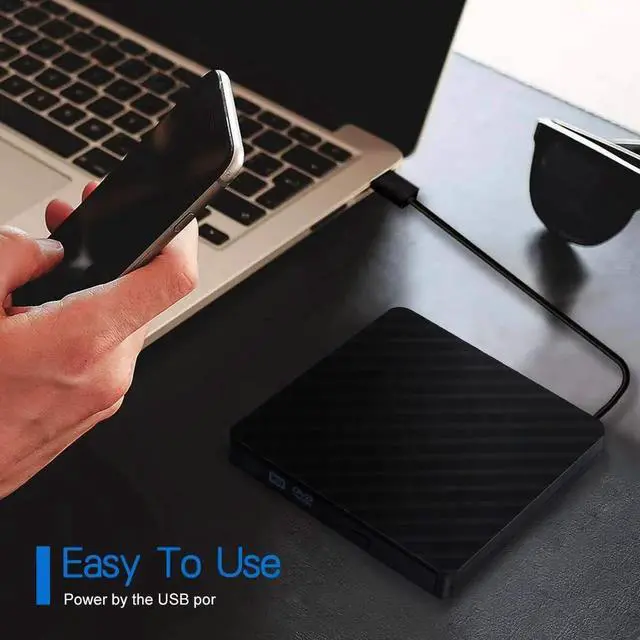
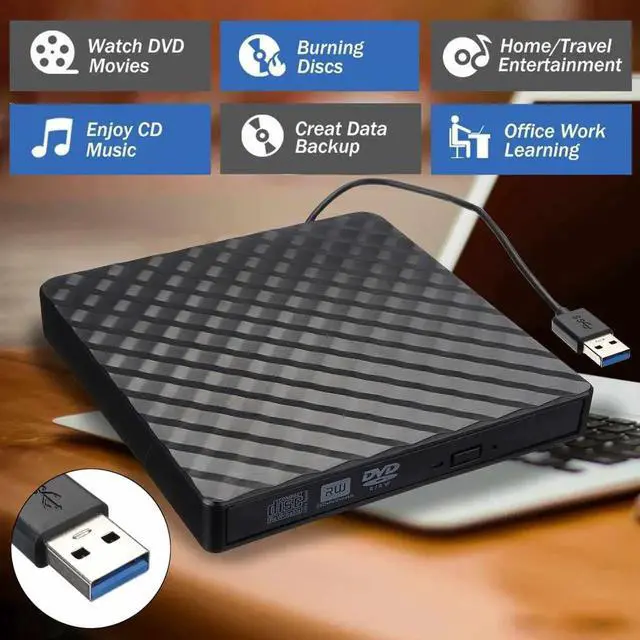
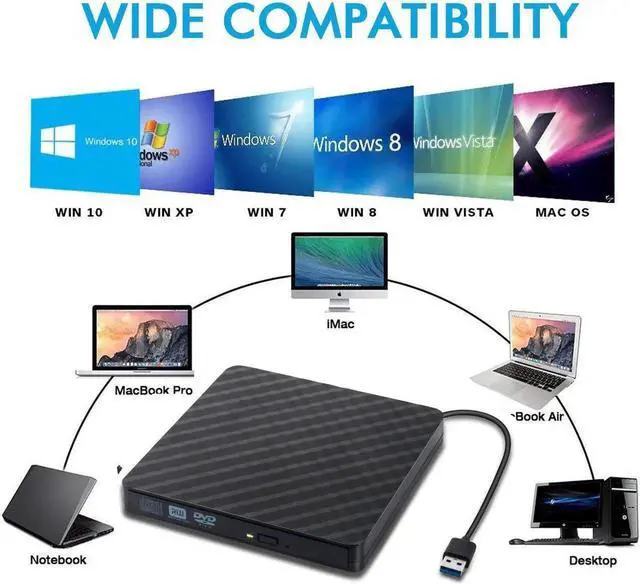
  • Wide Compatibility - This external DVD drive compatible with Windows XP / Win7 / Win8 / Win10, Linux, Mac OS system. Fit for laptops / desktops / Macbook without a internal drive. With this CD/DVD burner, you can watch DVD movies, install software, listen to music, burn files, burn movies to CD/DVD etc.
  • HIGH SPEED: Adopted unique intelligent burning technology, this CD-RW drive supported DVD+R, DVD-R, CD-ROM, DVD-ROM, CD-R, CD-RW.
  • System:windows XP/Vista/7/8.1/10,Mac OS 10 systems
  • Supports most Ultrabook,Netbooks,MacBook,iMac,Desktops
  • Supported disc formats: DVD-RAM, DVD-R, DVD-RW, DVD+R, DVD+RW, CD-R, CD-RW, CD-ROM
  • Cache capacity: 2MB
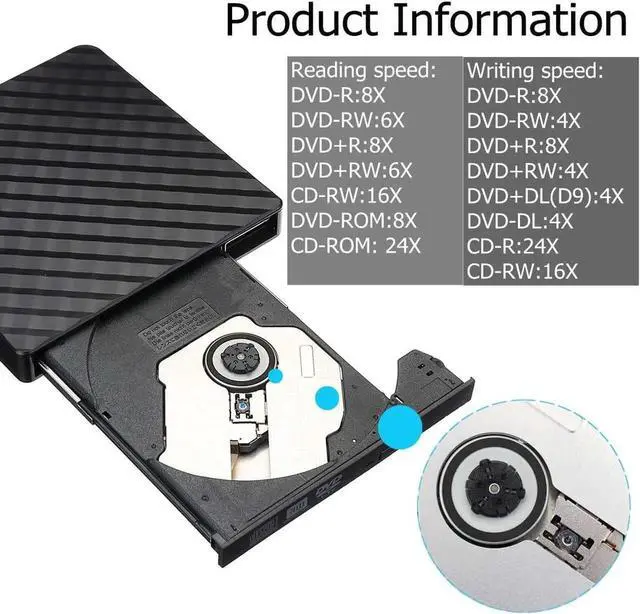
  • Reading speed:
  • DVD-R: 8X
  • DVD-RW: 6X
  • DVD+R: 8X
  • DVD+RW: 6X
  • CD-RW: 16X
  • DVD-ROM: 8X
  • CD-ROM: 24X
  • Writing speed:
  • DVD-R: 8X
  • DVD-RW: 4X
  • DVD+R: 8X
  • DVD+RW: 4X
  • DVD+DL(D9):4X
  • DVD-DL: 4X
  • CD-R: 24X
  • CD-RW: 16X
Overview
Specs
Reviews
avatar

Any questions? Our AI beta will help you find out quickly.

[Package include]

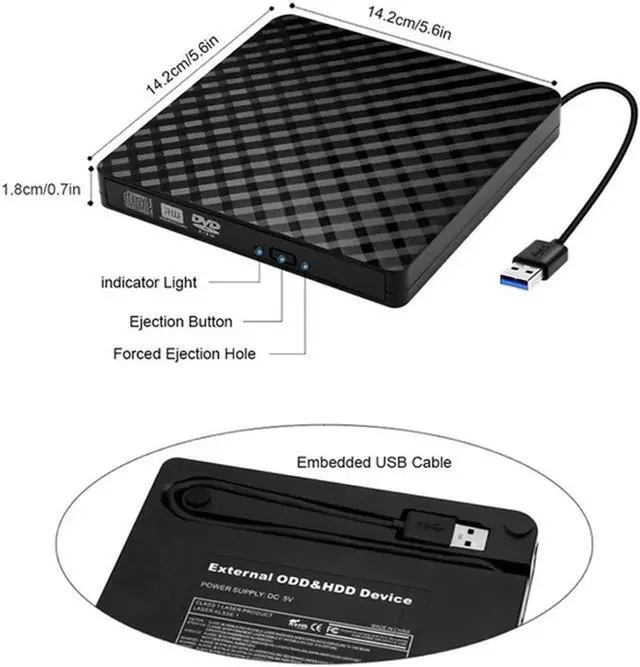
1 x Pop-up Mobile External DVD-RW

1 x USB3.0 to USB-C adpater

1 x User Manual

*12 Months worry free guarantee


[NOTES]

1. Please connect the device to the direct USB port on your computer. If you connect it to a USB hub or an extension line, it may not be able to identify the driver.

2. If the desktop is used, please connect the device to the USB port of the motherboard for normal use.

3. The new released Windows system have discontinued the internal DVD media player software, customer using Windows 10 and above are advised to Install VLC Media player to Play DVD and CD.

4. Please put the drive on flat desktop. Do not place it on any unstable object.

5. Please do not place the drive under easy pressure to guarantee the normal running of drive.

Warranty & Returns

Warranty, Returns, And Additional Information

Return Policies

Manufacturer Contact Info

LOADING...